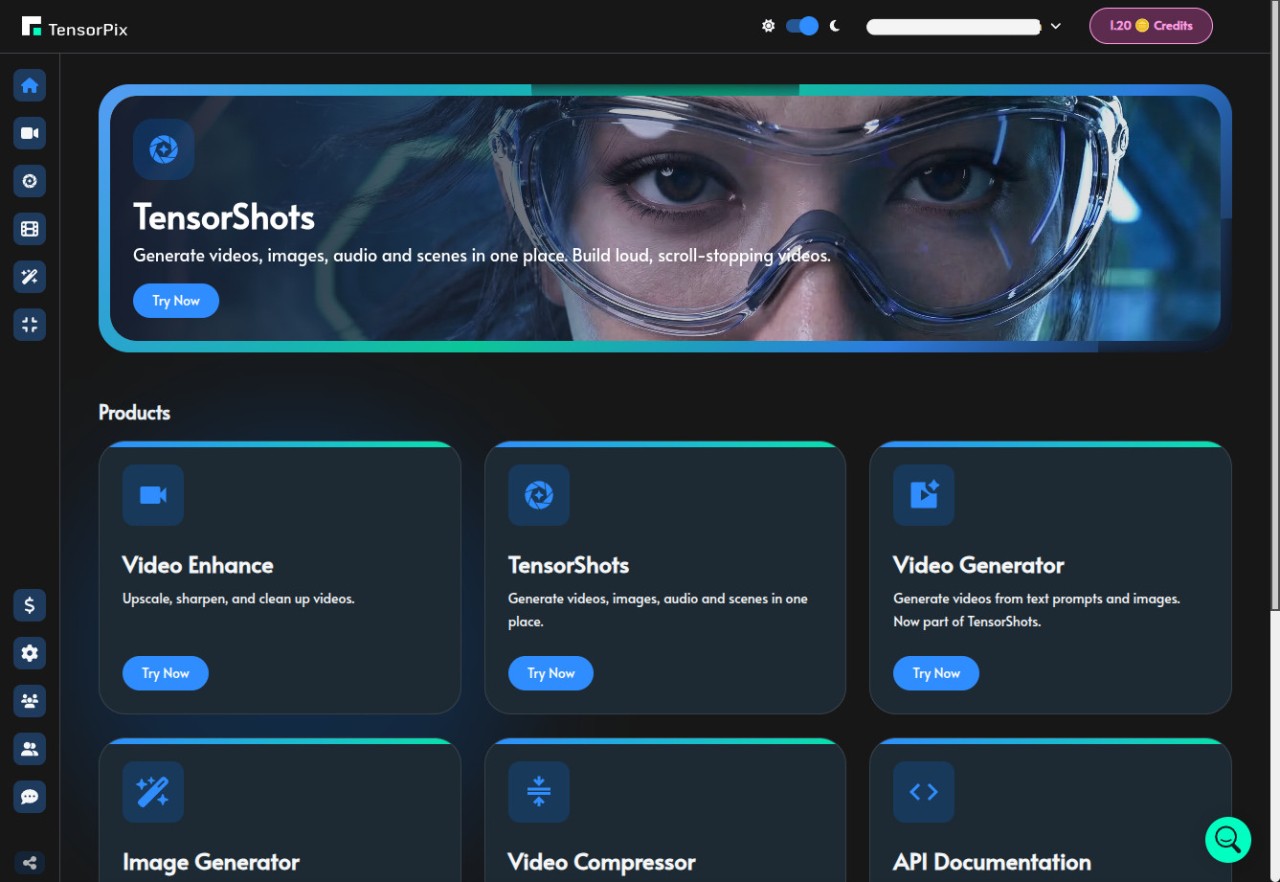
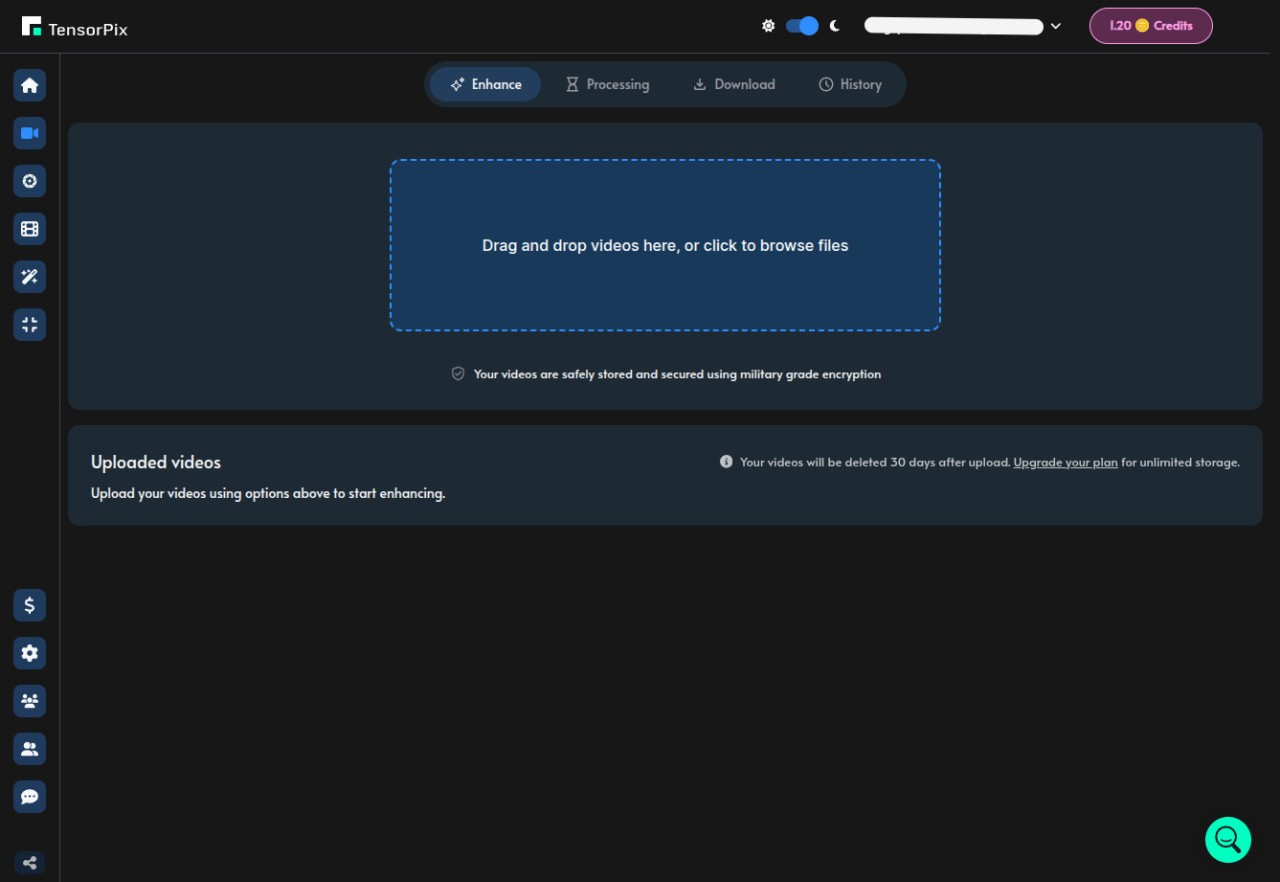
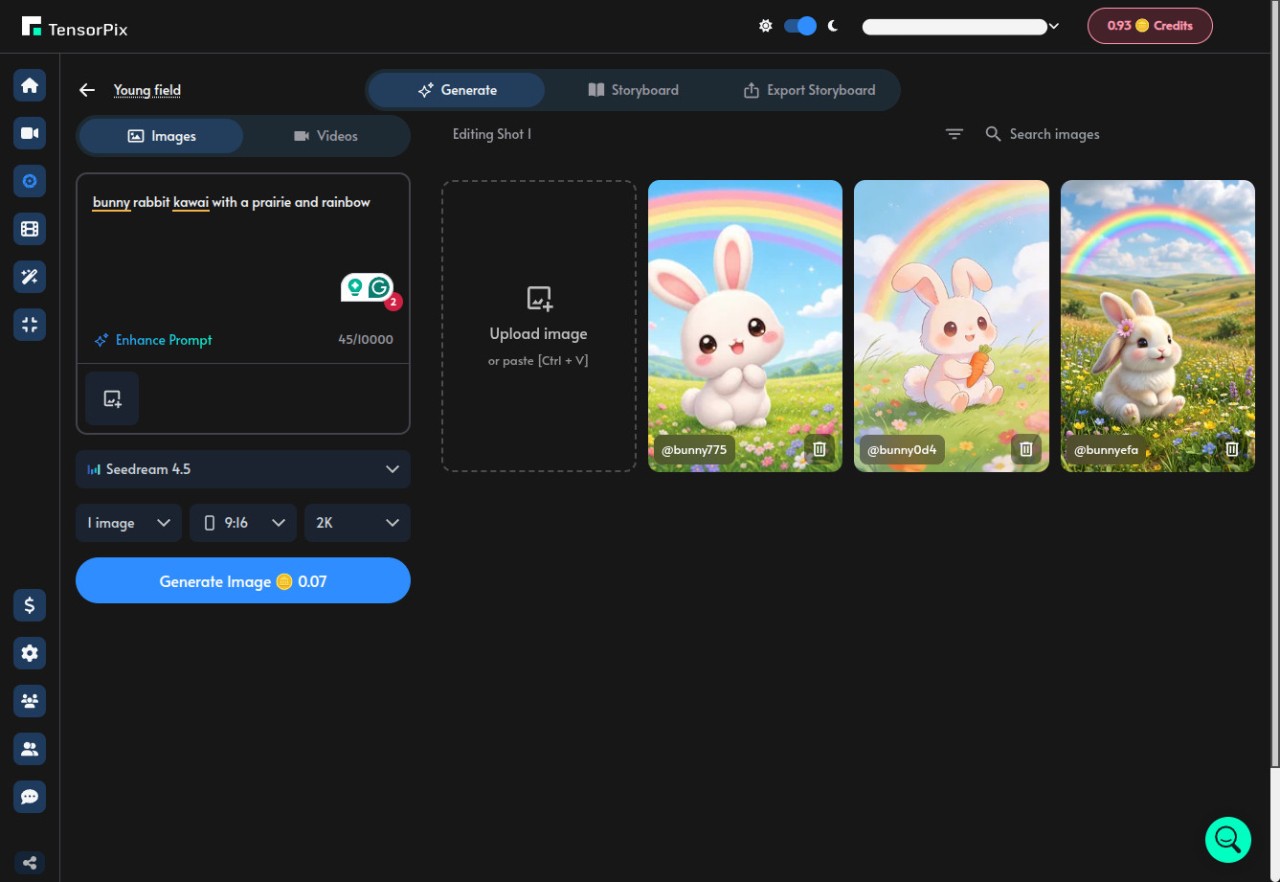
With TensorPix, you upload a video or image, let the AI process it in the cloud, and download a cleaner or higher resolution version afterward. The platform focuses on things like video upscaling, restoration, stabilization, frame interpolation, image enhancement, and AI generation tools, but the bigger point is really accessibility. It is designed for people who want AI enhancement tools without needing expensive local hardware or complicated editing workflows.
TensorPix is less about manual editing and more about automated enhancement. The site repeatedly leans into the idea that users should be able to upload footage, wait a few minutes, and get improved results without needing to understand professional editing software first.
That also explains why the cloud setup matters so much here. TensorPix processes everything on remote hardware instead of relying on your own GPU, which changes the experience quite a bit compared with traditional desktop software. You are not really thinking about rendering power, graphics cards, or whether your laptop can handle AI workloads locally. The processing happens elsewhere, and the browser becomes the workspace.
Why Should I Download TensorPix?
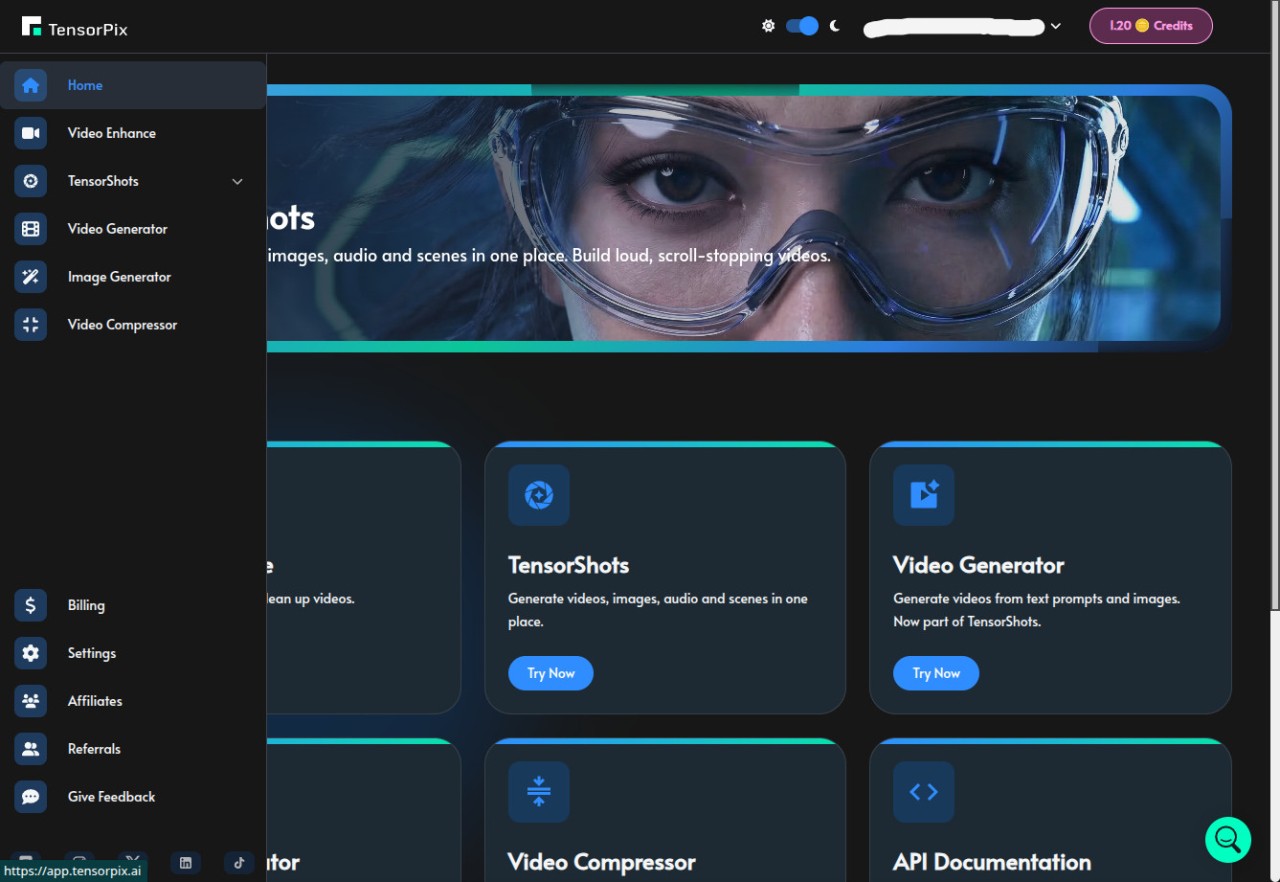
The main reason to use TensorPix is that it makes AI enhancement tools feel much more approachable. The platform combines video upscaling, image enhancement, restoration, stabilization, compression, AI image generation, and even social video creation tools inside one browser-based system without asking users to install heavy software first.
The site also puts a lot of emphasis on restoring older footage. VHS tapes, early digital camera clips, flip phone videos, compressed files, and blurry recordings are all part of the examples it uses throughout the platform. And honestly, that is probably where the appeal becomes easiest to understand. A lot of people have old videos or low-quality clips sitting around that they would like to clean up, but most traditional restoration workflows feel far too technical or expensive for casual users.
It is built more around automation and convenience than detailed manual editing. You upload files, choose enhancement options, and let the AI handle most of the work in the background. The platform even sends email notifications once processing finishes, which fits the whole “upload and come back later” approach the service is built around.
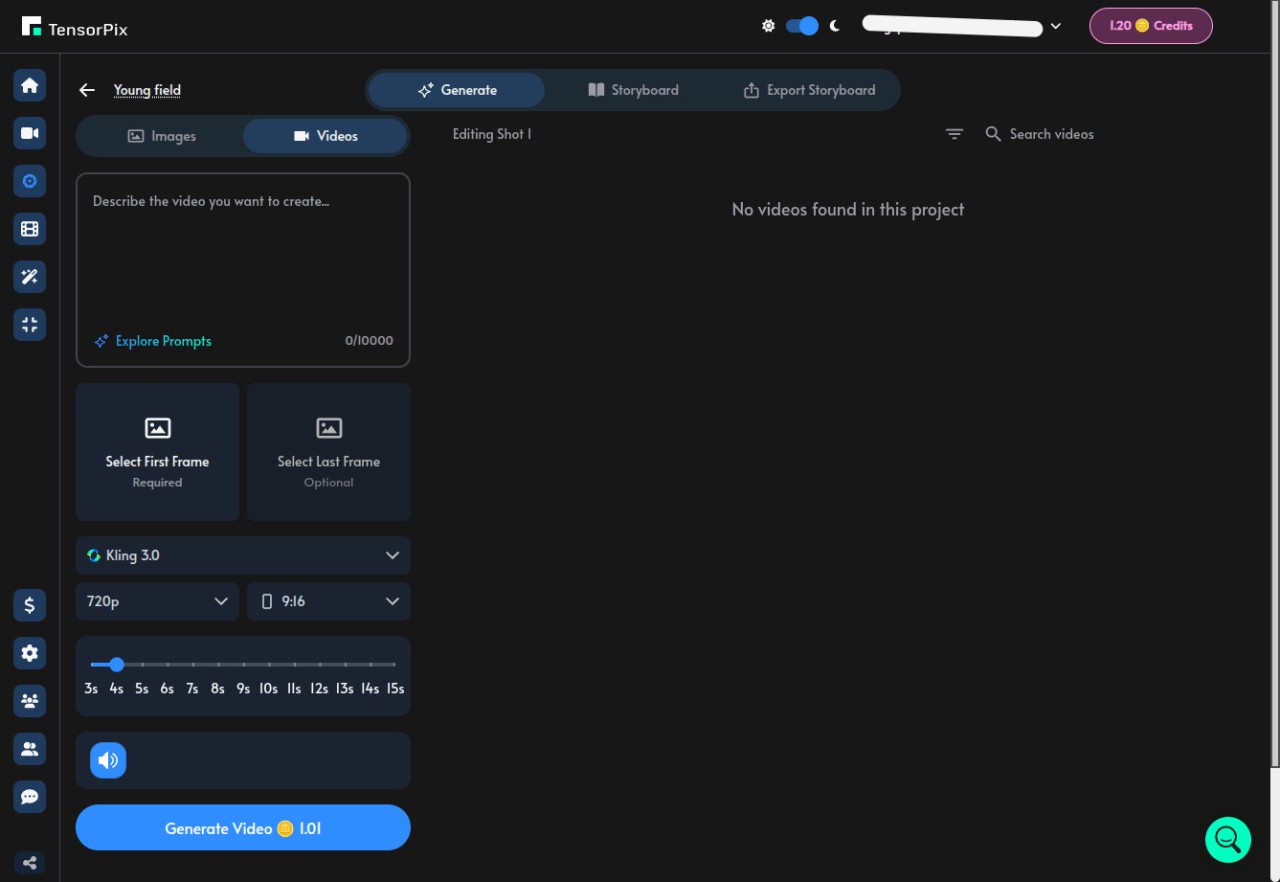
The broader AI generation tools also push the platform beyond simple restoration. TensorPix now includes text-to-image generation, 4K AI video generation, and social media video creation tools alongside the enhancement side. So the platform feels less like one single upscaler now and more like a wider browser-based AI media toolkit.
Is TensorPix Free?
TensorPix offers a free tier that lets users test parts of the platform without entering payment details first. There are also three paid plans and usage-based upgrades tied to processing time, exports, and higher-level features.
You can upload sample files, test enhancements, and see how the AI handles your footage before deciding whether you want to pay for larger projects or longer processing limits.
What Operating Systems Are Compatible with TensorPix?
TensorPix works through a web browser rather than a traditional desktop install. The platform supports phones, tablets, and desktop browsers, including Android, iPhone, iPad, Windows, and macOS systems with internet access.
Because the processing happens in the cloud, the device itself matters much less than it normally would with AI enhancement software. Even phones and lighter laptops can run the service because the heavy GPU work is happening remotely instead of on the local machine.
What Are the Alternatives to TensorPix?
Vmake is probably the closest alternative if your main interest is browser-based AI enhancement and creator tools. It also focuses heavily on online processing, video cleanup, background tools, and AI-powered editing workflows without requiring local installations. Compared with TensorPix, Vmake feels a little more tied to creator content and social media production, while TensorPix leans harder into restoration, upscaling, and technical enhancement tools.
RunwayML goes much further into AI creativity and production workflows. It includes video generation, editing, effects, green screen tools, motion tracking, and collaborative AI filmmaking features that push it closer to a professional creative platform. Compared with TensorPix, Runway feels broader and much more production-focused overall, while TensorPix stays more centered on enhancement and restoration.
Remini sits closer to the mobile side of the space. It became popular largely through portrait enhancement, face restoration, and AI sharpening tools designed for quick improvements on phones. Compared with TensorPix, Remini feels much more lightweight and app-driven, while TensorPix stretches further into larger video processing workflows, browser-based rendering, and multi-tool enhancement features.