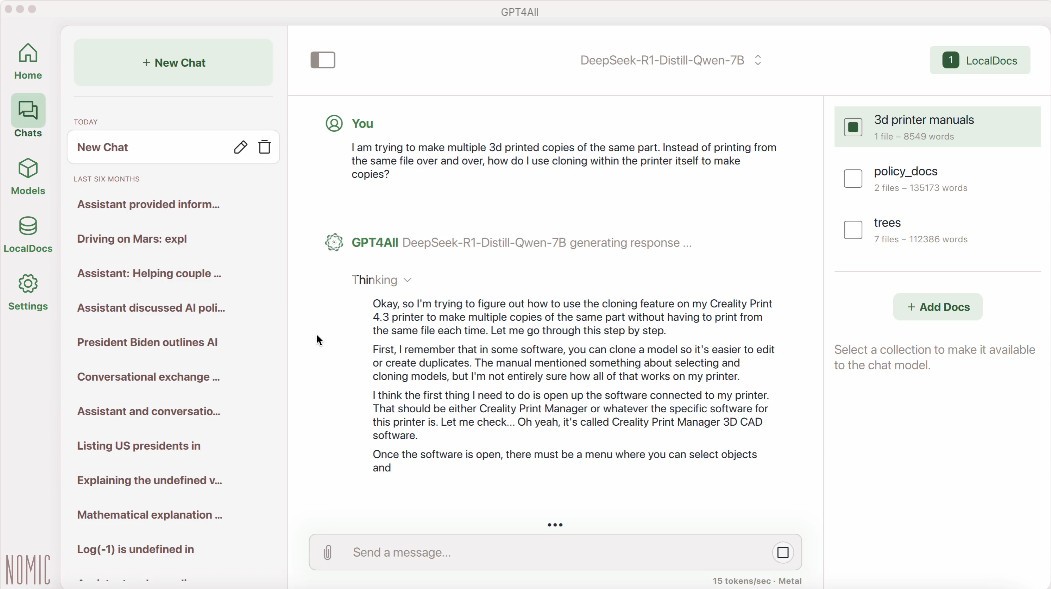
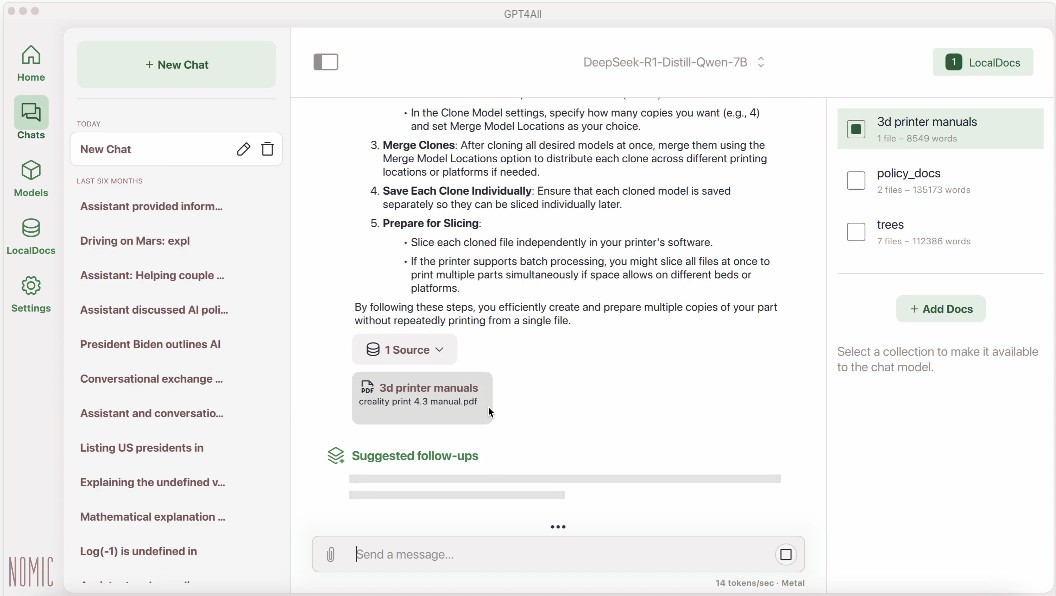
GPT4All is built around a simple idea. You download the app, run an open model on your own machine, and keep the whole experience local. Nomic describes it as a private and local AI chatbot that runs on Windows, macOS, and Linux, with support for local document chat through LocalDocs and access to thousands of models. It is less about using one hosted AI service and more about giving you a way to run local AI with a bit more control.
That also explains why it feels different from many of the AI tools people use every day. GPT4All is built around privacy, local use, and flexibility. The whole point is that your data stays on your device, and that matters if you want to work with personal files, internal documents, or anything else you would rather not push into a cloud service. If you want a quick web chatbot that is already set up for you, this is probably not the app you are looking for. If you want local AI that feels more self-contained, the appeal is easier to see.
Why Should I Download GPT4All?
The main reason to download GPT4All is that it gives you a local AI setup without making you build everything from scratch. You can run open-source language models, chat with local files through LocalDocs, and choose from a large model library without sending your data off-device. That is really the main pitch. You are not only using AI. You are using it on your own machine, with more control over how it runs and what it can access.
That gives GPT4All a fairly clear role. It is a local AI app first, even if it overlaps with model managers and developer tools at times. A lot of the draw comes from how directly it gets to the point. You install it, load a model, and start working with local chat or local documents in one place. That makes it easy to place for people who want private AI use without moving too deep into a command line workflow.
Is GPT4All Free?
Yes, GPT4All is free to download and use. Nomic presents it as a downloadable local chatbot for macOS, Windows, Windows ARM, and Ubuntu, and the whole product is framed around open models and local use rather than a paid subscription layer.
That makes the setup pretty simple. You download the app, install it, and start using local models on your own hardware.
What Operating Systems Are Compatible with GPT4All?
GPT4All works on Windows, Windows ARM, macOS, and Ubuntu. Those are the download options Nomic currently lists on the GPT4All page.
GPT4All is a desktop app, and it is built for local use on your own computer rather than phones, tablets, or browser-based chat. It is meant to sit on the machine where the models and files already are.
What Are the Alternatives to GPT4All?
Ollama is the closest alternative if you want another local AI tool built around open models. It is described as an easy way to build with open models, and it also puts a lot of focus on running offline when needed. Compared with GPT4All, it feels more command-line driven and a little more developer-shaped, while GPT4All feels more like a desktop chat app first.
LM Studio sits even closer in some ways. It is built around running AI models locally and privately on your own hardware, and it also supports a wide range of local LLMs. Compared with GPT4All, it feels more like a polished local AI workspace with stronger developer resources around it, while GPT4All keeps the pitch a little simpler and more chat-centered.
NVIDIA Chat with RTX is the more hardware-specific option in this group. It is a local chatbot that lets you connect a model to your own files and content on a Windows RTX PC, with the data staying on the device. Compared with GPT4All, it feels less like a general local AI tool for a wide range of machines and more like a product built around a specific kind of NVIDIA hardware setup.