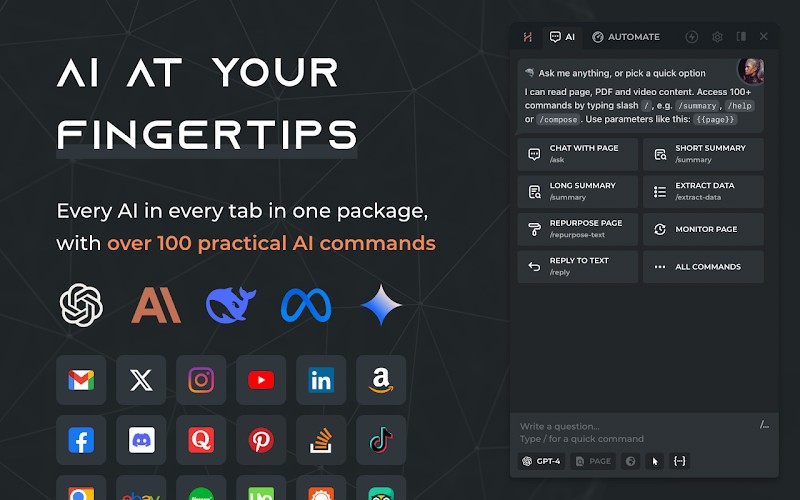
HARPA AI is an AI assistant that works on a web browser and looks like a sidebar in your browser. It enables users to browse with the help of reading, writing, summarizing, and automating tasks. Instead of displaying a new page with a chatbot, HARPA AI remains on the page you are on and is capable of comprehending what is on it when you pose a query to it.
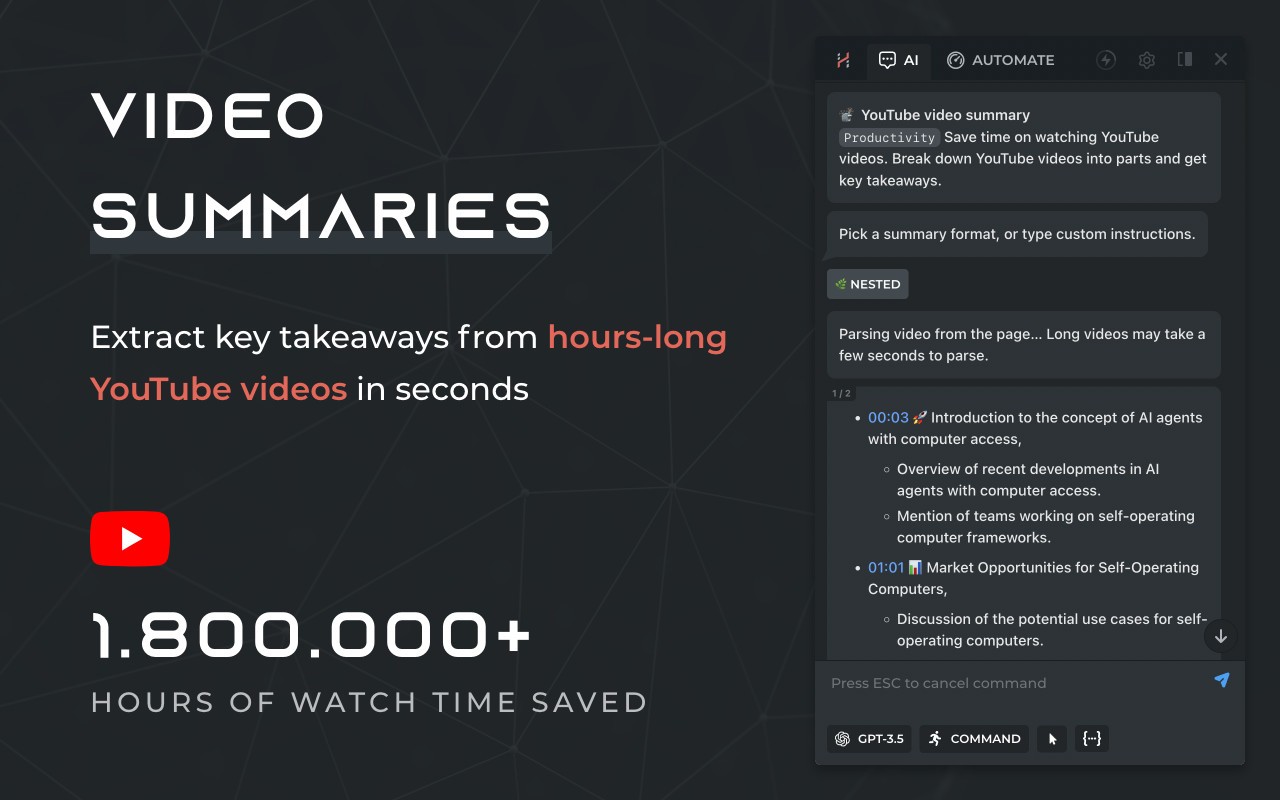
The assistant is compatible with various AI models such as ChatGPT, Claude, Gemini, and DeepSeek, allowing one to change them without leaving a browser. HARPA AI can describe long articles, YouTube videos, PDFs, and email messages. It also writes text again, corrects grammar, translates text, and also provides responses in your tone.
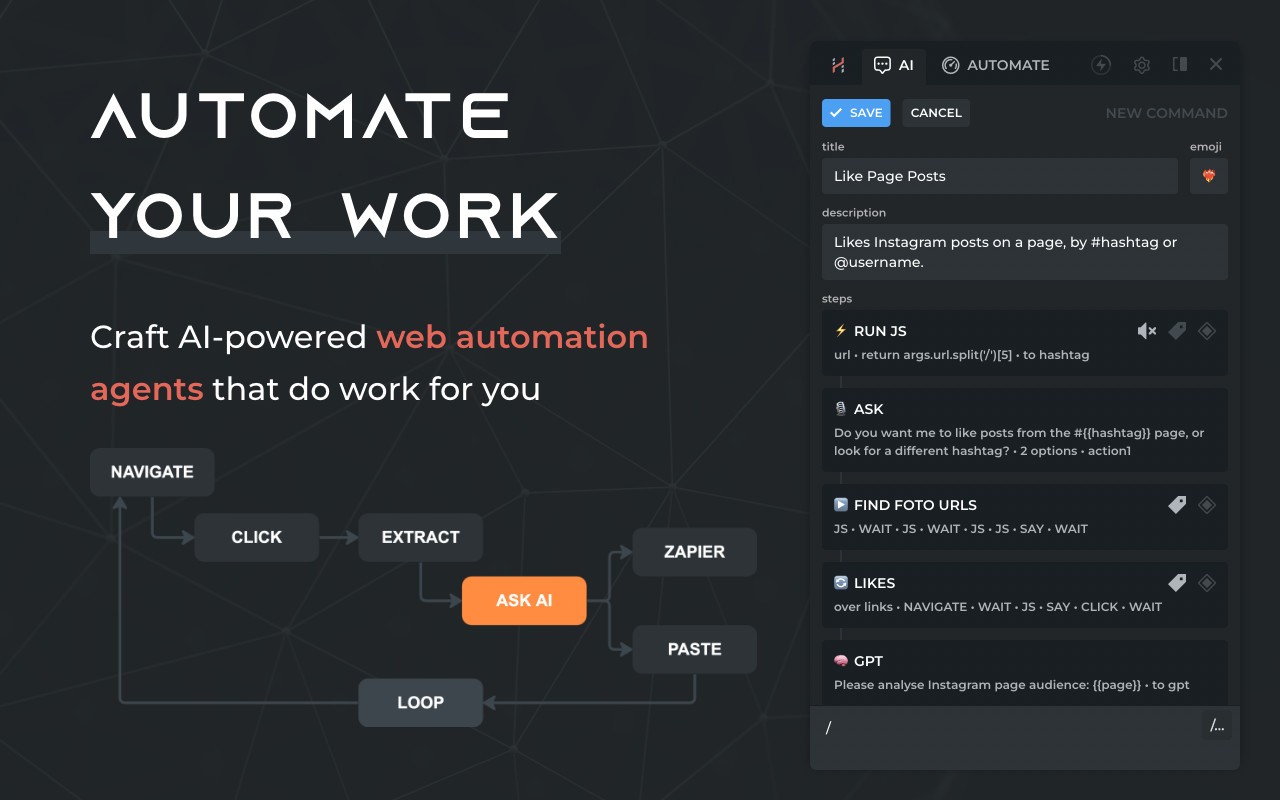
Automation is also provided by HARPA AI. It is capable of monitoring change of a web page, monitoring product prices, collecting information, and initiating actions using external automation services. These characteristics are useful to individuals who spend a significant amount of time researching, typing, or verifying online data.
HARPA AI is a Chrome extension, but it is also compatible with any other browser that is based on Chromium. It focuses on privacy: it does not archive talks between users and retains data on the device unless it is necessary for an AI model. Concisely, HARPA AI is a multifunctional, or general-purpose, browser assistant that integrates AI chat, a writing assistant, and web automation in a single tool.
Why Should I Download HARPA AI?
The primary reason why users download HARPA AI is that they do not have to scroll through tools when browsing. Instead of having to copy the text into individual chat pages, they have the option of posing a question or getting a summary on the very page they are on. This saves time, particularly in long articles, research papers, or watching videos taking so much time.
HARPA AI assists in the course of daily routine: composing emails, spotting grammar, rephrasing paragraphs, or translating text. It is used by students to learn complicated things or summarize what they are learning. Experts can conduct research, write reports, or reply to messages faster. The tool is flexible to various styles of writing, easing the transition between casual and formal writing.
The other motive to engage in the downloading of HARPA AI is its automation. It can check sites to update their price changes, content changes, etc., and alert you when any of this occurs. This is useful in carrying out online transactions, checking on competitors, or keeping in touch with vital pages without having to check them sometimes manually.
HARPA AI is open to advanced users through integration with automation systems and APIs. It can be applied to groups of people or individuals who would like to automate their routine and repeat browser-based activities. Simple functions are open to users who just require simple support.
Another reason why people have HARPA AI is privacy. The extension is local processing-oriented, and by default, it does not record browsing activity. It offers more control than most web-based chat tools, though it utilizes third-party AI models. On the whole, the HARPA AI should be downloaded by those users who would like to have one assistant, which would be active within the frames of their browser rather than on another AI platform.
Is HARPA AI Free?
HARPA AI is offered in free and paid versions. The free version allows access to the simplest functions, such as summaries, writing help, and lesser automation of commands, which is why it can be used on a light or sporadic basis. Premier plans, superior usage rates, and superior-level AI models require a subscription fee. The price varies according to the plan that you select and whether you connect your AI API keys or not. The free version would allow you to experiment with the tool and then determine whether the paid one fits your workflow.
What Operating Systems Are Compatible with HARPA AI?
HARPA AI is based on operating systems that are compatible with current web browsers. Since it is a browser extension, it is not very dependent on the operating system. It is compatible with Windows, macOS, and Linux, as long as it has a supported browser installed. HARPA AI is mostly based on Google Chrome but is compatible with other Google Chrome-based browsers, such as Edge, Brave, and Opera, and also supports Firefox.
The certainty installed on these systems is applied by the users directly within the browser without any additional software. There is no standalone desktop or mobile application required to start using it. The support of mobile browsers is poor since the majority of mobile browsers lack full support of advanced extensions. To get the best performance and all the functionalities, HARPA AI will need a desktop computer or laptop with a modern browser.
What Are the Alternatives to HARPA AI?
Sider is an AI application in the form of a browser-based assistant, which specializes in writing, summarizing, and chat assistance. It acts as an in-page integration and also provides content generation and reading tools. Sider is less complex than HARPA AI and can be a lot more comfortable for those who do not need as much automation. It also provides fewer controls over sophisticated web monitoring and automation operations, though. A user can download Sider as a browser extension and start using its core features immediately.
Another writing, summarizing, and productivity AI agent is called Monica AI. It has various AI models and is compatible with browsers and devices. Monica AI is dedicated to the professional process and clean writing. Though it has powerful text generation, it does not focus on page-aware automation and monitoring like HARPA AI. Monica AI is available to download for users who want a more polished writing assistant across platforms.
Poe is an AI chat that allows users to communicate with several artificial intelligence models within a single interface. It targets primarily conversation, and not browser automation. Poe is effective in posing questions, text generation, and comparison of AI answers. It is not tightly coupled with web pages and does not include monitoring and automation. The simplistic AI dialog can suit the user needs of those looking to converse with AI, whereas those who require browser-based support can use HARPA AI. Users can download Poe as a web- or app-based tool for direct AI conversations without browser automation.