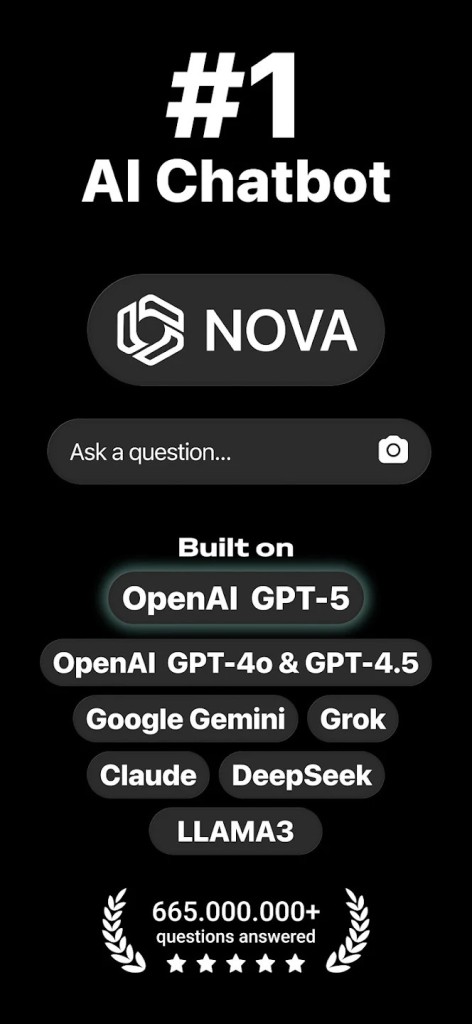
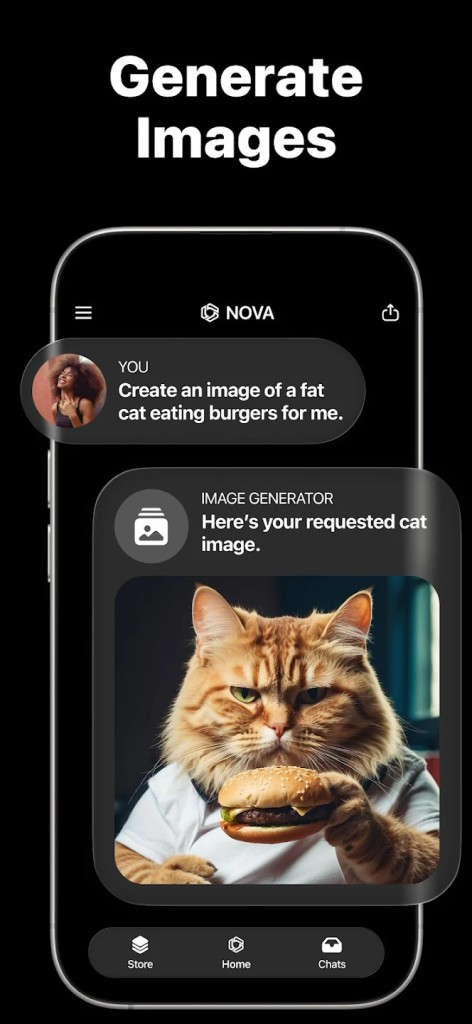
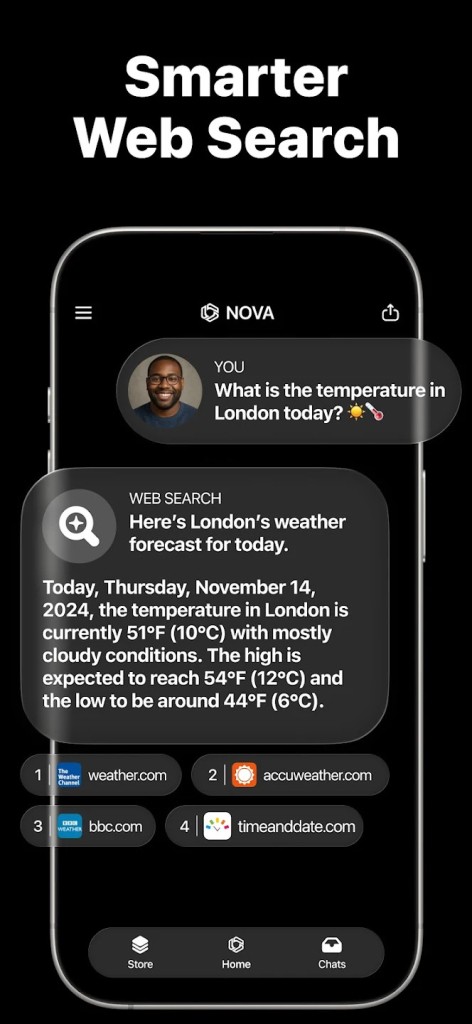
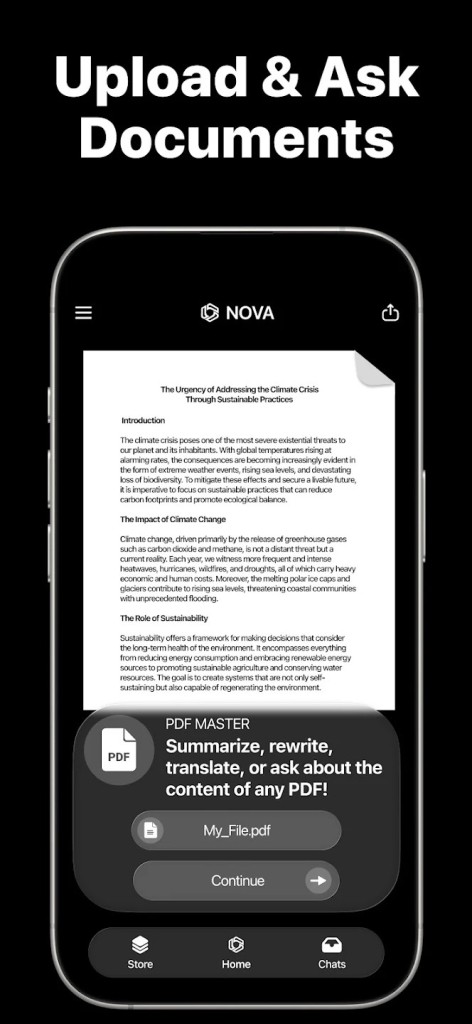
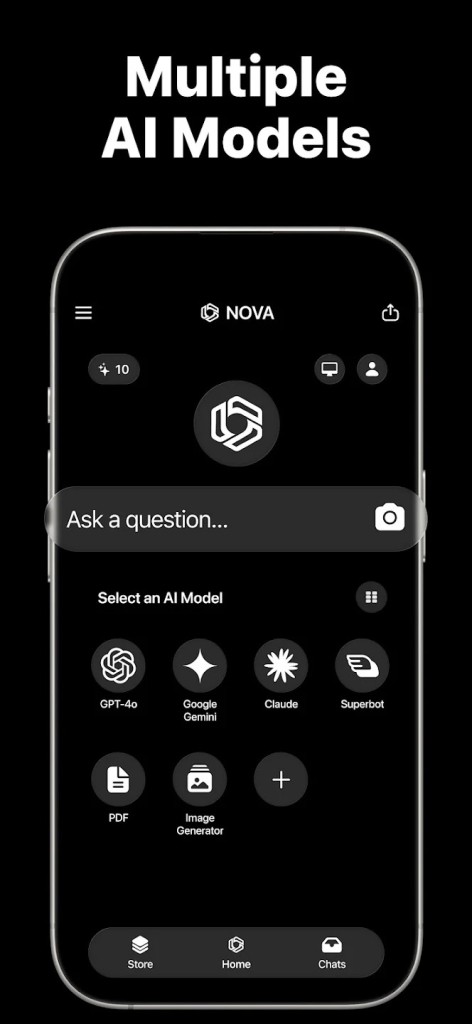
Nova is an AI-powered assistant designed to make daily life easier, smoother, and more productive. Instead of being just another chatbot, it takes on the role of a flexible companion that can help with a wide variety of tasks. Whether you’re drafting an important email, brainstorming content for a presentation, or simply looking for a quick answer to a tricky question, Nova is built to handle it without making things complicated.
What makes Nova stand out is its ability to adapt to different scenarios. Some people use it for personal organization, like setting reminders or structuring their to-do lists. Others lean on it for creative work, whether that’s writing, researching, or bouncing around new ideas. And then some professionals turn to Nova when they need assistance with time-consuming tasks, such as summarizing lengthy reports or generating content that they can polish up later.
The software isn’t locked into one purpose. It blends creativity, productivity, and natural conversation in a way that feels seamless. You don’t need to learn a complex set of commands or memorize special instructions—just type normally, and it responds with context-aware answers. That’s a huge draw because the less friction an app has, the more likely people are to actually stick with it.
Why should I download Nova?
If you’re someone who juggles multiple responsibilities—whether it’s school, work, or personal projects—Nova can help reduce the stress that comes with staying on top of everything. One of its biggest selling points is how much time it saves. Instead of spending hours piecing together research from different sources, you can ask Nova to give you a structured summary. Instead of staring at a blank page, wondering how to start a draft, you can let Nova generate a starting point.
Think about it this way: a student can use Nova to tidy up research notes, create outlines, and brainstorm essay topics. A small business owner might rely on it to come up with catchy product descriptions, draft newsletters, or suggest social media content ideas. A professional could use it to prepare meeting notes, refine presentations, or even role-play interview questions. It isn’t just about answering queries—it’s about shaping productivity in whatever way you need.
Another reason to consider downloading Nova is the way it communicates. Some AI tools feel cold or stiff, almost like you’re typing into a search bar with slightly more advanced features. Nova, on the other hand, is built to keep conversations flowing naturally. That small difference creates a big impact because you feel like you’re getting help from something that understands tone, context, and subtlety rather than just spitting out data.
It’s also worth noting how approachable Nova is for new users. Many productivity or AI tools overwhelm you with options, settings, or technical jargon. Nova keeps things simple. You can download it, sign in, and start asking questions right away. There’s no steep learning curve, which makes it ideal for people who want value immediately rather than spending time learning how to use the software itself.
Is Nova free?
Nova does offer free access, but like many AI-driven platforms, its most powerful features are available through paid plans. The free version usually allows you to explore basic interactions, ask questions, and get simple tasks done. For casual users who don’t rely on AI every single day, this free tier can be enough.
However, if you need consistent access, faster response times, or advanced features, the paid version is the way to go. Subscriptions unlock higher limits and more robust functionality. For professionals, students, or businesses that lean heavily on AI, the value you get from the premium tier often outweighs the cost. It saves time, streamlines workflows, and helps avoid burnout from repetitive or draining tasks.
The good news is that Nova doesn’t hide behind endless microtransactions or gimmicks. It lays out its plans clearly, so you know exactly what you’re paying for. That level of transparency makes it easier to decide whether to stick with the free version or upgrade for a more complete experience.
What operating systems are compatible with Nova?
Availability is one of the greatest about Nova since it is available on various platforms. You do not have to be connected to a single device. Nova is available on Windows, macOS, iOS, and Android, allowing you to use it in the places it is most appropriate.
On a Windows or Linux computer, you can use Nova through your browser to assist you in writing client proposals or documents. You may then later in the evening pick up your iPhone or Android phone to ask Nova a quick query when you are commuting or even relaxing at home. And, being a Mac user, you will see that Nova is actually compatible with macOS, and you get the same set of tools without any loss.
Such cross-platform compatibility is essential since most individuals possess multiple devices. Users switch between phones, tablets, and computers all day long. You don’t need to worry that you will lose access or be bound to Nova. It is versatile enough to accommodate your lifestyle, be it when you are working or studying, or simply browsing about ideas on the fly.
What are the alternatives to Nova?
Although Nova is a very good option, it is not the only AI-based assistant available. There are also some other solutions you might want to consider, depending on what you are most in need of.
Monica is more of an assistant to personal productivity. Monica can be a good fit in case you want something robust in schedule management, reminders, and daily tasks management. It lacks the creative content generation of Nova, but excels in organization and time management.
Another interesting alternative is Chatgot. It not only concentrates on productivity, but also on customization. The user is able to customize the personality and reactions of the assistant to their liking. That is why it is attractive to individuals who desire more authority over how their AI assistant acts as their own custom-made digital friend instead of a generalized tool.
If you want to try several chatbot AI but don’t want to create accounts everywhere and use multiple tabs in your browser, Poe is your solution. This platform offers access to ChatGPT, Llama, Mistral, Claude, Grok, Gemini, DeepSeek, and more. You can even create or use reasoning bots. It is a paradise for trying AI.