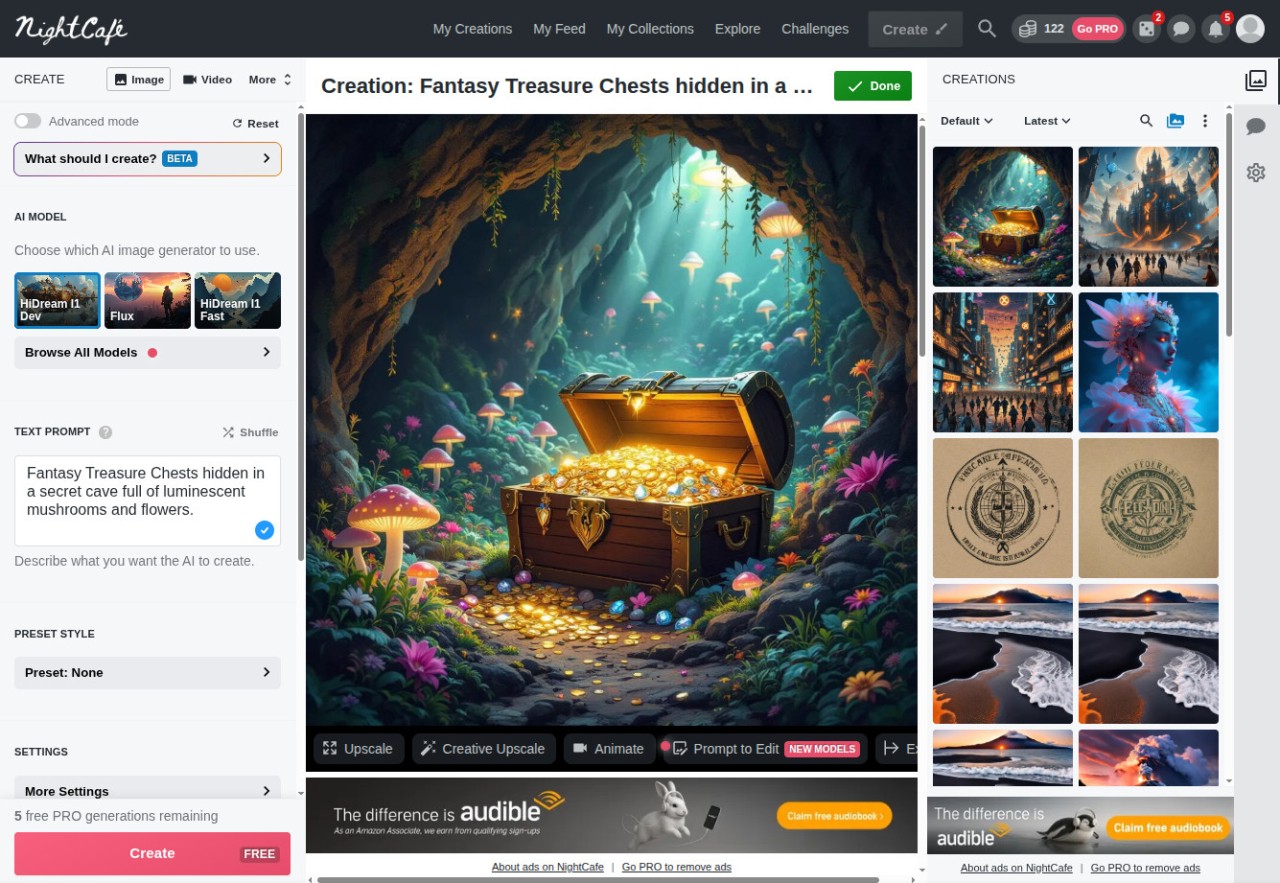
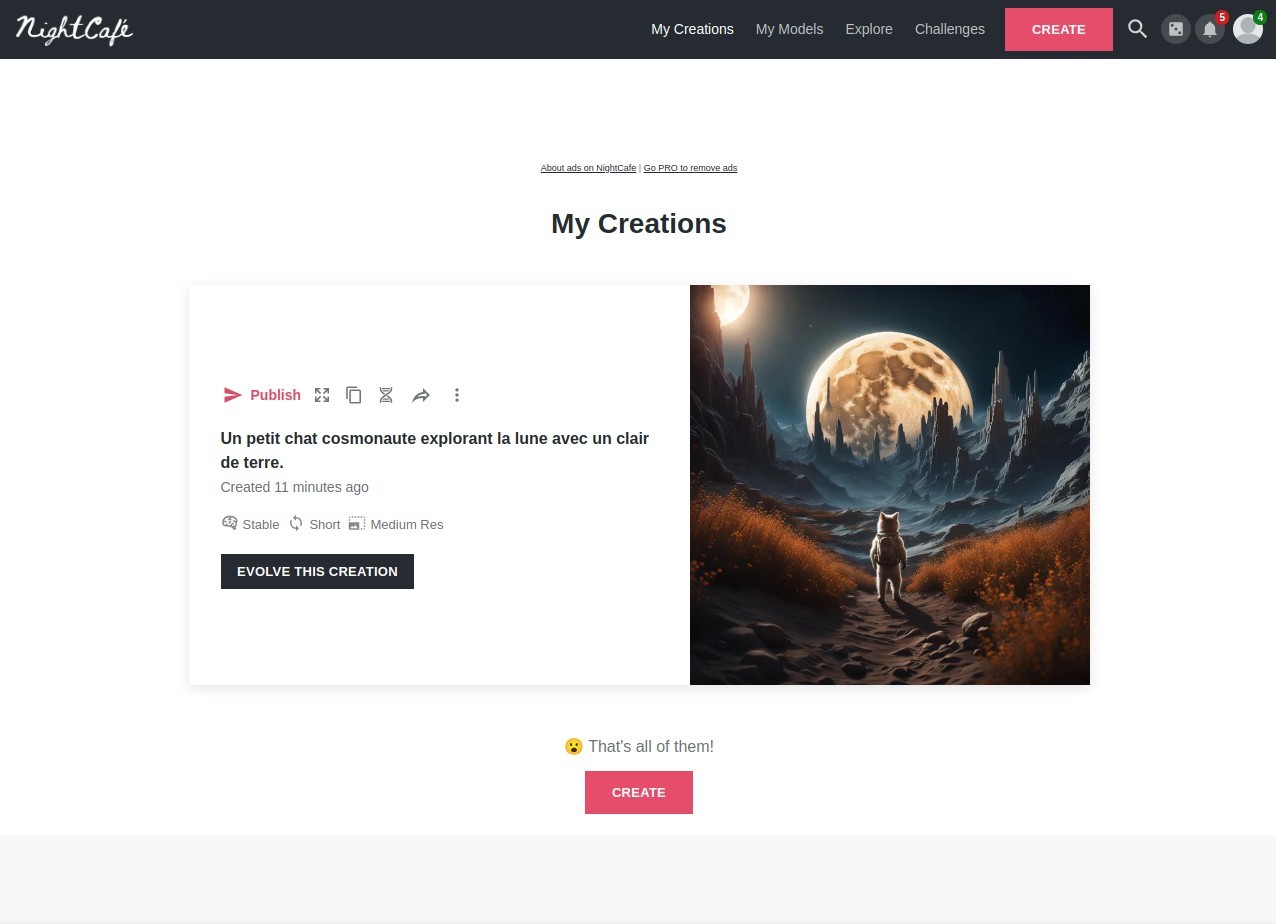
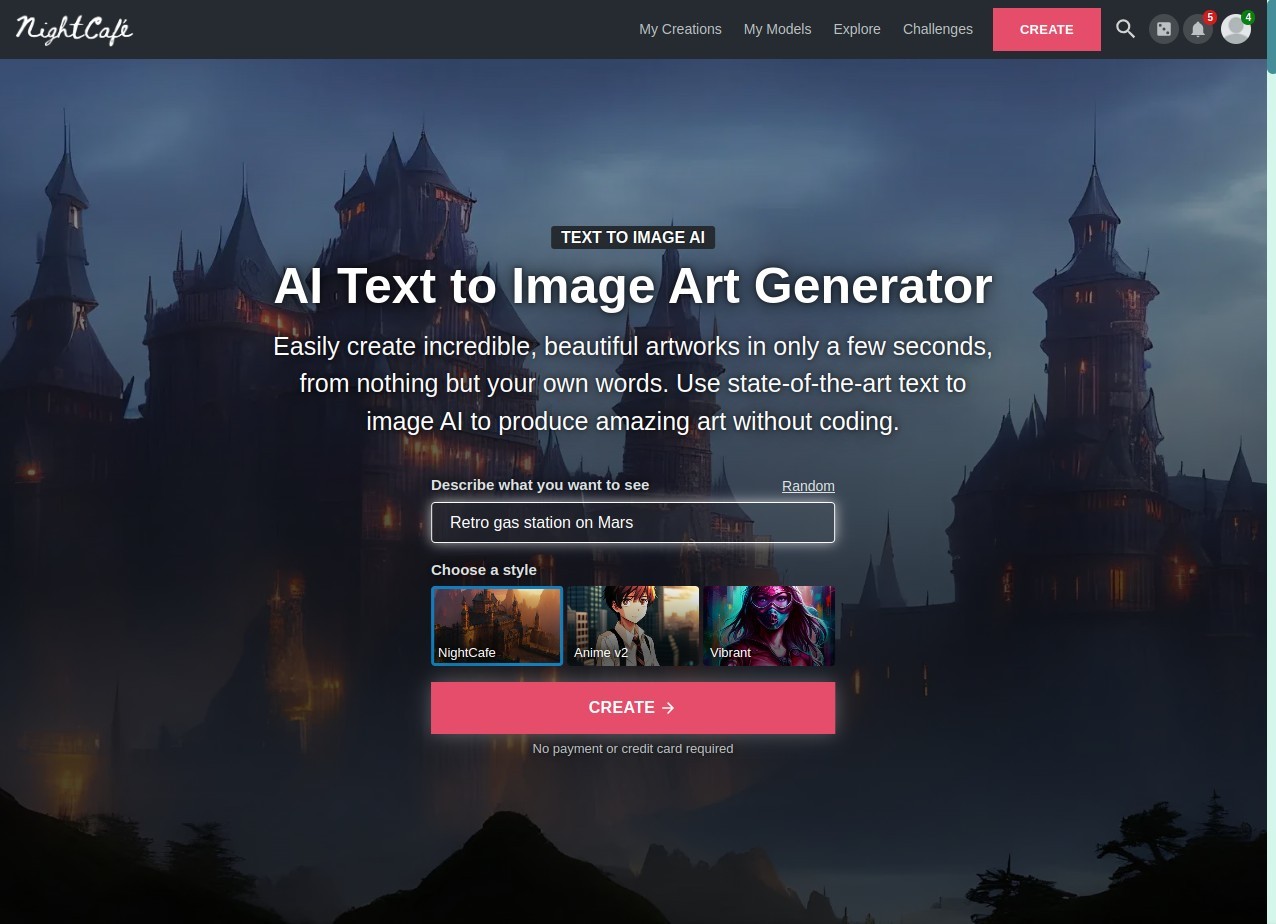
NightCafe Creator is a website and a community that introduces you to AI image generation. Create your free account, type a sentence (called a prompt), and let the AI model you chose generate your image.
That’s the whole core. You don’t have to draw. You don’t need Photoshop. You describe what you see in your head, the system processes it, and it gives you an image. Some of them look like paintings, some look like photos, and sometimes they’re strange mixes. It depends on what words you use and which model you pick.
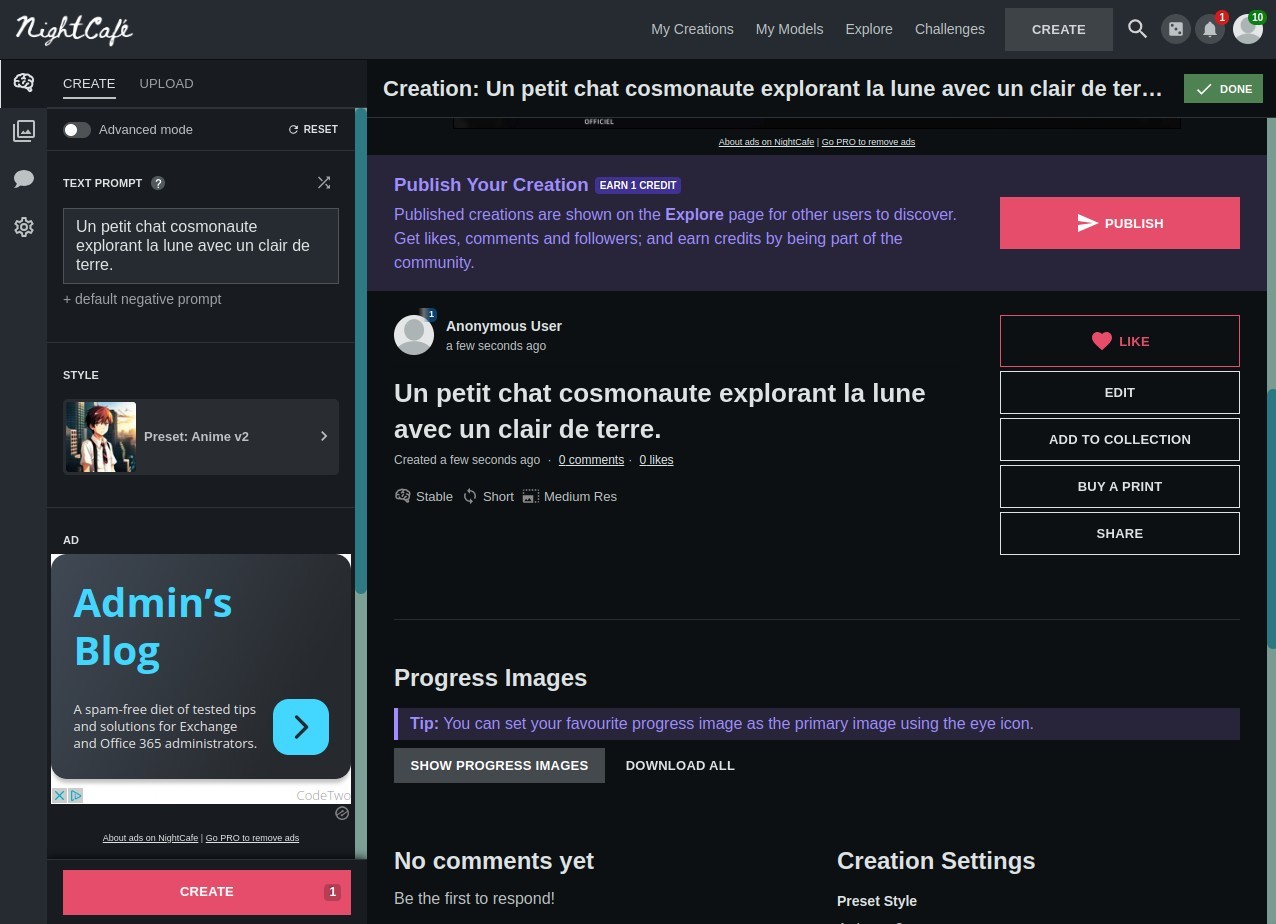
NightCafe Creator offers the use of several engines, so you don’t need to switch between services. Flux, Stable Diffusion, DALL-E 3, Google Imagen, Ideogram, etc. If you’ve read about AI art, you’ve probably seen those names. Here, they sit in one place, and you can try them one by one. You type, you wait a moment, the images show up, and you can refine if needed.
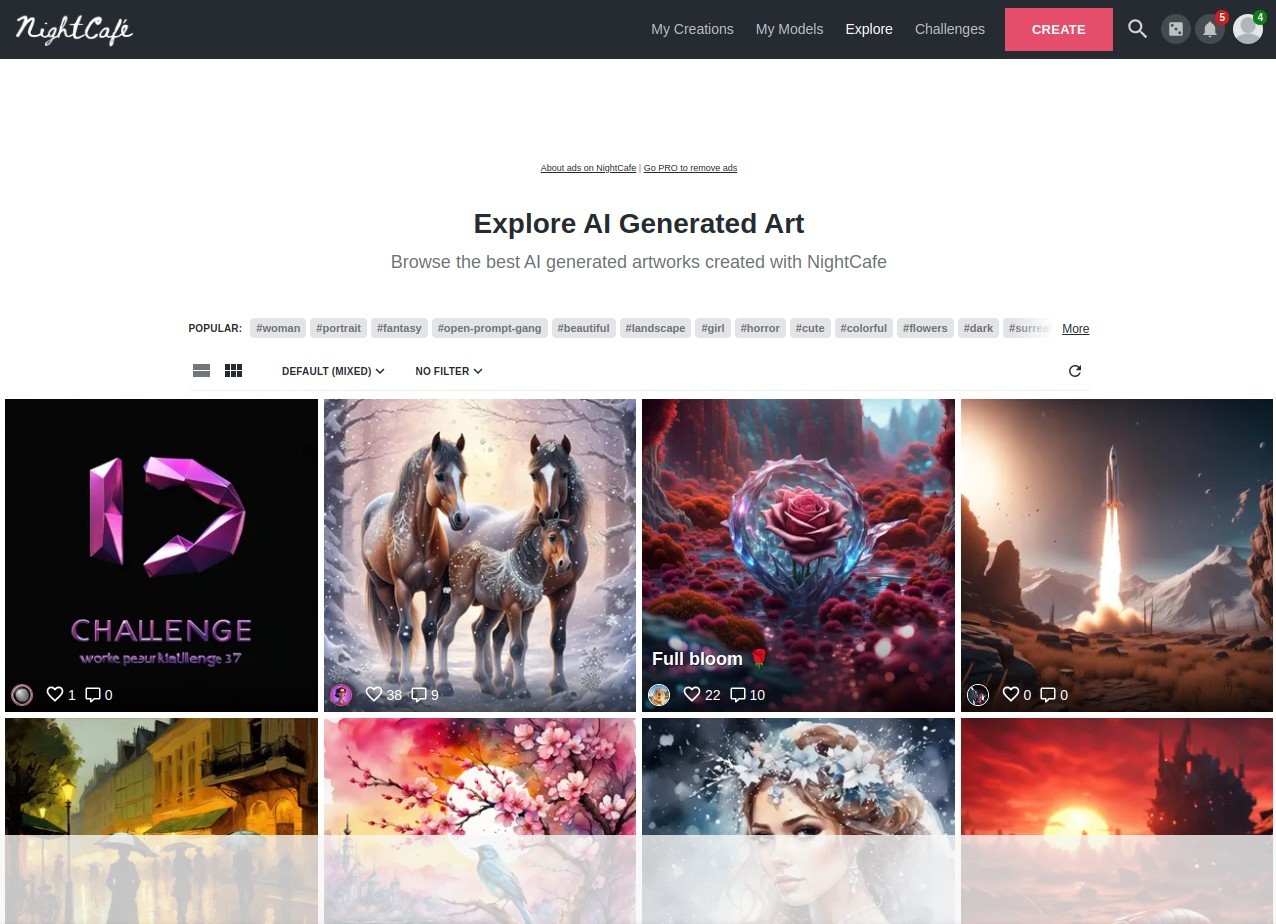
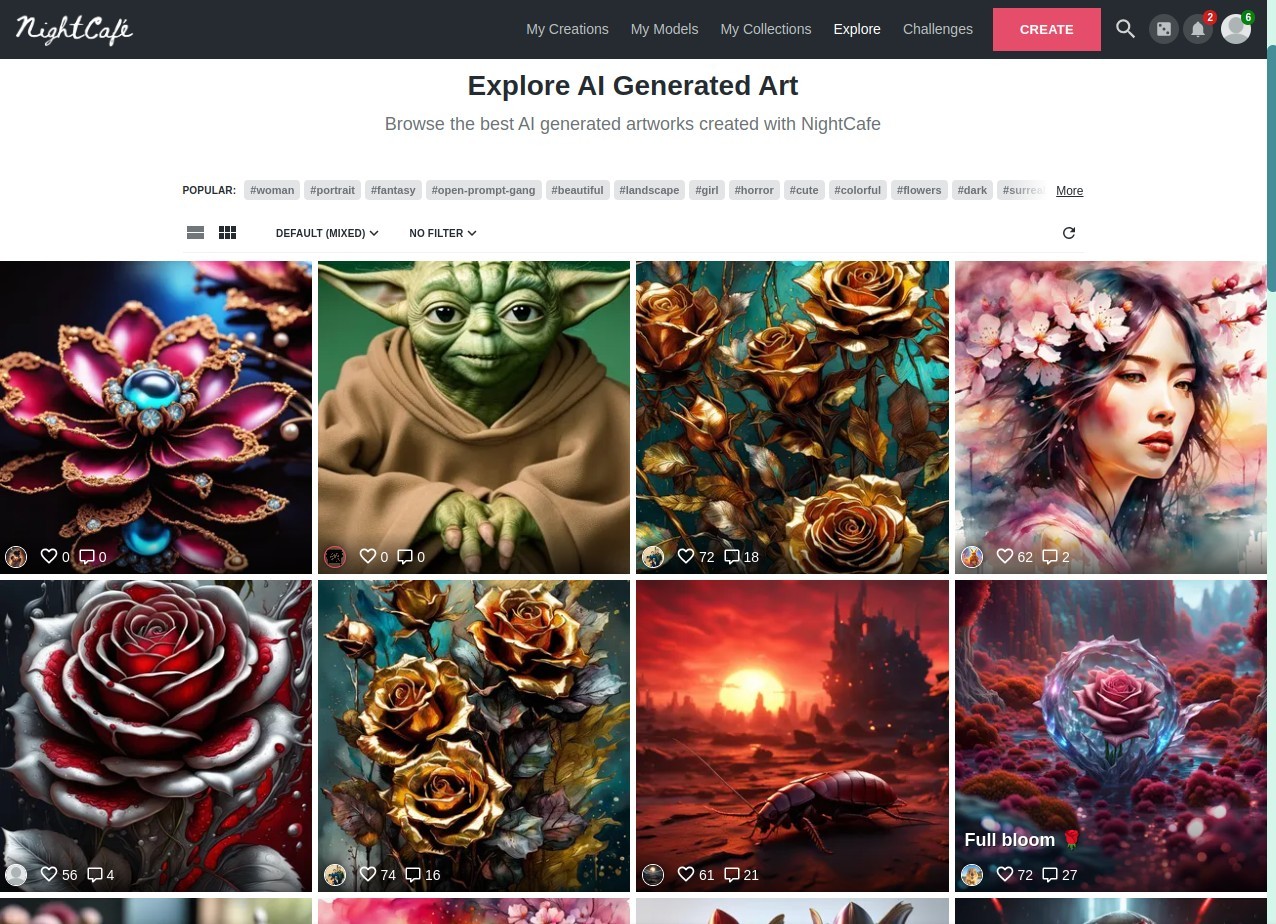
It isn’t only a tool, though. There’s a whole community in the background. Millions of people making things daily. They run challenges where a theme is given, people submit their works, and others vote. That keeps it lively. Some come for the generator, then stay for the social part, scrolling through art, leaving comments, copying prompts to test on their own. It feels like a mix of tool and gallery.
The web app works in your browser. On your computer, on your phone, on your tablet. You can even pin it to your home screen like a regular app. No download needed, just an account. That means you can move from laptop to phone and keep your stuff.
Why should I download NightCafe Creator?
The biggest pull to use NightCafe Creator is how easy it is. You don’t install software, you don’t need a heavy computer. Everything runs on their side. You just log in, write a prompt, and see results. If you’ve ever wanted to create something visual but thought you had no skill, this removes the barrier.
Another reason is variety. Instead of using only one model, you can test multiple. Flux gives one kind of result, Stable Diffusion another, DALL-E another. You compare them on the same prompt. Sometimes one model nails the detail, sometimes another handles style better. Having them all in one place makes experimenting faster.
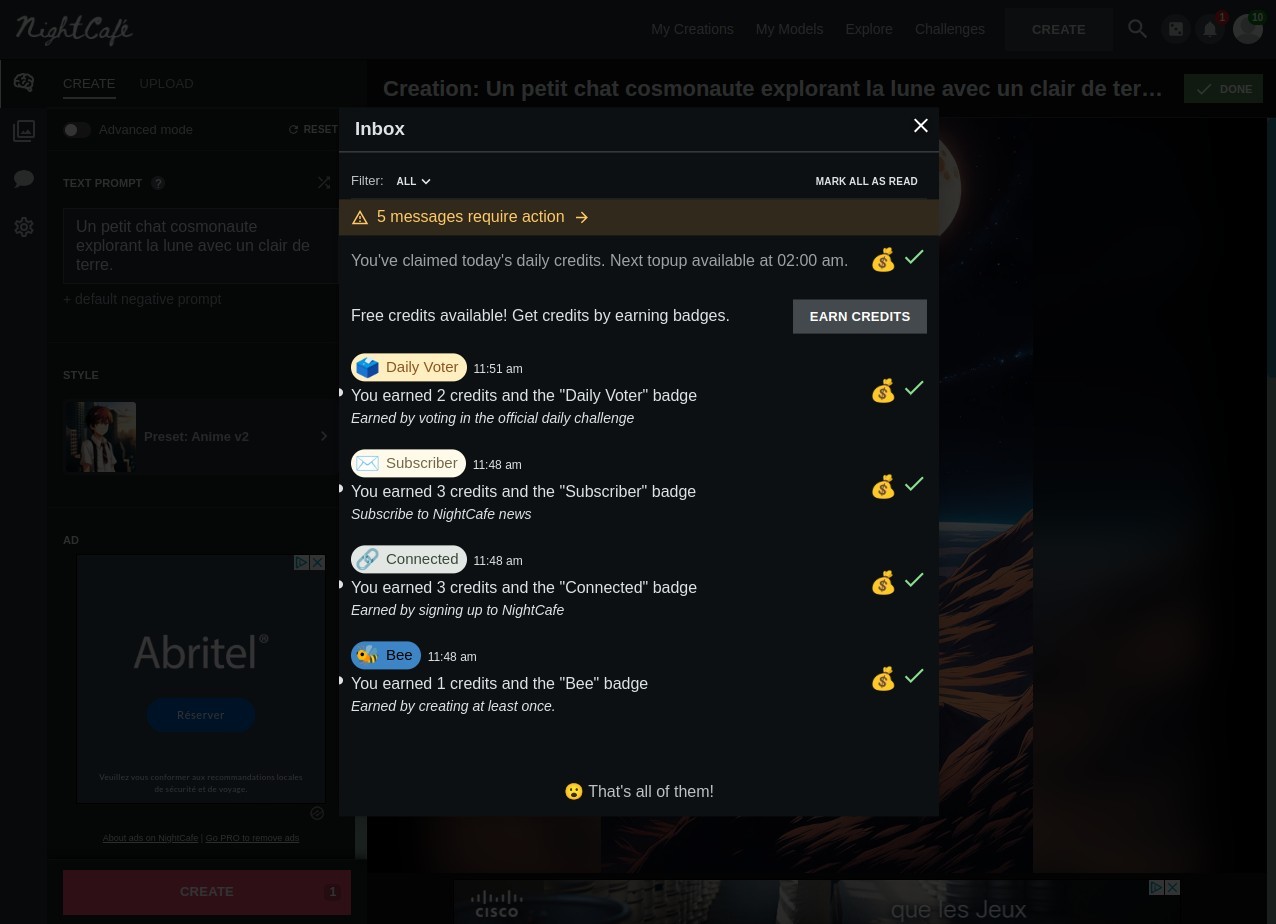
Then there’s the free part. You can generate unlimited basic images every day (on the NightCafe Creator model or the Stable Diffusion ones). That’s not common. Other platforms block you after a few tries. Here, you can keep playing with simple settings, and if you want high resolution or advanced tools, you use credits. Every day, you also get a small credit top-up. Enough for testing extra features. So you don’t have to spend money just to get started.
The challenges and social features also stand out. Every day there’s a new theme. Thousands of people join, submit, and vote. It’s competitive in a friendly way, and you get to see how different minds use the same theme. For some, that’s where they really learn how to prompt better. And if you don’t want competition, you can just browse. The gallery is endless, and prompts are shared, so you can reuse them to try your own twist.
It also supports group creation. You can open a chat room, invite friends, and make images together. Maybe you’re planning something, maybe just for fun. The process feels lighter when shared.
In short, it makes art generation simple, broad, and social, which is why people stick with it.
Is NightCafe Creator free?
Yes, the core is free. You can create unlimited base images at low resolution. Those are enough for practice, ideas, or casual use. Then there are credits for more powerful settings, and every day you get a few for free; you can even win some by doing certain things. If you need more, you can buy some packages, but you don’t have to pay to keep using the app. That’s why a lot of people like it.
What operating systems are compatible with NightCafe Creator?
Since NightCafe runs in the browser, it works on almost everything. Windows, Mac, Linux, even Chromebooks, if you can open Chrome, Safari, Firefox, or any modern browser, you can get in. Nothing heavy to install, no huge setup.
On phones, it’s the same. iPhone or Android, you just open the site in your browser. There isn’t a special app in the App Store or Play Store. But you can pin it to your home screen, and it behaves a lot like an app, opens full screen, no browser bars, so it feels almost the same. The servers do the heavy lifting, so even if your phone is old, you can still make images without worrying about power.
So really, it doesn’t matter what system you’re on. If you can reach the internet with a decent browser, you can use it.
What are the alternatives to NightCafe Creator?
Adobe Firefly is an AI image-generating model that comes from Adobe, the same company that makes Photoshop and Illustrator. Thanks to the Adobe ecosystem, Firefly connects all Adobe creation apps, so if you’re already in that system, it fits well. But you can still use it solo, with some free credits to try it. It’s built with commercial use in mind, so some businesses lean toward it for safe licensing and tighter integration with creative suites.
DALL-E by OpenAI is well-known as it is based on the GPT model, the same as ChatGPT. With each of its versions, DALL-E improves the detail, especially in text within images. It often gives clean, photorealistic outputs from prompts (if you ask for photorealism). Here, there is no community, only direct generation, but it’s still a major reference point for AI art. You can use DALL-E solo or inside ChatGPT.
Leonardo.AI offers various AI generative tools. It’s popular among people who want sharper control over styles. A lot of designers use it for game art, 3D concepts, and polished visuals. It has a different feel, more tuned to professional workflows. With Leonardo, you can generate fixed images but also moving ones. You can also use the upscaler tool, create a Canva, etc.