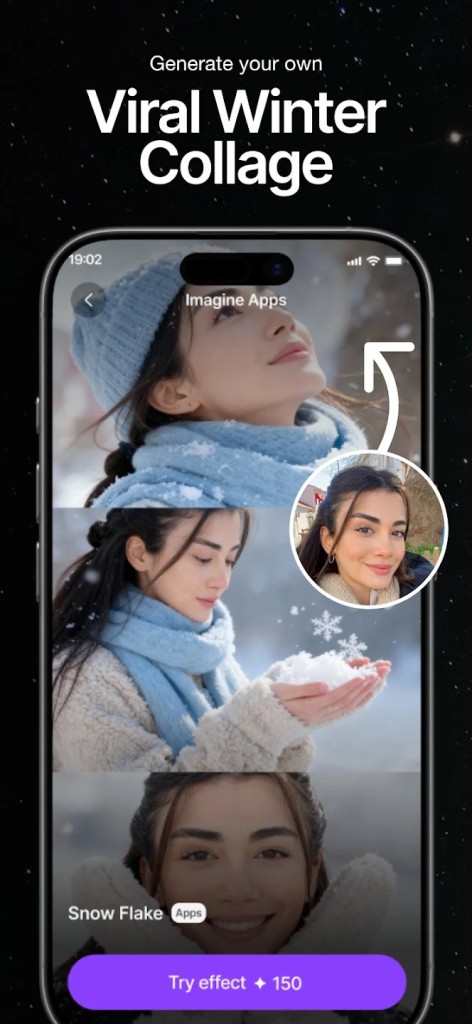
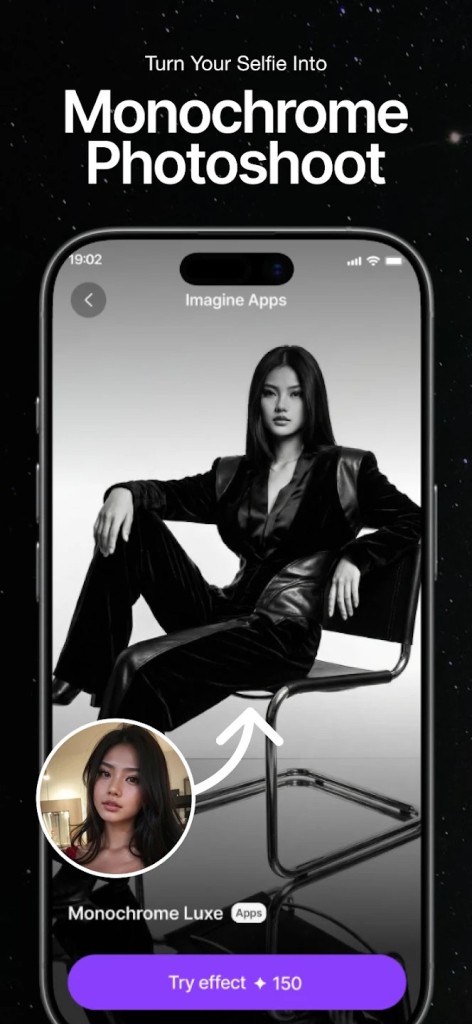
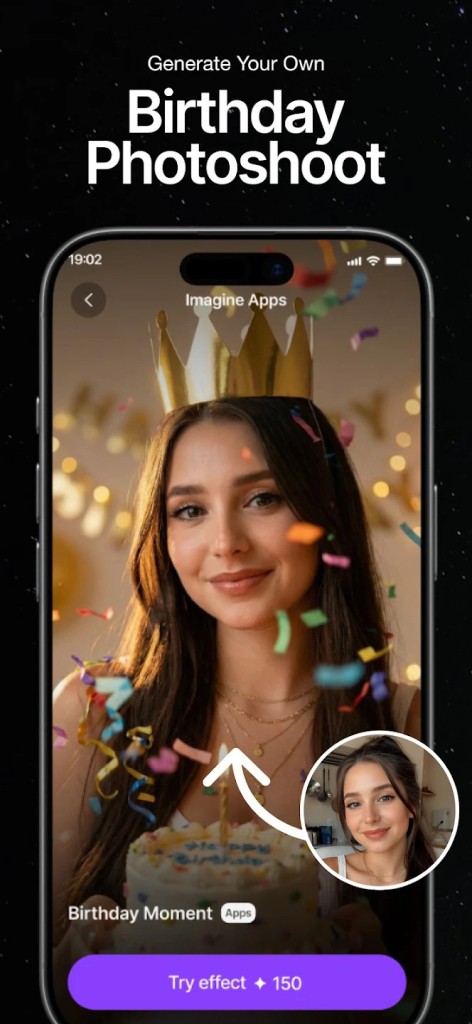
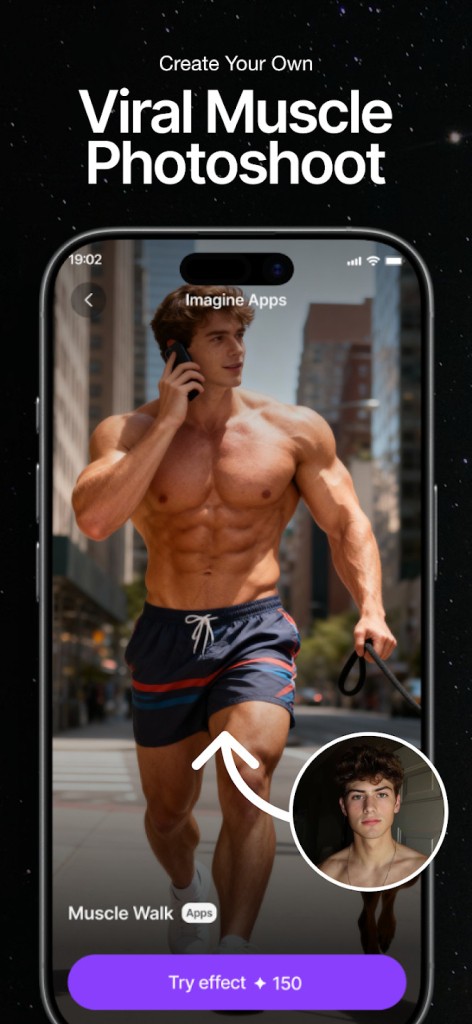
ImagineArt is an art video and AI generator that does not concentrate on a single feature but rather on a large number of creative tools under one roof. One can type a prompt or post a photo, and the system transforms that information into an artwork, animation, edited images, or short clips of AI-generated content.
The application integrates various models, styles, and editing capabilities such that the user can make portraits, concept art, logos, product images, headshots, viral filters, and stylized digital illustrations without necessarily having to familiarize him/herself with complicated art workflows. It is meant to allow individuals to experiment fast, either for leisure, informal production, or a minor-scale design assignment. The app is attractive to people who would like to see quick results and a less complex interface instead of complex editing layers.
Why Should I Download ImagineArt?
ImagineArt is preferred by people due to the variety of tools it provides that allow both fun and practical interests. One day, you are creating a fantasy portrait, and the next day, you are cleaning up a product photo on behalf of a small business. It holds more than a hundred forms of art, background erasing, picture enlargement, filtering, stickers, and a generative fill feature, which may produce or delete things with minimal effort. The AI video generator is the best choice as it offers those who do not need to learn video editing software to create short videos on social media.
The app has the headshot features to have professional pictures, restoration features to have old pictures, and a simple reference-based generation to have sketches or logos. It does not need a complex artistic ability; thus, it can be used by beginners, and the more experienced users can prototype faster. Nevertheless, the experience has had to be modified over time due to subscription updates, credit limits, and model updates. It may be varied, as some are fond of newer models and others miss older ones. In the case of the majority of amateur creators, ImagineArt finds itself serving as an on-demand artistic assistant when they have to get something fast.
Is ImagineArt Free?
ImagineArt is free to download, and one is allowed to use most of the features without paying. But the app is highly dependent on the subscription and credit-driven model, thus producing better-quality photos, with the help of a specific model, or generating multiple results within a day might need to spend money. Not all tools are open to free accounts, and free credits are only replenished occasionally. The application is free to begin with and is not entirely free to use both regularly and heavily.
What Operating Systems Are Compatible with ImagineArt?
ImagineArt is compatible with Android and iOS, the largest mobile platforms. The Android version is compatible with a wide variety of devices with the modern versions of operating systems, and runs on phones and tablets. The app will work on both iPhone and iPad on iOS, but the latest versions require more up-to-date system versions to use the video models and more processing power. The two platforms are regularly updated, and the user interface is similar.
It also has a web version, which can be accessed through browsers and provides users with the option of creating images without engaging the processing power of their phones. It can be useful to individuals operating with bigger prompts or when organizing assets on the Web. Although there are no native Windows and Mac desktop applications in ImagineArt, the web-based tool is effectively used by both laptop and desktop users.
What Are the Alternatives to ImagineArt?
Leonardo AI is a famous AI creative platform that can be used on Android, iOS, and the web. It is more concentrated on advanced image quality and provides the user with the ability to adjust advanced generation settings, desired by certain artists. Leonardo favors made-to-measure models, training, style references, and batch production of similar results. Its interface is biased towards the user who has a design or artistic background, though a beginner can still create quick results with the help of pre-built models. Leonardo is more structured and workflow-oriented compared to ImagineArt, particularly to concept artists, illustrators, and individuals who wish to perfect minute details. The negative side is that it offers features that are only paid. This is often why users download it when they need more control and fine-tuned creative results.
StarryAI allows you to generate art through a prompt model. It is primarily aimed at users who prefer an easy-to-use creation model with few options. It exists on Android and iOS and specializes in a wide range of styles such as anime, realism, fantasy, and abstract art. It also provides a timely history, presets, and customized outputs. The general tone is less technical than the starryai, is more user-friendly since it does not require customers to go through multiple settings to generate images. It possesses some community features in which people post their artworks. Although it is not as feature-laden as the all-in-one toolkit of ImagineArt, it is still used in producing minimalistic and proper outputs. Many beginners download it simply because it offers quick and simple art creation without complexity.
Kling AI supports Android, iOS, and the web. It is also characterized by good-quality video production and the ability to give realistic motion sequences, thus appealing to short social clips. Kling is also a good supporter of text-to-image generation, but its best strong point is video. The models are used to deal with dynamic scenes, movement of characters, and the camera style of cinemas. It is more professional compared to ImagineArt, with a little emphasis on video creativity and not on overall artwork tools. Kling is frequently used by users who desire a fluid AI movement or a realistic appearance. People often download Kling for its strong video generation features that many other apps cannot match.