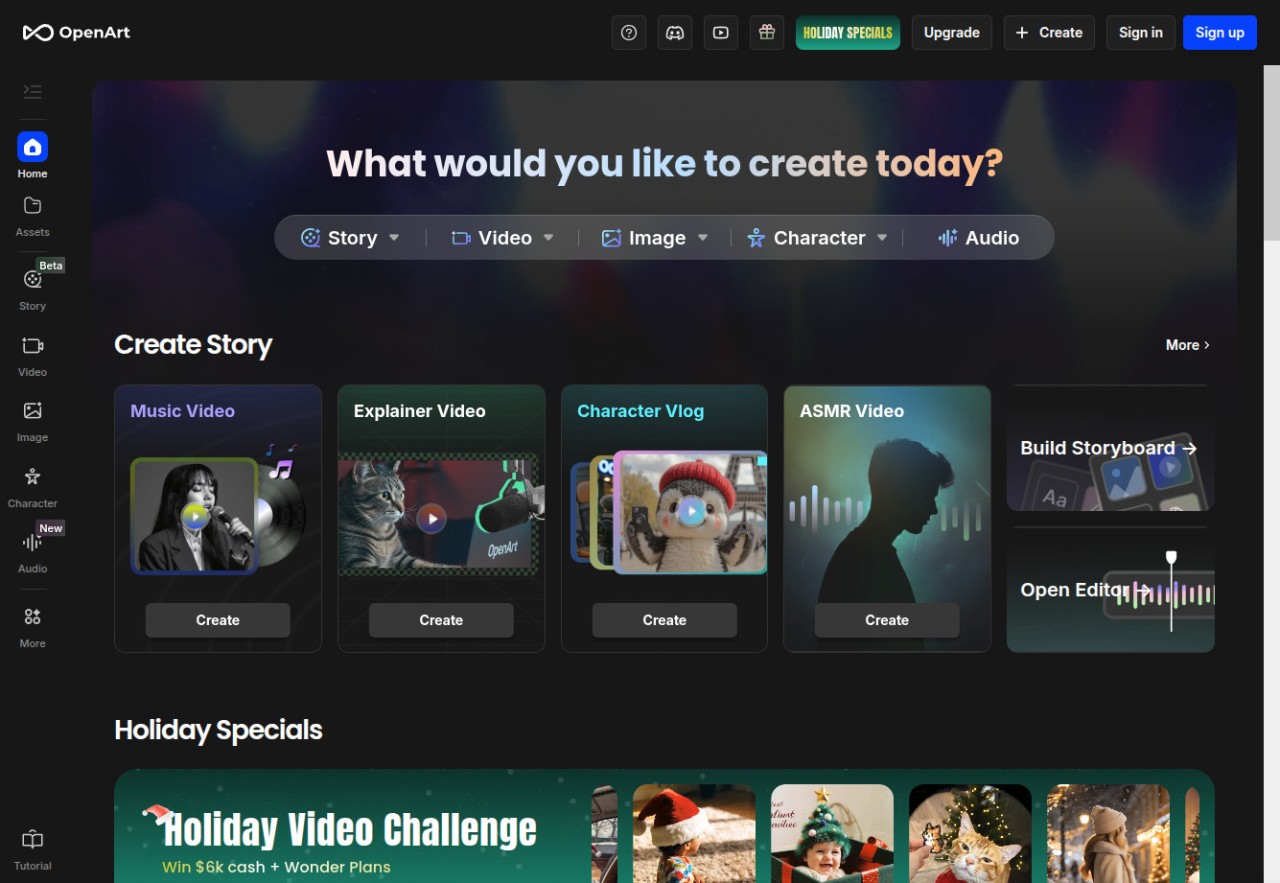
OpenArt is a creative platform and an AI application to allow individuals to create images, videos, and minimal visual stories independently of their traditional design abilities. It is more of a lightweight editor, an art generator, and an experimental video tool, and thus it does not feel like most editing apps.
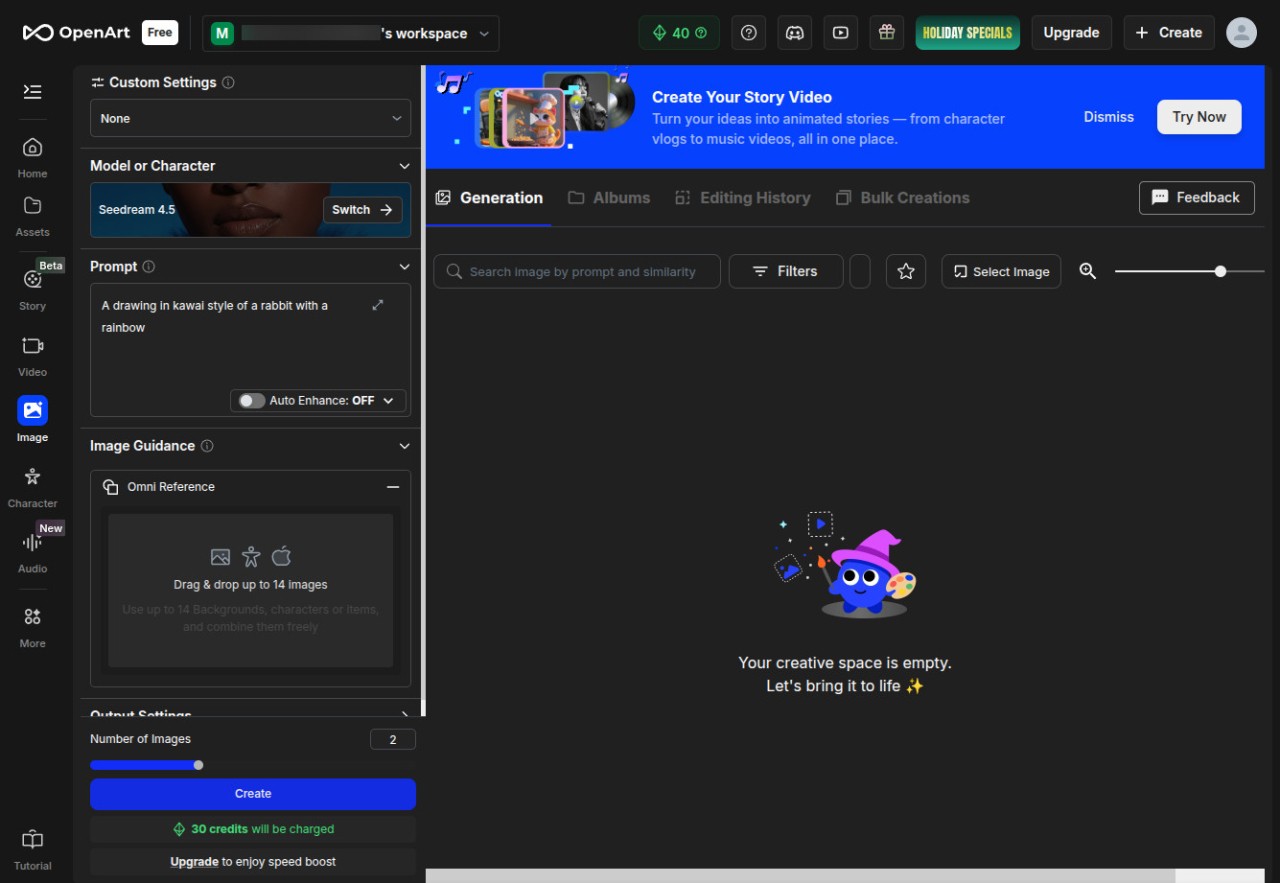
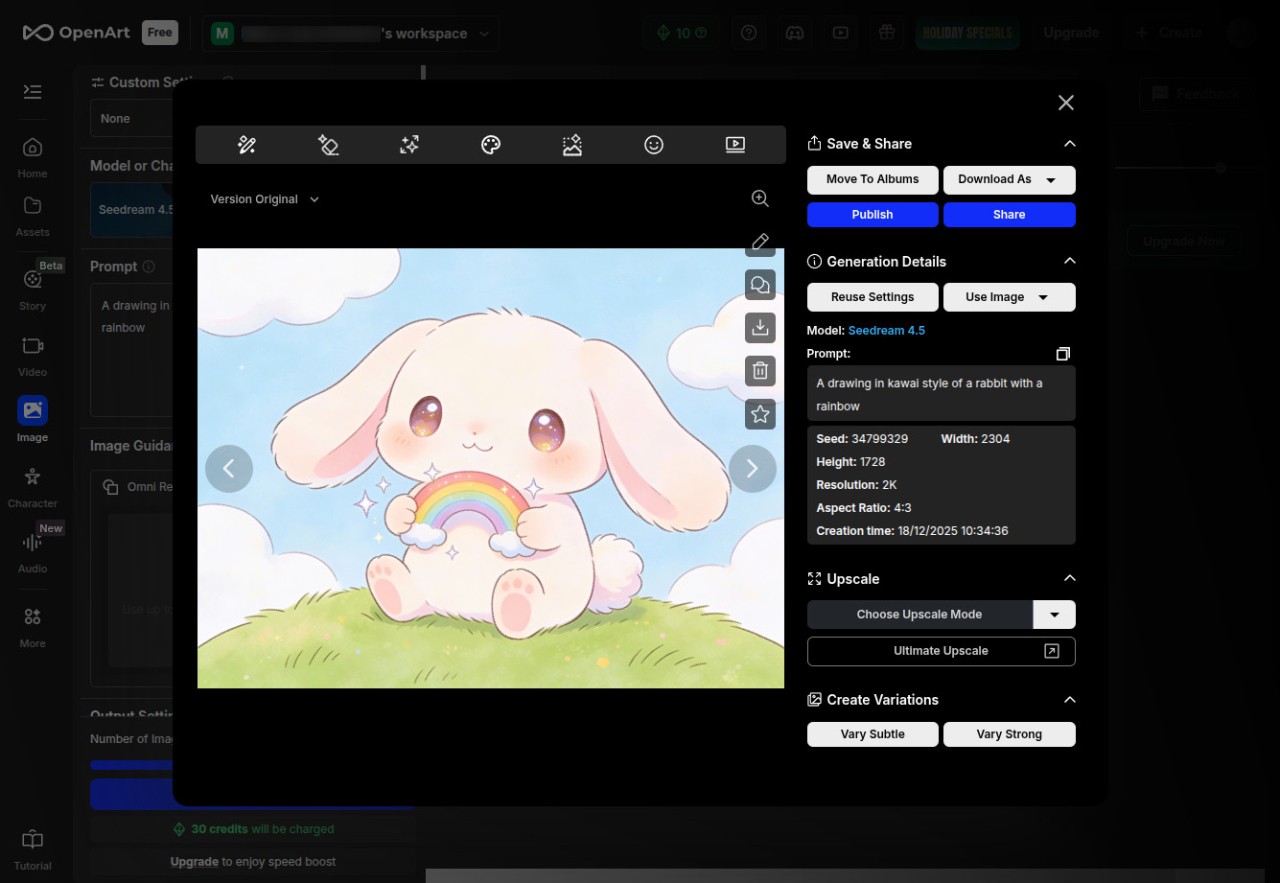
You provide prompts, post images, or select pre-built styles instead of beginning with complicated layers or hand-drawn sketches. And the system makes you something like what you imagine. Some use it as quick concept art; some use it as a sandbox to have ideas that could be tested before transitioning to more serious design tools.
There is no rigid workflow. You may alternate between creating characters, trying filters, enhancing pictures with AI, or creating brevita films. OpenArt is an assortment of applications, such as inpainting, object removal, upscaling, training characters, and model switching. Apply them as you choose to suit your project.
It seems more of a beginner package for visual creativity than a studio. It also has templates and a community section where people can post examples to make newcomers see what is possible on the platform.
Why Should I Download OpenArt?
One may wish to use OpenArt just because it eliminates the cumbersome processes that characterize design processes. OpenArt can speed you up in case you need a picture immediately, a concept for a presentation, a thumbnail, a draft of a video, or a visual reference. There is no need to study complicated editing and read extensive tutorials. It is an assistant that you use when you require a visual in a few minutes, not hours.
The other reason is the diversity of models and styles. OpenArt allows you to use either realistic images or stylized art and also allows you to explore both instead of being confined to one aesthetic. You can experiment, recreate sections of a picture, or refine details without beginning anew. The motion-sync and lip-sync features can also be handy to people who will experiment with AI videos and create a quick draft or a social-media-ready clip. They are not complete professional editing systems; however, they are flexible enough to create content quickly or brainstorm on an idea.
It is also useful to those users who are not good at typing long prompts. Certain features allow you to edit the images directly or use templates instead of complete use of prompt engineering. OpenArt can give you the environment to do that with fewer restrictions, though you have to put significant effort into creation if you need to develop ideas, experiment, or even simply draw up pictures without going into detailed technical processes.
Is OpenArt Free?
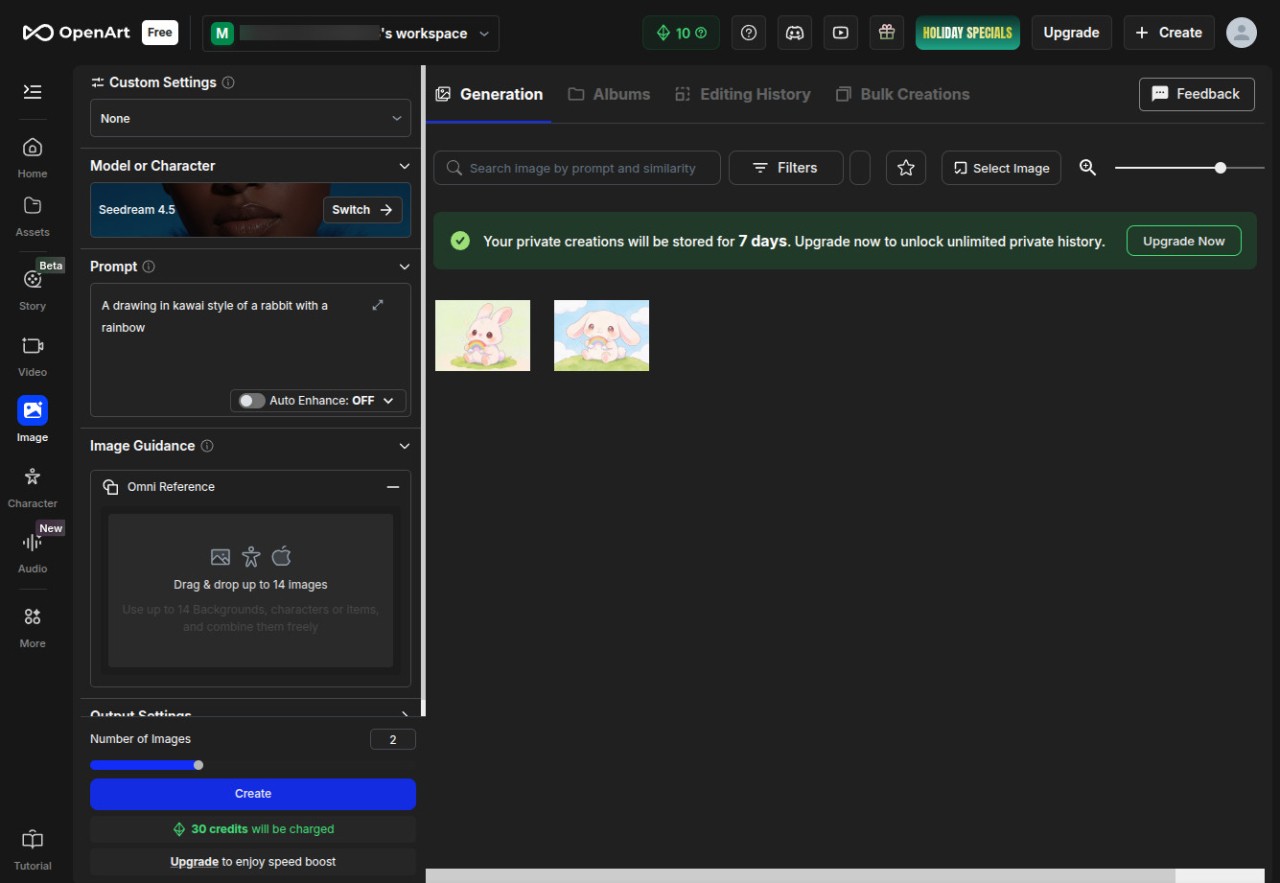
The free service provided by OpenArt is mostly applied to core image generation and editing tools. Some models are of higher resolutions, and unlimited usage requires a paid plan. The free plan suffices to have a test run on the platform. Individuals with a tendency to predictable output, innovative models, or greater batches tend to use a subscription. It has no upfront purchase; it is a standard software-as-a-service structure that includes payment levels every month/year.
What Operating Systems Are Compatible with OpenArt?
OpenArt is completely web-based; thus, you do not need to download or install a conventional program. Just open it in a web browser on Windows, macOS, Linux, or even mobile devices, as long as the browser can be used to read modern web technologies. This is what allows it to be flexible and not bound to a particular OS, and no longer have to worry about the graphical drivers and storage.
Since the intensive processing will be done on remote servers, even the users who have outdated hardware should be able to make quality images and videos, as long as the internet connectivity is good. It does not have a desktop offline version; it is all based on access to the cloud. It can be used via mobile browsers, though the interface might be too small to be used to edit activities. The majority of users like the use of a laptop or desktop as the interface includes dragging and growing panels and working with various tools simultaneously.
When you have two or more devices, your projects are in your account and not on a hard disk; hence, you can also switch between machines without any file transfer. The sole weakness is browser compatibility, which most mainstream browsers such as Chrome, Edge, Firefox, and Safari can work with.
What Are the Alternatives to OpenArt?
Adobe Firefly is a popular competitor since it is directly integrated into the Adobe ecosystem and also available as a standalone. It specializes in text-to-image generation and image editing aided by AI, and its power is in its integration with Photoshop, Illustrator, and Express. This is why it is appropriate for individuals who already develop workflows based on those apps on a professional level. Firefly is more likely to generate clean and predictable results, yet there are features that need a Creative Cloud subscription, which can become limiting when all you need are the AI tools. It remains user-friendly to those who want to edit in an orderly way and know their way around. Some users download it mainly because they already rely on Adobe tools and want everything in one place.
Microsoft Designer is more template-based. Rather than providing you with a blank canvas, it would take you through the process of creating social posts, basic marketing images, and snap-on graphics with AI suggestions. The interface is more automated and lightweight than most art tools. It is also easy to use by individuals interested in having refined designs without having to create each component. It has been combined with Microsoft accounts and productivity applications and can integrate well in work environments. Although it does not provide any high-end character training or sophisticated video features, it is good at creating quick and daily content with a bare minimum of fuss. People often download it when they want something fast, simple, and connected to their existing Microsoft workflow.
Desygner is a graphic design platform in the cloud that is inclined towards business applications such as social posts, brochures, branding materials, and general editing applications. It has AI tools, yet it is mostly popular due to being simple to use and having a wide range of templates. It is more organized and less experimental than OpenArt. It is beneficial to individuals seeking design stability, like small corporations or groups that manufacture multiple branded products. Its platform is available on both the web and mobile platforms and has simple editing capabilities that do not need professional knowledge in designing. It is not an AI storytelling or video-generation company, but one that comfortably serves daily design orders. Many small teams download it because it keeps their branded content consistent without much learning time.