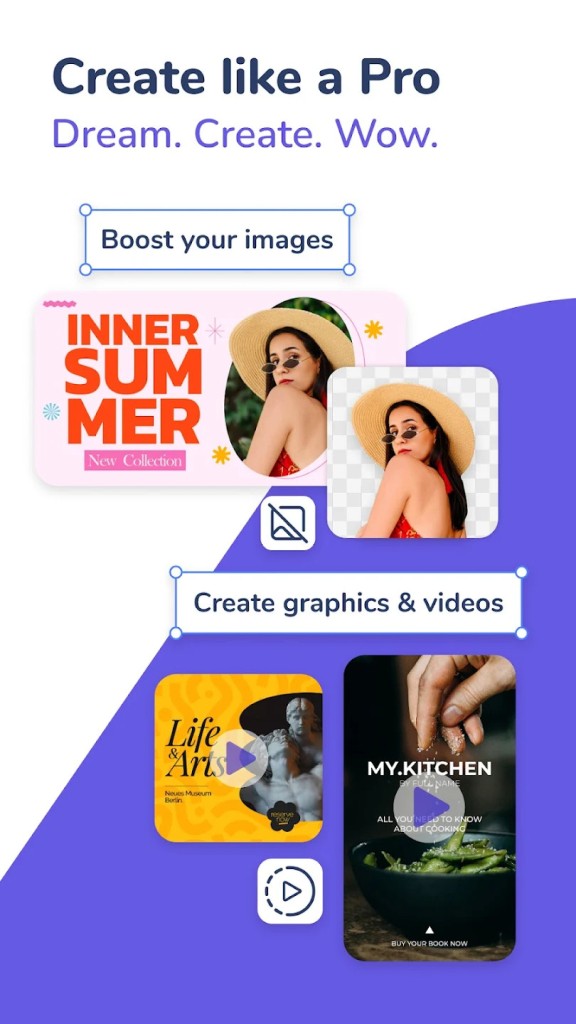
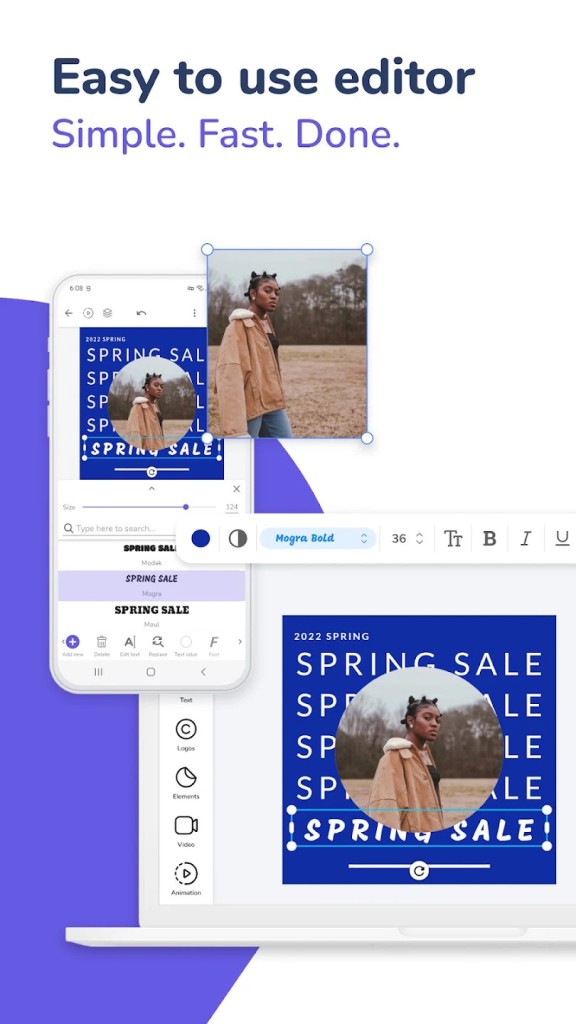
Desygner is a cloud-based graphic design suite that allows you to easily create Instagram posts, brochures, logos, presentations, book covers, and more. You can choose from a vast catalog of premade templates or create your own designs from scratch with its drag-and-drop editor.
If you decide to use Desygner, you can also pick from millions of royalty-free images and icons and export your work into PNG, JPG, flattened PDF, or one for printing or other formats. The tool makes it easy to create professional-looking work without the need to use complex design software. You can also define your branding colors, logos, etc., and apply them to your creations. You can even upload and modify existing PDFs using Desygner or work with your team members online.
Whether you’re a social media ninja, a small business owner, a marketing student, or another professional who needs to create unique designs, Desygner is a great choice and offers both free and paid tiers. You can access your work from any device, run the tool on the web, or download Desygner as a mobile app for iOS and Android.
Why should I download Desygner?
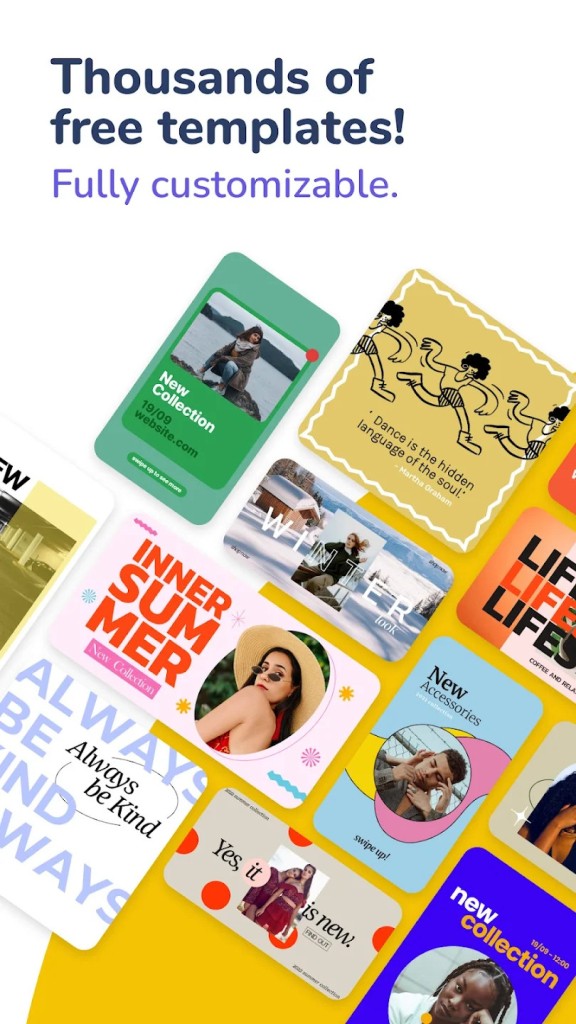
While most design suites have a steep learning curve, Desygner makes creating visual content for different purposes easy. Because the tool has a drag-and-drop interface, it works well on the web and on mobile devices, and you can easily understand how to use it. Desygner has over 150,000 templates sorted into categories like social media, events, documents, etc., and you can customize each of them by changing text, images, colors, layouts, fonts, and layers so it meets your aesthetic.
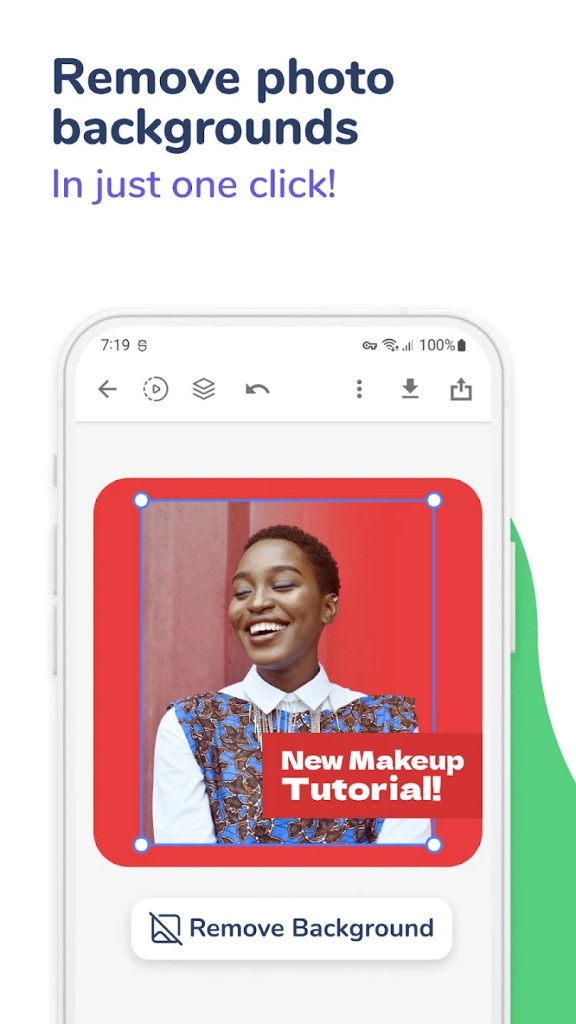
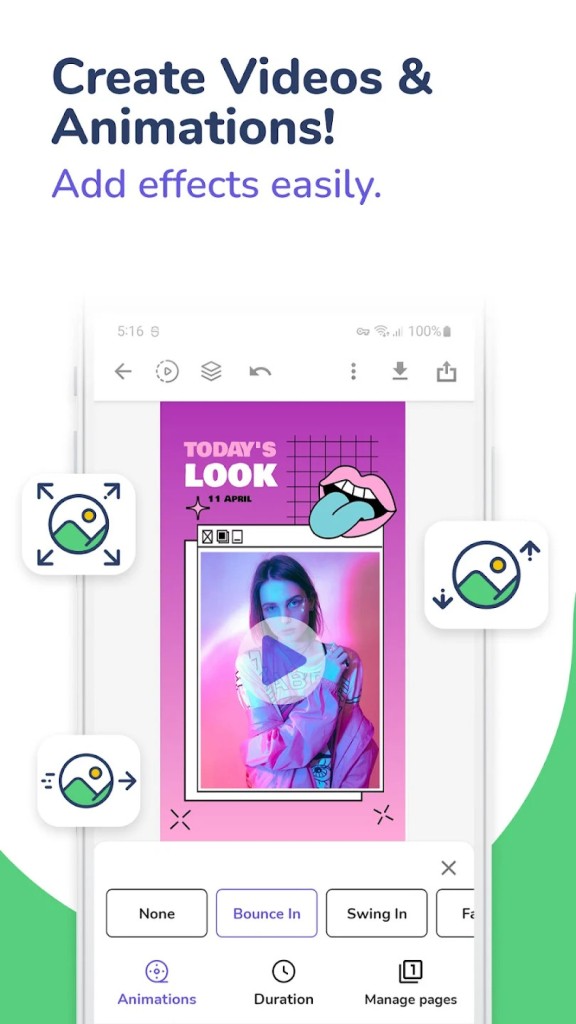
The built-in visual editor has tools that let you manipulate shapes, apply filters to images, align items on the canvas with smart guides, snap everything to the grid, style text, add animations, effects, and overlays, and even remove backgrounds. Use them to create animated ads or eye-catching presentations, or reels. With Desygner, you can also upload PDFs and then edit them by changing text and images, adding notes and comments, or applying brand elements.
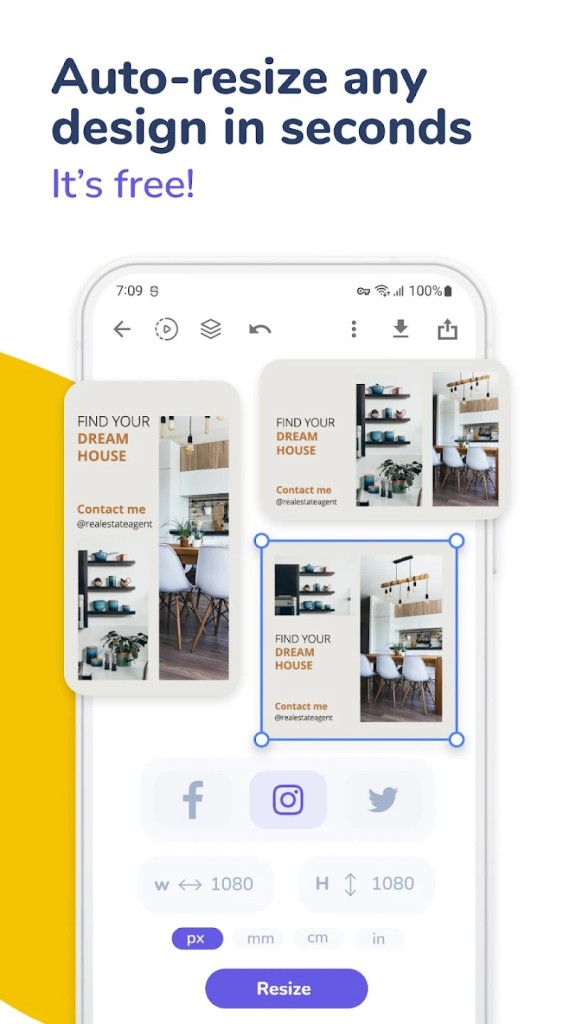
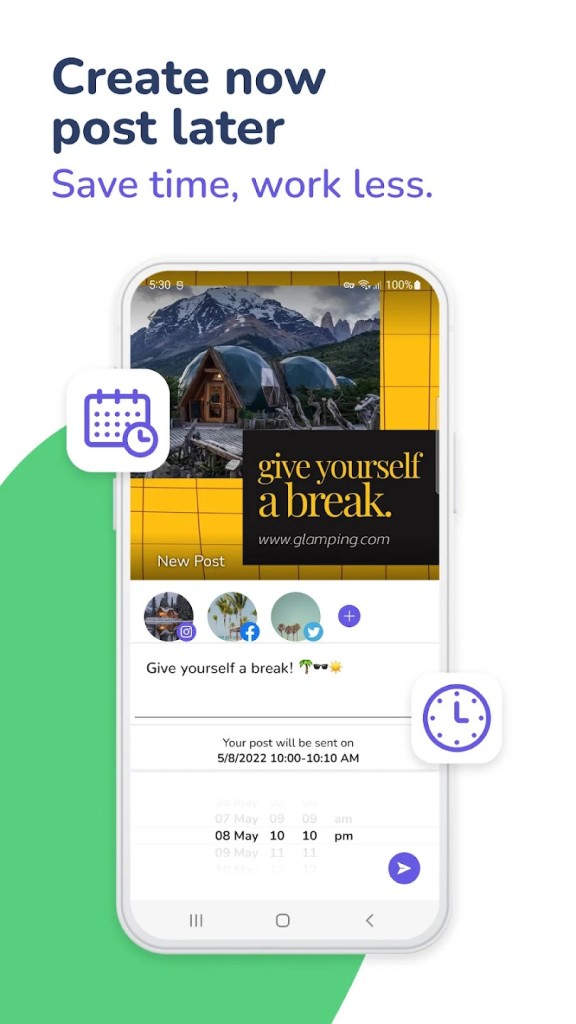
Whatever you create, Desygner allows exporting your work to multiple formats, including JPG, PNG, PDF, SVG, or MP4. Apart from exporting your designs, you can use the scheduler Desygner offers to automatically post your work to Facebook, Instagram, LinkedIn, or X at a specified date and time. You can also resize your project to different dimensions and easily transform your Instagram post into a Facebook banner. This way, you can automatically convert your work into various formats and avoid manually rearranging the elements.
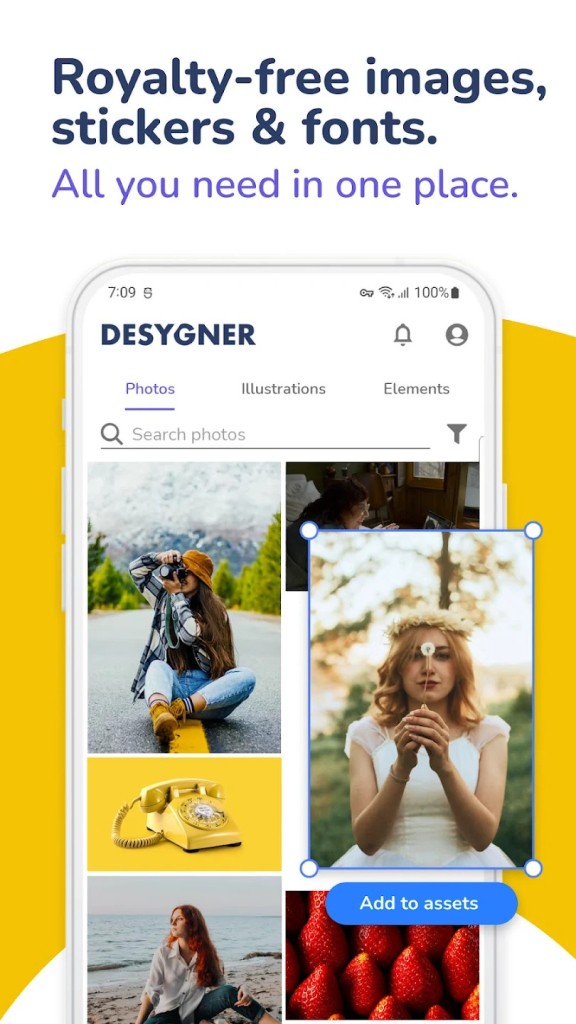
With Desygner, you also get access to millions of stock images and icons available for free, which is the most extensive library that any tool offers. You can quickly find and use photos or materials for your campaign and posts without additional fees. The platform also offers an AI-based logo maker where you send prompts and explain how you’d like your logo to look, and you can then review the results.
If you need to use specific colors, fonts, or logos, you can use the Desygner Brand Kit feature and save all of them there. Then, you can easily apply the brand elements across different designs and templates to save time, and your content will have a coherent visual identification, which is vital for anyone trying to build their brand.
Desygner is also great when you need to work with other people. You can assign your teammates different roles, and they can access, comment on, or even edit the project you share with them in real time. All of that happens in the browser or if you download Desygner for your smartphone or tablet based on iOS or Android.
Is Desygner free?
While not all features are free, Desygner offers a freemium plan where you can access a library of templates, choose from over 300 different formats, use stock images for free, upload a limited number of assets, automatically resize your designs, and download them in various file formats and even with a transparent background.
If you need access to features like premium templates, AI text and image generators, unlimited assets and animations, custom templates, robust collaboration options, version history, and more, consider subscribing to Desygner. It offers two different paid options, or you can negotiate your own plan with the Enterprise solution called We Brand.
What operating systems are compatible with Desygner?
Since it’s a browser-based platform, you can launch Desygner on any operating system with Google Chrome, Mozilla Firefox, Microsoft Edge, or Safari. To work on the go or offline, you can also download Desygner for iPad or iPhone (iOS 15.0 or later) or a smartphone and tablet with Android 5.0 or newer. The web version offers more editing options, and you can also integrate Desygner with Google Drive, Dropbox, and OneDrive to store your work.
What are the alternatives to Desygner?
Canva probably needs no introduction, as it’s the most popular web-based design tool on the market. It has a huge catalog of templates, a robust library of assets, and a straightforward drag-and-drop editor that makes it easy to create presentations, videos, posters, and social media content. You can use Canva on its free plan or get a paid subscription if you need access to more advanced features like branding tools or automatic resizing. Canva works on the web, or you can get it on iOS and Android devices.
Vectr is a free solution that allows you to create vector designs like logos, UI elements, icons, and illustrations. It’s a perfect tool to create SVG work or precise vector designs, and you can use Vectr through its website on Windows, Linux, and macOS without any cost. It’s a much simpler option than, for example, Adobe Illustrator.
Affinity Designer is a graphics design suite for professionals that supports vector and raster editing, CMYK workflows, advanced typography, and exporting your work in high resolutions. In order to use it, you need to purchase a perpetual license, and Affinity Designer works on Windows, macOS, and iPads.