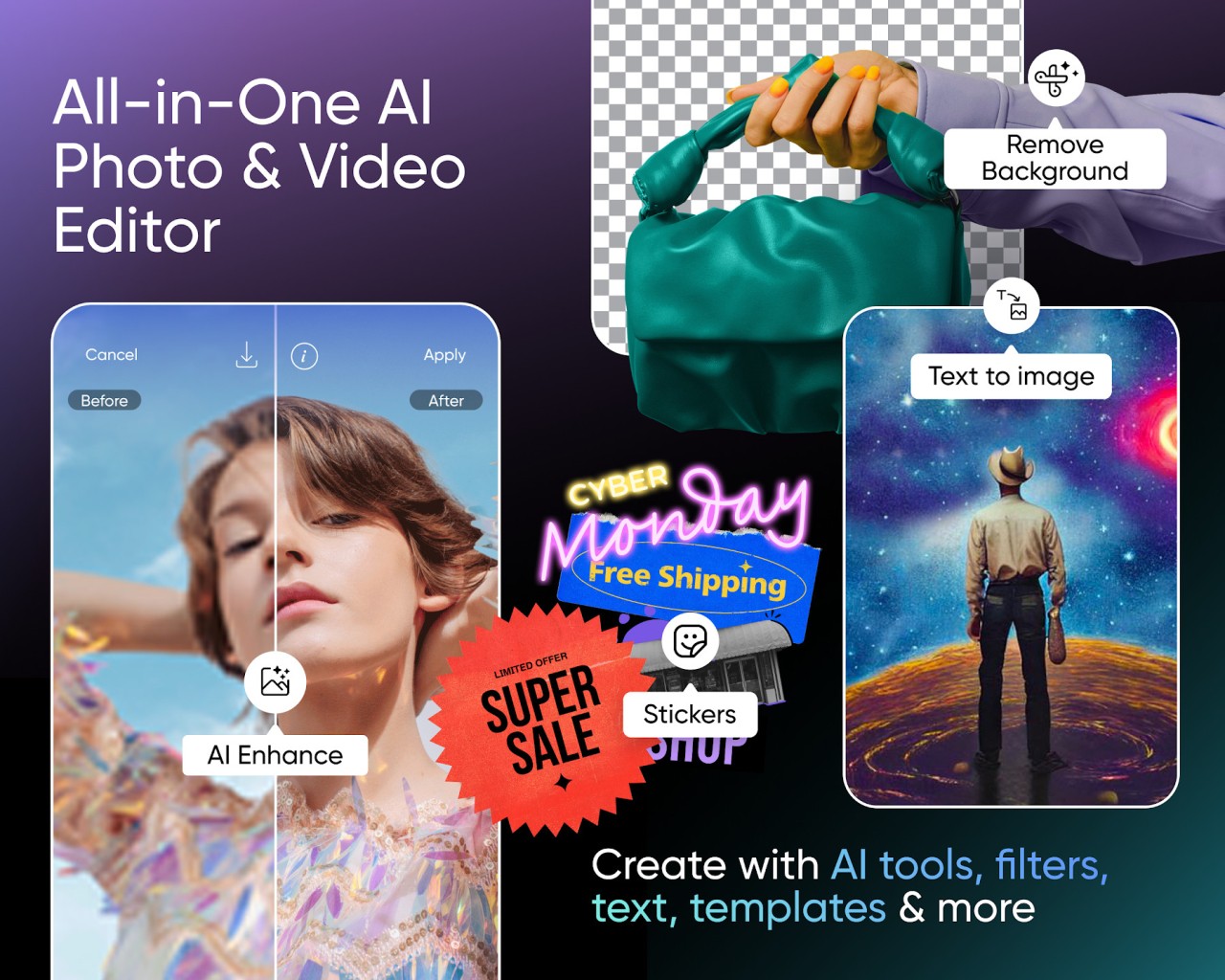
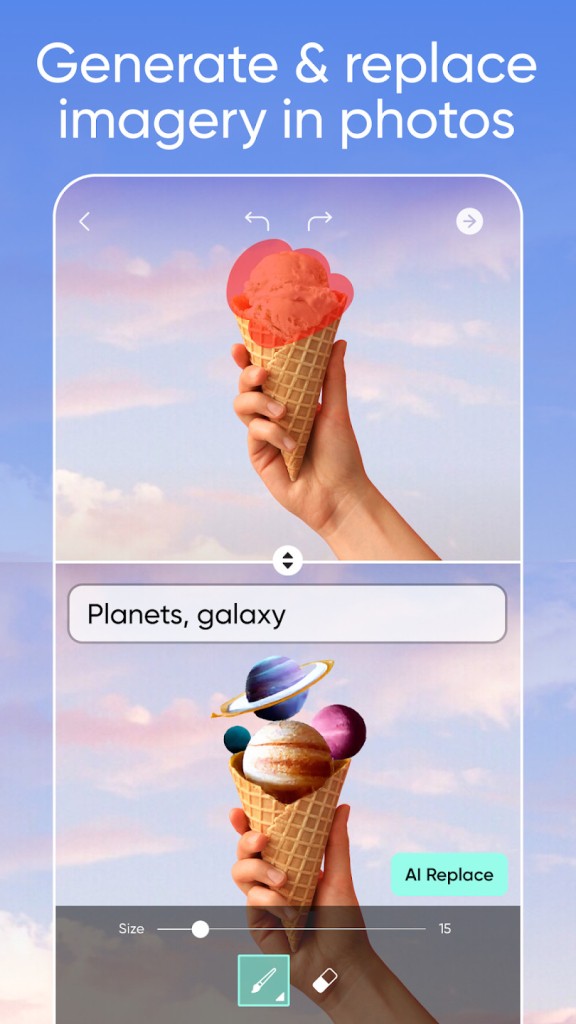
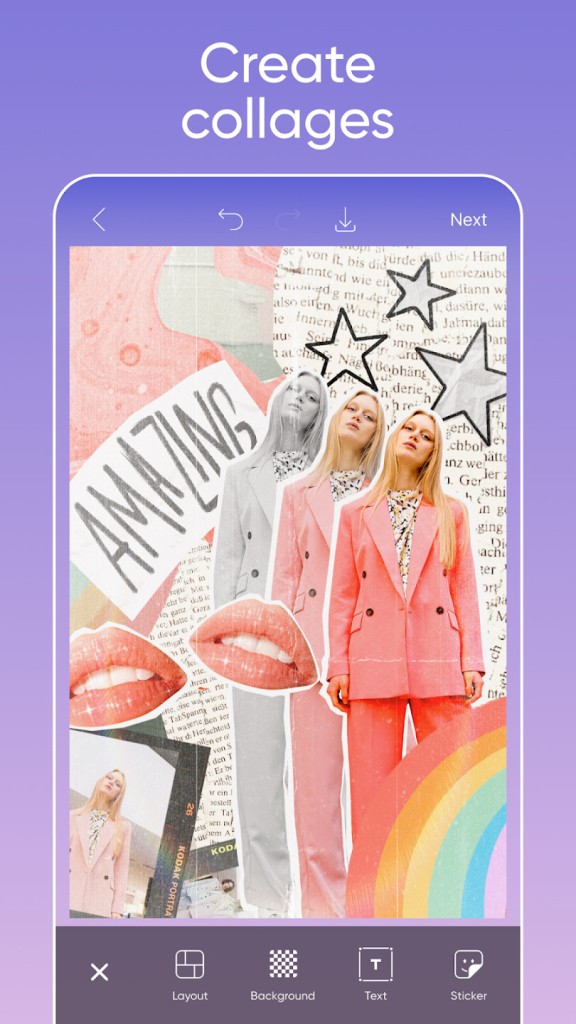
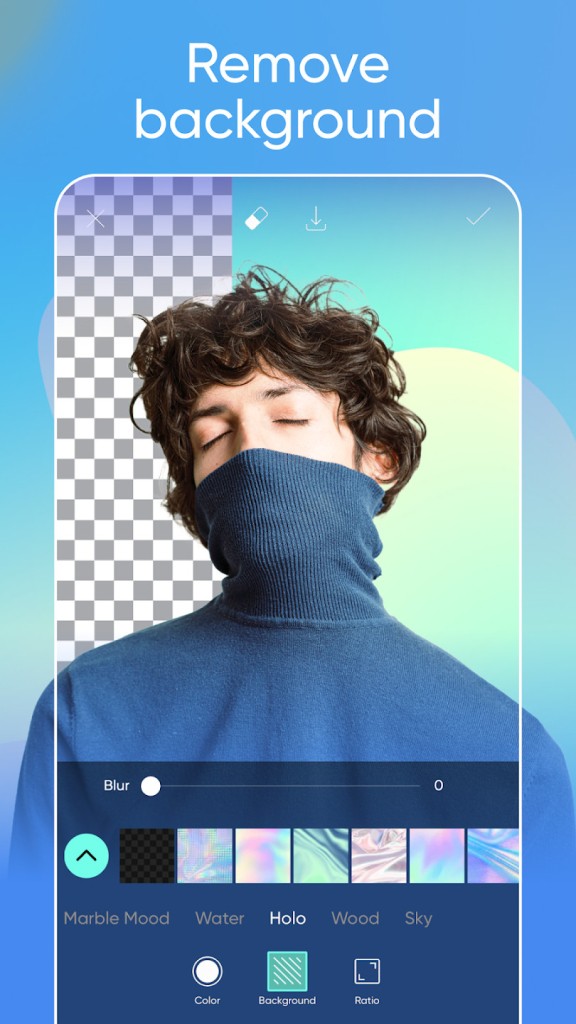
Picsart provides its users with something beyond photo formatting software. The platform offers all the tools you might need to unleash your artistic ideas. Users can access all picture editing and content creation tools within Picsart’s unified interface.
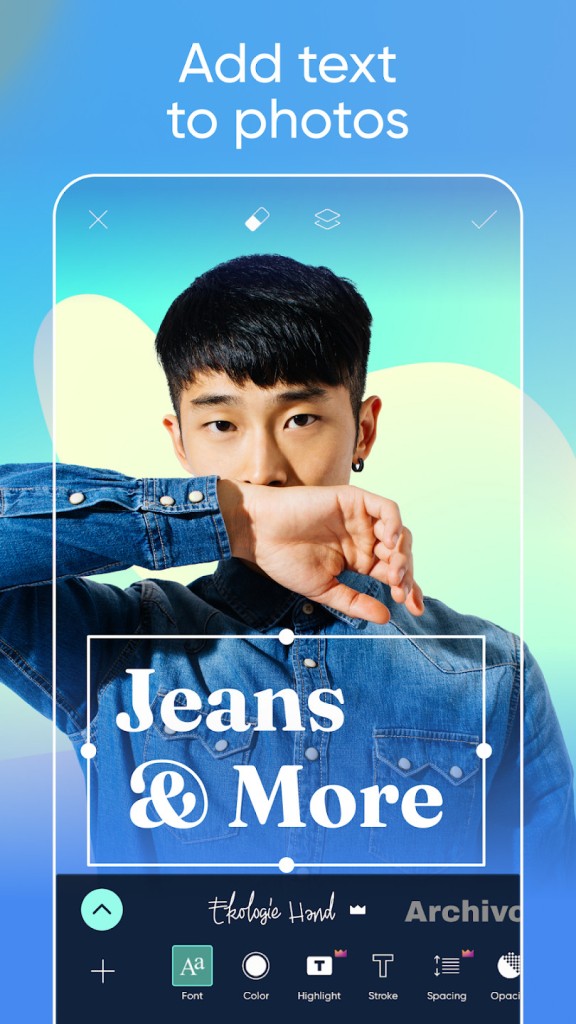
The application gives users the ability to crop their images, perform retouching tasks, apply filter effects, work with text elements and stickers, and even experience total abstraction. It doesn’t require expert-level skills.
The app has grown into a core application for millions because it merges three essential features: photo editing, video creation, and drawing functions. The interface is intuitive and user-friendly.
Picsart is your solution to the digital content explosion. This tool provides endless support, from thumbnail design and social media post production to image refinement.
Why Should I Download Picsart?
Visuals take center stage in our world. Portfolios for personal and business use are judged almost entirely on visual presentation. PicsArt offers editing flexibility without the complexity of professional software.
Picsart stands out because it provides more than basic editing tools. It creates an environment. The program offers multiple creative possibilities. There are visual effects that can convert your photographs into painted artwork. Ordinary photographs can turn into cinematic productions with the help of filters. The editing tools within Picsart enable users to perform background defogging, facial reshaping, and skin-smoothing without altering the original photo’s authenticity. Picsart allows users to achieve natural results.
The app’s interface offers a smooth experience. The performance is consistent regardless of your hardware and operating system. Picsart is also notoriously easy to use. Learning through tutorials is only necessary if you want to master a particular subject. Overall, the interface is user-friendly and convenient.
The video editing capabilities of the app remain a key feature. You can create short videos, trim them, control your audio, and take advantage of multilayer video/text capabilities. The tool extends beyond traditional picture-editing capabilities.
Using Picsart doesn’t feel like working with editing software. The platform feels like a creative space that transforms attempts into unique, individual results.
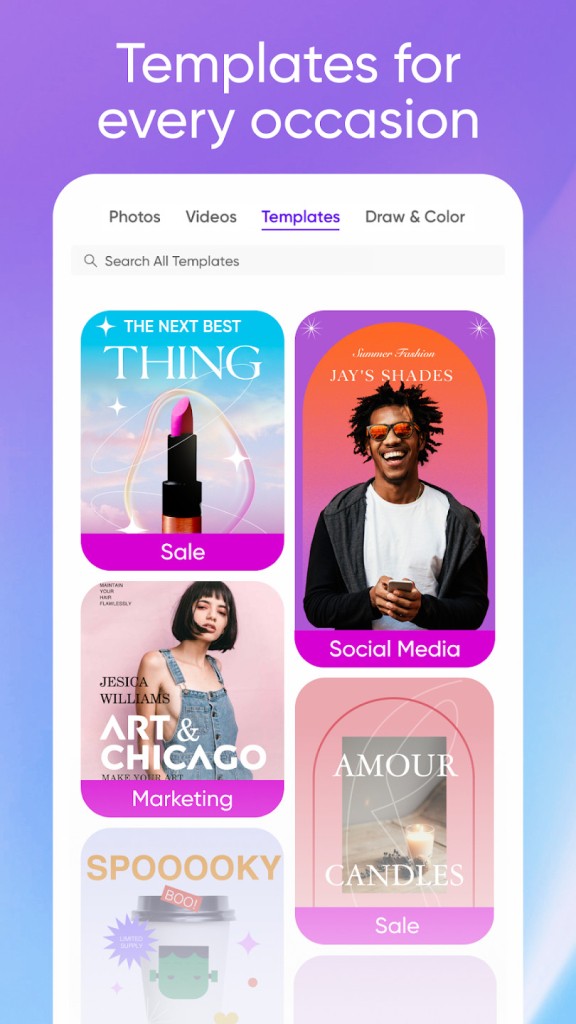
Picsart is also incredibly social. Users can join the community to follow others' projects and get ideas while modifying existing templates.
Is Picsart Free?
The free version of Picsart contains numerous tools that allow new users to begin their editing journey. Upgrading to the paid version of the app allows you to access a more extensive catalog of features.
Picsart Gold represents the premium subscription option that gives members exclusive content and unlimited tools, along with advertisement-free usage.
What Operating Systems Are Compatible with Picsart?
PicsArt is available on nearly every device and operating system. The application performs optimally across Android and iOS platforms, including smartphones and tablets.
The application also operates on Windows for users who need to edit their images on a bigger screen.
Finally, you can access the Picsart web-based editor through a modern browser without downloading any software.
The program allows seamless account-based synchronization, which enables switching between different devices.
What Are the Alternatives to Picsart?
The all-in-one nature of Picsart creates an excellent collaborative experience, yet users who wish to explore different options will find alternatives on the market.
One option is Photoshop Express. It is a simplified, free version of the Photoshop software. With Photoshop Express, users can achieve quick fixes with relative ease. It is a great option for users looking to achieve detailed yet natural photo edits. Its precise editing features match those of Picsart, even though it lacks stickers and collage options.
Prisma Photo Editor has a distinct artistic approach. The application uses AI to transform your images into painted art. Prisma enables users to apply the artistic styles of Van Gogh and Picasso to their art. Prisma offers distinctive features that allow users to generate out-of-the-box artistic content, but it lacks some of the regular editing functions you would expect.
Snapseed has a straightforward design and delivers exceptional results. Developed by Google and available for both Android and iOS users, Snapseed offers a user-friendly approach to editing. The app offers professional-level editing tools and directs users toward detailed adjustments. It caters to users looking for natural adjustments rather than sticker and text customization.