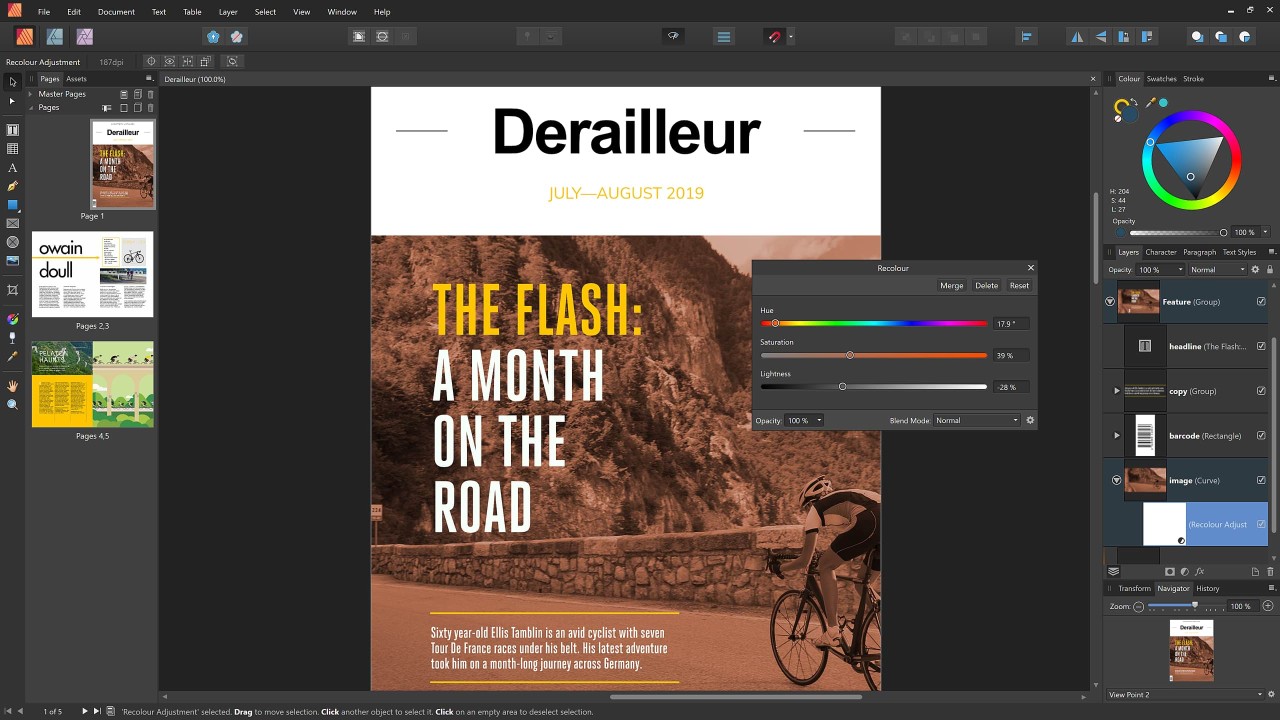
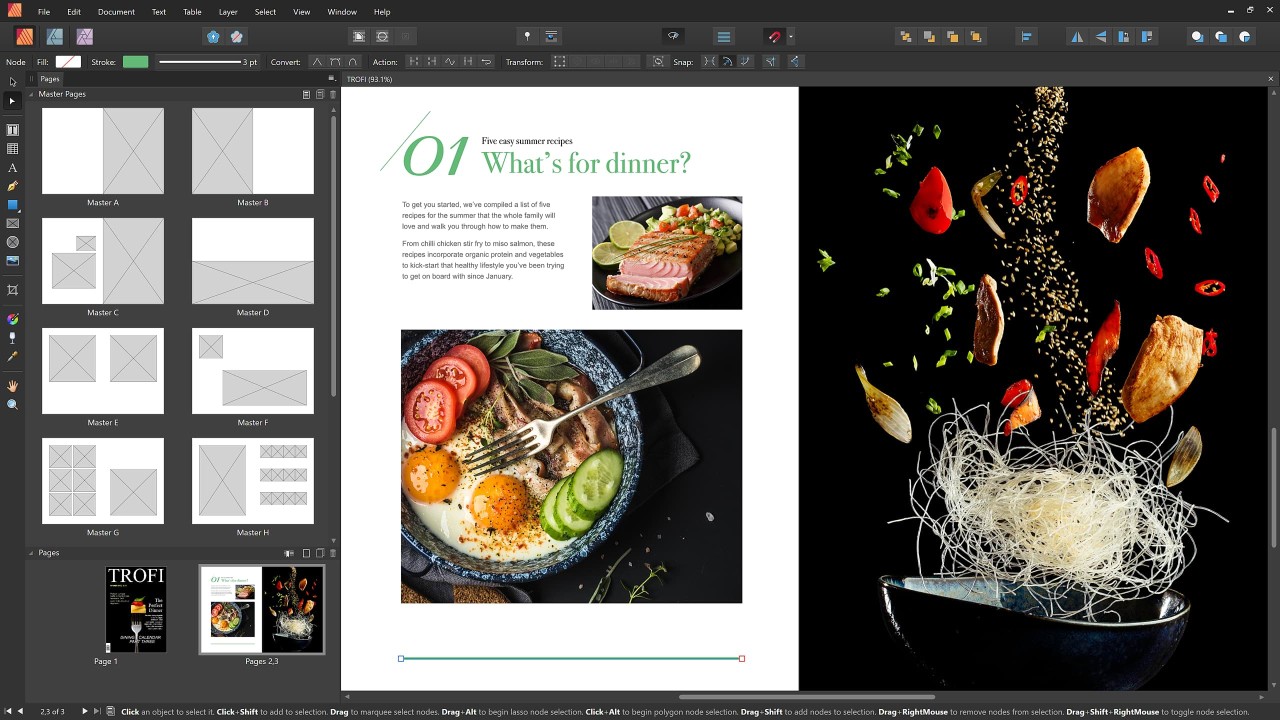
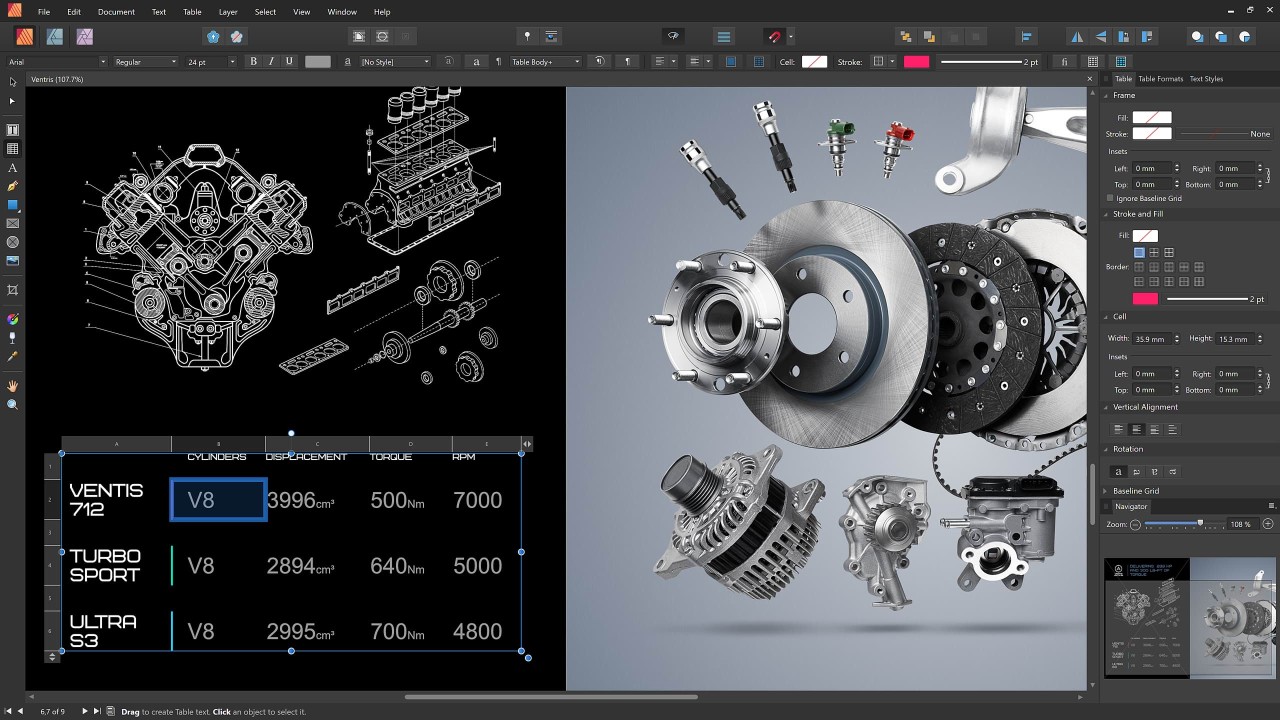
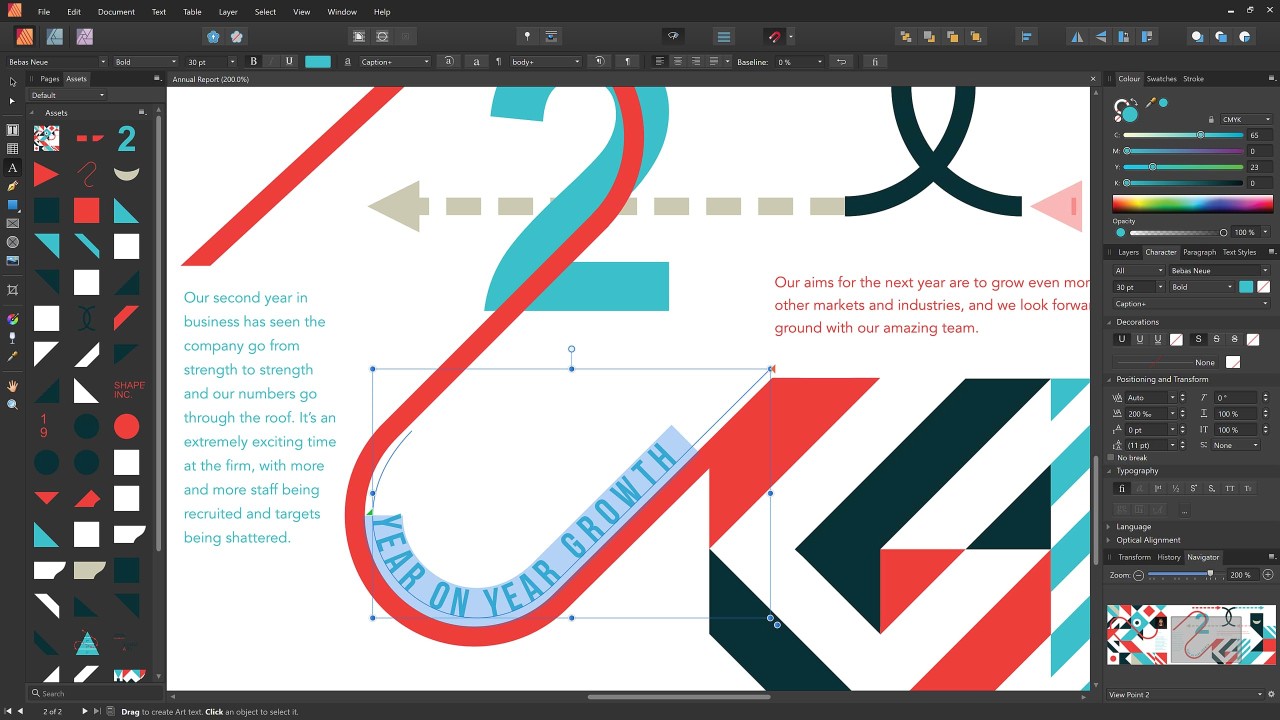
Affinity Publisher allows users to create page layouts along with books and magazines, as well as marketing materials and digital or printed documentation through its desktop publishing software. Affinity is made to give users full design control beyond basic publishing skills, and the Publisher tools provide all the necessary functionalities to create organized and balanced layouts of portfolios, as well as eBooks and business reports, and full print magazines.
Affinity Publisher is part of a wider program called Affinity by Canva. It regroups not only Publisher's page layout tools, but also Affinity Photo's editing tools, and Affinity Designer's graphic design functionalities. It offers adaptive features allowing you to create a single workspace for using images or photos alongside text, vectors, tables, and graphics. It functions as a tool that allows users to combine various elements beautifully as their result, though the workflow may appear disorganized.
The program's contemporary interface provides all tools without creating interface overload for users. The application implements design principles through user-friendly tools accessible to non-technical professionals. The main objective extends beyond beauty enhancement because professional and clear communication takes precedence.
Why Should I Download Affinity Publisher?
Affinity Publisher downloading gives professional document creation control, which lets you achieve your imagination for the end result. Users avoid paying for expensive software or designer teams to create their publications. A purchase at a single price stands as the leading benefit instead of continuous subscription fees.
Affinity Publisher is best suited for independent creatives and students along with small business owners and nonprofits because it offers powerful functionality through a single purchase rather than continued subscription fees.
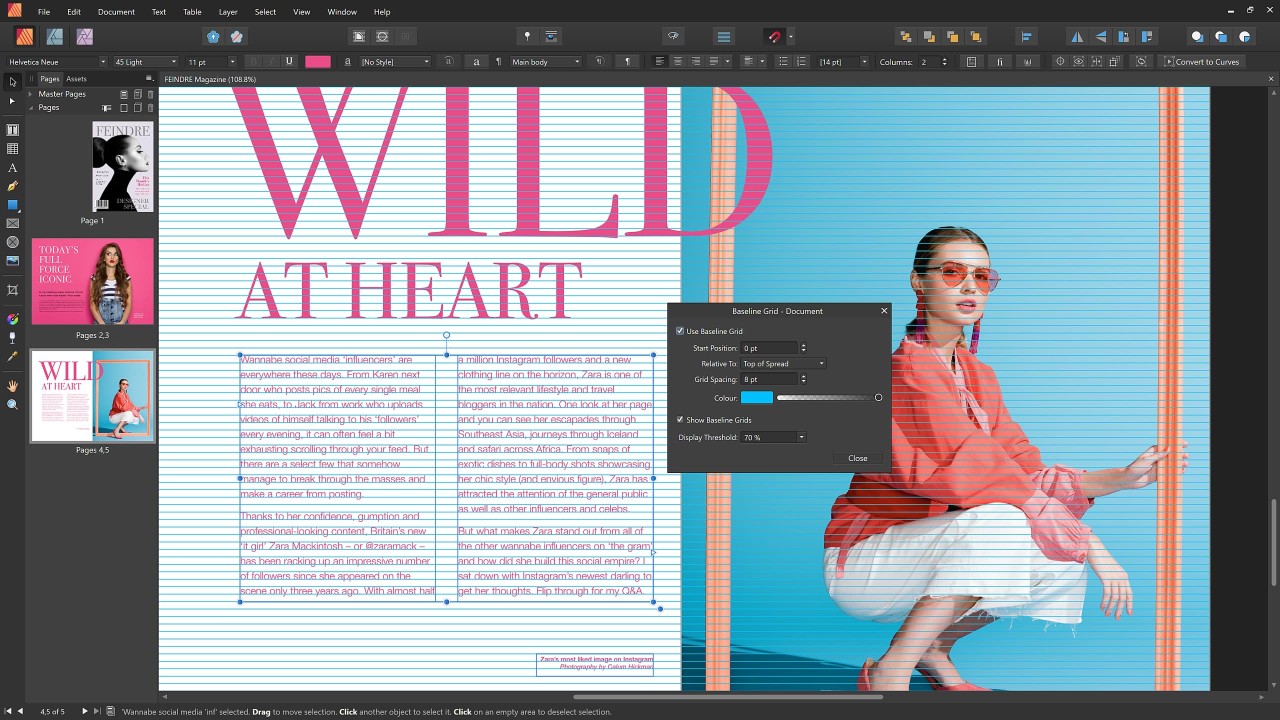
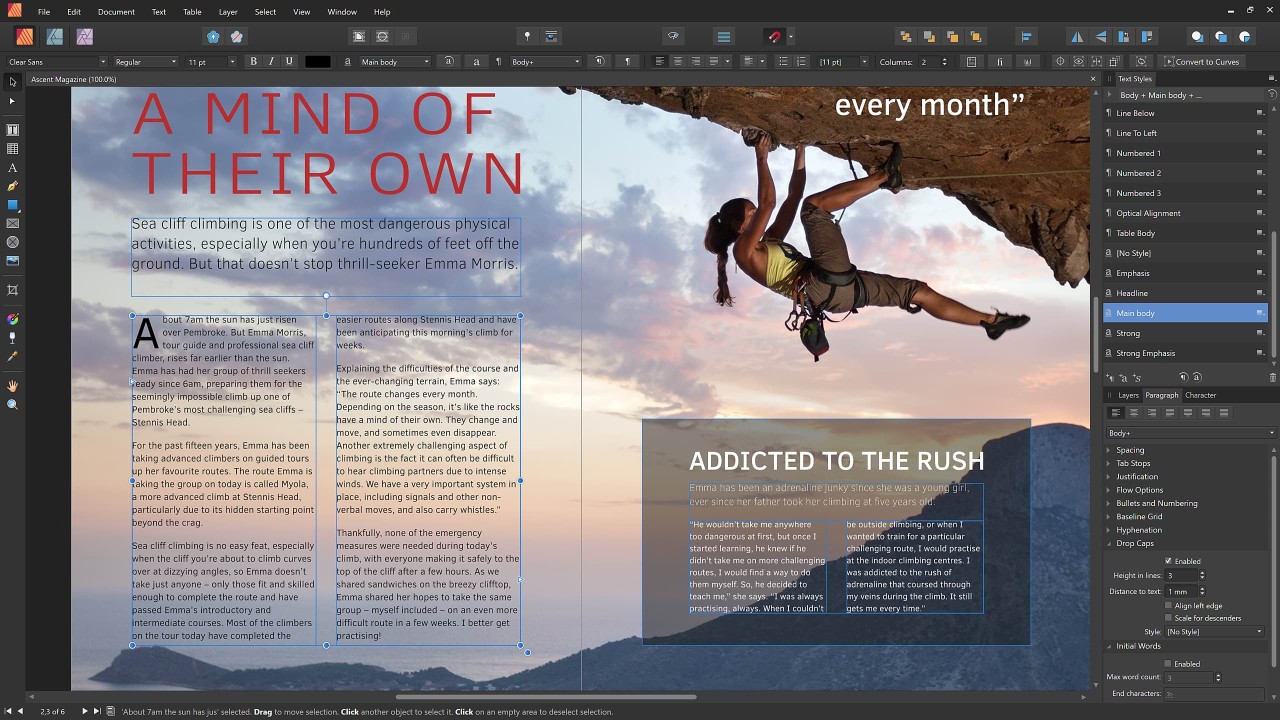
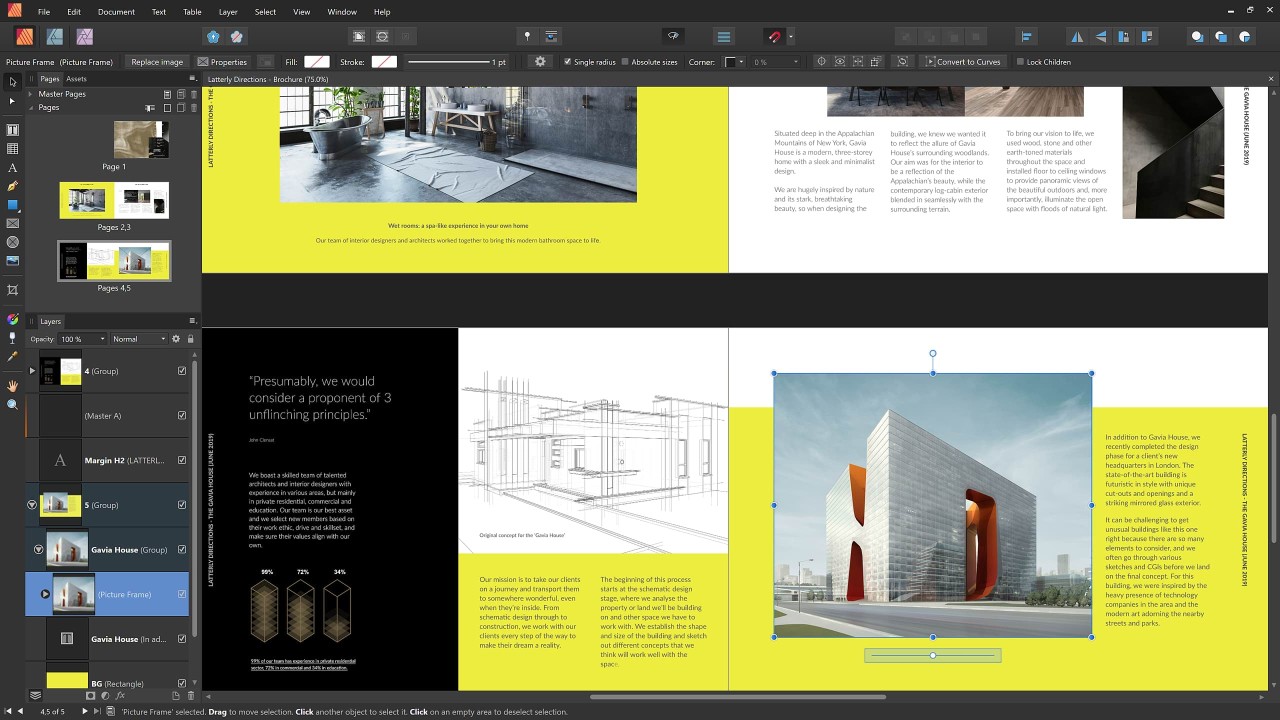
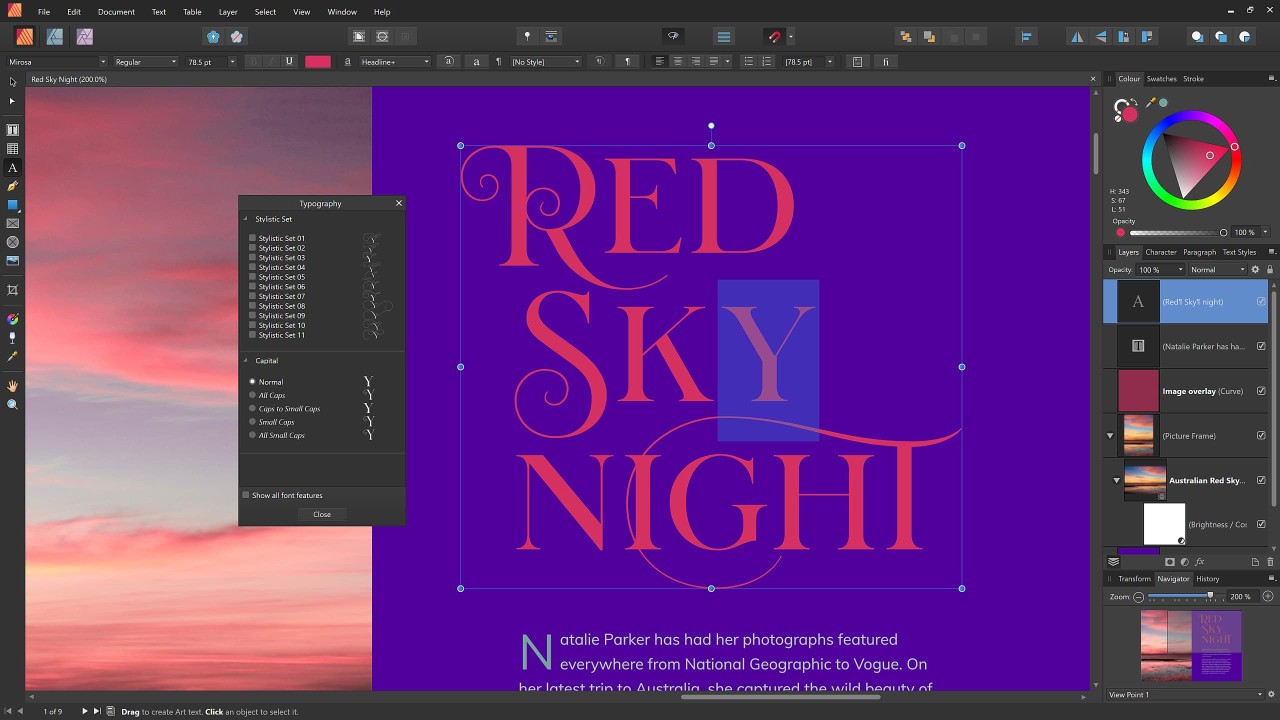
Every feature within the program received careful attention from the developers. Text frame linking allows users to create fluid storytelling between pages, making it optimal for creating content across a sequence of pages in newsletters or novels. The program allows you to perform detailed typography management through kerning, along with controlling line height and baseline grids, which are fundamental practices of publishing professionals.
Users can easily access the advanced features of the software because it contains no complex obstacles. The software features two levels of adjustments: basic functionality which produces great results and professional control of every element for advanced users. The application serves those just starting out as well as expert users.
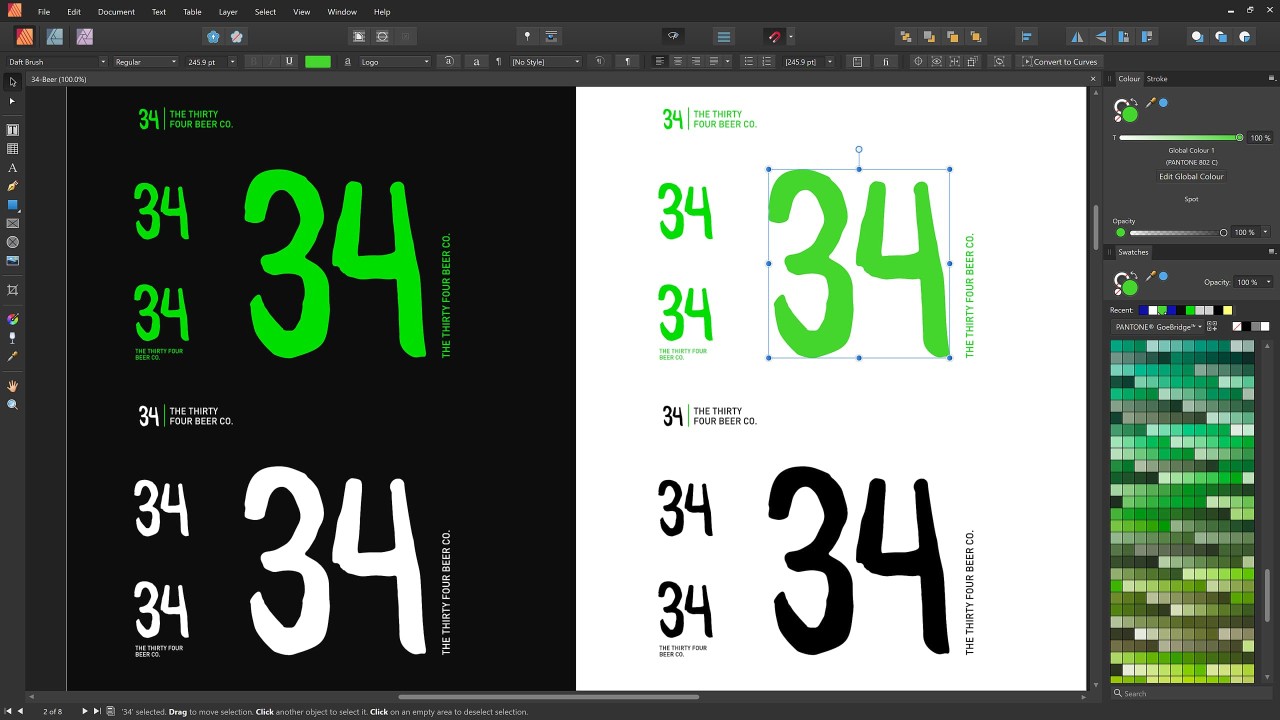
People like the connectivity between Affinity Publisher because it connects users to the functionality of Affinity Photo and Affinity Designer. With these additional software programs installed, users get automated document switching abilities without exporting or opening different applications. The software combination functions as a single workspace to perform picture editing alongside vector illustration work alongside page layout modifications. Users value this distinctive integration feature that designers rarely encounter in their work environment, since it creates a superior workflow experience for people who prefer continuous flow states.
Affinity Designer creates an atmosphere that fosters user awareness alongside pure understanding while operating the program. The program allows you to precisely locate your design assets along with your fonts, so moving projects becomes effortless without depending on cloud syncing or dealing with licensing issues. It’s stable and local. The program successfully handles file sizes that normally burden layout-heavy applications.
Affinity Publisher brings relief to users seeking escape from software ecosystems that alter their licensing terms and force unwanted additional products upon users. It’s focused. It’s reliable. The learning curve leads to a revelation that proves complex word processing and presentation layouts using Word or PowerPoint are no longer necessary. Through Affinity Publisher, you gain extra space to develop your projects without any program interference.
Is Affinity Publisher Free?
Bought by Canva in 2025, Affinity is now entirely free. It is still the same high-end software, but no payment is required anymore. Nonetheless, Affinity is still this incredible tool that regroups tools for photo editing (Affinity Photo), for graphic design (Affinity Designer), and for page layout (Affinity Publisher). These tools now offer a new sort of integration, allowing you to use Canva AI and export your projects in Canva!
What Operating Systems Are Compatible with Affinity Publisher?
Users who run Windows or macOS systems can use Affinity Publisher, as their operating systems support the application. The software works efficiently on contemporary PCs and computers that fulfill its core system requirements. Affinity Publisher does not have an available version for the Linux operating system at this time. For macOS, the application shows enhanced speed and performance for users working on Apple Silicon machines, including M1 and M2 processors. The desktop version of Affinity Publisher maintains stability to accommodate complex, large documents until the developers release a mobile version.
iPad users can also download the Affinity Publisher-specific app for their tablets. This app only offers Publisher tools, though.
What Are the Alternatives to Affinity Publisher?
You can choose among several alternative applications to Affinity Publisher since each tool comes with distinct structural and audience functions.
The most famous free open-source document processing software available to users is Scribus. It has existed in the market for an extended period, offering layout utilities for free. Scribus serves those who prefer to work with open-source technology yet require more practice and accept an unrefined user interface. This program provides high-end publishing tools together with PDF export capabilities and complete typography standards and color management systems. The workflow in this program tends to age poorly while demanding more work to reach the same output speed as Microsoft Publisher.
The desktop publishing industry includes the long-time service provider QuarkXPress as one of its main competitors. Adobe seized control of the desktop publishing sector from Quark, after which Quark managed to maintain user devotion. The layout capabilities of Quark are strong and established, yet the platform runs heavy and maintains higher costs when compared to other programs. Traditionally published materials use this program as their main layout system because it enables scripting and automated functions and XML integration. The software works ideally with printed content-heavy operations, although small organizations and single operators might find it exceeds their requirements.
Adobe InDesign stands as the industrial leader in the marketplace. The majority of publishing and marketing staff have both seen InDesign in use or have operated it as a tool for their work. This powerful professional software features a vast array of features and a flexible interface that functions smoothly with all Adobe tools. The monthly subscription requirement makes the software unaffordable for users who cannot sustain long-term payment responsibilities. People who use existing Adobe tools such as Photoshop and Illustrator should choose InDesign. Affinity Publisher provides nearly all essential functions of InDesign with a speedier operation and a lower price tag without the traditional subscription model requirements.