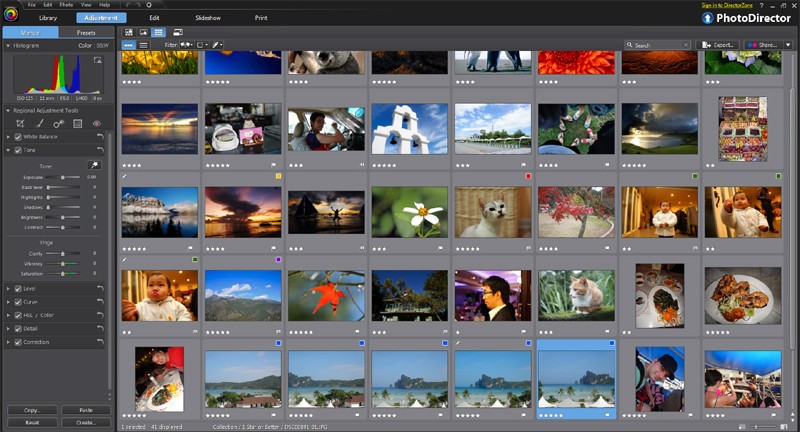
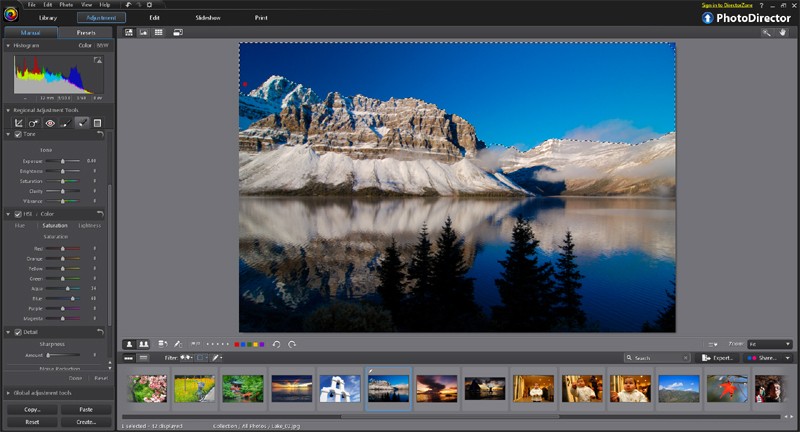
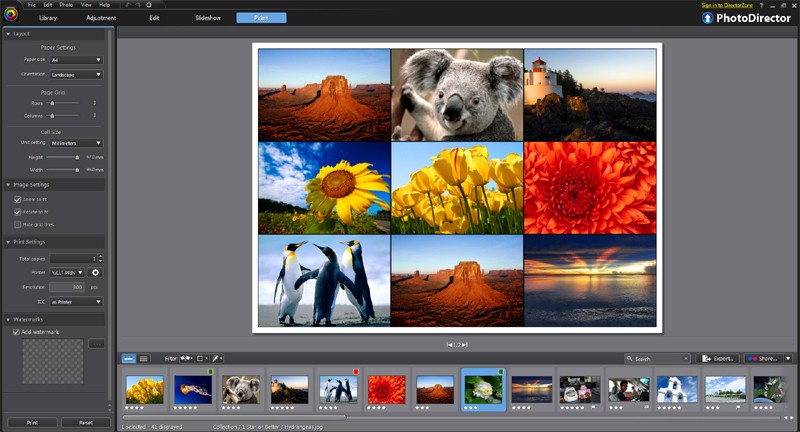
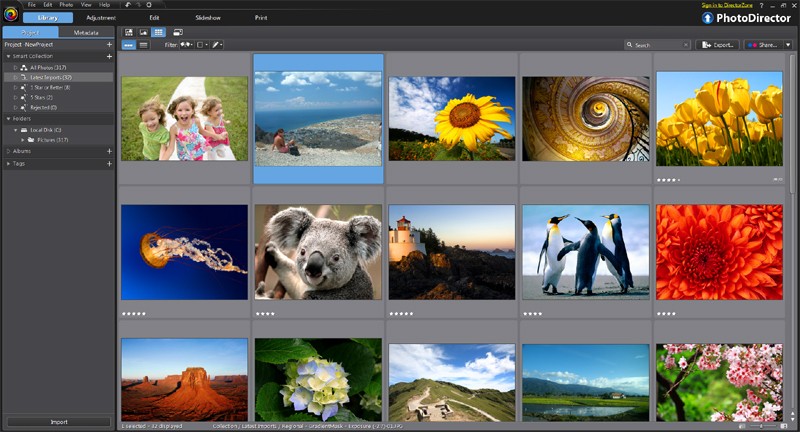
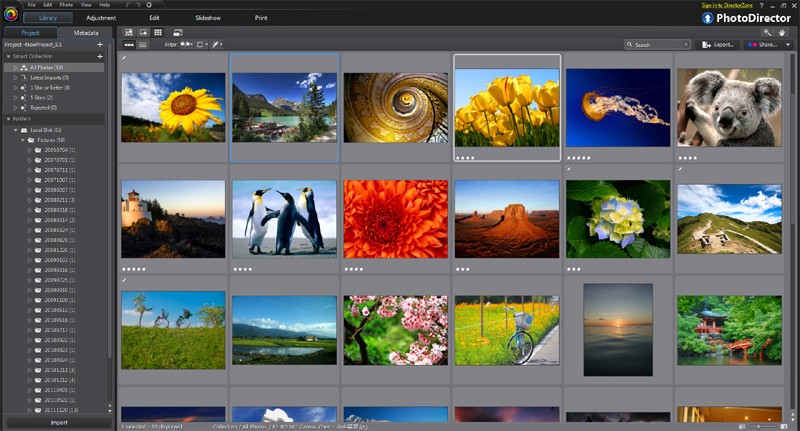
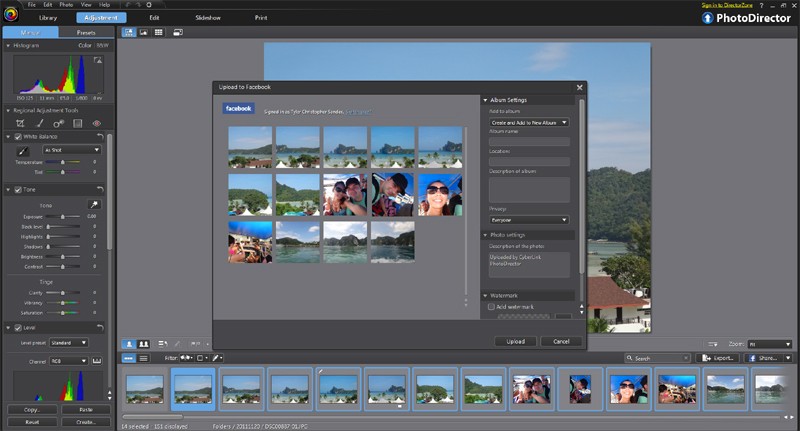
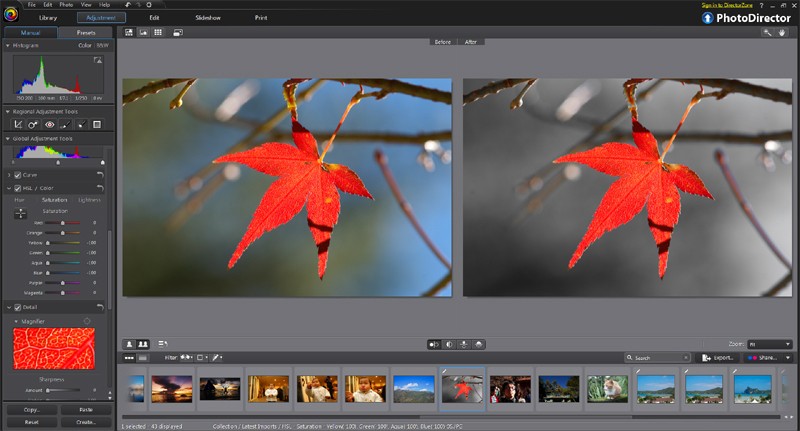
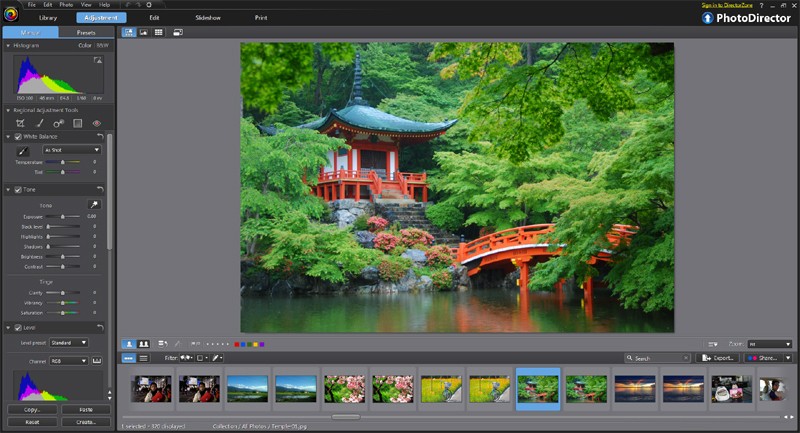
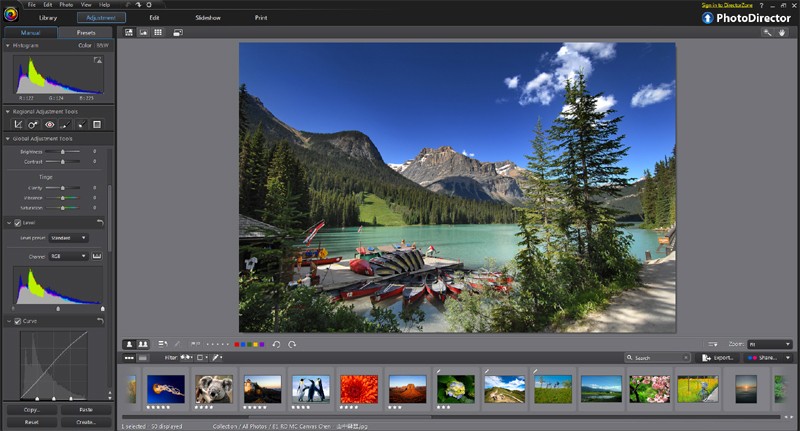
PhotoDirector provides power to photo editing for nonprofessional users through its fusion of easy consumer interfaces with sophisticated professional functions. Users from every skill level find the software approachable because its core objective is to navigate photo editing easily for beginners through professionals. The user interface of PhotoDirector presents editing tools in a forward manner to maintain a clean, uncluttered workflow when fixing blemishes or adjusting colors or working on artistic creations.
The CyberLink company developed PhotoDirector from a simple filter tool into a sophisticated imaging solution. The program enables users to execute layer-based editing while replacing skies and removing objects, as well as animating imagery that once needed sophisticated software programs. The distinctive aspect of this software results from its ability to unite expert features alongside automated assistance features, which enhance the workflow instead of producing interruptions during editing sessions.
This editing app provides a performance that keeps users productive without any delay. The program provides enough depth for long-term use, yet users do not require hours-long educational videos for initial setup. The tool serves the role of a creative partner instead of being a demanding challenge.
Why Should I Download PhotoDirector?
Editing digital photos requires users to handle technical tools instead of having complete control over their final output. With PhotoDirector, the editing process takes a different route. The program enables you to access artificial intelligence editing tools that automatically manage complex tasks to enable you to focus on artistic creation.
New users do not have to master advanced techniques such as selective editing and masking because the software takes care of intricate operations right from the start. The platform conducts tutorial-driven process guides that show users how to perform tasks through practice while providing visual assistance.
The capability of AI sky replacement serves as an example of the montage. Every click delivers an entirely fresh atmosphere to your photo. To eliminate unwanted tourists from your background scenery during travel photography, use the application's removal tools. The software provides features to let you remove unwanted content so it leaves no evidence behind.
With its animated overlay capability, you can create light leak effects and dispersion effects together with motion stills functionality, which allows you to produce visual narrative sequences without limitations. According to the best part, this feature is accessible without needing professional qualifications. The program interface appears organized while maintaining user-friendly designs that avoid displaying complicated jargon. It adapts to you.
The product offers more than convenient filters and simple interface features. The underlying performance of PhotoDirector proves to be effective. This software enables working with RAW data files while offering both layer management and non-basic editing operation methods. The same workspace lets you develop mood boards and apply texture blending in addition to developing digital advertising content. Only one tool is needed for you to develop your vision. A photo editor should let your style mature while providing the same features throughout its development.
As you continue to work with PhotoDirector, it establishes itself as your main platform for visual projects. The application provides creative allowance for any editing approach without limiting users to basic features that other software offers. This software adjusts for your current skill level while providing growth space to users who edit dog photos and develop visuals for online brands. The blend between automated AI processing and deep manual interference alongside creative style applications creates the perfect combination that generates persistent usage.
Is PhotoDirector Free?
PhotoDirector provides users with a free version to try its main functionalities during their testing period. This version of PhotoDirector provides most of the useful editing tools for guided adjustments.
No charge is necessary unless you want to access higher resolution export and additional AI tools and premium content packs. Users can acquire these advanced features through subscription packages or single purchases but testing the free version provides comprehensive access to core features. People who wish to begin using PhotoDirector without any payments have a clear path to start.
What Operating Systems Are Compatible with PhotoDirector?
The photo editing program PhotoDirector can function efficiently on both Windows and macOS platforms, and additionally provides mobile versions for Android and iOS. The software enables users to begin their project through laptop editing that they can afterwards refine on their phone before publishing online.
The desktop edition features advanced high-res and RAW processing capabilities, yet its touch-friendly mobile app focuses on prompt creativity through a smooth UI design. The program renders quickly on updated systems yet maintains compatibility with typical average computer specifications.
What Are the Alternatives to PhotoDirector?
Several digital creative editors exist with alternatives that satisfy users according to their individual requirements.
The digital world acknowledges Adobe Photoshop as the crude but dominant photograph editing suite. The program includes all essential capabilities such as layer management and compositing, together with retouching tools and masking functionality, and plugin functionality. Users need to understand its learning process and must subscribe to its payment model, even though it requires a steep financial commitment for someone who wants quick content creation without prolonged learning. Although Photoshop stands as the go-to industry standard application, it fails to present an inviting entrance for users who are beginners or use it casually. Those willing to learn and seeking exactness can find no better program than this one.
The editing program PaintShop Pro serves as an excellent alternative for users. The program includes extensive capabilities in a single payment format that many people choose instead of recurring billing. The program includes photo correction tools that work with layers, while some users complain about outdated interface components. This program provides better depth beyond entry-level tools, alongside lower complexity than professional-grade Photoshop. The software PaintShop Pro stands out to users who need complete access to all features in a single purchase.
Then there’s Luminar Neo. It’s the artsy one. Luminar combines its AI functionalities with such ease that users can receive landscape enhancements, while their portraits achieve balanced tones, and their images transform with limited adjustments. Users who want to achieve cinematic editing effects with fast transformations should find their editing needs met by Luminar Neo. Certain users experience difficulties with the layer management in this program because they prefer advanced composition methods commonly found in alternative programs. Luminar Neo will deliver magazine-worthy results with minimal work, yet it does not meet the standards of those searching for dramatic effects.
And don’t forget Affinity Photo. With pricing that offers extraordinary power, Affinity Photo stands as a sibling product to Photoshop, although it performs much like a variant version. No subscriptions, no nonsense. Affinity Photo serves users who require professional grade retouching capabilities as well as brush tools and RAW processing features. Users who understand photo manipulation techniques choose this program because it runs smoothly even though it requires skills beyond basic users but bypasses the limitations of the Adobe ecosystem.