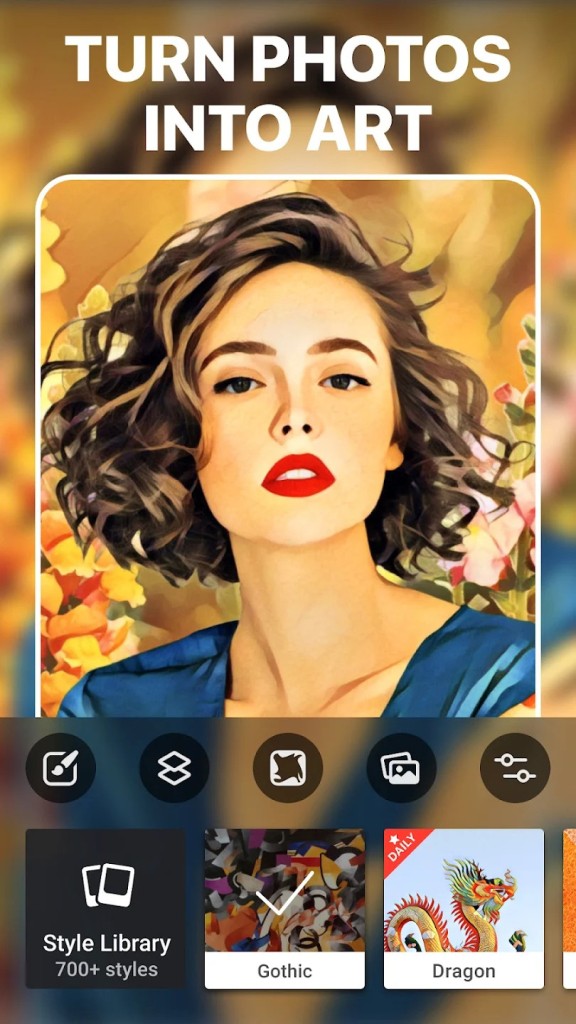
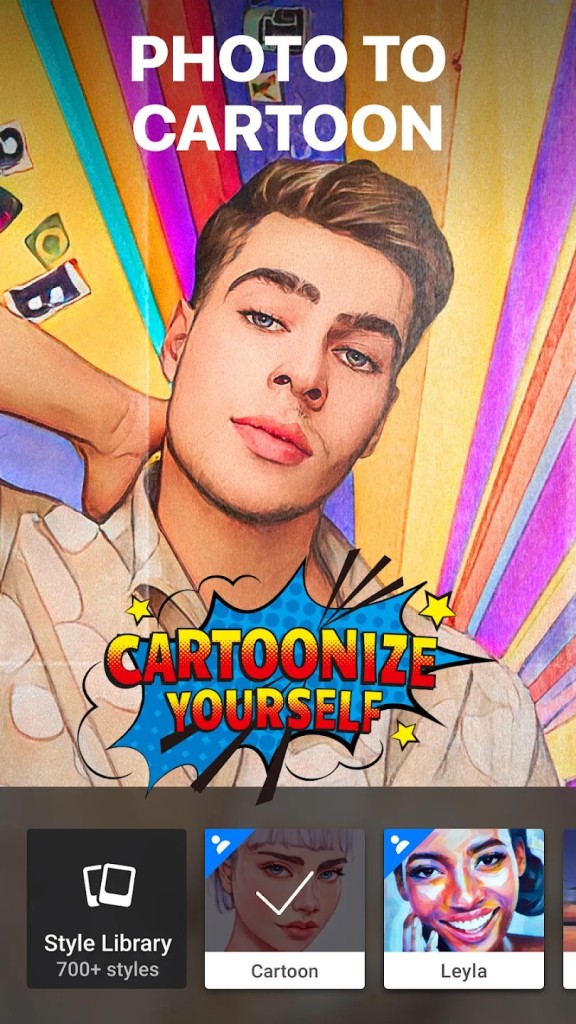
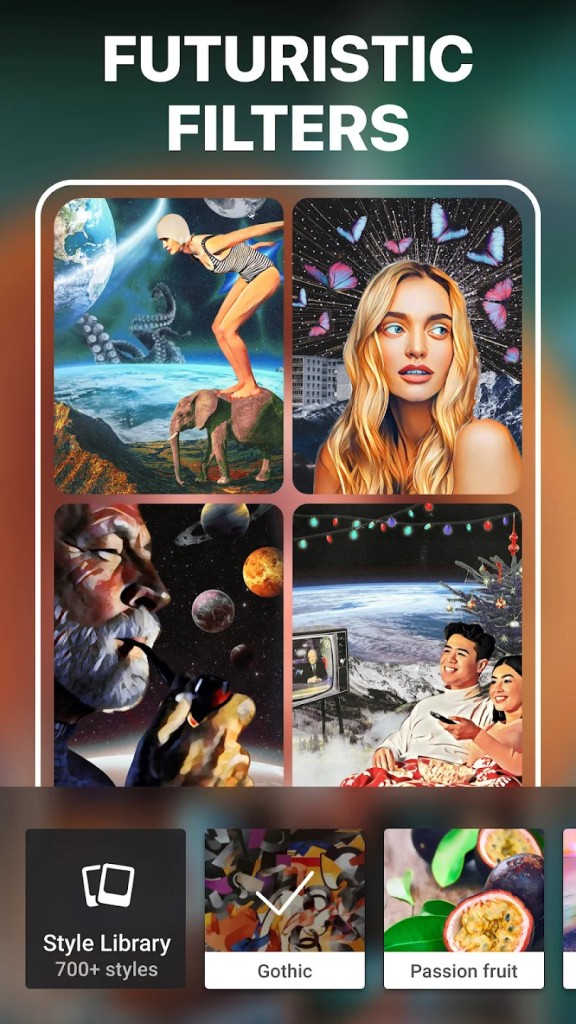
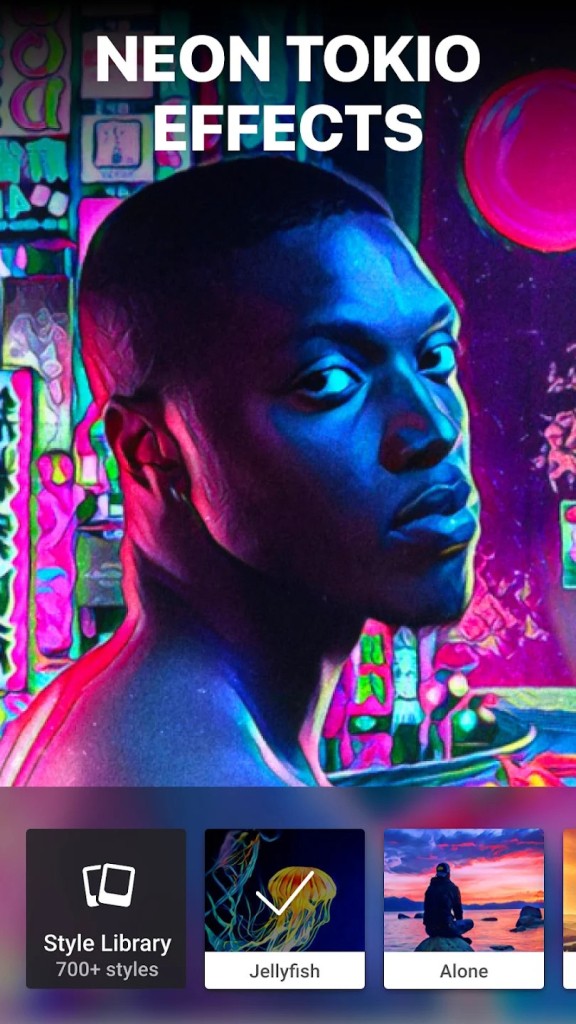
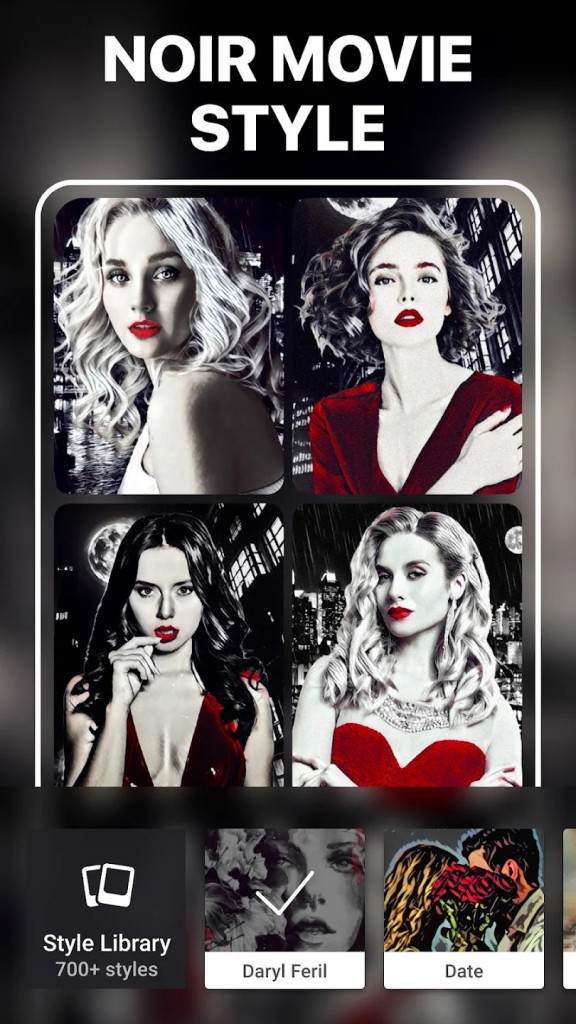
Prisma is a mobile app that uses artificial intelligence (AI) to apply different filters and effects to your photos. You can style the image to be in a specific style or imitate different artists like Van Gogh or Picasso, and you can also perform more basic photo editing. Prisma analyzes your picture structure, shapes, and contents to make sure your images are rebuilt and rendered in the style you want with precision and look professional.
The app has gained popularity on social media because of its ability to transform everyday photos into creative works of art with just a couple of clicks. When you download Prisma, all your creations can also be directly shared to different social media platforms without the need to export them individually.
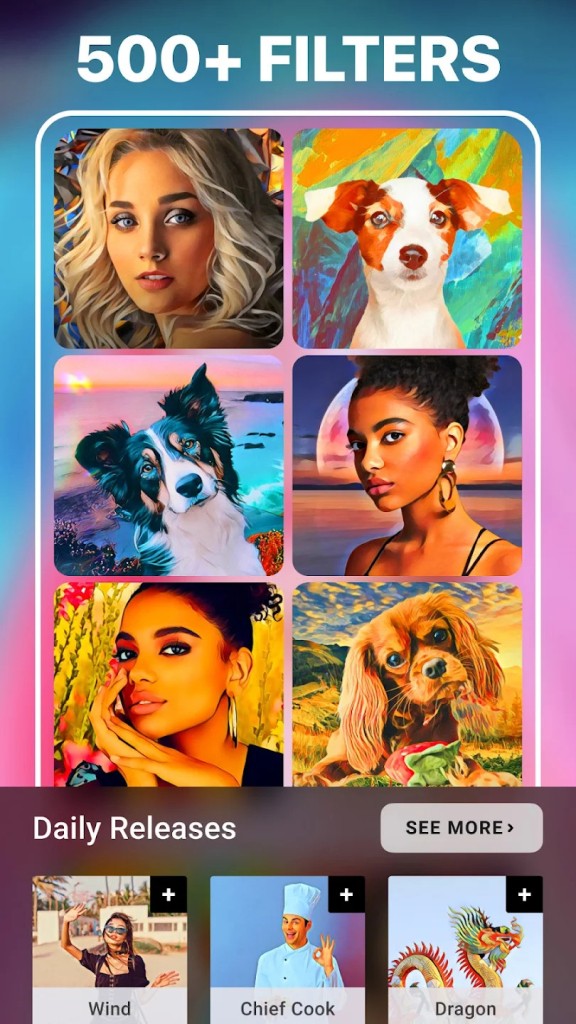
With Prisma installed on your iOS or Android device, you can turn your selfie into a Renaissance portrait, render your dog as a cubist painting, or choose from hundreds of other filters available in its library.
Why should I download Prisma?
With the rise of AI and its popularity, tools that integrate it have become increasingly popular and give you access to features that would typically be either impossible to recreate or tedious.
Prisma is a perfect example of such an app, as it is able to transfer different styles into your pictures thanks to its AI-driven approach. It has an advanced mechanism where the filters aren't just applied on top of your photo, but Prisma uses deep machine learning and neural networks to break down your image into different shapes, shadows, and textures. They are then used as the basis for applying the style, color palette, and painting techniques you selected to each of the objects in your photo. That process results in detailed and realistic-looking images that ideally capture the essence of the style or artist you want to emulate.
To make it easy, Prisma has a library of hundreds of filters with styles inspired, for example, by great painters like Dali or Picasso, but also ones that reference pop culture, seasonal events, or fantasy themes. The library is regularly updated, so you can explore new effects and aesthetics for your photos. Prisma also makes it super fast and simple to edit your pictures as it has a clean interface, and once you select your photos, you can preview different effects and adjust their intensity to your desired level.
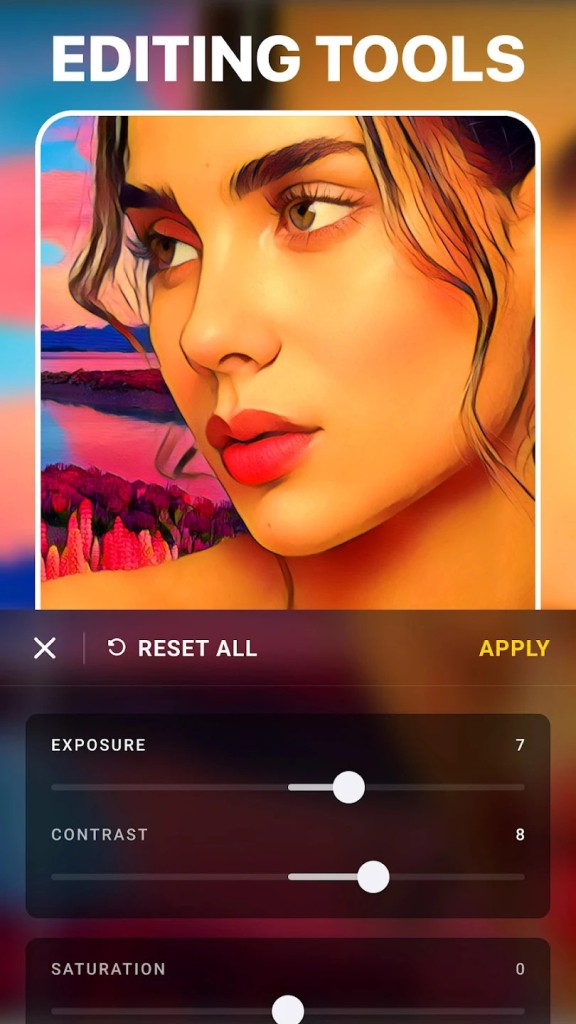
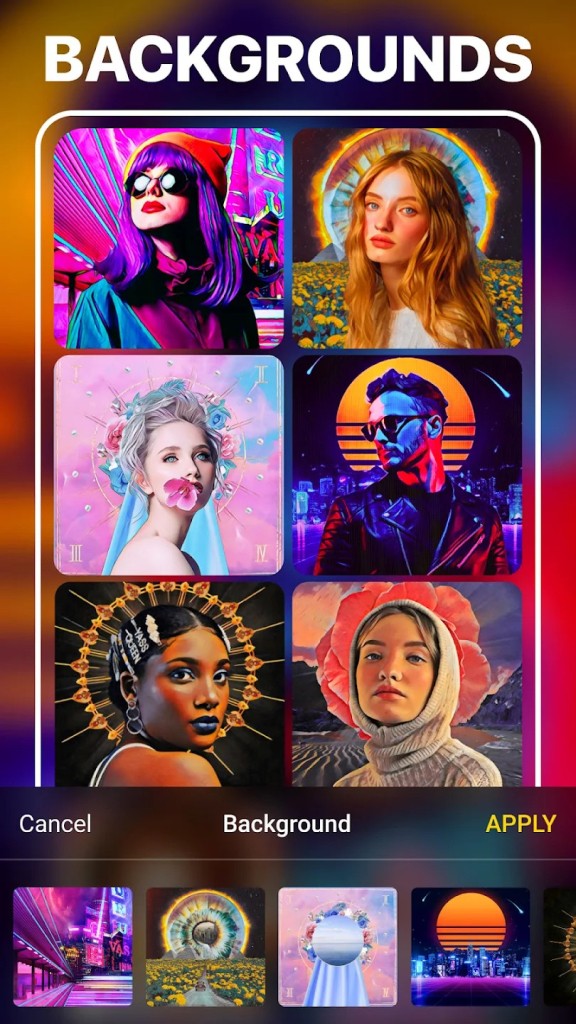
When you download Prisma, you also get to use more basic photo editing tools, including crop, rotate, brightness, contrast, sharpness, and saturation adjustments. There are also more subtle effects that can improve your appearance in the photo, such as skin smoothing or background blur. You can also edit different parts of your image separately, or even remove the photo background with a single click.
Prisma uses cloud rendering to process and edit your pictures, so you need an internet connection to use all of its features. You can export your creations directly to different social media like Instagram, TikTok, or Facebook, or even save them on your device in high resolution. With this app, you can create funny pictures for sharing online or more detailed and specific projects that you can then print and, for example, give as a gift.
Is Prisma free?
You can download Prisma for free on your mobile devices and have access to most of its features, but some of the functions or filters may be limited. Your project can also be watermarked with the Prisma logo.
If you'd like to have access to all the tools Prisma has, you'd need to upgrade to a paid Premium subscription, either on a weekly, monthly, or annual payments.
What operating systems are compatible with Prisma?
As a tool developed primarily for mobile devices, you can download Prisma on iOS (version 13 or later) and Android (8.0 or above) smartphones and tablets.
Recently, a web version of the service was also released, but you need an account to use it in your browser.
What are the alternatives to Prisma?
Photoshop Express is a great companion app to the staple Adobe software, explicitly redesigned for mobile devices. With this tool, you can perform basic editing like adjusting brightness or cropping, work with RAW files, make selective edits or heal spots, or use advanced retouch tools. The exact features you have access to depend on whether you're using the app in its free or premium version, connected to a Creative Cloud subscription. Apart from iOS and Android devices, you can also use Photoshop Express on Windows computers.
Picsart is an interesting option you can use through its web service or on your mobile devices. It offers tools dedicated to making collages, drawing, adding text, applying stickers, and regenerating your images with AI-based filters. It also supports more basic editing actions like contrast, brightness, or sharpness adjustments, and you can get it both as a free tool and by subscription to the paid plan for access to more advanced tools.
Toolwiz Photos is an extensive photo editing app for Android devices that has over 200 different functionalities in its toolset. You can retouch faces on your photos, apply filters, create different layouts, or add text to the pictures you're working on. It's a free app, but please note that it tends to display ads, and you can also purchase additional filters through in-app transactions.
Developed by Google, Snapseed is a more professional photo editing app that allows you to make more than just basic adjustments. It offers features like selective adjustments, healing tools, RAW editing, applying double exposure, and perspective corrections for free! Snapseed is available on iOS and Android devices and doesn't require any payments to unlock all of its features. You can easily edit your photos with sliders and gestures, and it's one of the most comprehensive apps on the market for mobile devices.