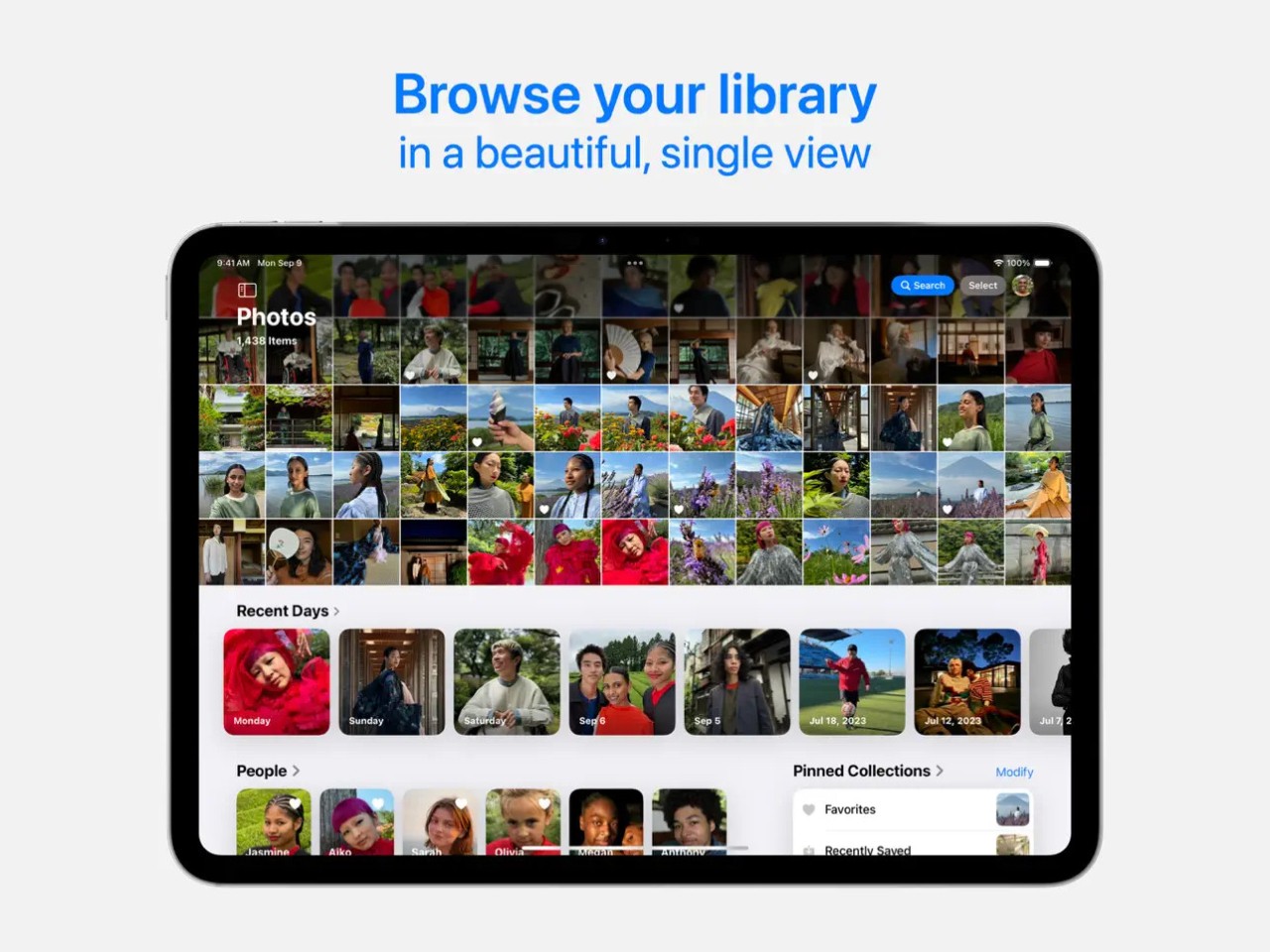
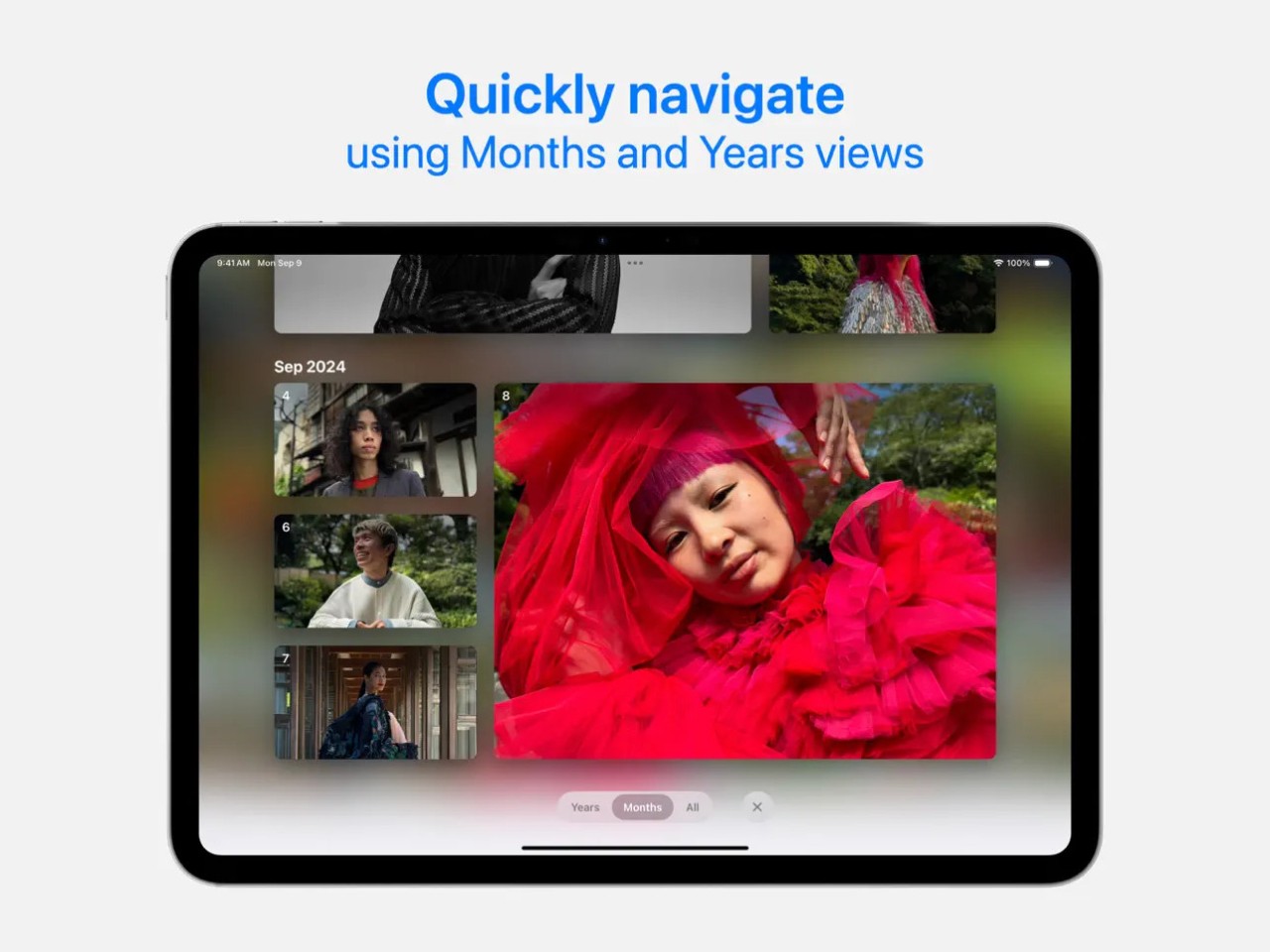
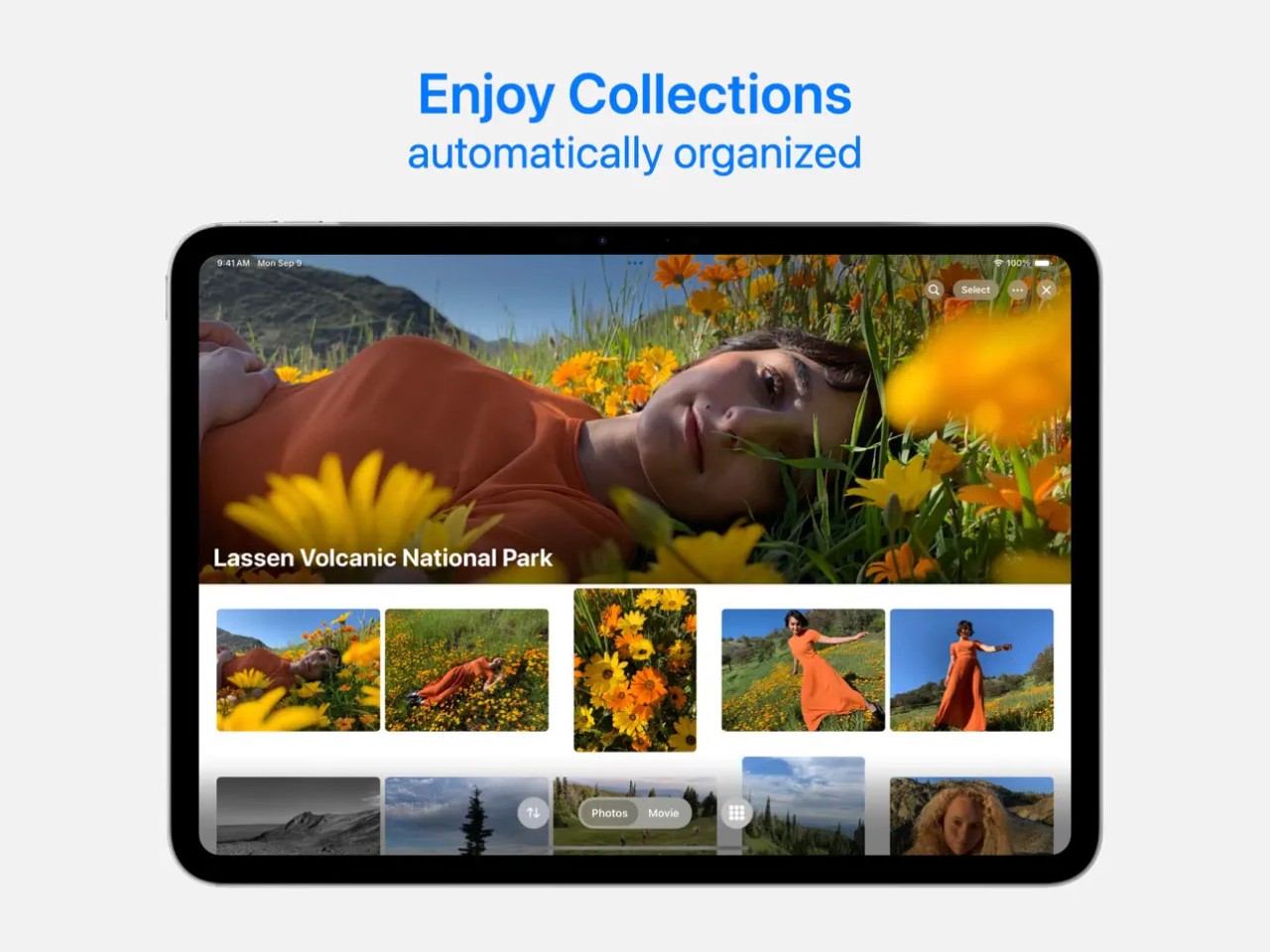
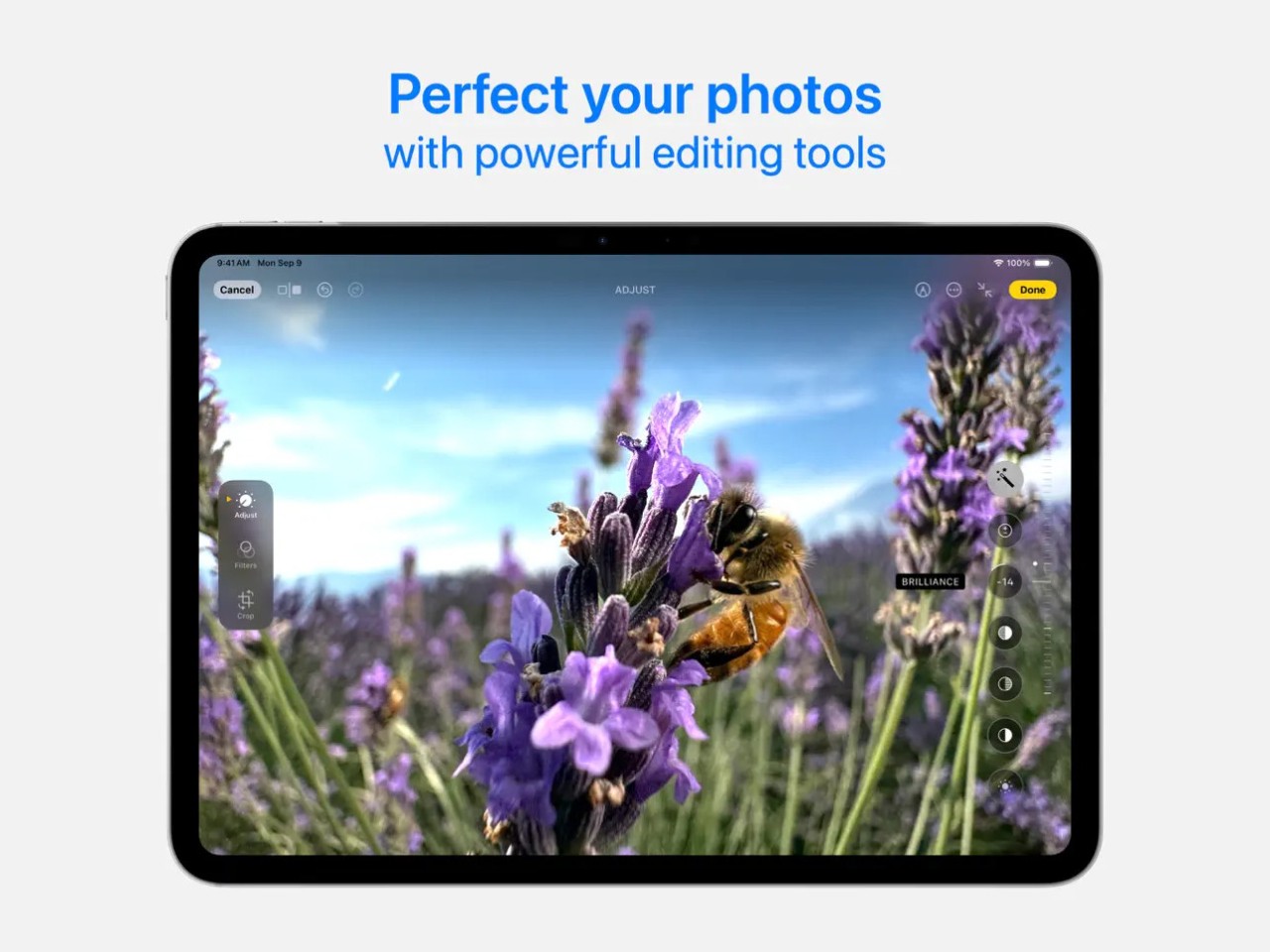
Apple Photos is an Apple software that allows you to manage photos and videos that come preinstalled on Macs, iPads, and iPhones. With this app, you can easily organize, edit, and share your pictures, but it also can automatically group photos based on location, date, or the faces it identifies.
You can perform essential color and light editing of pictures and videos, use basic retouch tools, and apply predefined filters, but Apple Photos also integrates with iCloud. Thanks to that, all your photos are synced almost in real time between your devices, and you can quickly access a picture you’ve recently taken with your smartphone on your computer, prepare it for printing, or save it to your hard drive.
Like most Apple products, Photos has a clear interface that is extremely easy to use, and you can access your pictures through its web-based service on iCloud, even if you’re not currently using a device running on iOS or macOS.
Why should I download Apple Photos?
Any user of iPhones, iPads, or Macs benefits from having Apple Photos as their central photo hub, mainly because it is so deeply integrated into the entire Apple ecosystem and cloud services. This software automatically backs up your photos, syncs them to other devices, and makes them accessible to you while keeping the pictures private from other people.
With iCloud Photos, you can be sure all your photos and videos are updated across different devices and stored securely in your iCloud account. Another benefit is that it stores the original high-resolution version of the files in the cloud, which frees up space on your device. All the changes you make on one device will be reflected on all the others, and you can recover any deleted files in 30 days. You can also access, edit, or organize your photos offline, as only syncing the changes and new files to iCloud requires an internet connection.
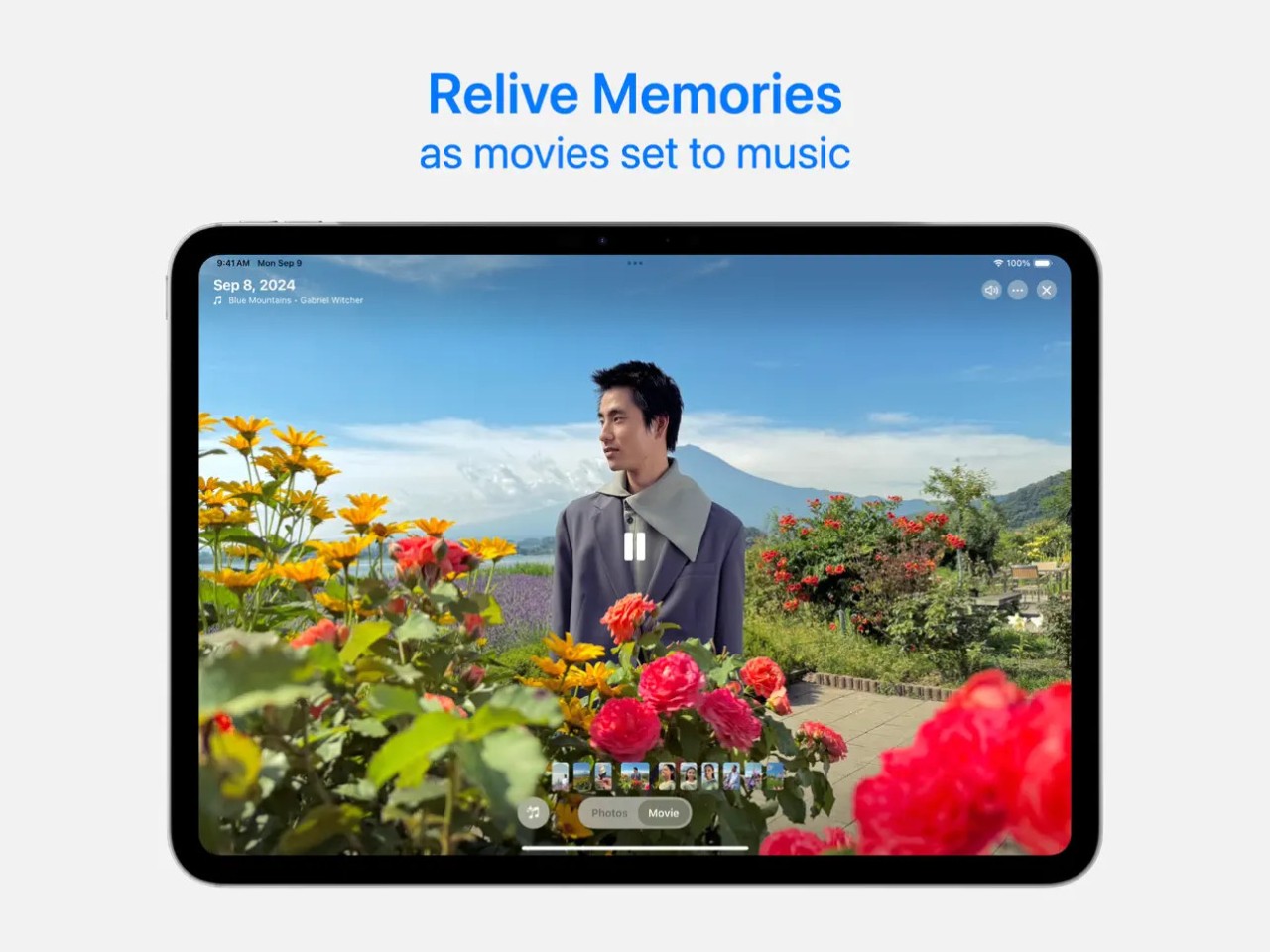
Apple Photos uses what it calls Smart Albums, which group photos based on different themes, like people, pets, and places. With that, you can effortlessly search for the name of your friend or type “dog,” and you’ll see appropriate results, as Apple Photos uses on-device machine learning to identify faces and objects that commonly appear in your photos. Apple Photos also supports OCR via its Live Text feature so that you can search for specific text, and the app will scan all your images to find phone numbers, names, URLs, or any other text. You can also browse through automatically created memories that are essentially slideshows and curated albums based on pictures and videos from different events or points in your life.
With Apple Photos, you can use a wide range of file formats like HEIC, JPEG, PNG, GIF, RAW, ProRAW, and ProRes, and any edits you make can be reverted easily without destroying the original file. The editing tools you can use include filters, cropping, auto-enhance, exposure, contrast, noise reduction, and color adjustments for photos. If you’re working with videos, then you get access to basic tools such as trimming, rotation, stabilization, and color adjustments.
If you want to collaborate on a folder with other people and have them upload their pictures or videos, for example, from your vacation together, you can create a Shared Album. Then, just add participants, and they will be able to contribute to your project. You can also generate a link for the album and share it with your friends so that they can view the photos online or download them to their devices.
Is Apple Photos free?
Yes, Apple Photos is a free software that is preinstalled by default on all Apple devices, and you don’t need to pay anything to get access to all of its features. Users on different platforms can also use Apple Photos for free, but only through its web service based on iCloud.
The only thing you need to pay for is the cloud storage space, as by default, you get 5 GB with your iCloud account, but this space is shared between all other Apple services that use iCloud (like Mail, Files, or device backups). If you exceed that limit, you can always upgrade your storage to 50 GB, 200 GB, 2 TB, or more, depending on your needs.
With the iCloud paid subscriptions, you can also use Apple’s Private Relay or hide your email address when subscribing to a newsletter or other services.
What operating systems are compatible with Apple Photos?
Since Apple Photos comes preinstalled on all Apple devices, you can use it on iOS 15 or higher or macOS 12 or newer, both on Intel-based computers or those running on Apple chips. If you don’t own an Apple device or use a legacy system, you can always open up Apple Photos through iCloud or any modern browser on any operating system.
There is also a version of the Photos app for Apple Watches, but it’s limited to viewing selected photos and albums only.
What are the alternatives to Apple Photos?
If you’re not part of the Apple ecosystem, then Google Photos is a natural first choice. You can download it on both Android and iOS mobile devices, or access it through its web services on any operating system. With its search powered by AI, automatic creation of memories or albums based on common themes, and basic editing tools, you can count on having a reliable and robust system for all your photos. With the Google account, you get 15 GB of free storage space, but it’s also shared with other Google services like Gmail, Drive, etc. You can always extend it by subscribing to a paid Google One plan.
OneDrive is an alternative from Microsoft that offers automatic backups of photos, which you can then tag, view on a timeline, or make some essential light and color adjustments. You can get it on Windows, iOS, Android, and macOS, and you have 5 GB of free storage space that can grow if you also have a Microsoft 365 subscription.
For anyone who is an Amazon Prime subscriber, Amazon Photos can be a solid option, where you get unlimited storage space for all your photos, even the high-resolution ones, and 5 GB of space dedicated to videos. If you’re not a subscriber, you still get 5 GB of space. You can download the Amazon Photos mobile app for iOS, Android, or Fire devices, but there is also a web service you can use. With this app, you can set up albums, enjoy automatic face recognition, as well as create a Family Vault that all your household members can access and use.