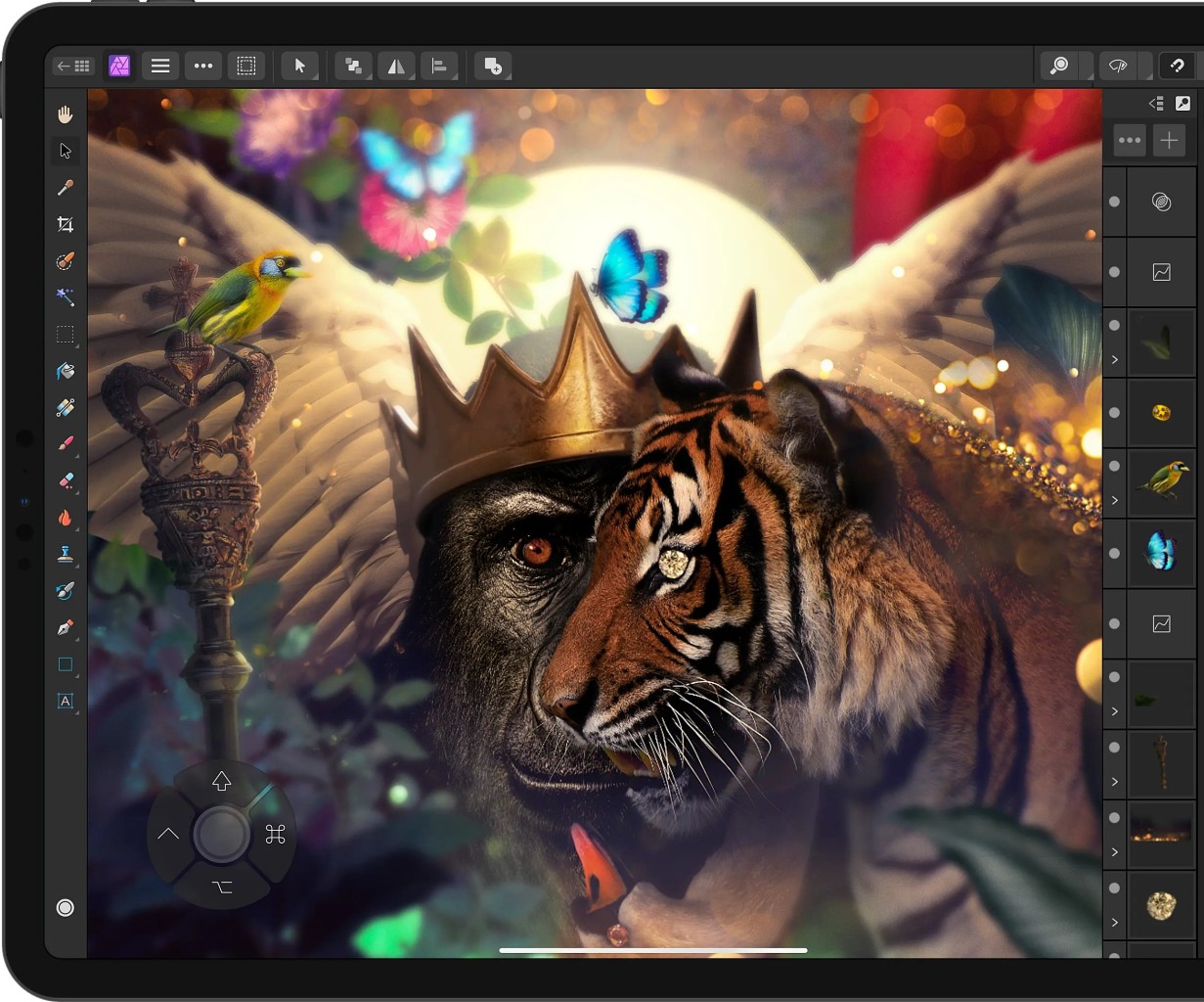
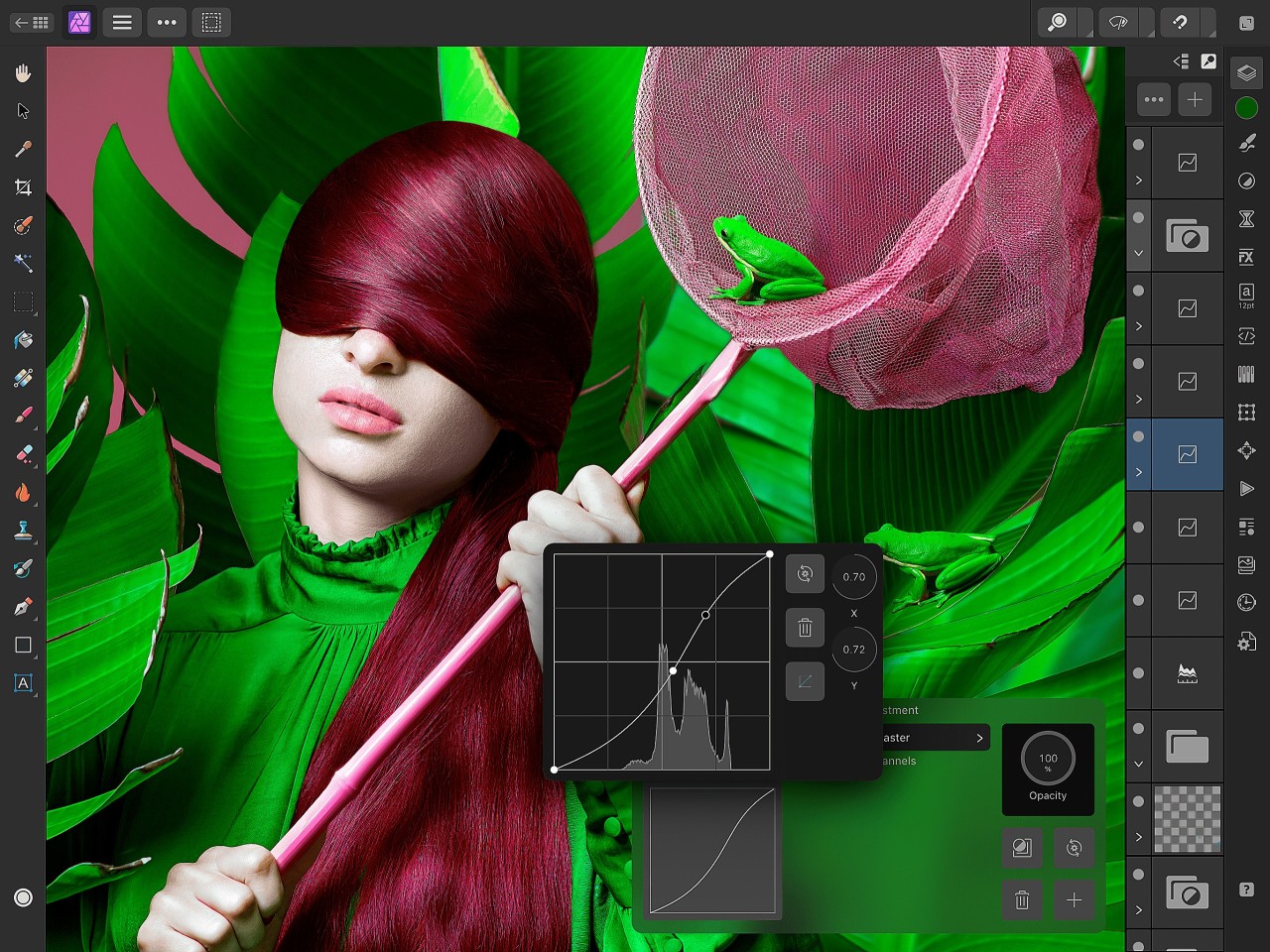
Affinity Photo represents a flexible professional photo editing software that serves the needs of photographic professionals, together with casual users. The London-based software developer Serif created a competent Photoshop substitute through its program Affinity Photo, which features various robust capabilities while avoiding subscription fees. Affinity Photo provides all the tools needed to improve your digital images and create sophisticated image compositions, together with digital illustrations. The software contains multiple advanced functionalities, such as layered composition features as well as blending operations and masking functions, and multiple filters and special effects. A primary advantage of this software stems from its non-damaging image editing process, which allows users to apply modifications without affecting the original file.
Affinity Photo differentiates itself from competing programs by supporting PSD as one of its numerous available file formats, which lets users communicate effortlessly with Adobe software partners. The application provides an interface design similar to Photoshop, enabling beginners who use Adobe software to learn it easily. The software performs real-time editing of resized files and rich effects without causing any system delay. Photographers can utilize RAW processing functions in this software to edit their high-resolution pictures with complete control over the details.
Affinity Photo serves users working on basic or advanced editing operations because its performance meets the needs of general picture manipulation tasks. The application provides tools for frequency separation together with HDR and panorama management, as well as complete editing capabilities. As a digital art creation and portrait improvement software, Affinity Photo delivers an industry-level working space that satisfies creative experts at the same level as dedicated art enthusiasts.
Affinity Photo is just one part of the bigger Affinity software that regroups not only photo editing but also graphic design (Affinity Designer) and page layout (Affinity Publisher).
Why Should I Download Affinity Photo?
Users who require professional photo editing capabilities should download Affinity Photo because the program provides industry-level editing features through a single purchase system. Future users find the one-time purchase system in Affinity Photo as one of its leading advantages. Affinity Photo provides permanent lifetime access to its features through one-time payment instead of requiring continuous subscriptions like many major photo editing software systems. Affinity Photo delivers exceptional value to users who seek leading editing tools without needing to maintain subscription-based expenses.
The program includes many distinctive features which differentiate it from alternative programs. Every creative field benefits from Affinity Photo, as it contains everything necessary to turn imagination into reality for photographers and graphic designers and digital artists. The software allows advanced management of layers as well as customizable painting tools and numerous effects that enable users to carry out creative projects with great versatility. Complex compositions along with edits operate smoothly in the software, which lets you work productively regardless of whether you need to handle large images or multiple-layered documents.
The main benefit of acquiring Affinity Photo lies in its ability to process files that were created using Photoshop. No problem exists with opening or modifying PSD documents together with exporting them because this feature works perfectly for maintaining collaboration with users who work with Photoshop. The application provides an interface designed for detailed edits, which operates smoothly to let users achieve precise adjustments that maintain image quality. The non-destructive workflow gives users complete control of their changes through a system that allows experimental freedom without destroying original files.
Through its selection tools, Affinity Photo provides users with powerful capabilities that help them isolate objects so they can create advanced masks. The program enables users to handle background removal tasks and composite image creation alongside other professional capabilities. Its feature supports diverse color spaces together with multiple file types, which makes it suitable for both digital and print media applications. All users who work with basic or advanced editing tasks will discover that the software maintains uninterrupted performance at every stage.
Affinity Photo becomes an unbeatable choice for creative professionals who depend on high-quality output together with reliable performance. The tool's user interface provides flexible customization features to adapts your work environment to suit your needs and editing approach. The software's ability to work across different operating systems provides you with the advantage of switching between Windows and macOS. Those who require all essential editing tools alongside additional features should consider Affinity Photo because it provides everything without monthly payments or functional limitations.
Is Affinity Photo Free?
Bought by Canva in 2025, Affinity is now entirely free. It is still the same high-end software, but no payment is required anymore. Nonetheless, Affinity is still this incredible tool that regroups tools for photo editing (Affinity Photo), for graphic design (Affinity Designer), and for page layout (Affinity Publisher). These tools now offer a new sort of integration, allowing you to use Canva AI and export your projects in Canva!
Note that you'll need a Canva account to use Affinity.
What Operating Systems Are Compatible with Affinity Photo?
Customers who use Affinity Photo can operate this tool on Windows alongside macOS and iPadOS. The cross-platform compatibility enables users to work with Affinity Photo across desktop along tablet systems, which provides enhanced flexibility for their work environment.
Contrary to the desktop version, the Affinity Photo iPad app only features Affinity Photo functionalities, not the other ones (graphics and page).
What Are the Alternatives to Affinity Photo?
Adobe Photoshop serves as the leading stand-in replacement for Affinity Photo. The entire industry relies on Photoshop as its essential tool for digital artwork and photo editing since the 1990s. The application supports an extensive range of features which enables users to perform powerful tools for selection work alongside layer organization and technical edit capabilities. The program's wide adaptability lets users add numerous plugins to extend its operation beyond basic functions. The subscription fees for this software become expensive when used as a long-term editing solution because of its subscription model. Users who depend on exceptional features often choose Photoshop, yet Affinity Photo provides an excellent financial solution for those who reject high costs.
Darktable stands as an effective open-source photo editing program which was created exclusively to serve photographers. Darktable provides comprehensive image editing tools which excel particularly at RAW processing, while photographers usually equate its features more to Lightroom than Photoshop. The program is available at no cost, while its non-destructive formatting enables users to modify images with full preservation of their original quality. Photographers receive specialized features within its workflow that include color grading tools, as well as lens correction and noise reduction functions. The respectable solution does not equip all advanced features available in Photoshop or Affinity Photo yet provides effective retouching and color adjustment capabilities for photographs.
RawTherapee functions as a superior tool for users who prioritize RAW file management. RawTherapee functions as an intensive processing application that enables users to perform detailed correction work combined with advanced noise removal and enhancement functions. The program offers both free cost and open-source status, which allows users to access professional-grade editing software without monetary expenditure. The outstanding feature of RawTherapee exists in its ability to manage RAW image files through precise controls for exposure adjustment together with color balancing and detailed enhancement manipulation. The program performs well with bulk processing of big RAW file collections, yet it doesn't contain all advanced compositing tools which Affinity Photo and Photoshop offer.