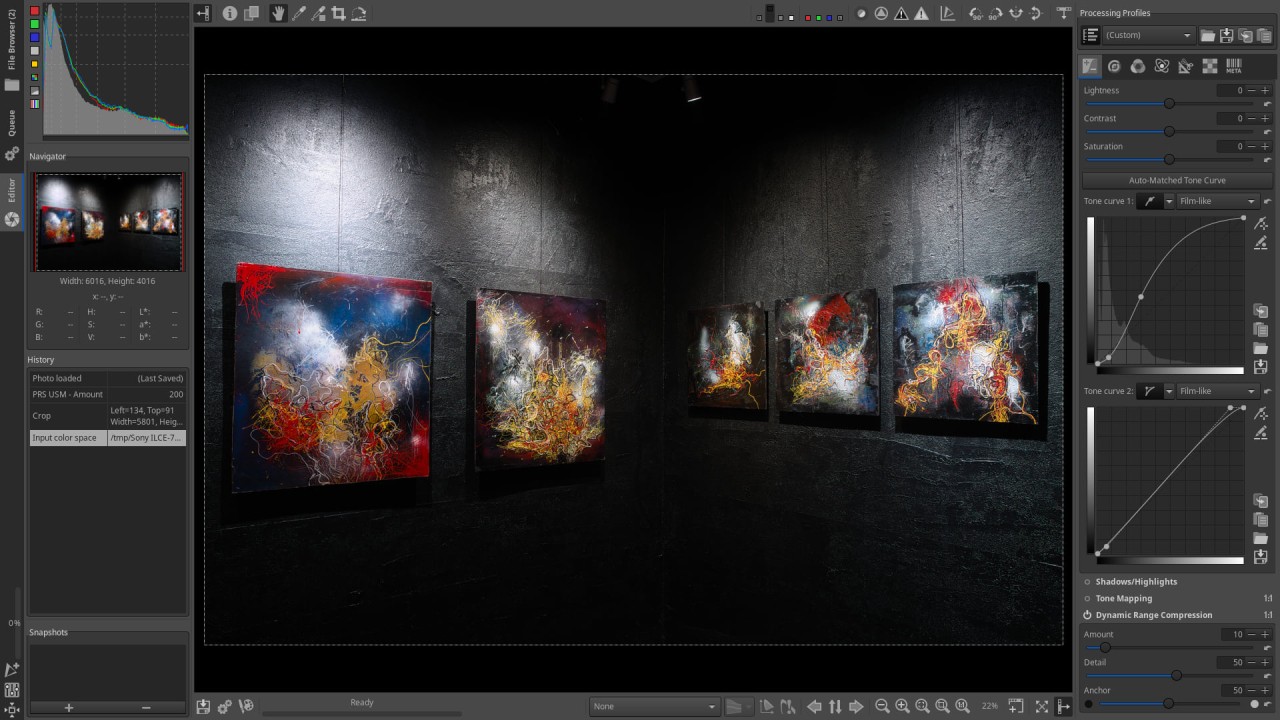
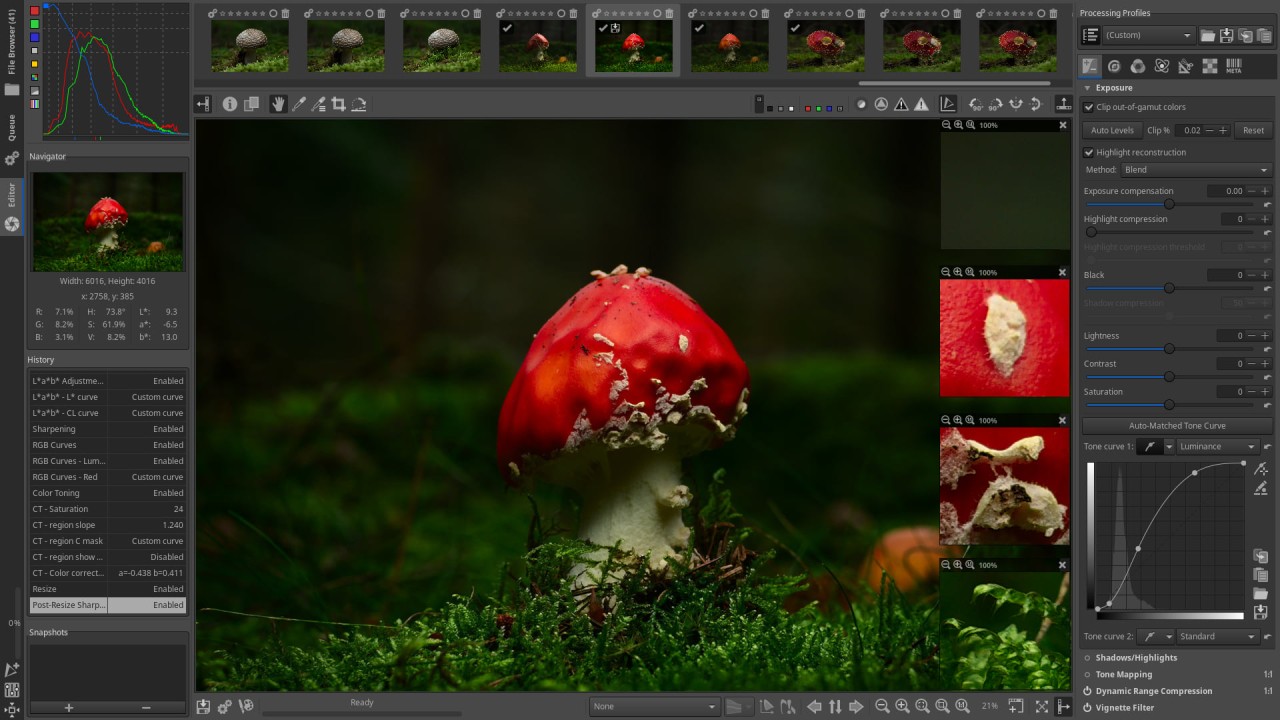
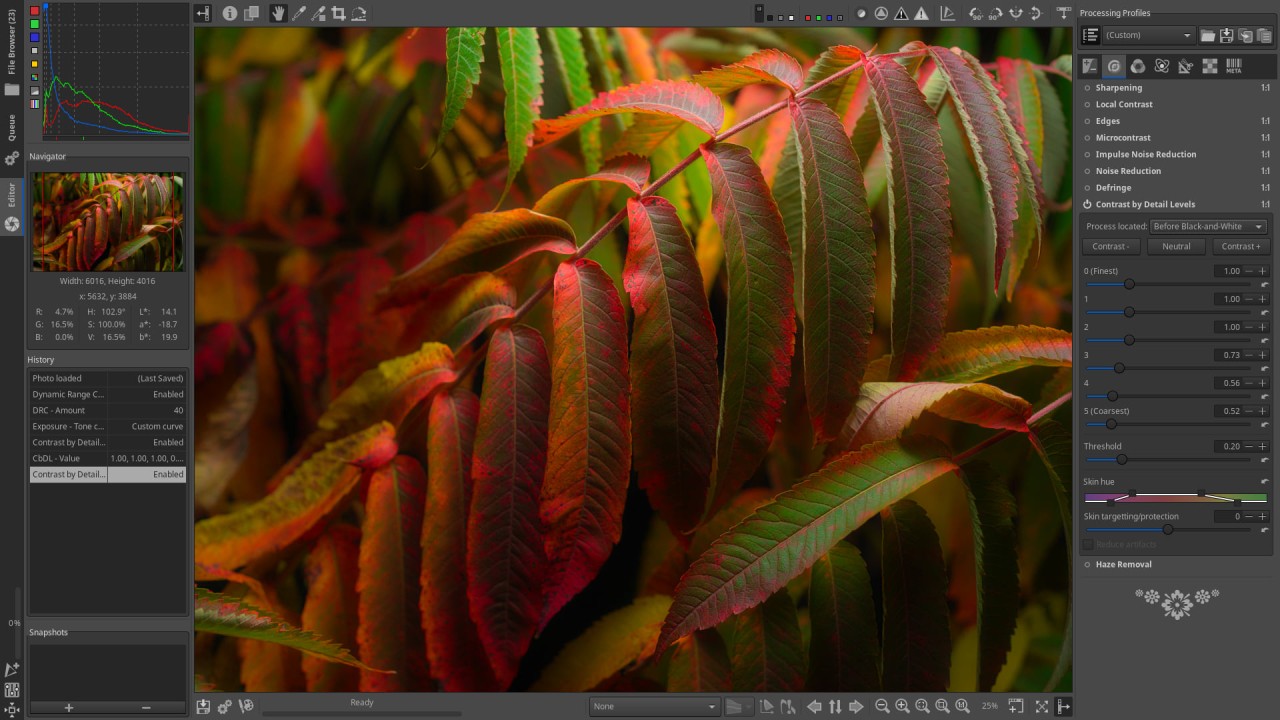
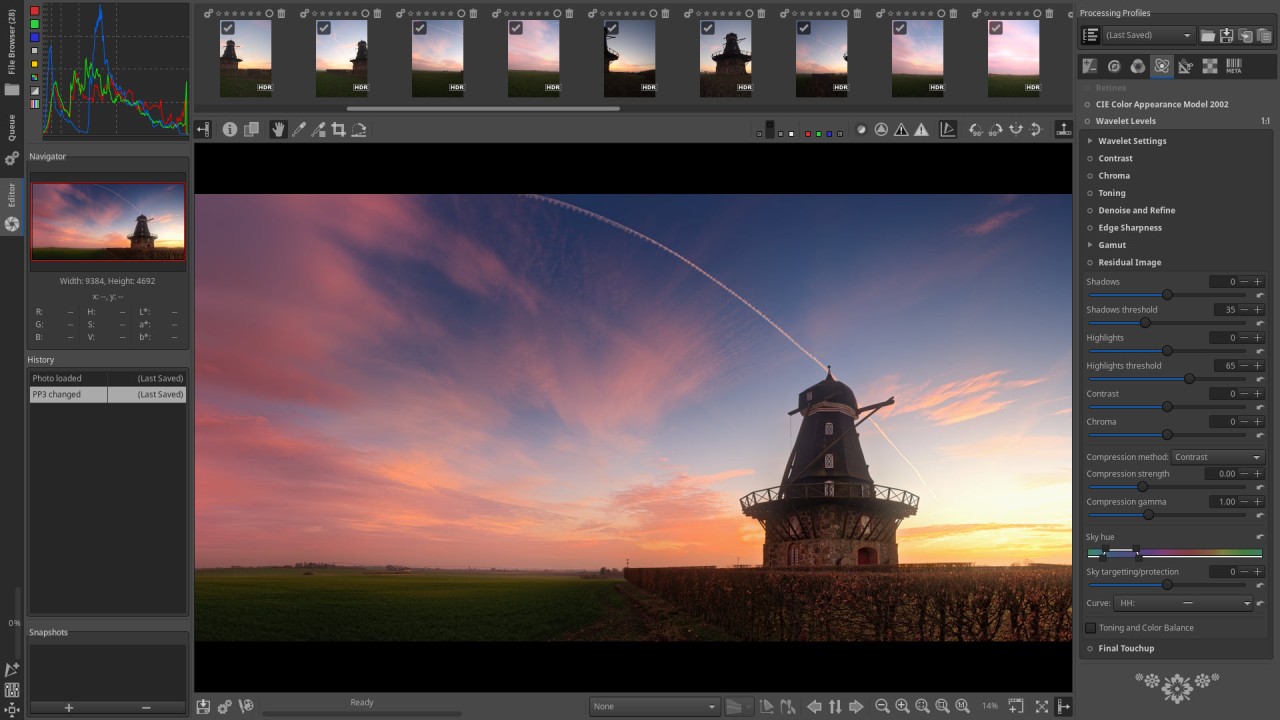
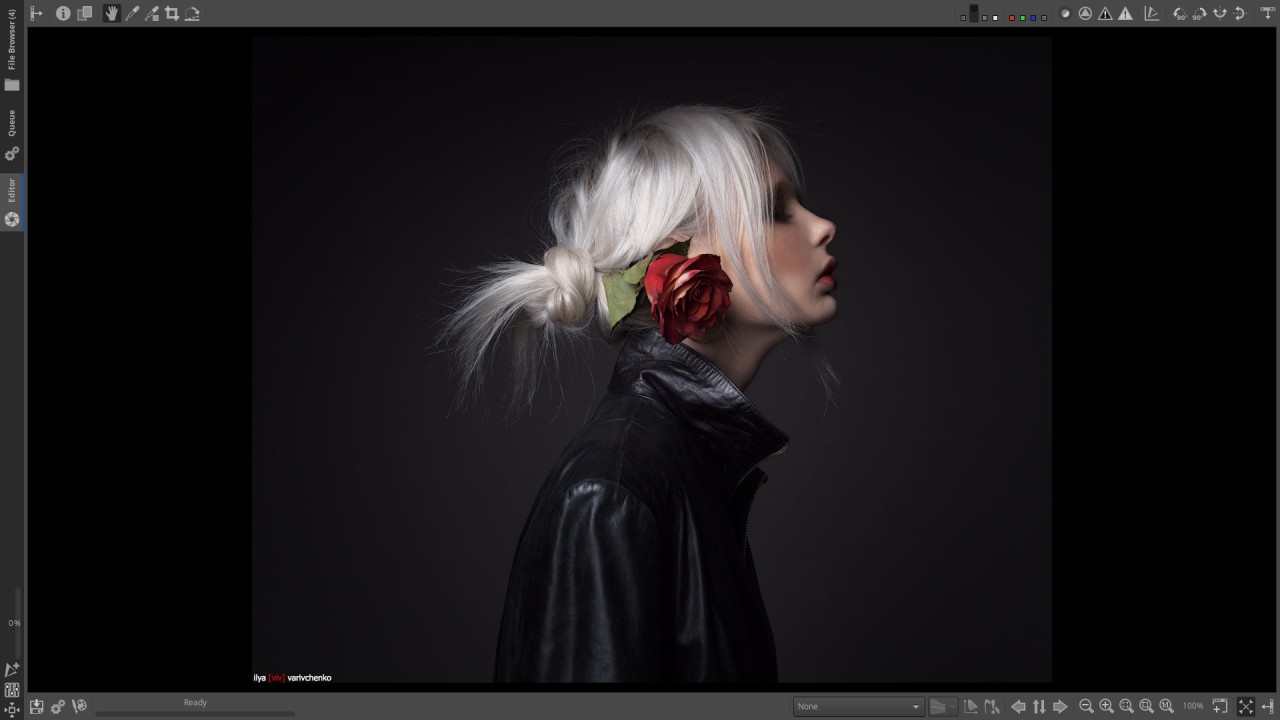
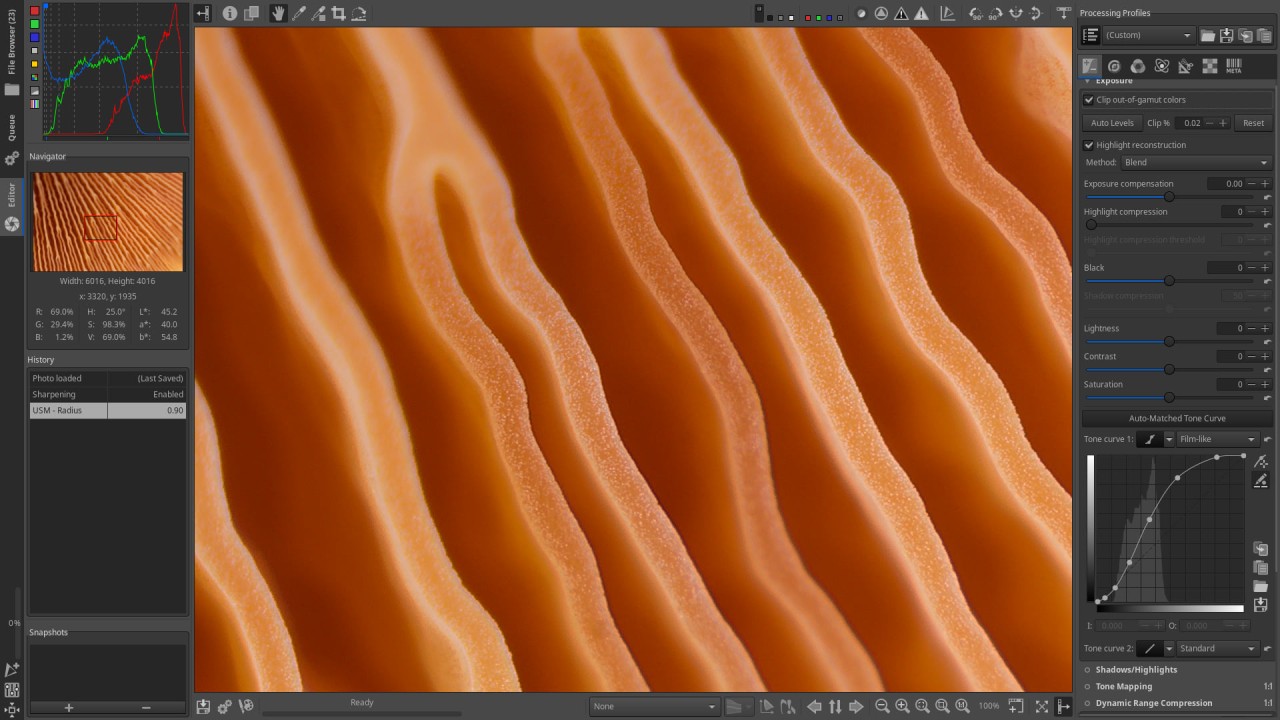
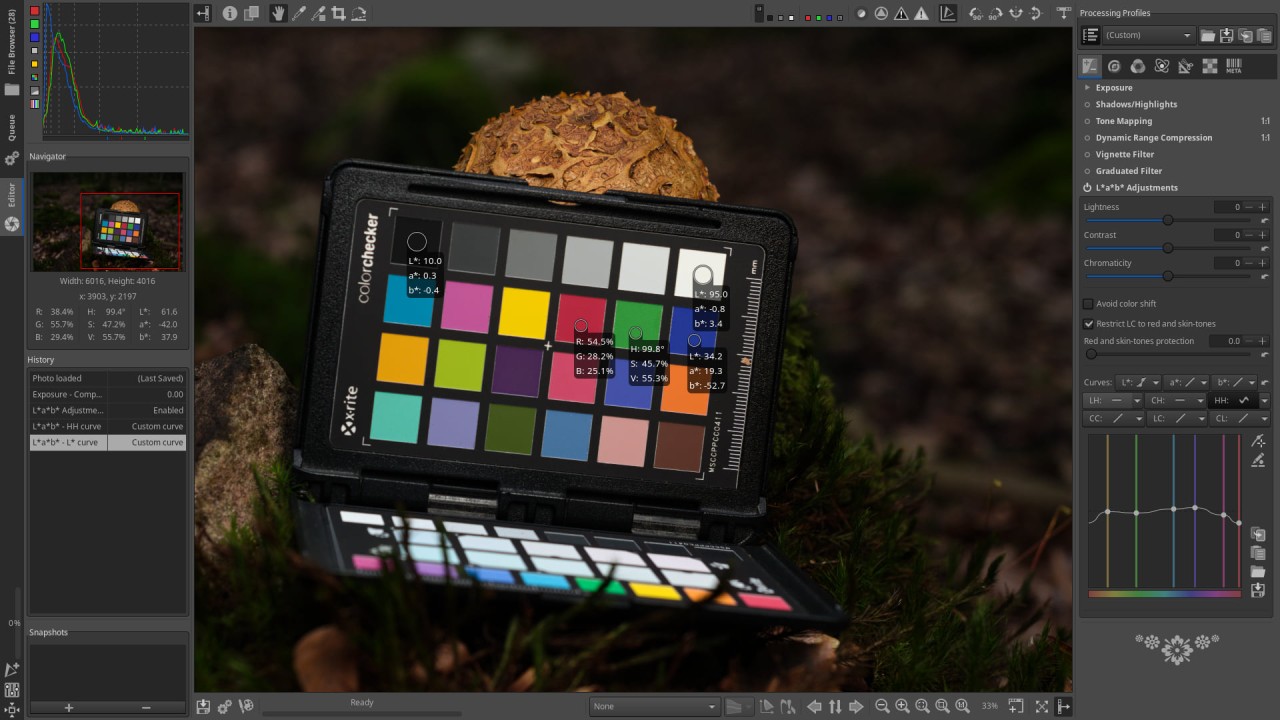
RawTherapee is an open-source photo-editing application that is strong and efficient for the processing of raw image files. It has been created to suit photographers who desire to have greater control over their photo development, unlike heavily preset apps. You won't be working with compressed JPGs or filters here, it is actual raw data coming right out of your camera with pixel-level control and the ability to fine-tune every parameter. The interface might appear to be technical, but under the skin it is highly configurable, rational, and worthwhile once you’ve spent a little time getting familiar with it.
RawTherapee provides you with tools that count. You may change exposure, contrast, tone curves, sharpening, noise reduction, white balance and plenty more. The point here is that you are not making quick corrections, you are constructing your image step by step and changing the way light and color are perceived based on the raw data captured by your camera. It does not destroy anything; therefore, your original photo is not affected at all and all changes are in the form of instructions.
The program does not want to appear fancy. It does not start with filters or push buttons. Instead, it provides accuracy. RawTherapee will give you the option to pull and push any detail without sacrificing quality when you work on landscape photography, portraits, macro shots etc. It is the editing site of those that would like to go deeper into post-processing and take full ownership of their photographic output.
Why Should I Download RawTherapee?
RawTherapee is an application that should be downloaded by everyone who wishes to explore every creative parameter of photo editing and not be tied down by subscription-based software. It is not a simplified app that provides ready designs. It is targeting the people who enjoy working with the material. Shooting in raw makes your camera deliver all data to you without compression. RawTherapee allows you to do what you want with that data; there is no hidden restriction and algorithms to make it choose what you want.
The software provides superior features such as fancy demosaicing algorithms, color toning, LAB adjustments, and local contrast. You can control the light and the color in a manner that restores details you thought were lost in the over-exposed sky or under-exposed shadows. It has lens corrections, chromatic aberration, vignetting, and perspective control tools. You are not only making your photo appear more attractive, but also reconstructing the manner it is interpreted.
The other important reason for using RawTherapee is its flexibility. You can define and store user-definable processing profiles of various kinds of photography or camera settings. When you shoot the same things on a regular basis such as events, products, or portrait photography, you will be able to automate the editing procedure to meet the requirements of each shooting. This saves time while still giving you full control over editing. Via batch processing, there is also an option that is pretty useful when you have to process hundreds of files. Apply your settings to an entire batch of photos, modify them one by one (if required) and export them when done.
The other aspect that is also notable is that RawTherapee is an independent program. It does not pigeon-hole you into an account, an ecosystem, or cloud services. You preserve your files locally. The corrections are confidential. Your work is yours to own, and the software does not interfere with that. If you care about transparency in the tools you use, RawTherapee aims at being at the same point with you. No ads, no upsells and no artificial restrictions. Only the liberty to edit your way, tools often more powerful than those in most paid apps.
Is RawTherapee Free?
Yes, RawTherapee is completely free to download and use. It is open-source and developed by a passionate community of people: developers and photographers. It contains no hidden costs, no free trial limits or locked features. You will not have to pay any penny to use all the tools, updates, and capabilities.
What Operating Systems Are Compatible with RawTherapee?
RawTherapee supports Windows, macOS, and Linux machines. It is 64-bit compatible and handles virtually all the major platforms with ease. Its installation is elementary, and it keeps on updating frequently to enhance its workability and support new models of cameras. It runs smoothly on a machine with decent processing power and gains advantage in systems with better RAM and CPU capability, especially when dealing with raw huge files or batch editing is required. One does not need to have high end specs to get started but the better your hardware, the faster the performance and export speed.
What Are the Alternatives to RawTherapee?
One of the most similar RawTherapee alternatives is Darktable. It is also open-source and aims at photographers seeking a complete workflow of raw processing. Where RawTherapee concerns itself with visual tuning and tiny parameter details, Darktable introduces a mildly more modular edge to the mix, including built-in masking, blending, and layer-style editing. It is very powerful, being advanced in color mapping and tethered shooting. Other users like the layout of Darktable because it allows them to chain effects and to structure editing more as a layered system. Both of these applications are no different in terms of overall editing quality, with slightly divergent interfaces and workflows.
Another one is ON1 Photo RAW, but that one is a commercial product. However, ON1 Photo RAW has a more refined user interface and includes effects, unlike RawTherapee, which focuses solely on raw processing and asset management. It presents a mix between the accuracy tools and the user-friendly one-click editing. You will have such features as AI-based masking, sky replacement, and portrait enhancement. It does not provide the same open-source freedom as RawTherapee, but it will be more convenient, particularly to photographers who not only desire fast results but are willing to invest in a paid tool.
Luminar Neo is aimed at producing fast changes with minimum effort. It also heavily depends on AI tools, thus it seems to aim at the users who seek automated improvement rather than manual editing. It has structure, skin retouch, sky swap, and relighting tools that are machine learning-based. It is visually responsive and fast, though it might not meet the expectations of photographers, who would like the complete manual control of raw information. Luminar Neo is a potent option to choose when one wants to achieve polished results with minimal effort. RawTherapee is a more appropriate tool when such professionals or amateurs put great value into minute corrections and fine-tuning.