InCollage is a photo editing and collage maker application that allows you to combine several photos into creative arrangements with only a few taps. It is primarily aimed at all those who enjoy taking pictures in everyday life, selfies, events, or trips, and then combining them into impressive collages using frames, backgrounds, stickers, text, and effects. Though the number of photo editors available is quite large, InCollage is aimed specifically at making the experience of collaging pictures (i.e., putting them together) easy, quick, and visually exciting.
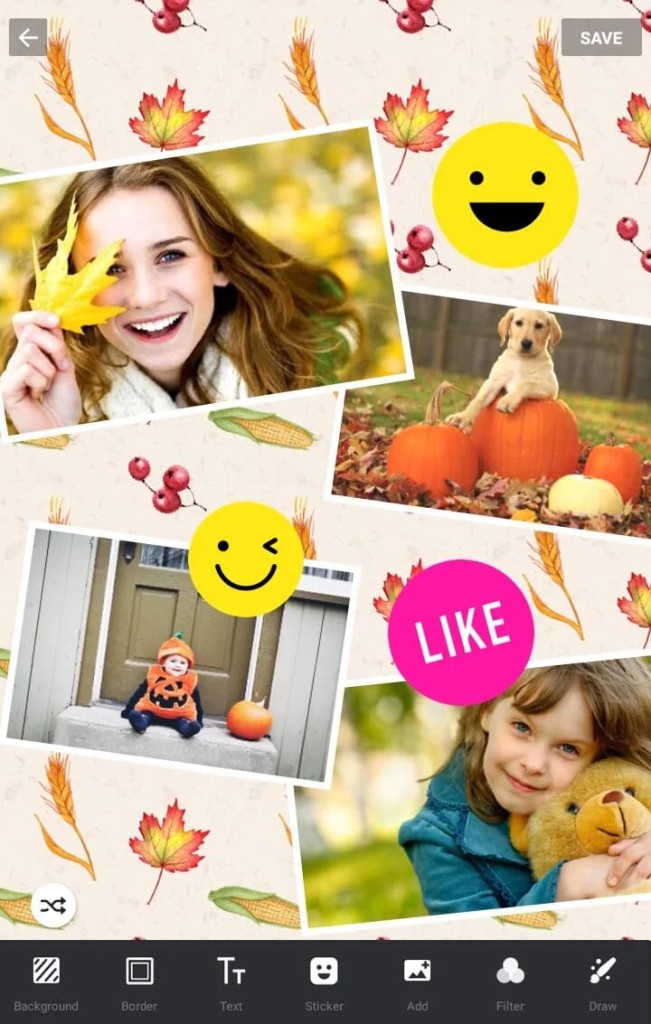
The application provides tens of templates in which you simply place your pictures, and it automatically resizes them. With InCollage, the layout can take two pictures or 10, and anything in between. All the spacing, corners, margins, and proportions can be adjusted using sliders, meaning you do not have to be a graphic designer to make things look good. There is also an option to toggle between the classic grid collages and freestyle modes, which allow you to place and rotate the pictures wherever you like.
In addition to collages, it has some simple editing tools such as cropping, brightness, contrast, blur, filters, and others. Although it does not attempt to match the power of serious applications, such as Photoshop, it nevertheless provides a user with sufficient means of cleaning up photographs and adding aesthetic effects.
Why should I download InCollage?
In case you like to edit your photos and share some creative layouts on social media, InCollage provides you with a hassle-free method of making your pictures stand out. The speed with which you can take a selection of disparate photos and make them into something unified and appealing is one of the largest incentives to download it. It's not necessary to start from scratch or make anything complicated; the app handles the structure for you, and all you have to do is add your photos.
InCollage also offers a user-friendly interface. It is all drag and drop, and the menus are visual, so experimenting is not a problem. There will be previews of templates, effects, and frame previews before applying them. So you don't have to guess what something is going to be like, it just is all there as you progress along. Need to share a photo collage of your epic weekend or a happy birthday message to a friend? With InCollage, you can have it done within minutes.
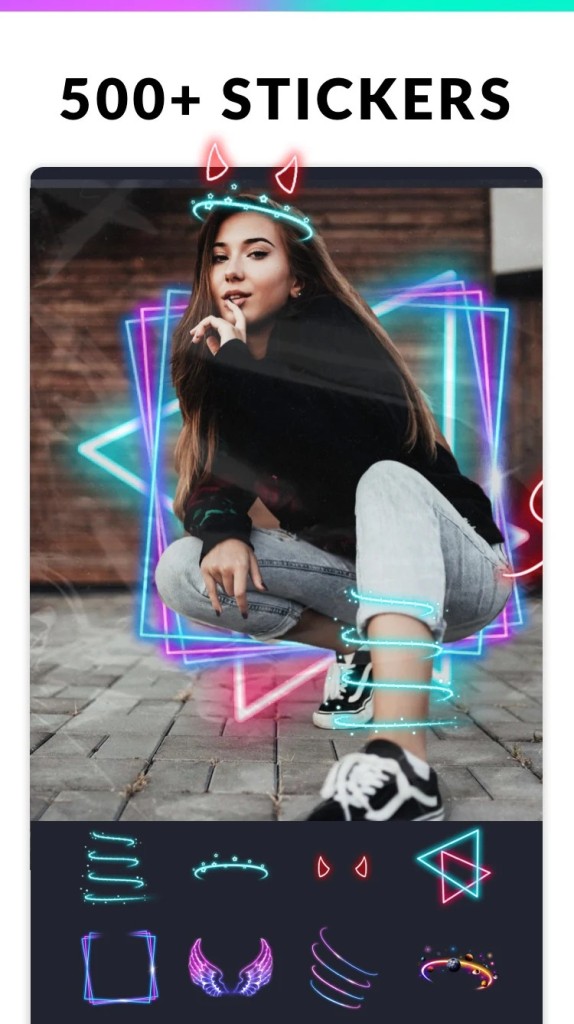
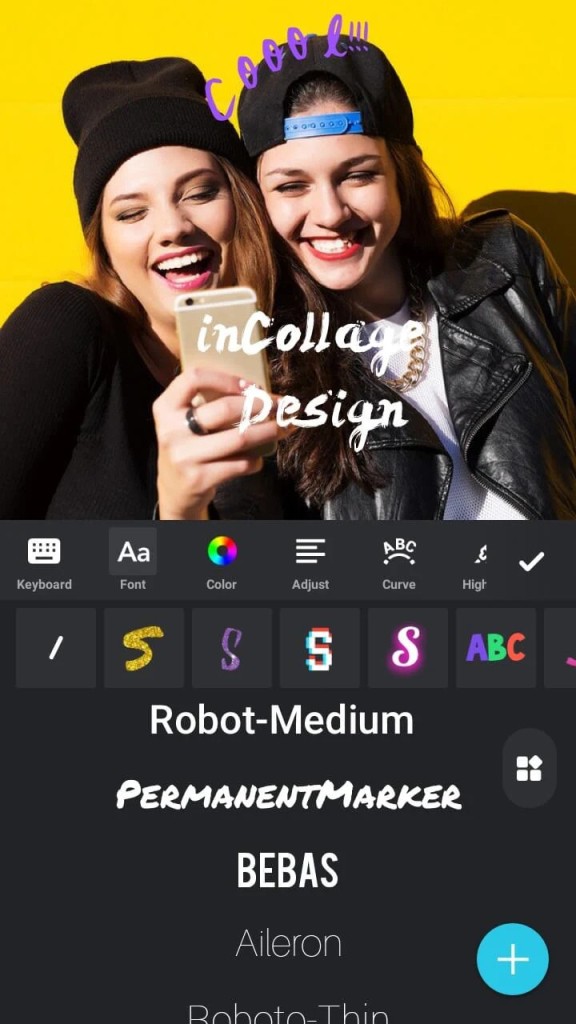
It is also useful to those individuals who like putting personal touches on their images. You may apply stickers, emojis, or add text in different fonts. These are holiday themes, seasonal colors, fashionable design styles, and so on. And in case you prefer a more laid-back, scrapbook-like design, you can use the freestyle mode and have fun moving photos around the canvas wherever you want.
InCollage also offers plenty of filters that allow you to not only match the color of your photos to a certain theme, but also simply fix the bad lighting. These filters are very natural, such that they enhance your picture without giving it the over-edited appearance, unless that is the effect you are going after. Whether you are sharing on Instagram, Facebook, or even printing out your collages to give as gifts or make memory books, these tools are useful.
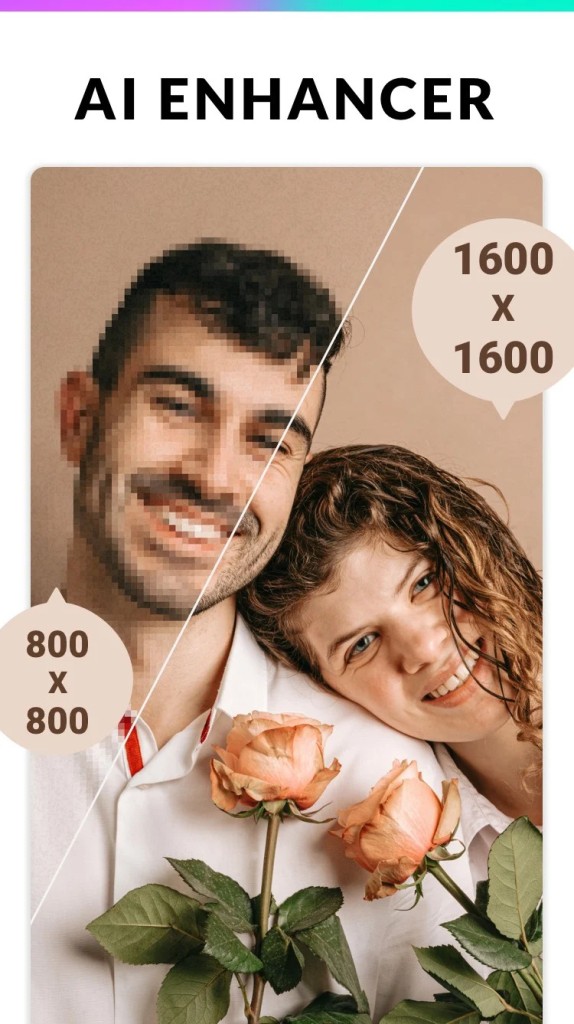
The application does not occupy much space on the phone either, and even on an old model, it works without failures. Your work can be saved in high resolution, and you can select the aspect ratio that will suit best where you are posting, stories, posts, or regular prints.
Put simply, InCollage is designed to be used by non-technical people who expect beautiful output and do not want to struggle with technicalities. It makes design easy and makes sharing your memories fun again.
Is InCollage free?
Yes, InCollage is free of charge to download and use. The free version has a lot of templates, filters, and tools. Though exclusive layouts, stickers, and ad-free usage are some of the premium features that will require a subscription or a one-time purchase. The free version should, however, suffice for most casual users whose need is to use it regularly.
What operating systems are compatible with InCollage?
InCollage can be used on Android and iOS devices. It is available at the Google Play Store or the Apple App Store. It is compatible with the majority of smartphones and tablets, and the updates are provided regularly to ensure that it works with the newest releases of each of the operating systems. Just like when you are working on a big screen or a smaller one, the interface is responsive and scales appropriately.
What are the Alternatives to InCollage?
The apps that provide similar photo collage and editing features are numerous, and each of them has its own options. Some may be more to your style, depending on what you are seeking.
One of the most popular ones is PicCollage. It has the same layout possibilities and editing tools, yet its main peculiarity is creativity and community. It is possible to browse and remix collages created by other users, participate in themed challenges, and draw your own doodles. PicCollage is slightly more aimed toward creative expression and crafting, and the interface is child-friendly and family-friendly. It also comprises greeting card templates along with celebration themes, which are finished yet familiar.
Another decent alternative is Montage Photo. It has more features on photo montage and layered effects as compared to the straightforward side-by-side grids. You may mix pictures, put textures, and achieve a more artistic style. It can be really useful when one desires a somewhat more editorial or abstract collage. It is less restrictive in design but may take a bit of trial and error to get used to.
Lumii is a good choice when you need potent photo editing with a collage on the side. It does not have the same collage templates range as InCollage, but its editing tools are more profound - HSL adjustment, curve editing, and selective blur are just some of them. And if you happen to be the type of person who'd prefer having a bit more control over the photo tone, color and detail, then Lumii provides the room in which you can refine your images up to almost a professional standard. It is amazing when you want to do personal branding, or if you are an individual who wants to make your social media more curated and cohesive.