Adobe Firefly is a set of generative AI models that works inside Adobe products like Photoshop, Illustrator, or Lightroom, but is also a standalone app you can use outside the Adobe Creative Cloud. Aimed at artists, designers, marketers, and content creators, it can modify part of your work, remove elements from your photos, or generate brand new visuals, depending on your needs. It understands prompts in natural language, and it can be used for generating photorealistic images, intricate vector graphics, stylized text effects, or applying color variations to existing objects.
One of the most important features of Adobe Firefly is that you don't risk copyright infringement when using this tool. Since the AI models are trained only on public sources with open licenses, public domain works, and everything available in Adobe Stock, it won't "steal" intellectual property from other artists, brands, or private creations. This makes anything you create with Adobe Firefly safe for commercial usage, so you won't get sued over your work, which is highly important in a professional setting.
You can use Adobe Firefly in two main modes, one of them being its standalone web app, where you can use its simple interface to generate images or graphics. Free users get a limited number of monthly credits, but you can purchase more with a subscription. The second way is using it inside Creative Cloud products, including Photoshop, Illustrator, and Adobe Express. This way, you don't need to change how you work or switch between apps and import media - it's part of the toolset from the get-go.
Why should I download Adobe Firefly?
Unlike other generative AI models that train on copyrighted content, Adobe Firefly is made with commercial usage in mind. It's a unique quality in the world of current AI that is largely accused of sourcing material and recreating things that are someone's intellectual property. Since Adobe Firefly only uses Adobe's licensed stock database and content distributed under open licenses or in the public domain, anything it generates is free from copyright issues. It greatly reduces any legal risk you or your company might have when you use AI-generated content in ads, posters, illustrations, or any other commercial project.
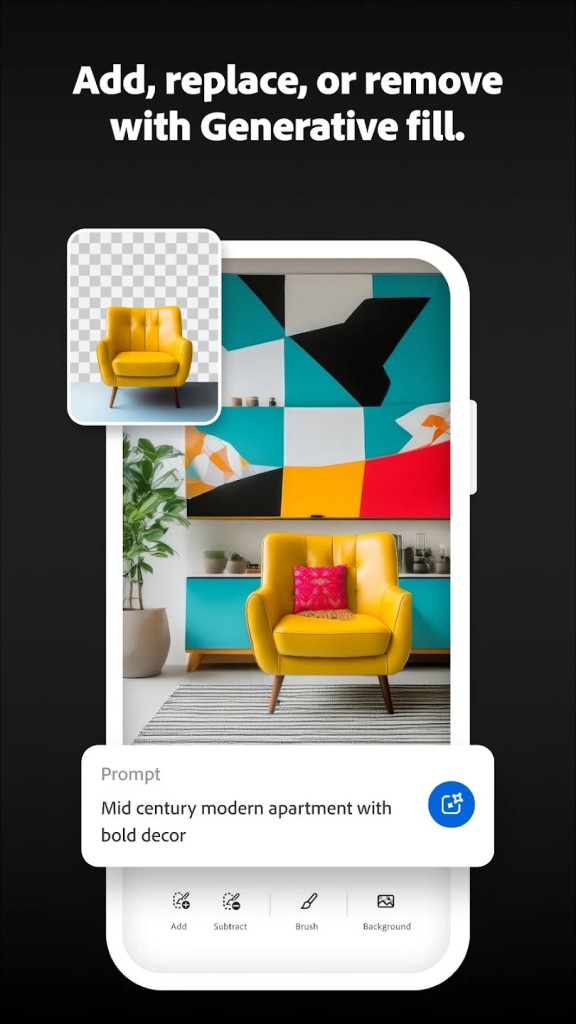
Another advantage of Adobe Firefly that makes it easily adoptable is that it is seamlessly integrated into all Creative Cloud products within the Adobe ecosystem. When using it in Photoshop, you get features such as "Generative fill" or "Generative expand," where you can select an area of your image, write your prompt, and have the tool add, remove, or extend your work in a way that matches it perfectly. In Illustrator, you get a "recolor" feature to generate numerous color themes for your current vector work. Having Adobe Firefly inside the products you use anyway makes it super convenient. It saves you time and effort, whereas with other tools, you need to go through import and export while ensuring the file formats are supported between apps.
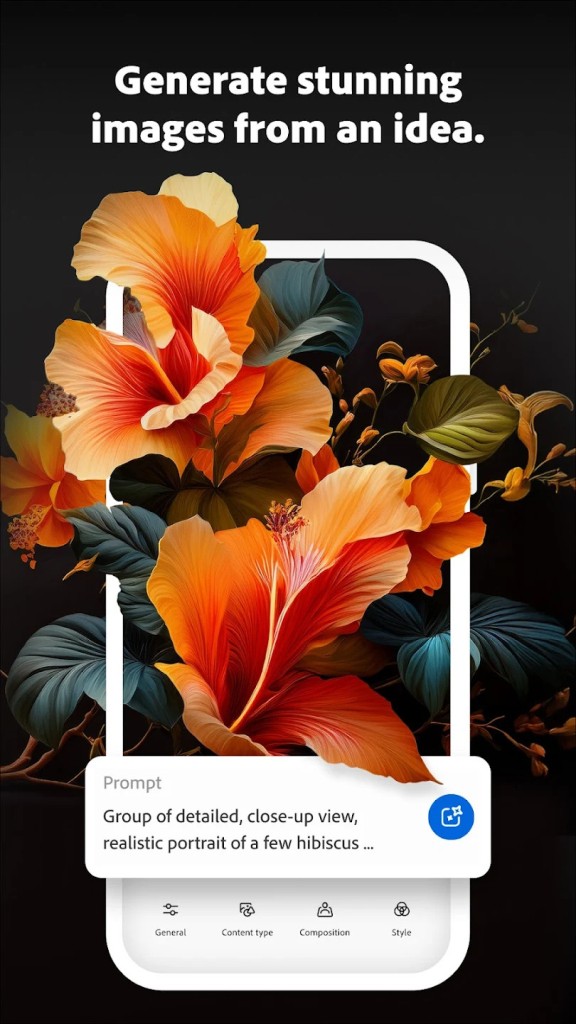
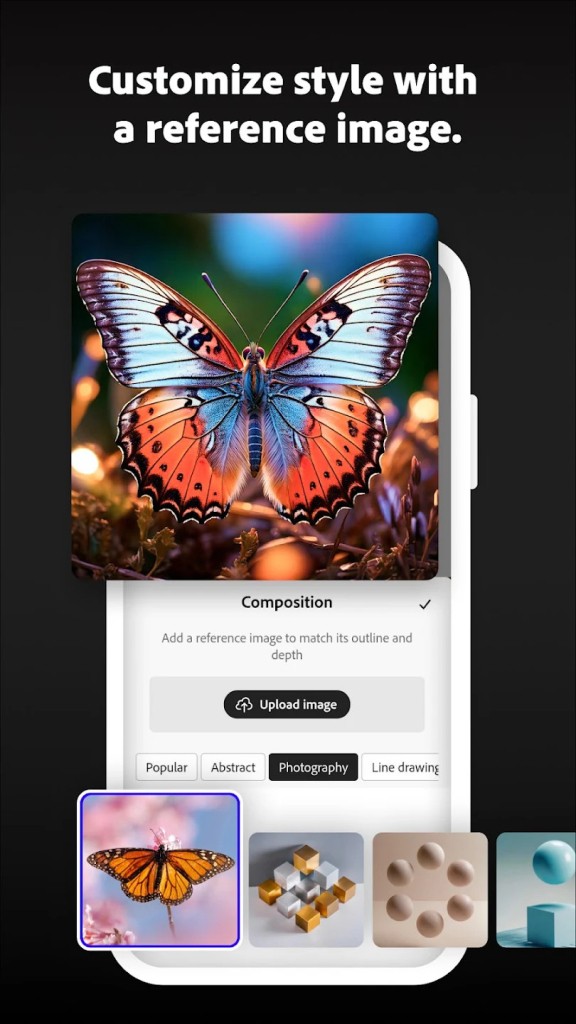
If you choose to use Adobe Firefly as a standalone app, the core feature is the text-to-image generation engine that understands plain, natural language and can return various images that match your prompt. You can then further customize the result with different artistic styles, color schemes, lighting, and event output file format, so you don't lose details or the color scheme. For every generation prompt, Adobe Firefly will return three different options matching it, so you can pick the one you like best to start working, even without extensive knowledge in design or art.
Besides images, Adobe Firefly can generate text effects such as highly stylized lettering with different textures, incorporated objects, or themes. If, for example, you're looking for a font with jungle vines, you can ask Adobe Firefly to create one. It's great for branding, marketing, social media, and any other projects where typography is essential and you don't need to spend hours looking for the right typeface. You just type the prompt and provide the text to which this font should be applied, and you're good to go.
Because Adobe Firefly is a standalone web application, it is easy to access on various devices, regardless of the operating system. It works on modern browsers and uses Adobe infrastructure to generate content so that it won't overwhelm your GPU. You can use Adobe Firefly on Windows, macOS, Linux, or tablets without fail. It has a freemium plan with usage limits, but there are also various subscription options.
Is Adobe Firefly free?
If you use Adobe Firefly for free, you just need an Adobe account, and you get 2000 free credits for generating images with its core features. There are various subscription plans if you need more advanced options and more credits.
Adobe Firefly is also built into the Adobe Creative Cloud plans that include Photoshop, Lightroom, Illustrator, and Adobe Express, so you don't need to pay extra to use it inside those solutions once you already have a Creative Cloud subscription.
What operating systems are compatible with Adobe Firefly?
Adobe Firefly is a standalone product that works on any modern web browser on Windows, macOS, and Linux. You can use it on PCs, laptops, and even tablets, so you're not limited to a specific operating system.
If you're looking to use Adobe Firefly as part of Creative Cloud products, it works only on the operating system on which the host product works. Usually, Photoshop, Lightroom, and Illustrator have versions for Windows and macOS.
What are the alternatives to Adobe Firefly?
DALL-E is a generative AI model from OpenAI that uses a text-to-image mechanism to create high-quality outputs. You can use it directly inside ChatGPT and iterate on the images in a conversation, instead of going to a separate app or interface. Apart from that, it's not really integrated into any other design tools, but you can save your creations and use them elsewhere. DALL-E has a limited free version but is also included in the ChatGPT subscriptions. It works on browsers and inside ChatGPT apps for computers and mobile devices.
NightCafe Creator combines multiple AI models inside one interface. You can select to use, for example, DALL-E, Stable Diffusion, or CLIP and provide text prompts to generate and customize your output. You get free daily credits and paid subscriptions that increase the limits, and NightCafe Creator works on web browsers only. But that's not all. With NightCafe, you get a living community where users share their creations and participate in daily challenges.
Leonardo.AI is another web-based tool for generating images based on the styles of art masters and the most popular artists. It works with multiple generative AI models, and instead of providing only text prompts, you also get various controls to adjust different parameters. You can iterate on the results in numerous ways, and Leonardo.AI has a limited free tier as well as paid subscription plans if you need to generate more images.