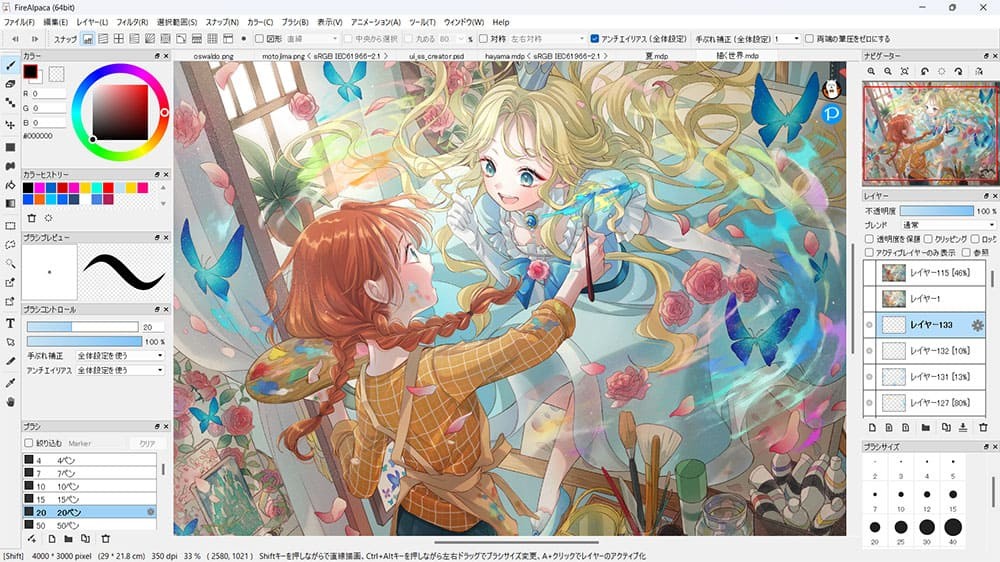
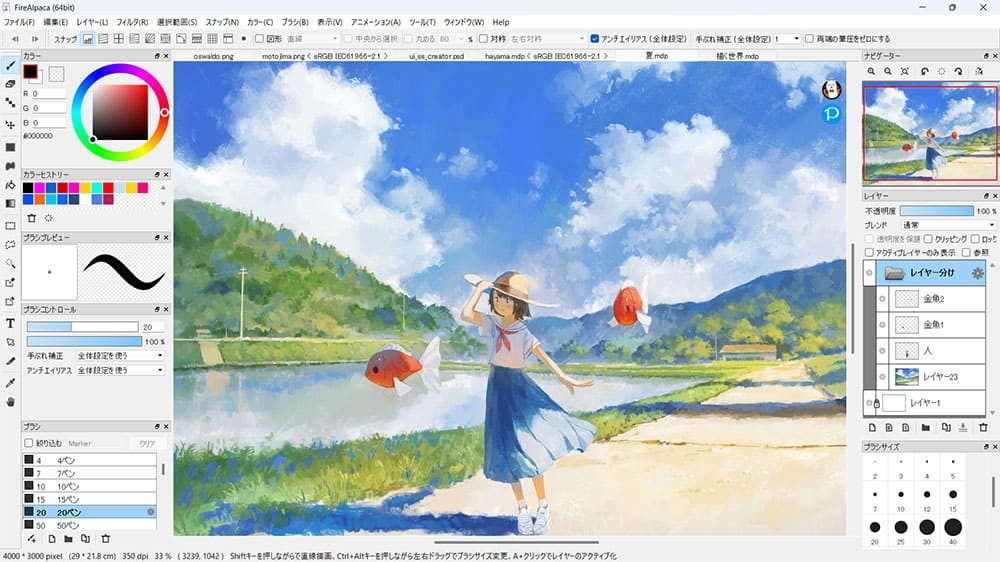
FireAlpaca is a digital painting and illustration program that proves simplicity doesn’t mean sacrificing fun. It is a lightweight, clean, and surprisingly efficient app that certainly does not scream at you.
The first impression is that it is the usual drawing software: the canvas, brushes, layers. However, the more time you use it, the more you will know that you can really do a lot. It can be dubbed as a tool suitable for beginners, yet this does not imply that it is only meant to suit beginners. Even those artists who spend years working on their techniques start using FireAlpaca because of its swiftness and convenience.
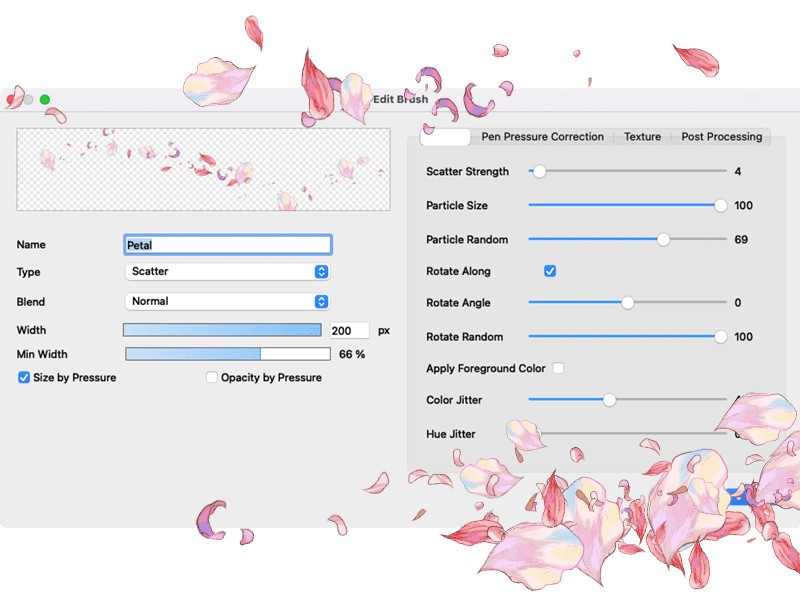
The interface is neat and does not intimidate you with a hundred buttons. That counts when all you want to do is sketch an idea, construct a comic panel, or simply play around with a design of a character. The built-in tools are solid. From the brush engine to the layer management and even the perspective grids, FireAlpaca gives you just what you need to get something done without attempting to transform itself into an enormous suite.
It feels like sketching in a notebook: simple, comfortable, and distraction-free. FireAlpaca is a silent darling among artists who are willing to sketch without struggling with the software. It performs, it rarely crashes, and it gives plenty of room for your imagination.
Why Should I Download FireAlpaca?
Not all artists want to memorize complex workflows or devote weeks to collecting the knowledge of brushes. FireAlpaca does not ignore that. Install it, unlock it, and in a couple of minutes, you are drawing. The learning curve is easygoing, and making mistakes as a new player does not penalize you. It does not intimidate even a person who has never used digital art tools. It’s fast. Really fast.
FireAlpaca does not demand much, regardless of how powerful or modest your system is. It launches quickly, performs well, and you do not have to worry that, because you have numerous layers or work with large canvases, your system won’t slow down. That’s a major plus for anyone who just wants to create freely.
It also possesses certain convenient functions that surprise people. This is the case of the symmetry tool, which allows you to draw mirrored art in real time. It can then be simpler to draw perspective depth and structure since the perspective rulers can aid in such a task as it is easier in comics or an architectural setting. Even basic animation frames can be animated directly within the app using the built-in animation tools; it's not a full studio, but more than enough for quick loops and playful motion.
Another thing that makes people remain loyal to FireAlpaca is the lack of distraction that it creates. No popups promising an upgrade, no subscriptions hiding in the shadows, no settings that feel like reading a foreign manual. It all has a purpose rather than what is fashionable.
Although you might shift to larger programs in the future, FireAlpaca creates an excellent foundation. It makes you accustomed to the functioning of layers, brush management, and utilizing shortcuts. You can also export files in formats such as PSD, and you are not locked in, as well, because you can continue working on these files even after using other apps. In case you want to begin drawing on the computer, need a lightweight and secondary toolkit, or simply wish to play and not get worried about success, with FireAlpaca, you will have the room and a chance. No sign-ups, no delays in setups. Simply download and hit create.
Is FireAlpaca Free?
Yes, FireAlpaca is completely free. There’s no premium tier, no locked features, and no restrictions. Just download it, launch it, and you’re ready to go. It is backed by light advertisements in the launcher (not where the drawing is done), which are ignorable or closable without distracting or altering the experience.
What Operating Systems Are Compatible with FireAlpaca?
FireAlpaca is available for Windows, macOS, and Linux. It works well on all platforms and doesn’t need high specs to run smoothly. It is also lightweight, fast to install, and stable even on old machines. It has fundamental features of tablet pressure sensitivity and is compatible with many of the popular drawing devices, as well as regularly updating itself to remain up-to-date with the latest operating systems.
You also do not have to be concerned about compatibility with files. FireAlpaca can save as its own MDP file and export as PSD, PNG, JPG, and others. It can be saved for print, shared online, or continued in other apps without any compatibility issues.
What Are the Alternatives to FireAlpaca?
The alternatives to FireAlpaca are various, but some heavy options suit your style and workflow, as well as how much control you want in your hands.
Gimp is an open-source program, focused more on photo manipulation, but also offers comprehensive image-editing features. It provides such an abundance of tools and extensions, but the interface may be considered complex. Gimp can be considered, in case you are both drawing and editing the images. It is multi-layered, has brushes and masks, however is better suited for users who enjoy customizing menus and settings.
Krita is regarded as the most common free digital painting tool. It is endowed with tools and brushes, animation options, and an expert-level user interface that can be compared to a paid one. Krita is better than FireAlpaca with more advanced features, though it’s heavier on system resources. It has features of advanced brush customization, stabilizers, and Illustrator and concept art working spaces. Krita is a good next step in case you want something more serious, but free.
Clip Studio Paint is a commercial tool with an emphasis on comics, manga, and illustration. It possesses numerous tools that are especially useful in inking, panel layouts, speech bubbles, and more, including tools for 3D models, inking, and advanced brush control. It is ideal when professionals or people intending to advance their commitment in comic or character work invest in it despite the steep price and longer learning curve.