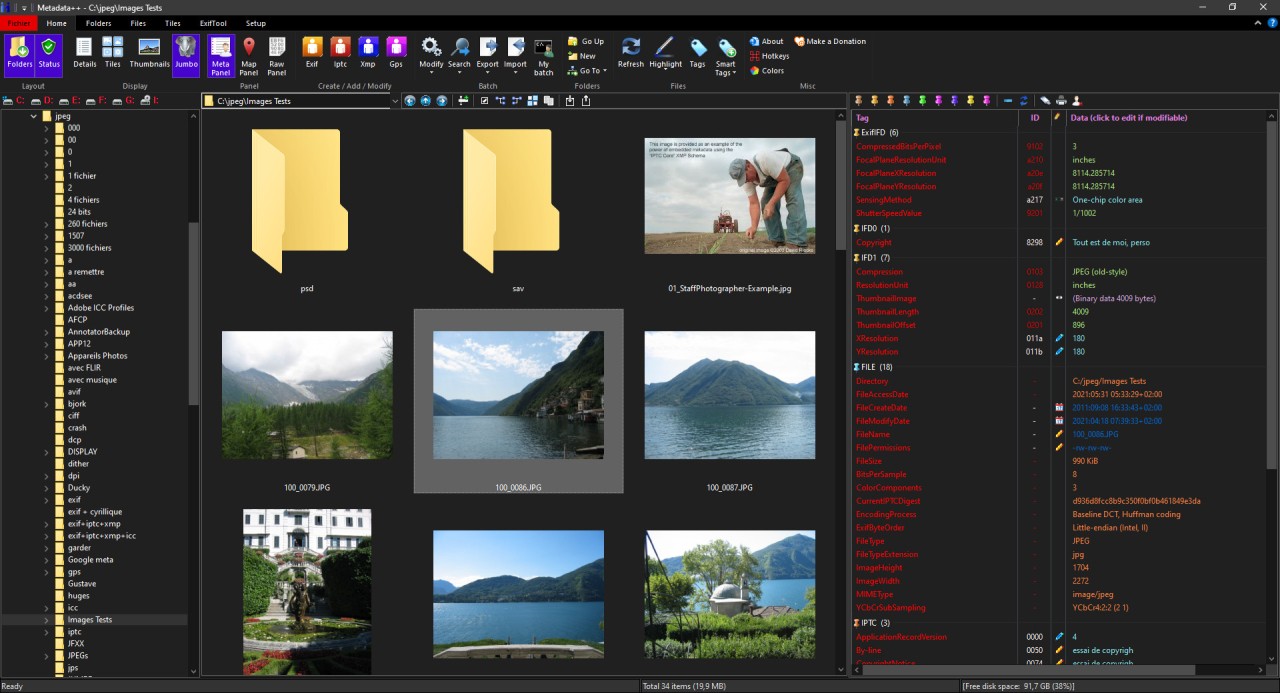
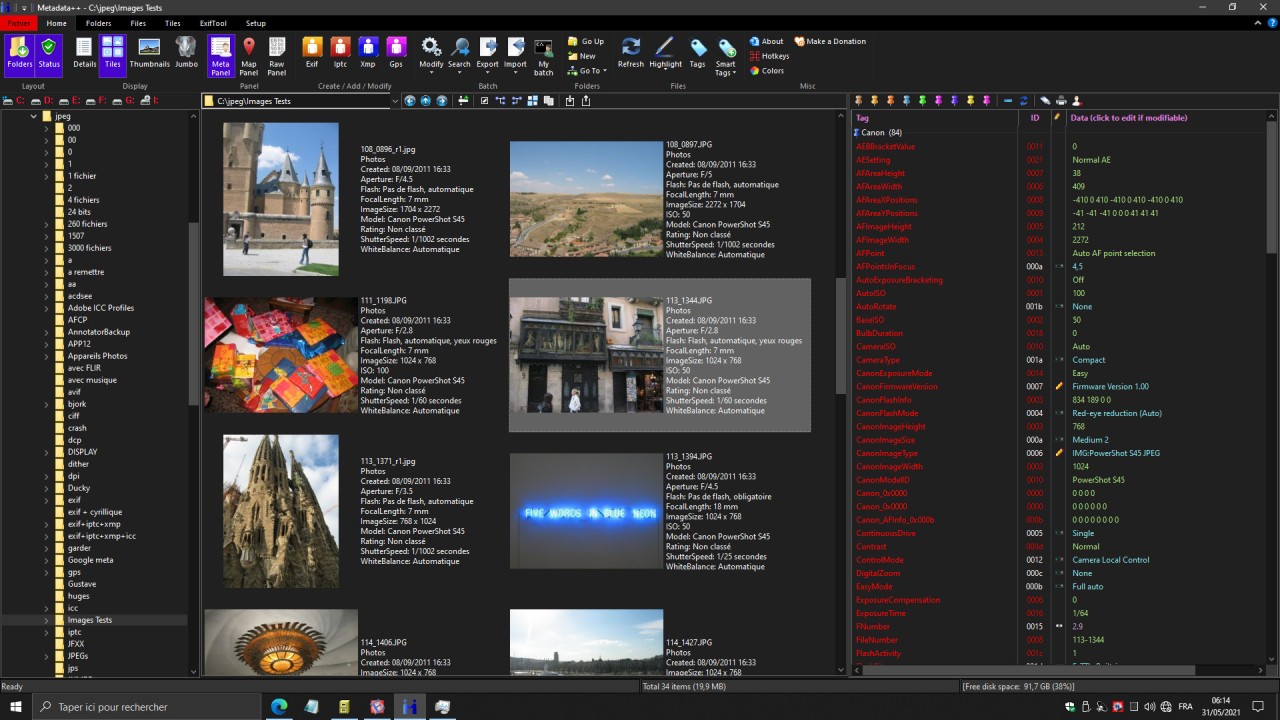
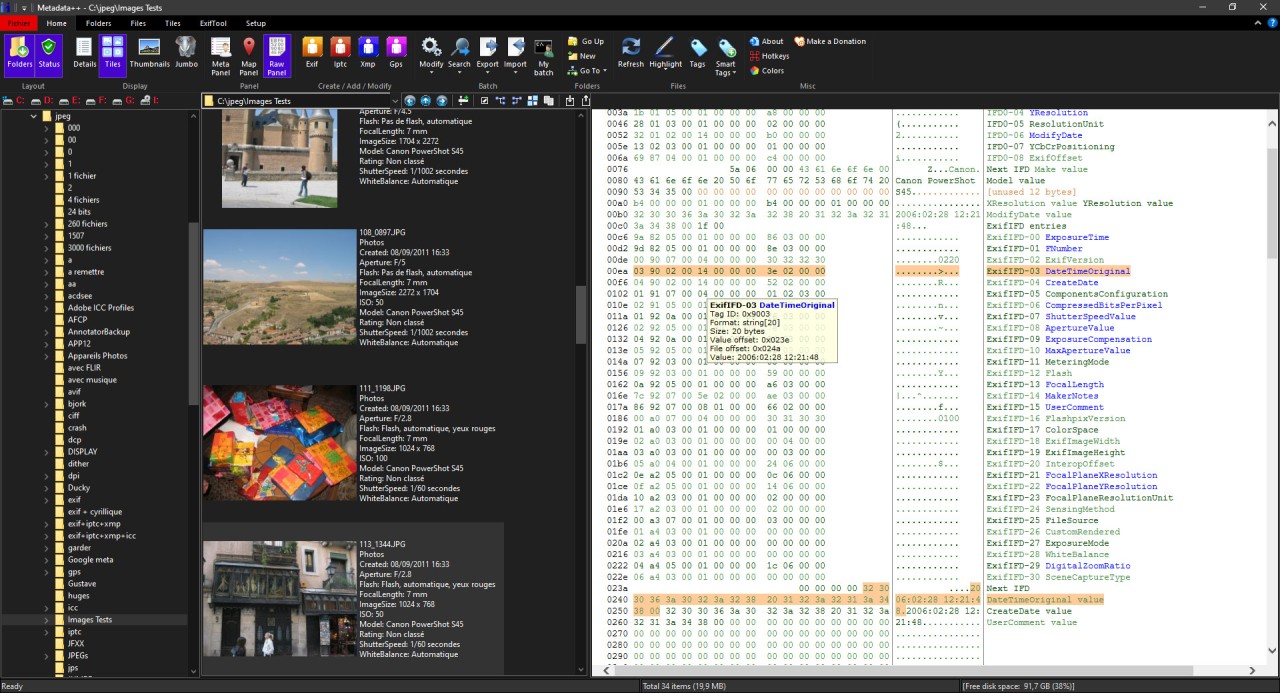
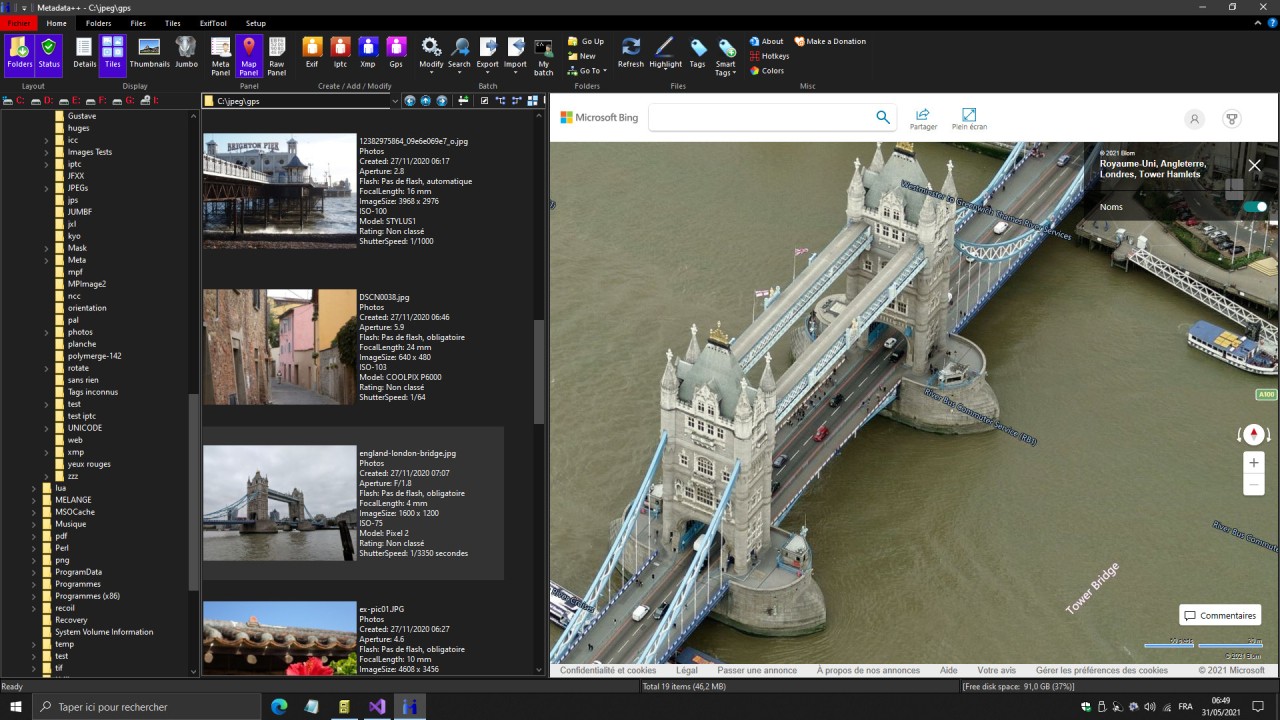
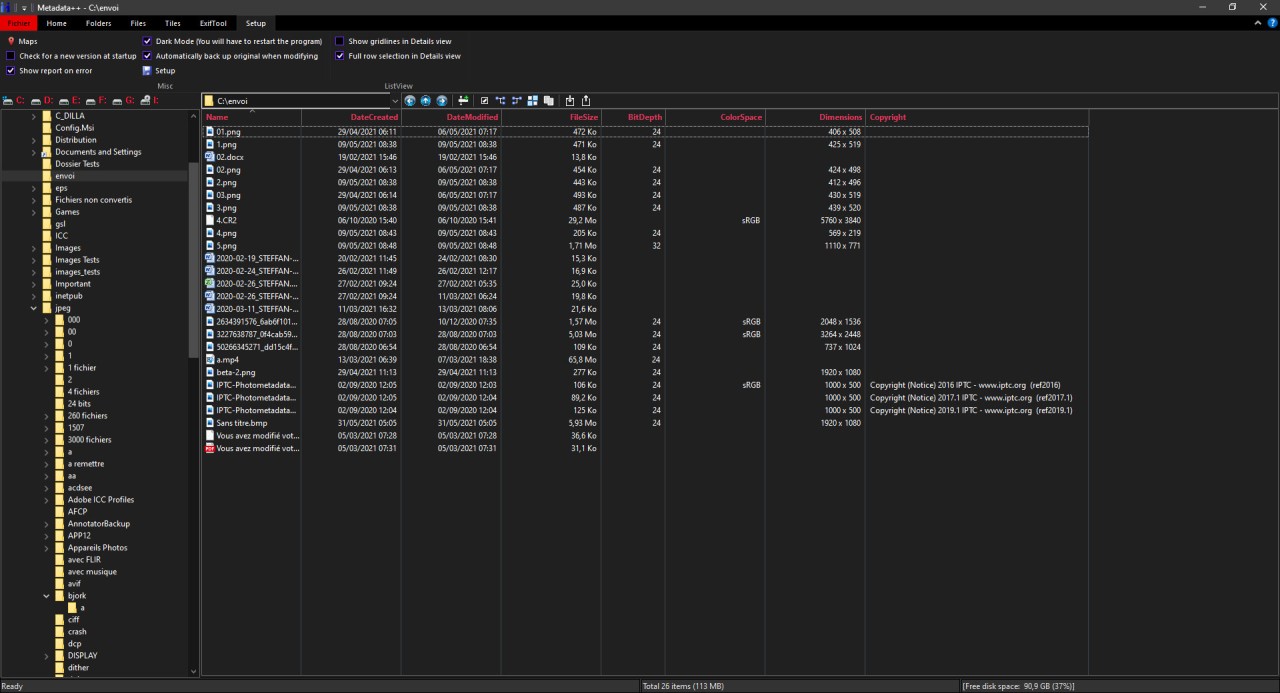
Metadata++ gives you more control over the hidden information embedded in your photo and video files. It's a powerful and completely free utility for Windows that allows you to view, edit, and manage file metadata. Metadata is basically all the extra information that gets saved inside a file, like the date a photo was taken, the camera settings used, the GPS location, and even copyright information.
With Metadata++, you can easily access and change this information, which can often be difficult or impossible to do with the standard tools built into your operating system. The tool is especially useful if you have a large collection of media files and want to organize your library, correct information, or add important details to the files. This software is built on top of the industry-standard ExifTool engine, which means it can read and write metadata for a huge variety of file formats.
Ultimately, Metadata++ is a tool that combines the power of a professional command-line utility with a straightforward and easy-to-use interface. You can make changes to a single file or to thousands of files at once through its powerful batch editing capabilities. It also offers a lot of customization options, and you can download Metadata++ for free for Windows computers.
Why should I download Metadata++?
Metadata++ gives you access to powerful and flexible batch editing capabilities, which is perfect if you're someone who has a large photo library. If you need to fix the date or other details, you don't need to do it on each photo one by one; Metadata++ allows you to select all of them and apply a correction to the entire batch at once. You can add, remove, or modify almost any metadata field across thousands of files in a single task, saving you time.
The interface in Metadata++ is designed for efficiency, and it has a file browser, a central panel that displays all the editable metadata fields for the selected file, and a preview pane to see the image you're working on. What's great is that this layout is not fixed; you can customize which metadata fields are visible and in what order, and you can save different layouts as presets for different types of actions, creating a workspace that meets your needs.
When it comes to technology, Metadata++ uses the industry-standard ExifTool engine, which is widely considered to be the most comprehensive metadata reading and writing engine. By using ExifTool as its backbone, Metadata++ can recognize and edit a massive number of metadata tags from an incredible variety of file formats, including the RAW formats from almost every camera manufacturer.
Using Metadata++, you can work with a massive range of file and metadata formats. The tool isn't just limited to the basic information in your JPEG photos, as it can handle various file types, including various video and audio formats. It understands all the major metadata standards, such as EXIF, which contains all your camera setting information, IPTC, which is used for adding keywords and copyright information, and XMP, which is a more modern and extensible standard.
You can also create presets and templates in Metadata++, so if you find yourself repeatedly applying the same set of metadata to your files, such as adding your copyright and contact information, you can save that operation as a preset. The next time you need to apply it, you can do so with just a single click across your entire library. You can download Metadata++ on Windows 10 and 11, and the tool is entirely free.
Is Metadata++ free?
Yes, Metadata++ is completely free, so you can download, install, and use the full version of the program without any cost. There are no advertisements, no premium or "Pro" versions to upgrade to, and no subscription fees.
What operating systems are compatible with Metadata++?
Metadata++ is developed exclusively for the Microsoft Windows operating system, so it only works with Windows 10 and 11. There are no official versions of Metadata++ available for other operating systems, such as macOS or Linux.
What are the alternatives to Metadata++?
GeoSetter is a free tool for Windows that specializes in geographical data, and it lets you view, edit, and add GPS coordinates to your photos. It has an integrated map view, which is powered by Google Maps, so you can see the location where a photo was taken. You can also adjust the location by dragging and dropping your photos into the right place to "geotag" them. It's a great utility if you're looking to organize your photos by location.
MetaDoctor is a metadata editor for video files that is optimized to work within the Apple ecosystem. It makes it easy for you to add or correct information like the title, artist, show name, season, and episode numbers, and include cover art for your movie and TV show files. MetaDoctor is a paid app you can buy on the App Store, and it works only on macOS computers.
IrfanView is an image viewer, editor, organizer, and converter that supports multiple file formats and is super fast. It can process images in batches and edit basic metadata, such as adding or clearing IPTC and EXIF data for a whole folder of images at once. You can download and use IrfanView for free for personal, noncommercial use, and it is available for Windows computers.