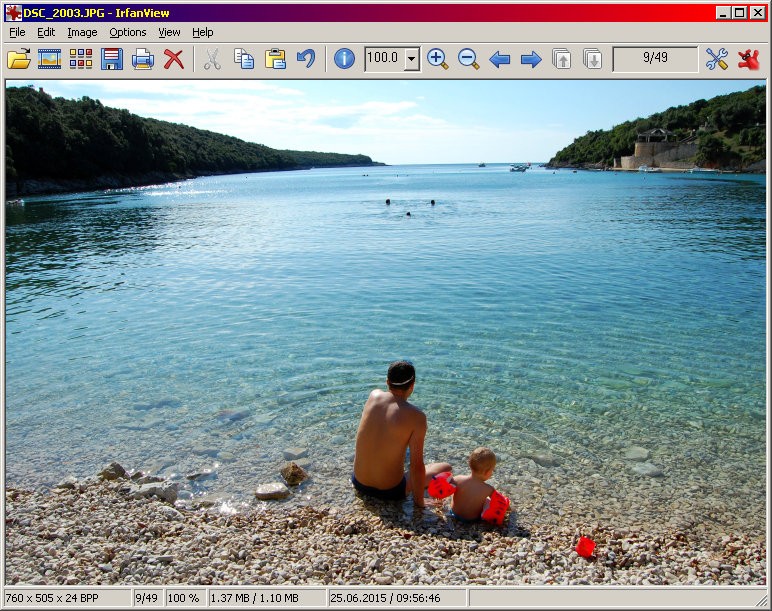
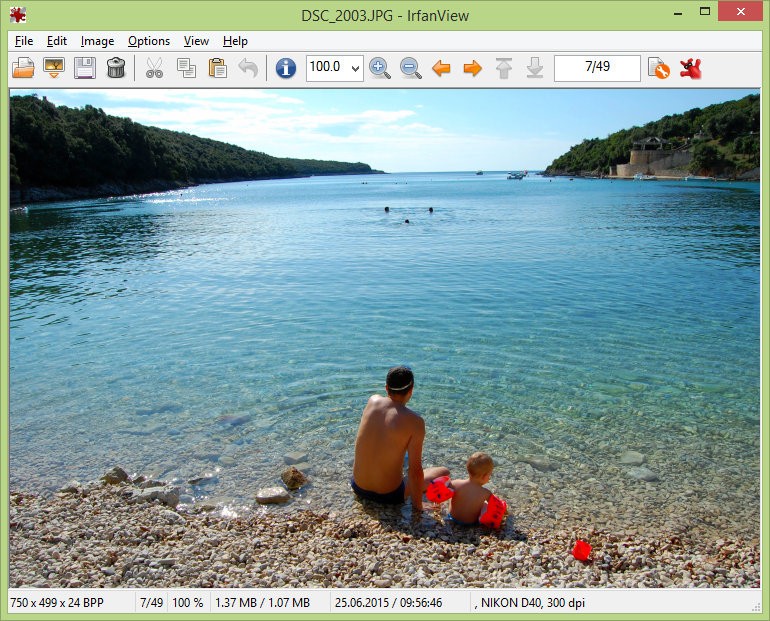
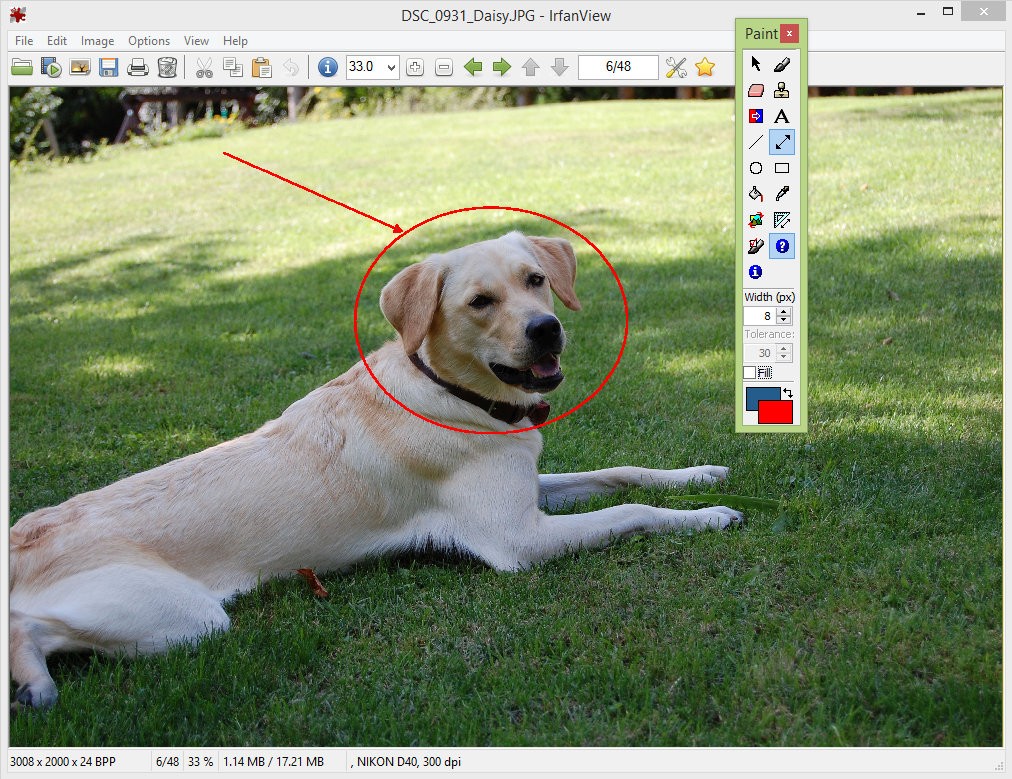
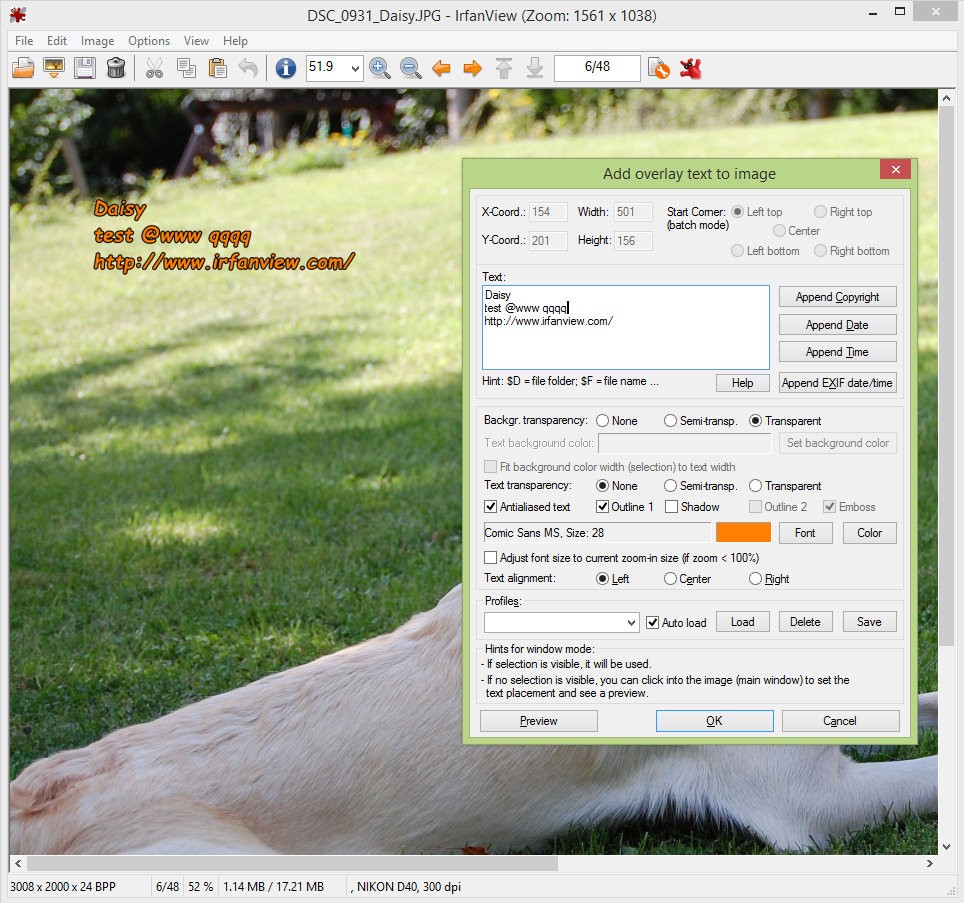
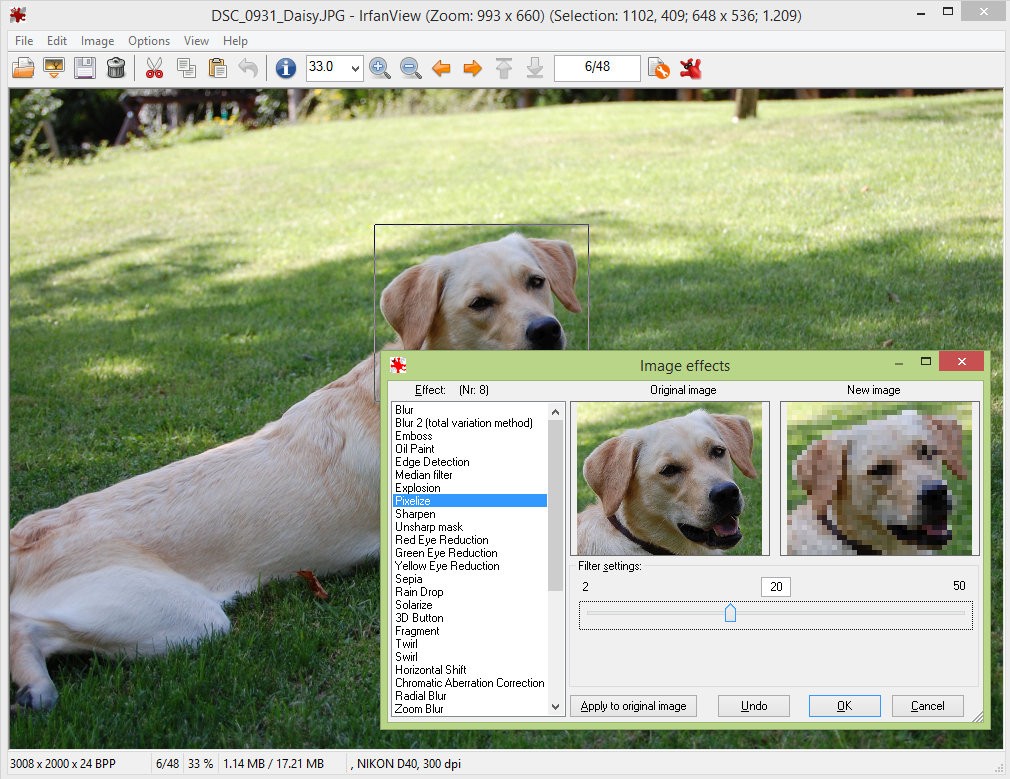
IrfanView has been around for years, and it's a perfect example of how a simple, no-frills tool can be exactly what you need. It's not flashy. It doesn't overwhelm you with tabs, effects, or features you'll never touch. What it does is open, view, and convert images quickly and accurately. Despite its small size, IrfanView handles everything from standard JPEGs to obscure image formats that your default viewer might not even recognize.
Beyond images, IrfanView also supports audio and video playback if you dig into its additional capabilities. The small footprint is deceptive because the program packs in a surprising number of useful features, from batch conversion and lossless cropping to format changes and basic image editing.
Speed and practicality have always been IrfanView's guiding principles, and that philosophy holds true with every update. Whether you're previewing screenshots, cropping photos, or resizing a whole folder of images, the tools are fast and effective without getting in the way of how you work.
Why Should I Download IrfanView?
Downloading IrfanView gives you a reliable tool that sits quietly on your PC and is ready whenever you need it, whether that's previewing an unfamiliar file type, converting a batch of documents, or doing a quick crop. It has a way of becoming your default image application faster than you'd expect, simply because you end up reaching for it constantly. If you need to zoom in on a photo, add a watermark, or convert a file format without firing up something as heavy as Photoshop, IrfanView handles it effortlessly.
The editing capabilities are focused and practical. IrfanView lets you make quick adjustments to images without losing quality, and it doesn't try to be everything at once. It sticks to the core tasks and makes them easy to accomplish in just a few clicks. Whether you're working through a stack of scanned documents, screenshots, digital photos, or graphic assets, the program stays fast and responsive without slowing down your machine. Batch processing is one of its biggest strengths: you can rename, resize, or convert hundreds of files in a single operation.
Efficiency runs through every part of the program. IrfanView also supports plugins that extend its functionality, including optical character recognition (OCR) and slideshow creation. The interface might look dated to some, but many users actually prefer its directness. There are no pop-up notifications, no slow-loading menus, and no unnecessary distractions. You open the program, do what you need to do, and move on.
IrfanView is also ideal if you need something that won't eat up system resources. It runs well on older hardware, compact laptops, and modern desktops alike. Photographers, designers, and office workers all find it useful as a quiet, dependable utility that delivers consistent results without requiring complex setup. There's no internet connection required, no subscription fee, and no cloud storage upsell. It knows what it's for, and it does exactly that.
Is IrfanView Free?
IrfanView is free for personal and non-commercial use. You can download and run it without any payments, subscription requirements, or hidden conditions.
For home users who aren't using it commercially, there are no restrictions, no forced updates, and no catches. It's a genuinely free tool for everyday image handling.
What Operating Systems Are Compatible with IrfanView?
IrfanView is a Windows application that runs smoothly on Windows 7 through Windows 11. It performs well on both older Windows versions and the latest operating system releases.
While there's no official macOS or Linux version, some users run IrfanView on those platforms through Wine or similar compatibility layers. Native support is limited to Windows only. Installation is quick and simple, and the program runs comfortably even on machines with limited RAM or modest CPU performance.
What Are the Alternatives to IrfanView?
IrfanView's combination of speed and useful features makes it stand out, but there are other applications worth considering depending on what you need. Each one brings something slightly different to the table.
FastStone Image Viewer offers a very similar experience in terms of speed and compactness, but with a bit more visual polish. Users appreciate its full-screen viewing mode, image comparison tools, and high-quality previews. The editing section includes red-eye removal, color adjustments, and annotation tools. FastStone is aimed primarily at users who want to organize photos into folders and manage a basic image library without stepping into heavy editing software. If you want something familiar and capable without the complexity of professional tools, FastStone is a strong choice.
XnView and XnView MP are two free image viewers that handle a wide variety of formats. XnView is available for Windows and iOS, while XnView MP can be downloaded on Windows, Linux, or macOS. The original app has a simpler interface, while the MP version offers a more modern design. Both support batch editing, metadata display, histograms, and image categorization, giving you solid flexibility for managing and processing your image files.
digiKam is a good option for users who need more than a basic viewer. Its primary focus is managing large image collections rather than simple file viewing. Photographers will find it especially useful thanks to its tagging, rating, and open-source editing tools. If you have a big photo library and need to organize RAW files, build digital albums, and keep everything sorted, digiKam is better suited to that job than IrfanView. The learning curve is steeper, and it uses more system resources, but the management features justify the extra overhead for serious photo workflows.