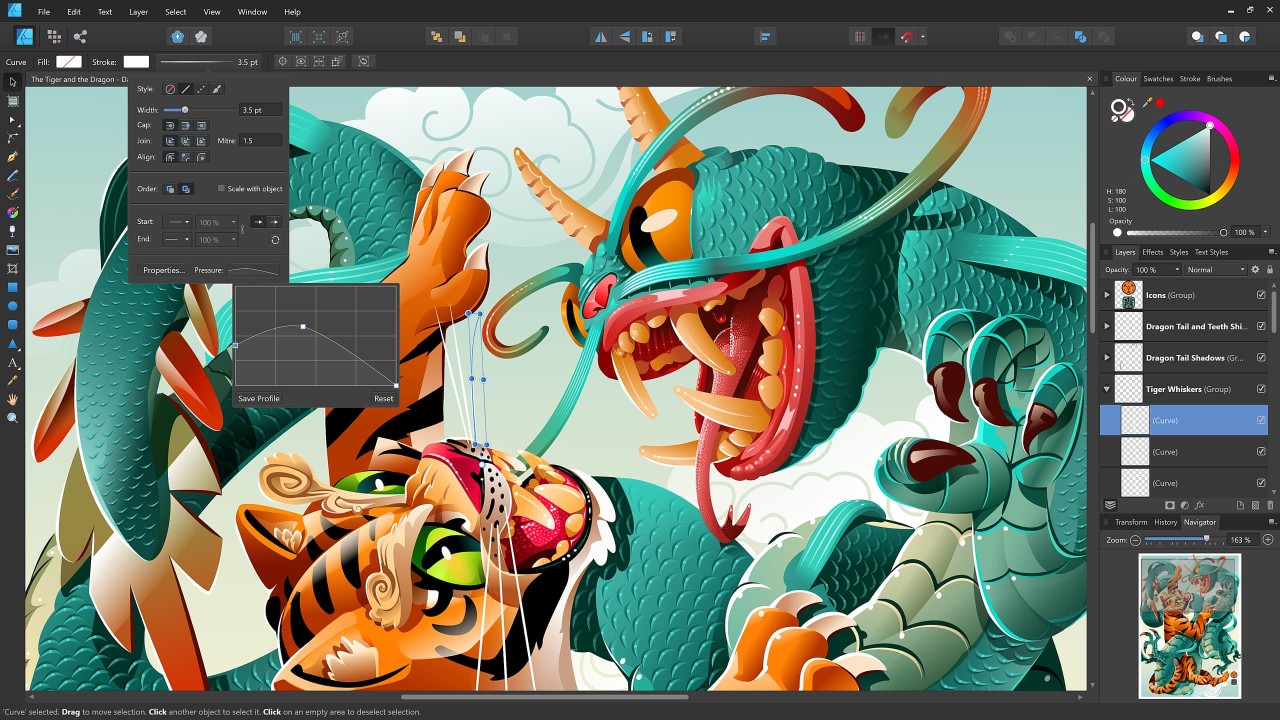
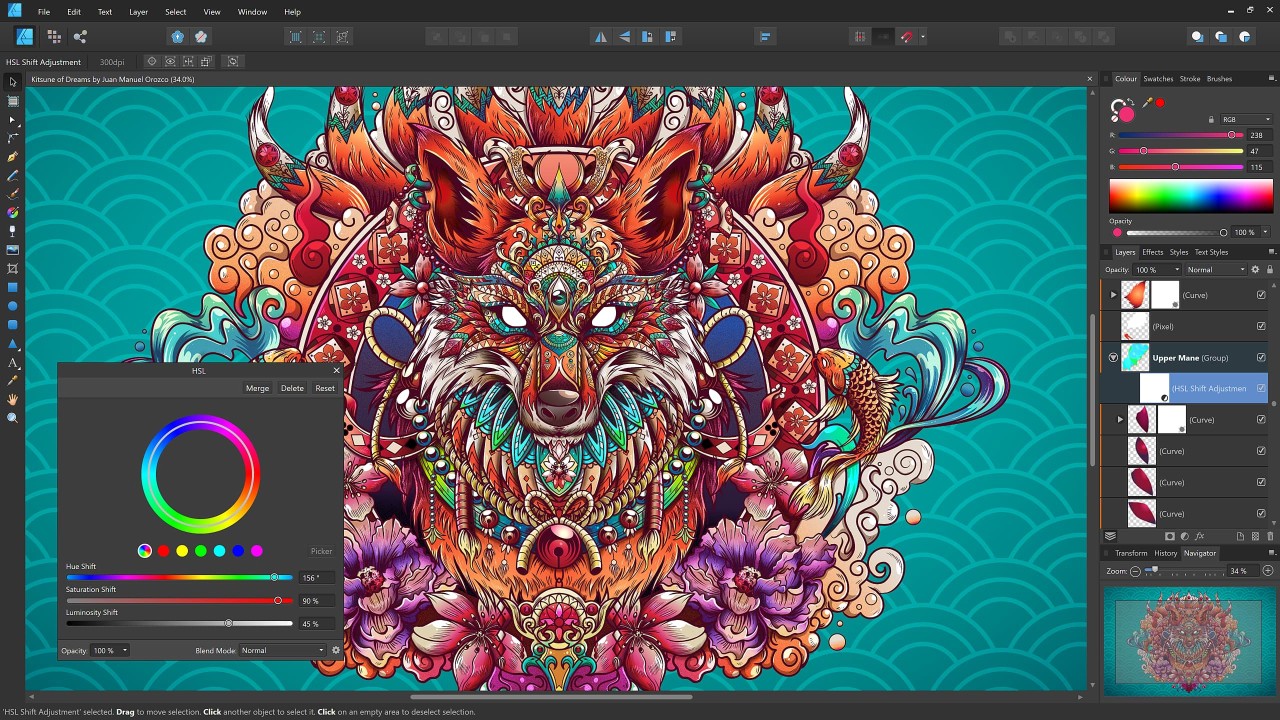
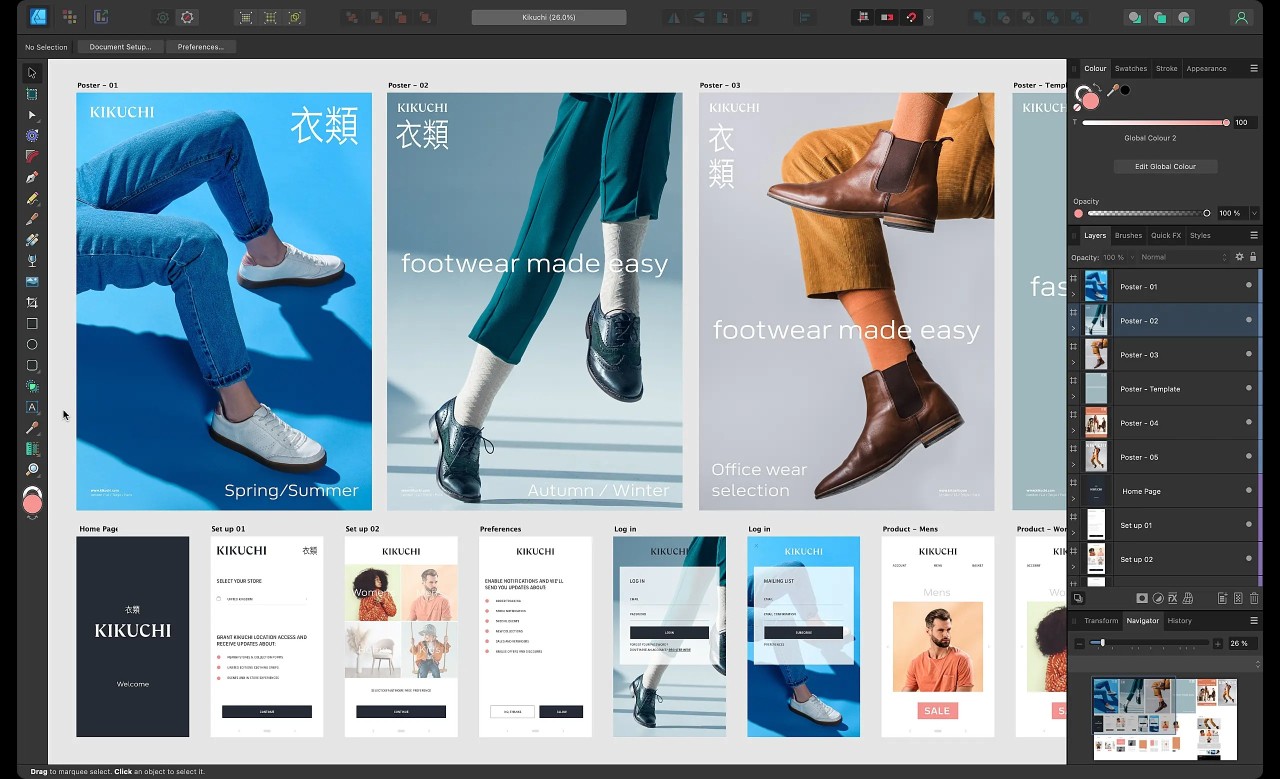
Serif has developed the professional vector graphic design application Affinity Designer, which is included in the Affinity all-in-one software, now owned by Canva. People consider Affinity Designer as an inexpensive substitute for Adobe Illustrator, where users receive professional-grade instrument sets for vector and raster work. Affinity Designer delivers a high-precision experience that serves creative professionals and graphic designers, and illustrators, even when handling complex, detailed projects. The software system provides users with a wide array of drawing tools along with editing tools that contain vector brushes and gradient control capabilities, as well as typography functions and raster graphic integration.
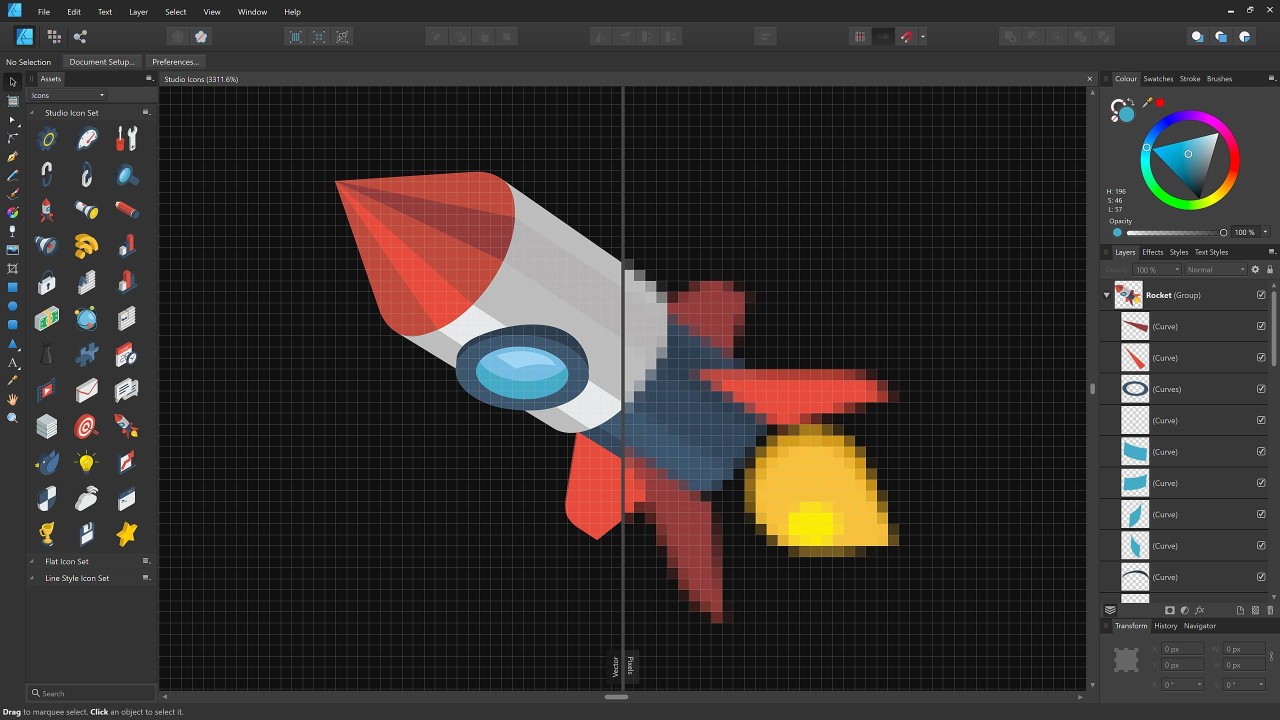
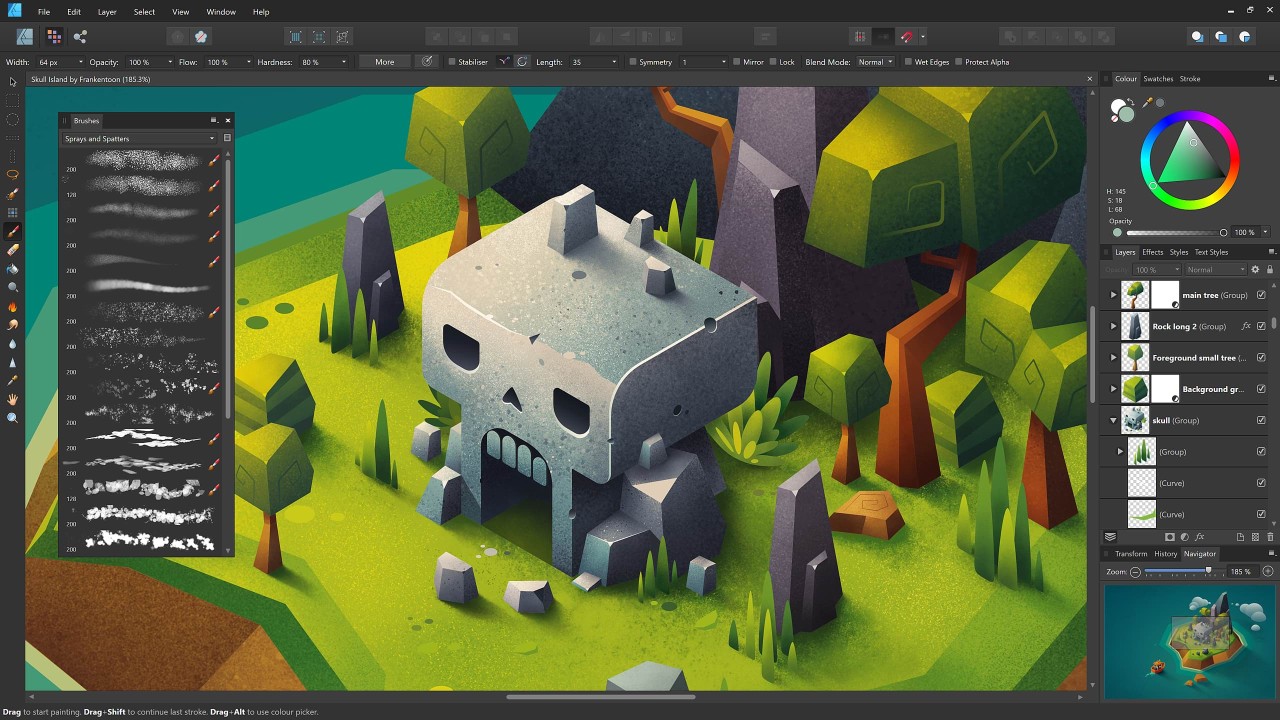
Affinity Designer stands out because it operates in dual environments, which can be selected by users. The application allows users to transition between vector design and raster work areas with separate programs by offering an integrated interface. Affinity Designer delivers exceptional versatility through its special design because users can create and edit logos and illustrations as well as interface designs and extensive digital works inside one application window. The software allows users to edit without destroying the original content through its non-destructive editing capabilities.
Users will appreciate how well Affinity Designer performs during operation. The program functions excellently with both extensive print files and complicated vector illustrations. The software maintains fast operation when handling an unlimited number of stacked layers because of its strong engine performance. The software operates at maximum performance on Windows as well as macOS to deliver consistent features across all operating systems. Users who need professional-grade design capabilities find their ideal tool in Affinity Designer because it provides powerful design features without requiring subscription-based payments.
Affinity by Canva is an all-in-one tool that offers functionalities for graphic design (Affinity Designer), Photo Editing (Affinity Photo), and page layout (Affinity Publisher). When you download this free software, you can use all of its included tools, without having to acquire multiple software programs.
Why should I Download Affinity Designer?
Affinity Designer provides all-inclusive graphic design tools which you can purchase once at an affordable price only. Affinity Designer stands apart from subscription software since it demands only a single purchase to acquire the program. Affinity Designer presents itself as an optimal solution for skilled users and novices wishing to obtain uninterruptible professional-grade equipment at a sensible purchase rate. The single payment makes Affinity Designer an intelligent choice for deep graphic design practice while minimizing long-term expenses.
A strong set of tools is the second key aspect that motivates users to install Affinity Designer. The application serves graphic designers by providing a full set of artistic tools which support the development of logos and vector artwork and user interface designs. The pen tool achieves maximum accuracy to allow users the freedom of creating detailed curved lines and polished vector paths. The application includes sophisticated layer controls together with professional text features and instantaneous effect processing that maintains your workflow speed. You can easily navigate while customizing the system interface because its modern design presents a clean and simple layout.
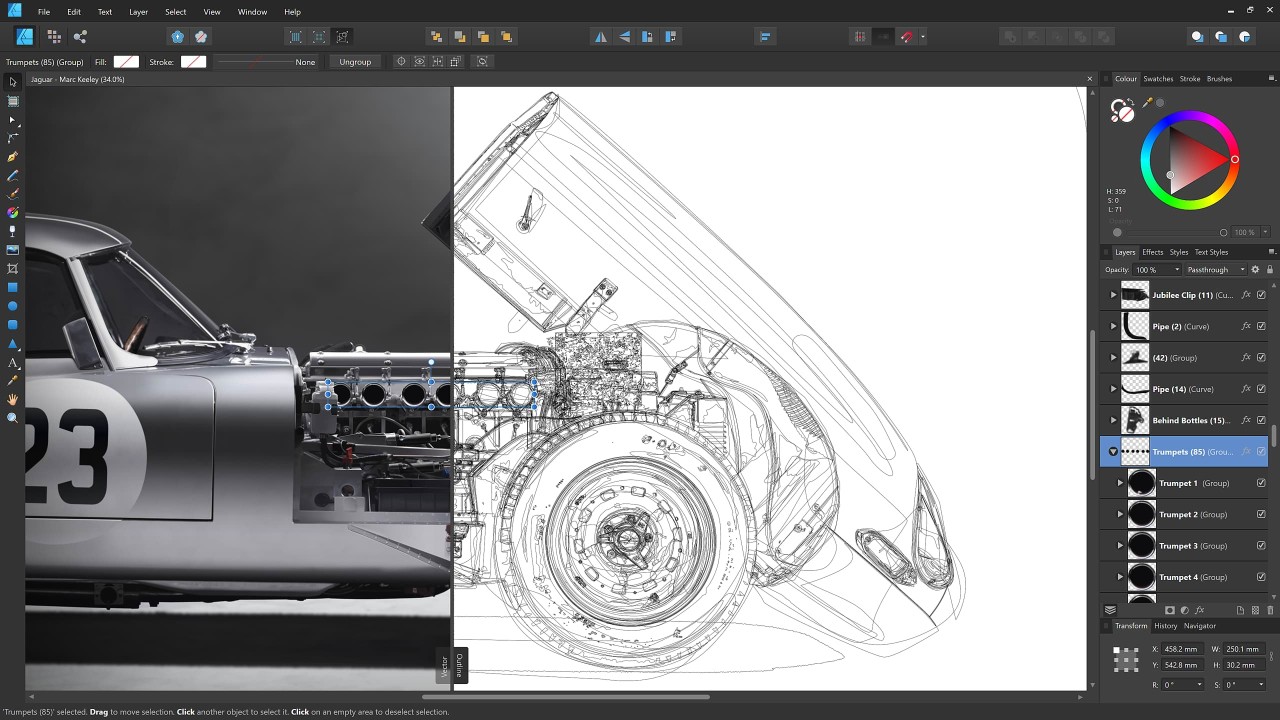
Performance is one of the main characteristics which makes Affinity Designer stand out. Affinity Designer provides exceptional performance which enables users to complete large projects and complex with handling without system slowing or crashing. The fast rendering engine of this software delivers your edits quickly and without delay. The software demonstrates high responsiveness, which supports its applications for professional situations needing speed and accuracy in their projects. The edition system of this tool protects your primary work from changes because it preserves the original state while you implement adjustments.
Affinity Designer brings together multiple platform options as one of its core beneficial features. Users who work with either Mac or Windows PC systems experience the same smooth operations from Affinity Designer without any functional differences. With PSD, AI, PDF, SVG and EPS being compatible file formats, Affinity Designer enables straightforward work export to and import from different software programs. The tool creates convenience for shared work projects due to its ability to support different design programs used by team members.
Affinity Designer provides users with an attractive selection of design features and flexible affordability through its single purchase model. The program provides both high-speed execution alongside universal functionality which allows users to work with vector and raster designs. A dynamic user base joins numerous resources for learning that will ensure you stay oriented as a newcomer.
Is Affinity Designer Free?
Bought by Canva in 2025, Affinity is now entirely free. It is still the same high-end software, but no payment is required anymore. Nonetheless, Affinity is still this incredible tool that regroups tools for photo editing (Affinity Photo), for graphic design (Affinity Designer), and for page layout (Affinity Publisher). These tools now offer a new sort of integration, allowing you to use Canva AI and export your projects in Canva!
What Operating Systems Are Compatible with Affinity Designer?
The Windows and macOS operating systems support the use of the complete Affinity program (including Designer, Photo, and Publisher). Both Windows and macOS users can expect equivalent functionality when they operate Affinity by Canva, without any disruptions in core functionality between their equipment choices.
Affinity Designer is also available for iPad through a distinct version. This specific app only allows you to use Designer tools that enable users to design and sketch anywhere.
What Are the Alternatives to Affinity Designer?
Among all available options, the foremost alternative to Affinity Designer stands as Adobe Illustrator. The professional industry relies on Illustrator as their primary vector graphics software because it serves all major sectors that use graphic design as their foundation. However, it belongs to the Adobe Creative Cloud service, while providing users with various tools to create vector artwork and develop logos and typography. This software’s ability to collaborate with Adobe’s other applications gives users maximum versatility. The price to use this program asks subscribers to pay either a recurring monthly fee or an annual subscription charge. Illustrator stands out through its professional features, but its ongoing subscription fees will progressively raise its total cost.
Web users seeking design solutions with limited professional skills should consider Canva due to its platform as a design tool focused on producing attractive visual content for users without design expertise. Users can generate their presentations together with social media art and posters and basic illustrations utilizing Canva. Users can maneuver easily through the interface because it uses drag-and-drop functionality, and the tool provides multiple project-starting templates for beginners. Canva offers users two versions, where the free version shows limitations, yet a premium membership provides greater tools and additional design elements. Users searching for straightforward and user-friendly design programs should consider this program because it offers basic functionality, although it falls short compared to Affinity Designer or Illustrator in terms of vector editing efficiency.
Open-source designers would find Inkscape as a reliable substitute because of its unique features. Customers receive all tools for vector graphics editing without spending any money on this fully free software. The native SVG support in Inkscape enables users to edit intricate paths, as well as convert bitmaps and handle text elements. In terms of features, the software offers a comprehensive set for a free application despite its relatively unrefined user interface. Graphic designers choose Inkscape since it delivers professional application features along with free access without requiring a license for payment. The software serves Linux users particularly well because it functions as one of the finest vector graphic editors for Linux platforms.