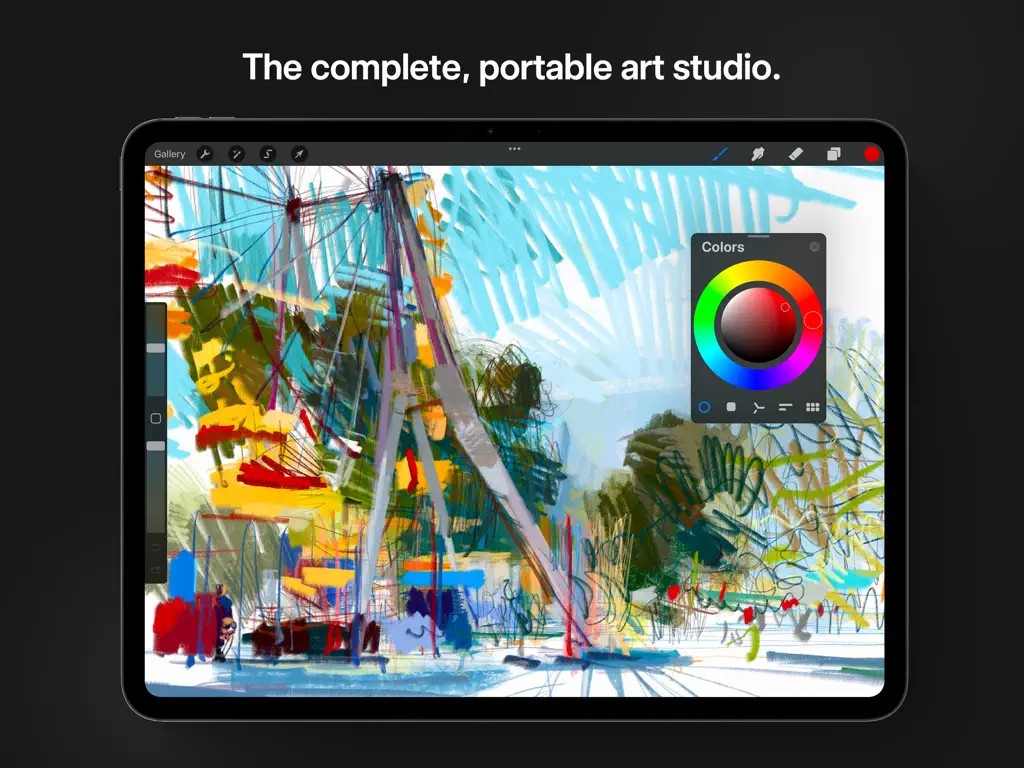
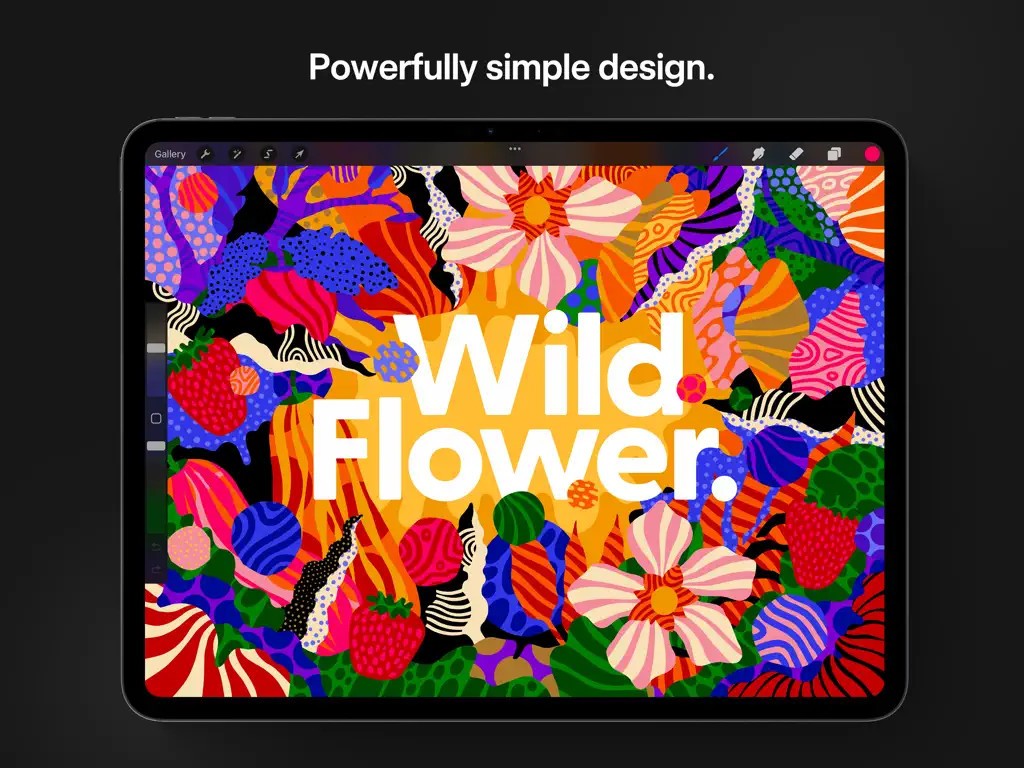
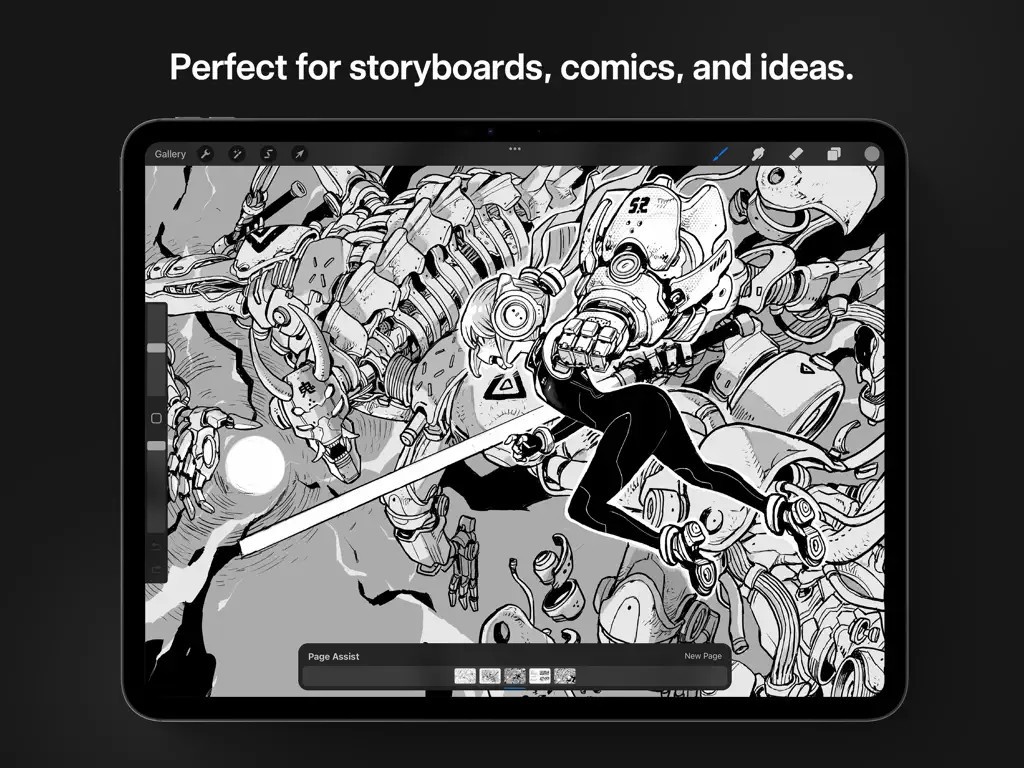
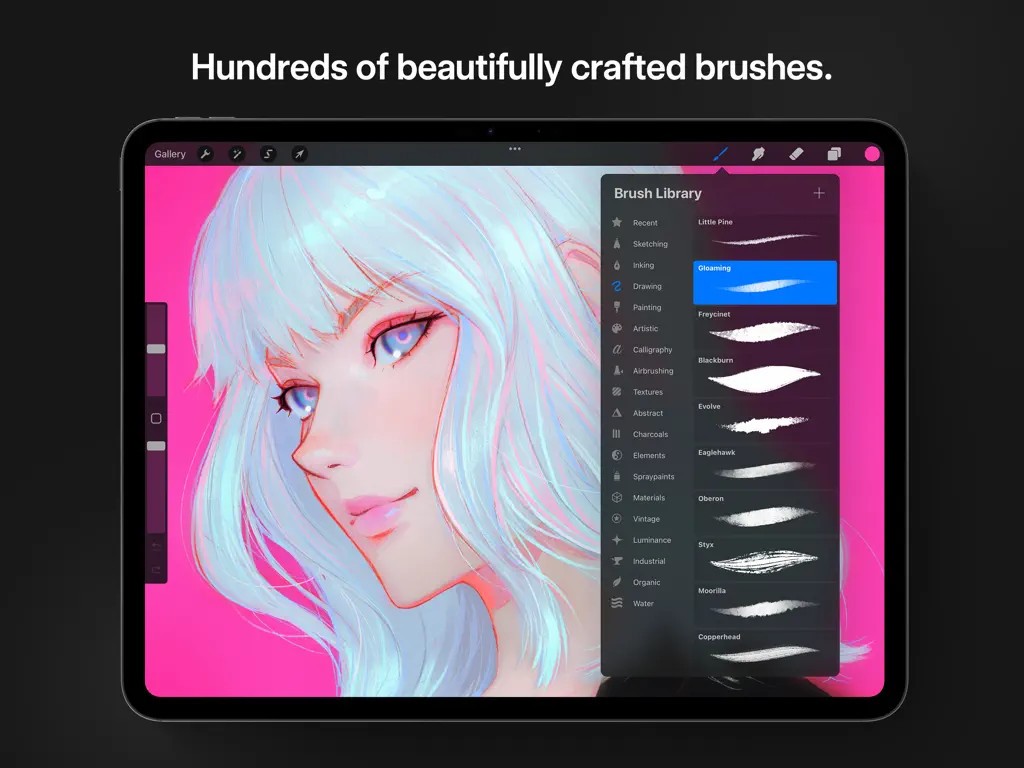
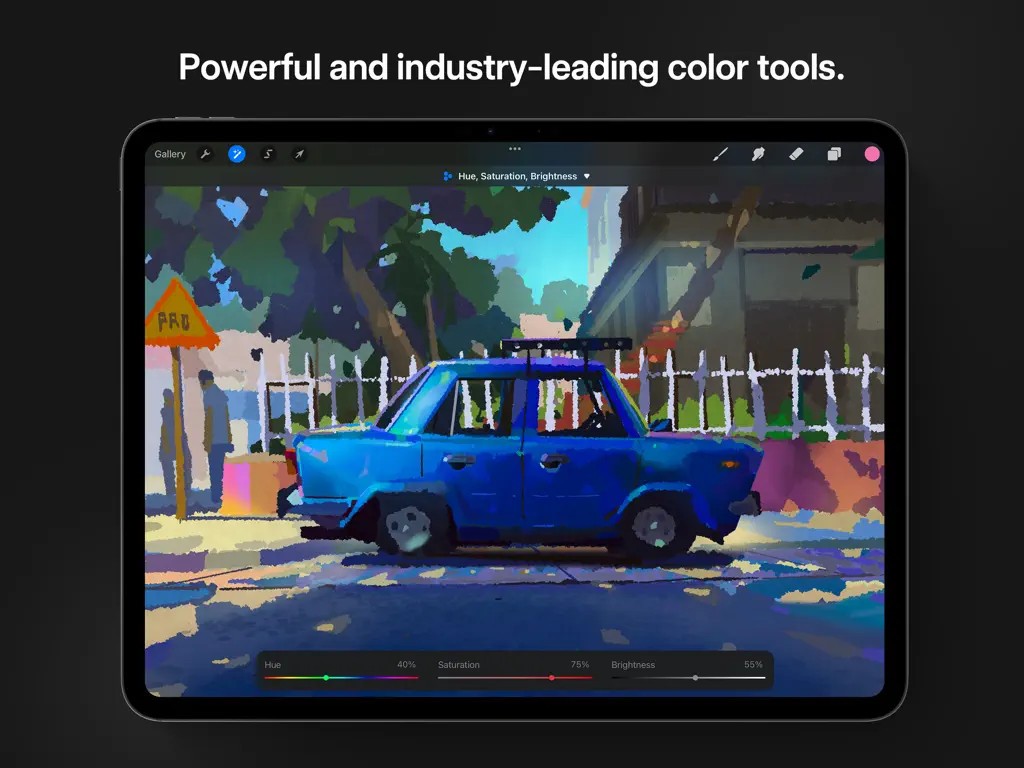
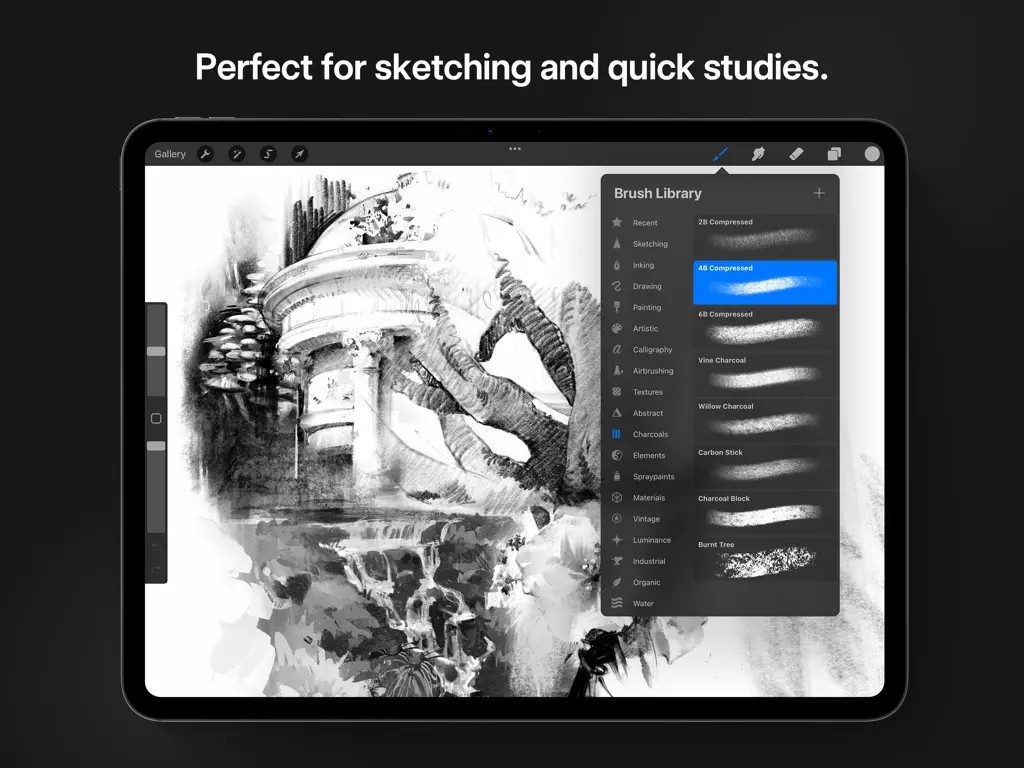
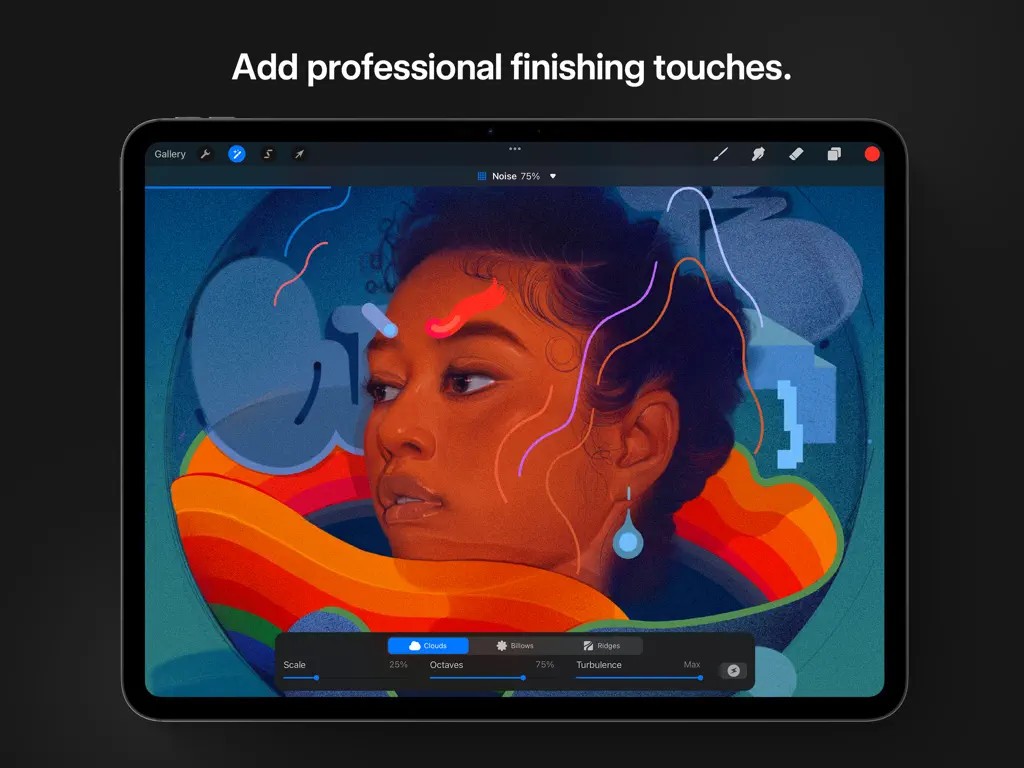
Procreate is an application that provides users with an environment to draw, paint, and illustrate on iPads. This one is fast, smooth, and highly responsive as compared to traditional media, which gives that brush-on-paper experience but without the paper. Most people prefer to use it because this application eliminates contingent factors in connection with digital art instruments and does not allow them to get distracted. No matter if you are a new artist looking to understand some fundamentals or an artist creating art for many years, it is designed to quickly capture your ideas on paper.
This is enabled to work with touch and the Apple Pencil, which means you can use the application by tapping, drawing with the pencil, shading, or blurring in ways that are almost similar to painting. Due to these features, like zooming in on the canvas and using brushes seems so natural. It is very simplistic in design, yet it does offer a range of functions.
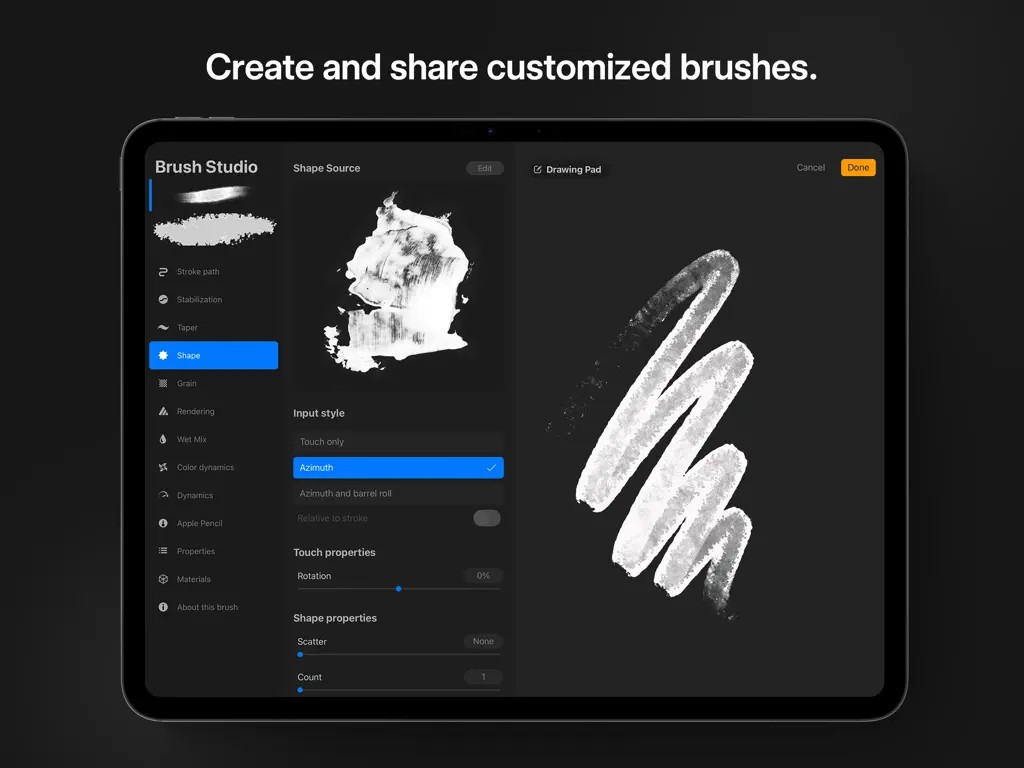
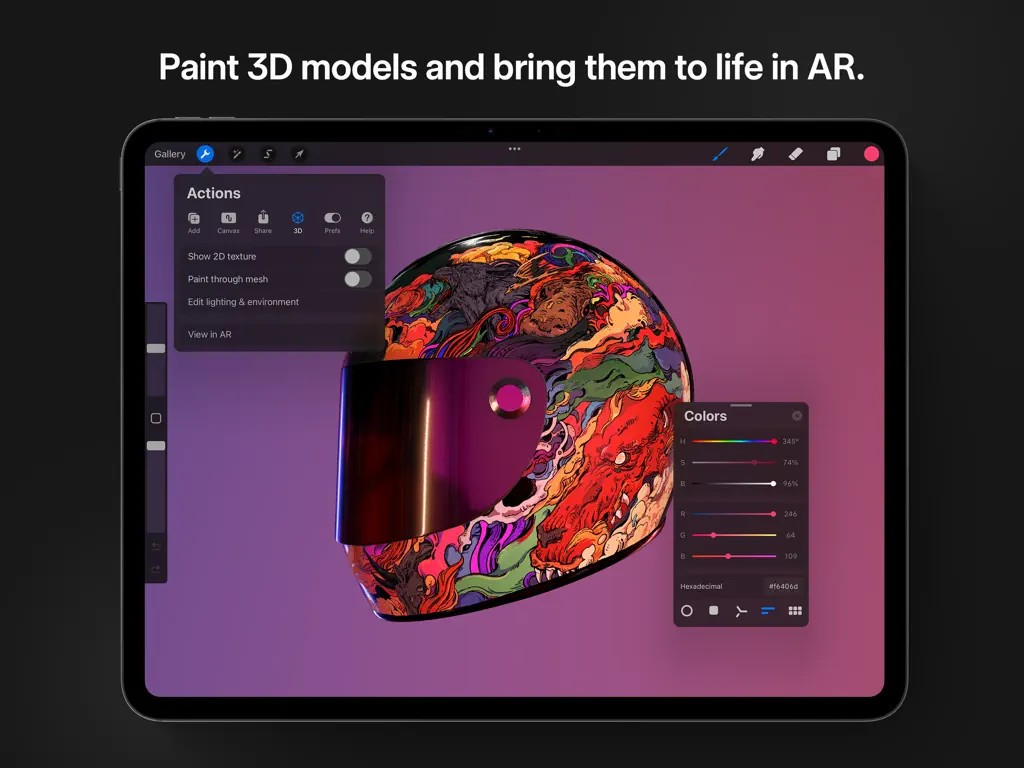
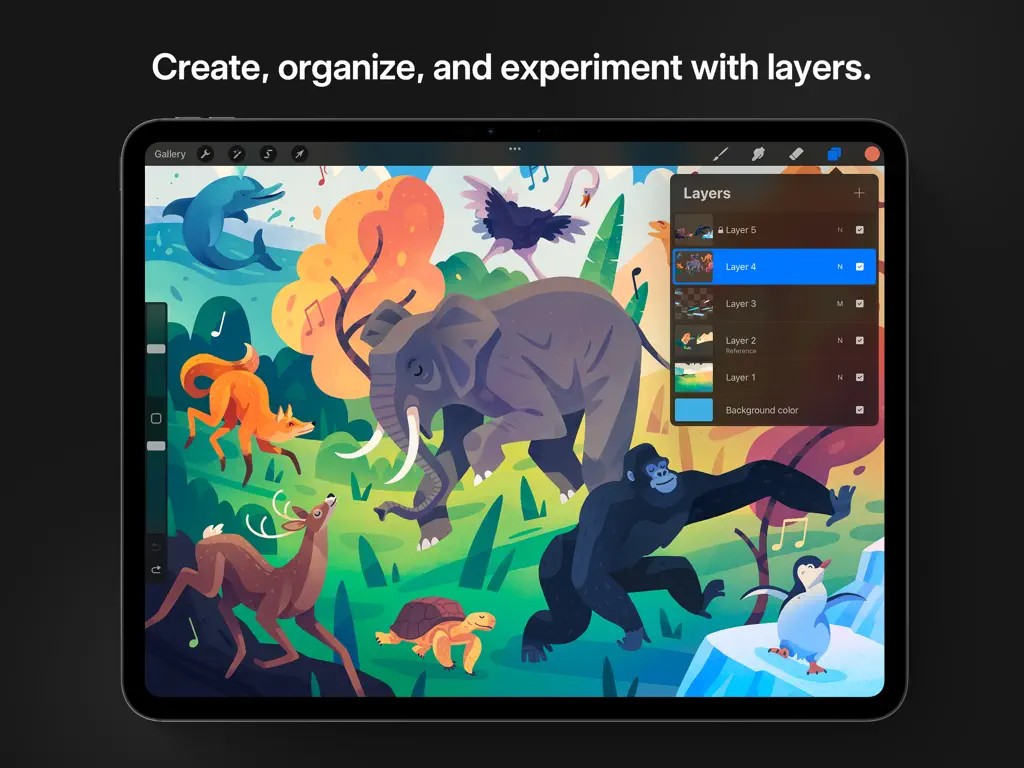
From version to version, you can get layers, effects, custom brushes, time-lapse records, and some animation features all in one app. So, the major advantage is that there is no need to go back and forth between programs. If you believe that you are an artist who is fond of sketching at any place, then Procreate is an application that transforms your iPad into a sketch pad and an art studio all at once. It’s one of the few platforms that truly seemed to get what artists need and just gave them the essentials.
Why Should I Download Procreate?
As an art, the feeling you get while painting or drawing on it is quite natural yet very strong. Procreate is not just another design app endowed with dozens of buttons and a barely understandable interface. It values your time and your input. It could be opened up and will be ready to work on at once. The tools are right there. Whether you are sketching, developing fully drawn-out scenes, drawing characters, or doing anything as detailed as concept art, every tool you require is at hand.
In contrast to some applications for desktops used in drawing, which slow down or even freeze when dealing with large files, Procreate does not. The brushes feel fast. The screen reacts to the movement of the stylus as if it were actually touching it. You can work in layers of high resolution with large canvases, and it still looks good. It is essential to be fast and responsive when you get into a drawing state and do not wish to be interrupted by sluggishness.
It would also be important to note the time-lapse feature. Procreate can record each and every drawing phase without you manually selecting any settings for recording. It can be replayed, stored, or even broadcast. For artists who wish to demonstrate how they work or just to take a look at some projects and see how it has developed, that is an added bonus.
Procreate is not restricted to professionals only. Many people utilize it to experiment, develop their skills, or create art for leisure purposes. The concept may take up to roughly ten minutes to get used to; once that is done, its usage is seamless. Still, you realize how to reverse actions, change colors, select brushes, and adjust settings easily.
Is Procreate Free?
No, Procreate is not free. But you have only to pay once for it, and the cost is relatively affordable compared to other art programs. When you get it downloaded through the App Store, that’s all that is needed to use it. Also, this app has no hidden subscriptions, additional charges for the premium version, or in-app purchases to enjoy the full features. You pay one price and get all software versions for this price without any additional hidden fees.
What Operating Systems Are Compatible with Procreate?
Procreate is specifically iPad-based and, as such, uses iPadOS. It is also available for iPhone with iOS, but using a bigger screen is preferable. It is also recommended to use an Apple Pencil as the application features pressure sensitivity and tilt tools.
Procreate works best on the newest releases of iPads; still, if your iPad is not the latest model, you can use the application if your device supports the latest version of iPadOS.
What Are the Alternatives to Procreate?
However, Procreate excels in simplicity, and yet, it is very powerful, and there are many other applications that artists might prefer depending on the situation.
Among them, you can single out Adobe Fresco, which has recently appeared on the market. Adobe developed it to compete directly with Procreate in the mobile art domain. Advantageously, Fresco has the live brushes, which are nearly as natural as watercolors and oils in comparison with Procreate. It also synchronizes with Adobe Creative Cloud, so if you are using Adobe Photoshop or Adobe Illustrator, it may feel like a better fit. The downside is that it relies more on the subscription model, especially for those who are willing to pay for the premium services.
Clip Studio Paint is another powerful option, which is rather suitable for comics artists and illustrators who prefer panels and text. In the manga and comic art world, it is often used due to the brush engine, vector support, and specialized tools section. It is also important to know that Clip Studio is not only compatible with iPads, although it is advertised as one, but it can also be used on macOS, Windows, and Android. It’s a little tougher than Procreate and not as light or convenient when sketching, but it is very strong for large projects or intricate work.
Though ArtRage Vitae is not among the most popular drawing software, it is worth looking at, especially for traditional painters who want the tools to appear like oil, acrylic, or watercolor. Indeed, it emphasizes natural textures and the conventional painting paradigm. While it’s not as smooth or quick as an iPad app like Procreate, it has the added benefit of being touch-based. They respond like real tools on a canvas, so it makes it perfect for someone who wants a real-life-like environment in a program.