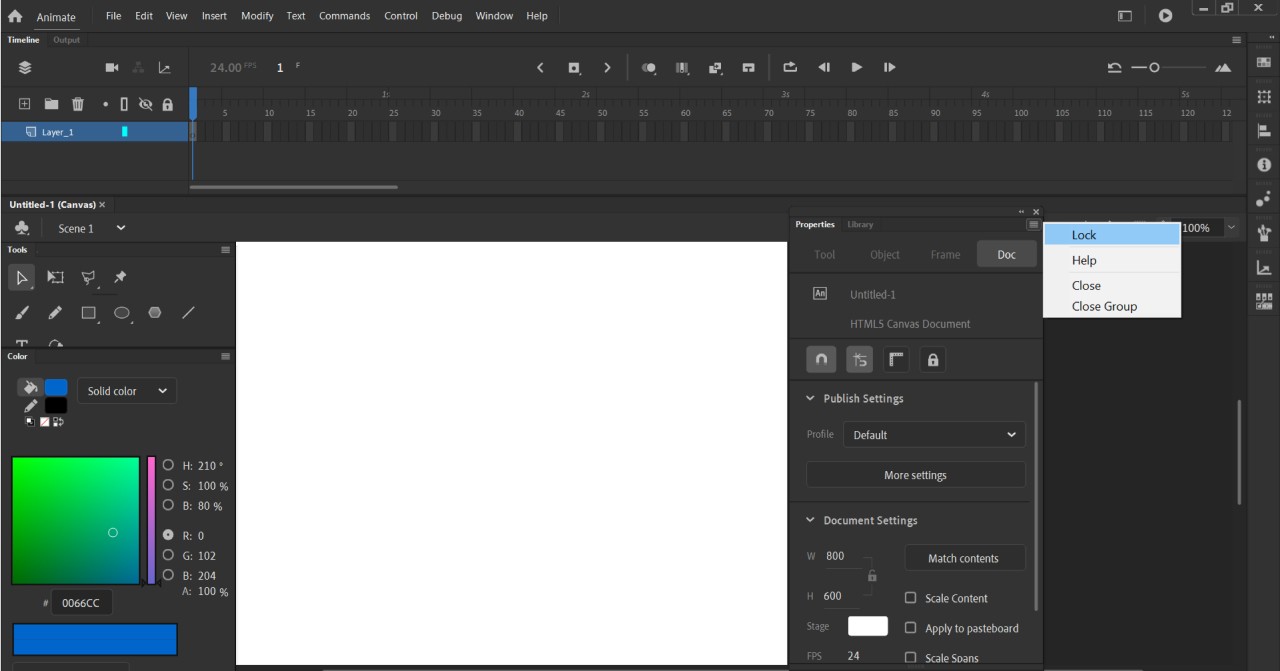
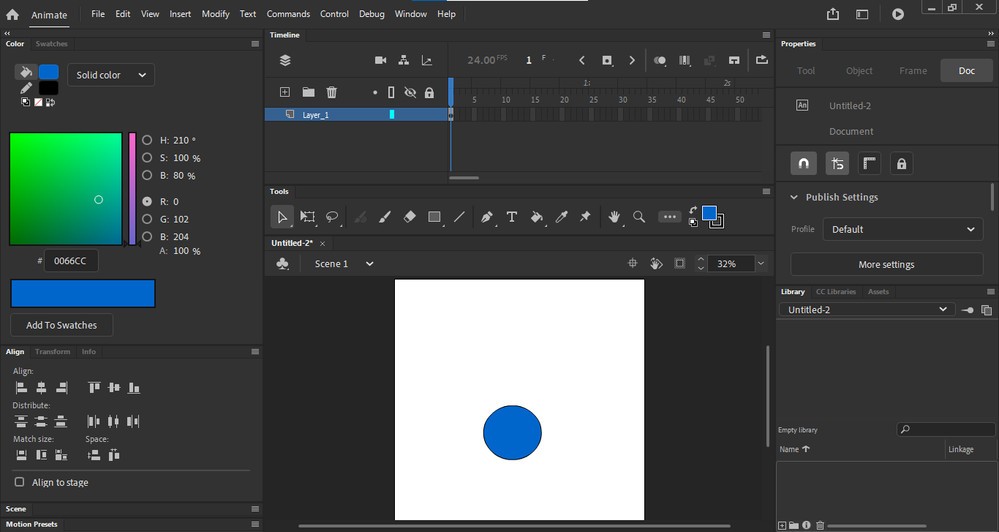
Adobe Animate is a software application that allows users to create animations, interactive features, and motion graphic elements. Users can use this tool for a variety of tasks, including drawing animation development, cartoon animation production, advertisement creation, and web design interactivity establishment.
The software is part of the Adobe Creative Cloud suite, enabling users to connect their work across Adobe programs. Adobe Animate's distinct advantage lies in its ability to combine traditional frame-by-frame animation techniques with contemporary digital art and interactive design features. The application allows you to draw directly within its interface while also adding movement effects, sound elements, and export options for YouTube, HTML5, and mobile devices.
Curious animators choose this software because it lets them design their animations with high customization. Students in classrooms, along with designers who work across creativity and functionality spaces, commonly use this software. The updated version of Flash is called Adobe Animate, and you'll recognize it if you've used Flash before.
Adobe Animate incorporates cutting-edge technology while maintaining frame-by-frame animation and drawing capabilities derived from the original Flash software. Adobe Animate is a platform that combines traditional hand-produced artwork with digital elements to create animated content.
Why Should I Download Adobe Animate?
The basic functionality offered by typical animation software does not fulfill all requirements. The software you need must allow you to control every tiny aspect of motion with precise character blinking, walking, and talking sequences. Adobe Animate does that.
Adobe Animate offers space and tools that allow beginners and transitioning designers to create their own animations using drawing capabilities, as well as transition from static art elements into moving visuals. Mastering the software requires some dedication, yet it’s not too hard to learn. After you've experimented with timeline control, brushes, and keyframes, you'll gradually understand how to animate.
You will benefit from its capability to work seamlessly with other relevant applications. Animate’s automatic import feature allows users to add their existing Adobe work through Photoshop and Illustrator, for example. The software has a simple drag-and-drop interface without conversion processes or unexpected bugs. Everything seems to work well together, so animation projects flow naturally during creative sessions.
When using the platform, customers have access to a variety of export options. A good selection of export options has a greater impact than one might expect. Animate enables the creation of digital assets for websites, games, mobile applications, and social media channels. Because Animate provides the necessary tools for each project, you can build digital content ranging from ad banners to explainer videos and interactive site elements. The software is designed to be an animator's tool, but it can also be used for development, education, content creation, and marketing with visual motion.
Producing original movement by hand leads to great satisfaction. Making a bouncing ball animation using the frame-by-frame method provides an alluring sensation of performing true magic. Working without templates and building items from mental sketches gives users a sense of ownership over their creations. Adobe Animate serves as an unrestricted platform that welcomes newcomers and professionals alike.
Is Adobe Animate Free?
Not really. Adobe Animate can be purchased through the Adobe Creative Cloud platform as a separate software program. Adobe allows customers to test their software for seven days before committing to subscription fees.
What Operating Systems Are Compatible with Adobe Animate?
Adobe Animate is compatible with both Windows and macOS operating systems. The software allows for stable operation between Windows 10 or 11 and macOS Monterey and newer. It requires significant system resources and performs best when run on a machine with enough RAM and processing power. Adobe Systems offers regular updates through its platform to ensure everything remains stable and compatible.
What Are the Alternatives to Adobe Animate?
Adobe Animate is one of many available programs that perform animation functions. The market provides several reliable tools suitable for different needs.
The most famous Toon Boom Harmony software serves as an alternative to Adobe Animate. This animation software is widely used in TV and film production projects in the professional animation industry. Harmony by Toon Boom provides users with elite rigging tools, frame-by-frame animation functions, and professional drawing methods. Professional animators who require precise control within industry workflows should invest in this more expensive animation software. Toon Boom's advanced features make Harmony ideal for professionals and large-scale project animators.
People looking for a free, open-source animation application should consider Pencil2D Animation. Beginners can use Pencil 2D Animation for free because the software has user-friendly features that are appropriate for new animators. The laptop software Pencil2D provides a user-friendly interface for traditional 2D animation that reduces button and menu complexity. Although it lacks some of the functions found in Adobe Animate, customers seeking animation practice or idea exploration will find this tool practical.
Moho Pro enables users to mix classic animation techniques with contemporary features that include bone rigging and vector graphics. Moho is a good middle ground. Pencil2D stands below Harmony in complexity, but provides features that make it superior to Pencil2D. The software is especially beneficial to users working on character-based projects that require lip-syncing and swift, time-saving motion graphic capabilities. The user interface remains uncluttered after practice, while the workflow is instinctive.
Blender is a popular software, even though its main strength lies in 3D animation applications. The 2D animation capabilities of Blender include Grease Pencil, which allows users to draw directly within the 3D space. As an open-source program, Blender provides free services and suits those who plan to grow their animation proficiency through blending 2D art with 3D aspects.