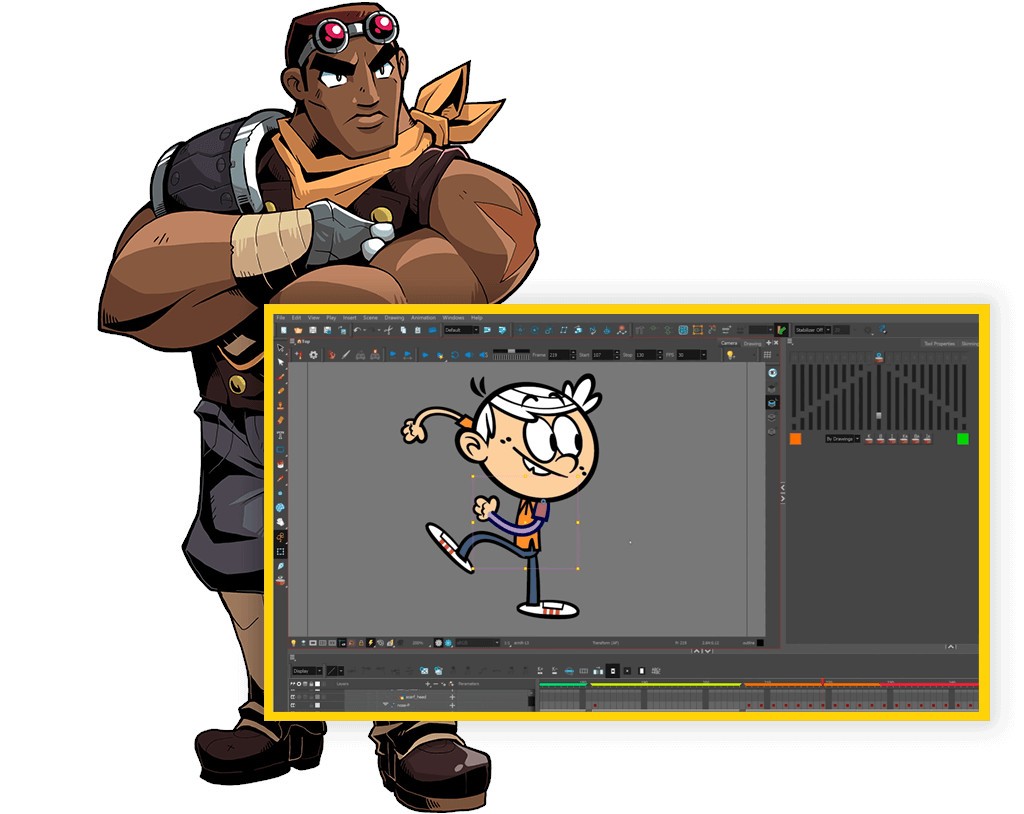
Harmony is an industry-leading software that allows you to create 2D animations. Its exhaustive features are perfect for both frame-by-frame animations and more complex cut-out projects. You can easily draw with vector or bitmap tools, use a node-based compositing system, add effects and transitions, or manage your timeline with multiple different layers.
As a tool that is widely used to create cartoons, television series, video game assets, commercials, or other animated content, Harmony has all you need to bring your illustrations to life. You can use your traditional hand-drawn sketches and process them using various tools to combine manual processes with digital precision and ease of use.
You can download Harmony on Windows, macOS, and some Linux computers and test it during a free trial period to see if the tool meets your needs or learn how to use it.
Why should I download Harmony?
Harmony supports your animation process through all the stages with its varied toolkit, making it a perfect choice for anyone who creates TV shows, mobile games, commercials, or online content. As a software that combines vector and bitmap drawing tools in its engine, it allows you to use different textured brushes, create clean lines, adjust brush strokes with various colors, or fine-tune them with pixel-perfect precision. You can use styluses when working with Harmony, and the tool will recognize the pen pressure. You can also divide your work into separate layers to work on them individually.
If you're more used to traditional or frame-by-frame animations, you should download Harmony, as it has tools for onion skinning as well as an X-sheet timeline and other useful solutions for this purpose. With Harmony, you can also access advanced rigging tools to create flexible structures, control the animation movements with high precision, and achieve realistic and smooth movement without redrawing your frames or objects. The tools that include pegs, bones, deformers, and hierarchies are super useful if you use a cut-out technique to animate your illustrations.
When you download Harmony, you'll also get to use its groundbreaking compositing engine, which links different nodes together. You can visually connect elements like rigs, backgrounds, or special effects and have them work in a single pipeline.
So if, for example, you have a shadow or blur effect ready, you can link it to your character or object rig, and as you modify the design, the effect will also be updated, without the need to remember about it. This feature saves animators and illustrators a lot of time while also allowing them a lot of creative freedom and space for exploring different visual ideas without tedious updates.
With Harmony, you can use different virtual cameras and layer things like backgrounds, objects, and effects in 3D-like movements or zooming and parallax scrolling to achieve more cinematic effects. There are also dedicated tools for lip-syncing your animated characters with audio tracks and dialogues.
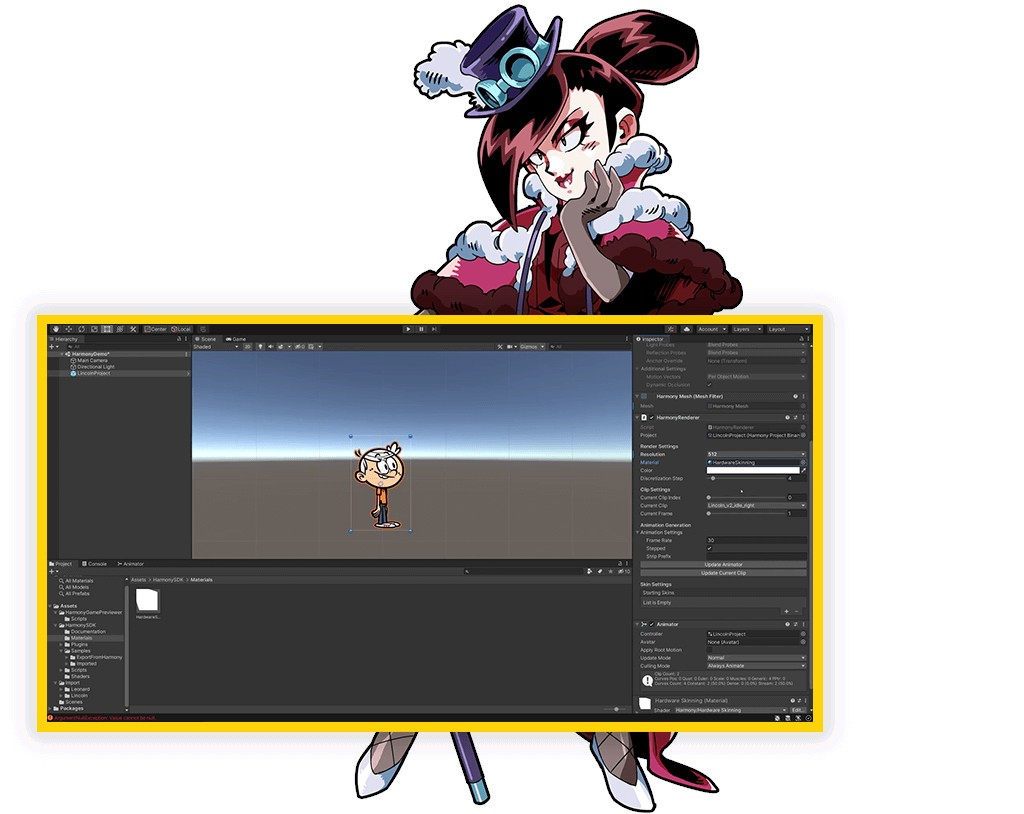
You can download Harmony on Windows, macOS, and Linux computers and utilize various asset libraries, check version history, and use the tool with multiple different types of files. Harmony also integrates with software like Adobe After Effects or game engines like Unity, and you can export your finished project in 4K or higher resolutions.
Is Harmony free?
While Harmony offers a free 21-day trial period during which you have access to all its features, it is not free software, and to continue using it, you'd need to get a paid license.
It has three different subscription tiers: Essentials (basic drawing and animation tools), Advanced (unlocks rigging, deformers, FX, and node views), or Premium (complete set of features).
You can choose between monthly or annual payments, or apply for discounts if you're a student or an educational institution.
What operating systems are compatible with Harmony?
To download Harmony and use it smoothly, you need to have either Windows 10/11 (64-bit only), macOS 11 or later, or some Linux distributions (like CentOS or Ubuntu).
There is also a set of hardware requirements you must meet to avoid performance issues when working on your project. You'd need to have a modern, dedicated GPU with OpenGL 2.0 or higher and 8 or 16 GB of RAM, though 32 GB is recommended for large projects.
If you'd like to use a stylus, Harmony supports Wacom, Huion, or other pressure-sensitive pens for best results.
What are the alternatives to Harmony?
Those looking for free software could try out Pencil2D Animation, an open-source program that supports basic 2D animations. You can use it for frame-by-frame drawing and then create custom animation sequences, and while it doesn't have more advanced features, it's perfect if you're just learning or beginning in the world of 2D animations. You can download Pencil2D Animation on Windows, macOS, and Linux computers and use it for simpler projects.
If you have access to the Adobe Creative Cloud, Adobe Animate is a solution where you can use different vector-based drawing tools, edit your animations based on a timeline, and integrate them easily with other Adobe products. It's perfect whether you're creating web animations, mobile games, or other animated content, and it allows you to export your projects into multiple formats (HTML5, Flash, or video file types) or directly to other tools. You can download and use Adobe Animate on Windows and macOS computers.
Moho Pro (also known as Anime Studio) is another tool perfect for 2D animations. It has vector-based rigging and offers a smart bone system. With its physics simulation 3D cameras and other specialized tools, you can quickly create even very complex animations and assets. It's a practical and robust solution, and you can download Moho Pro on both Windows and macOS computers.
Blender is a very robust and comprehensive solution that's also a free, open-source software you can use for both 3D and 2D modeling through its Grease Pencil tool. If you need advanced animation options to create detailed objects and models and then render them without issues, then Blender delivers a complete toolkit for this purpose. While it has a rather complex interface, plenty of tutorials and community forums will help you get started, and you can install Blender on Windows, macOS, and Linux.