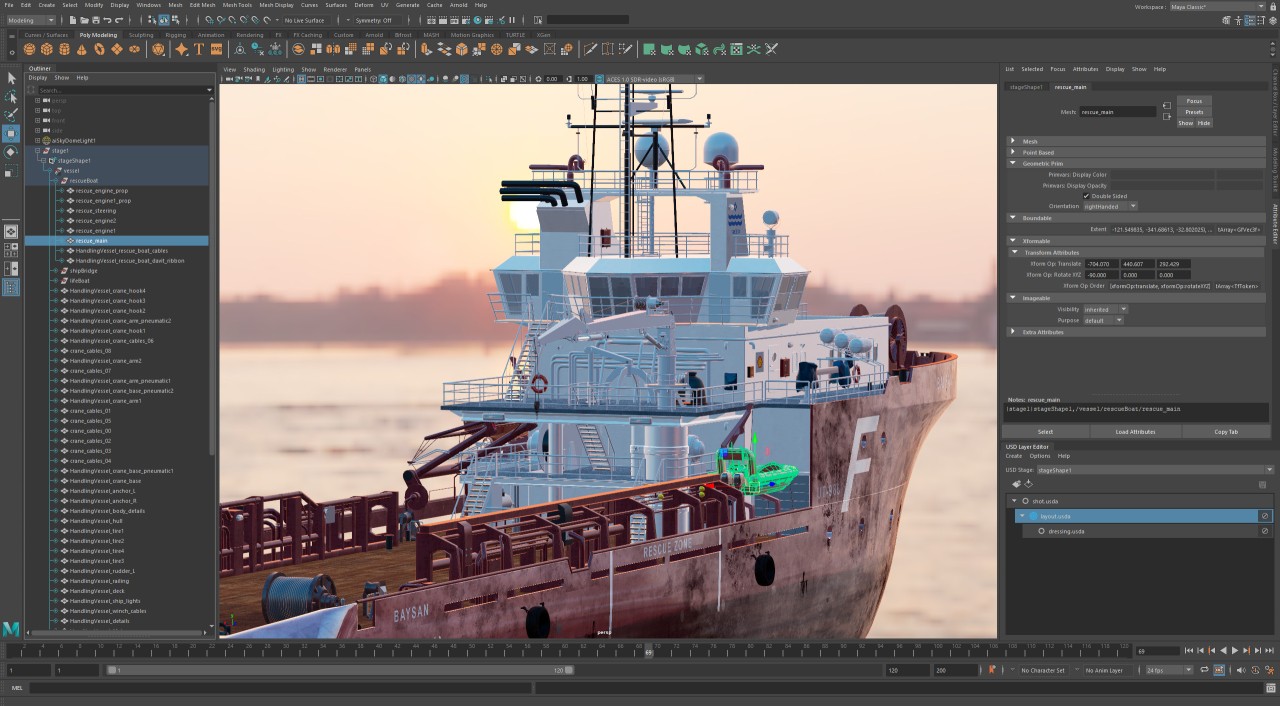
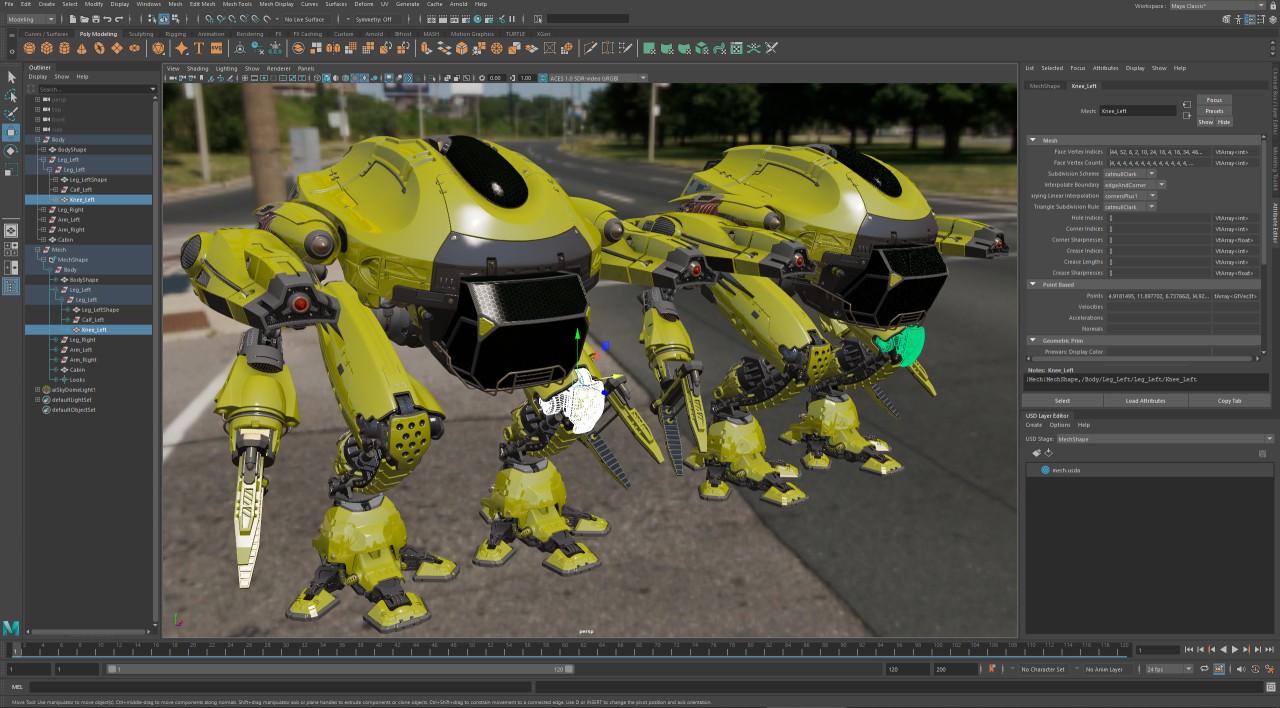
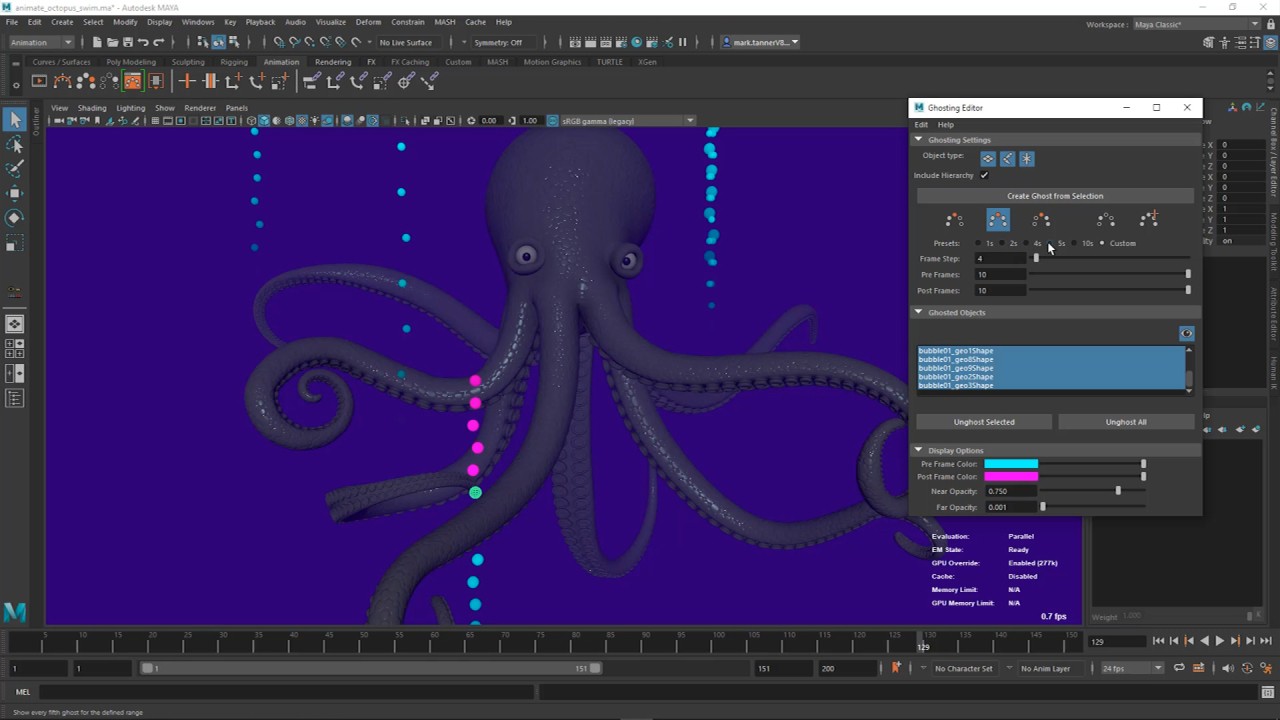
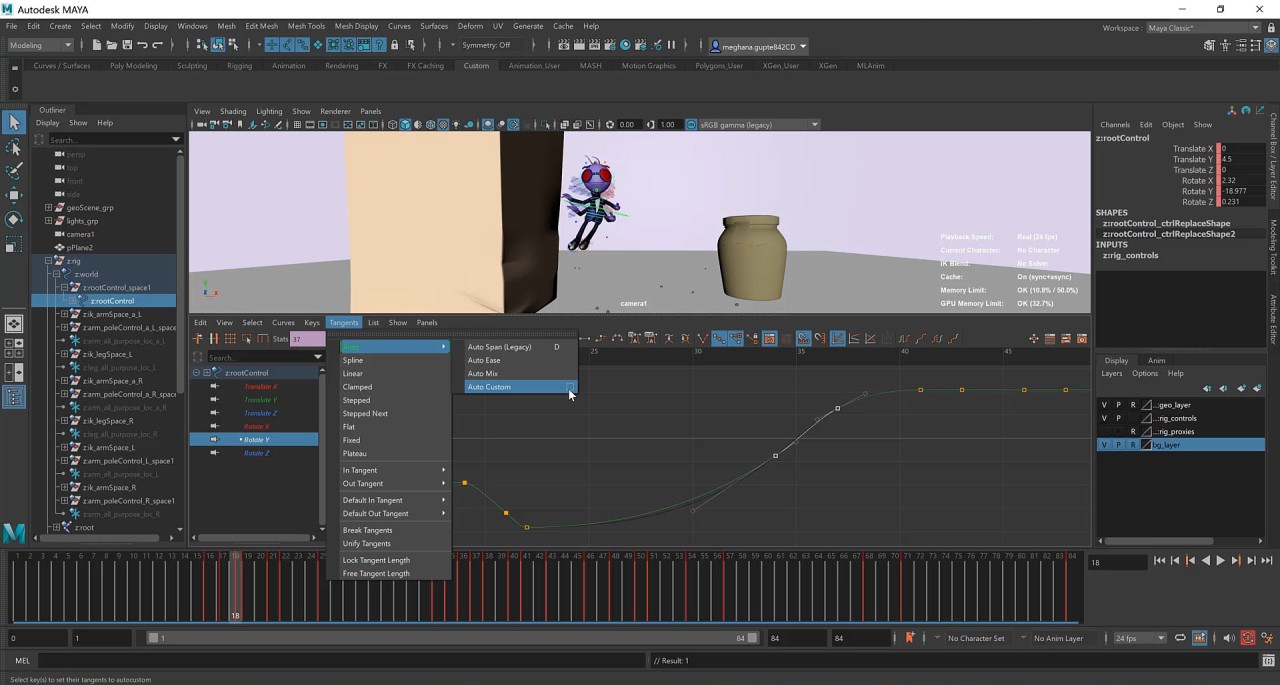
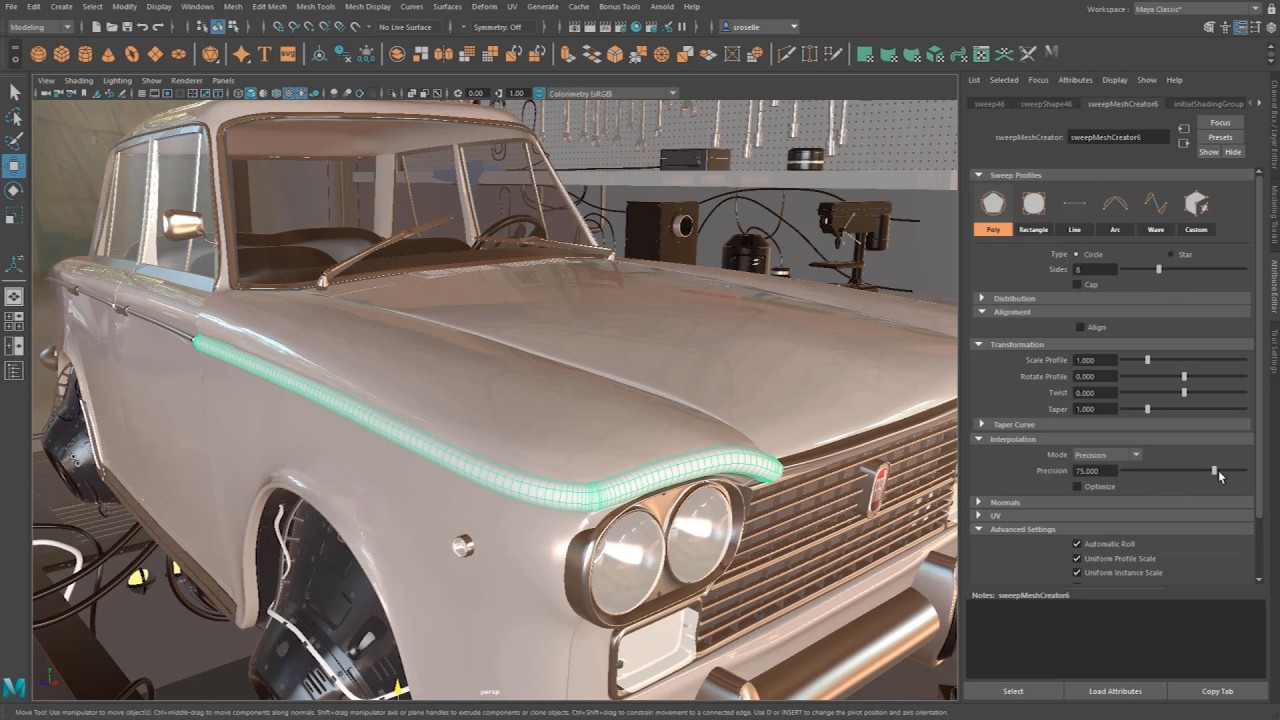
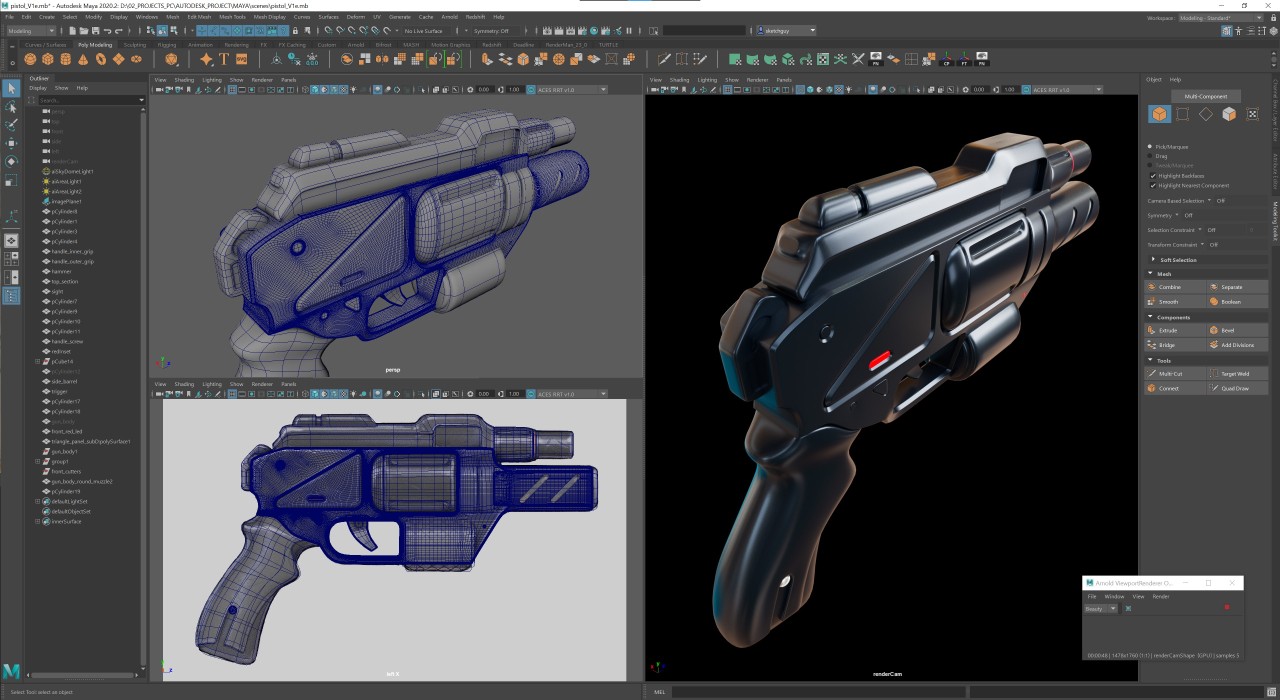
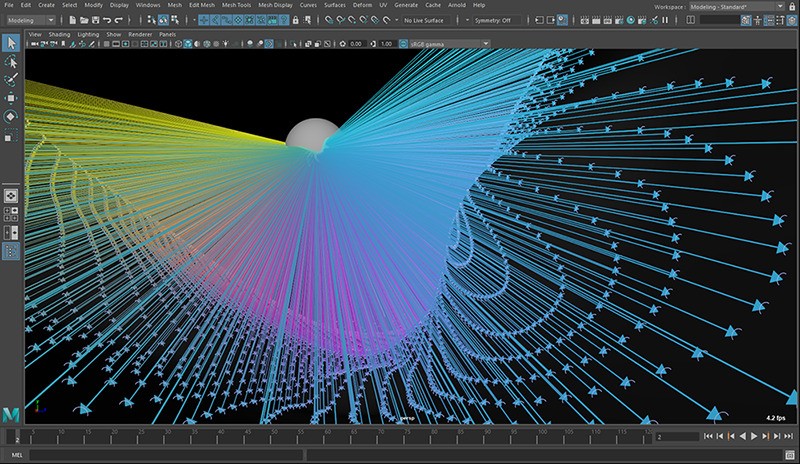
As a 3D software solution, Maya helps professionals worldwide create animated projects, perform modeling and simulation tasks, and produce digital renderings. Maya can be used to produce animated movies, video games, and virtual environments for design projects.
Since Autodesk created Maya, it has become an essential tool for animation studios, VFX production houses, and 3D design classes. Maya stands out because of its powerful functionality and capabilities. Design character models while manipulating objects, then run fluid or cloth simulations to construct landscapes, perform facial animations, and create fires.
The number of built-in features does not define the product. All its features function as a single synchronized system. With Maya, artists attain total creative authority when building their three-dimensional artwork. You can use Maya to make cartoons and realistic models through an environment that combines creativity with precise manipulation. Mastering this software will provide an entry point into the creative field.
Why Should I Download Maya?
Control is the primary reason why artists, designers, and creators choose Maya. The software provides its users with more than just technical capabilities; flexibility is a key aspect of its functionality. You have complete control over the refinement and animation of every 3D project segment.
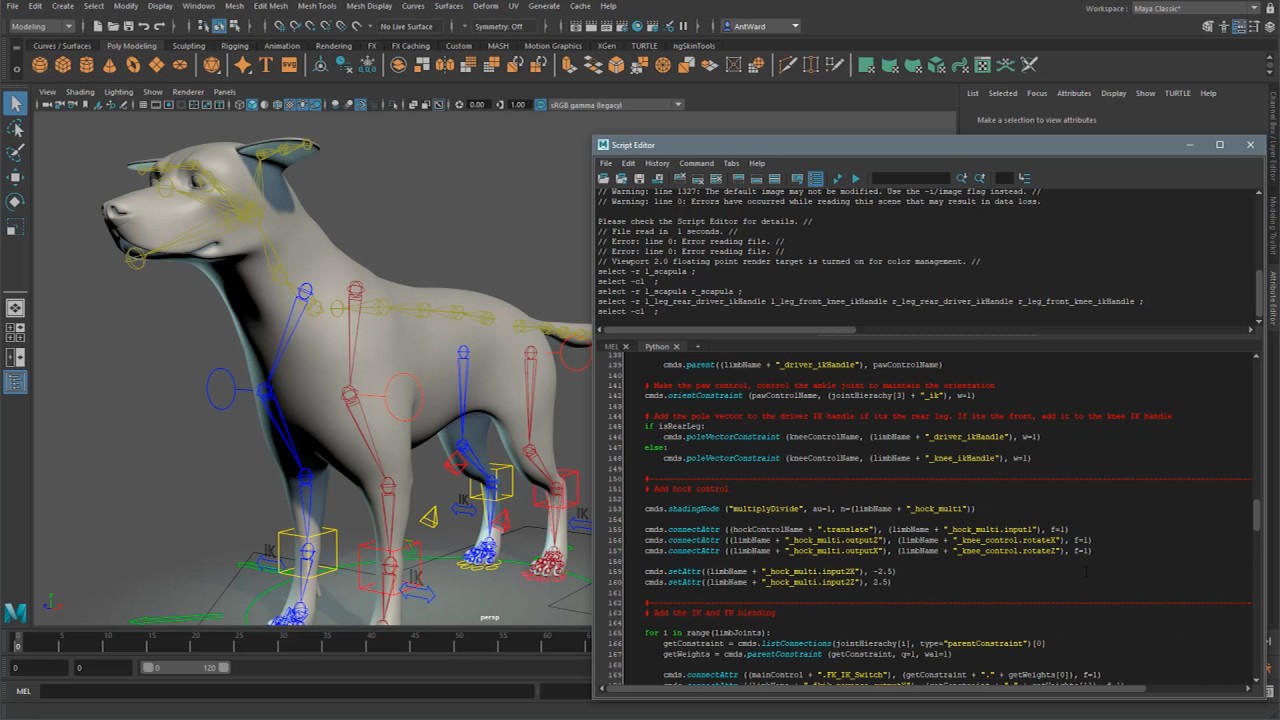
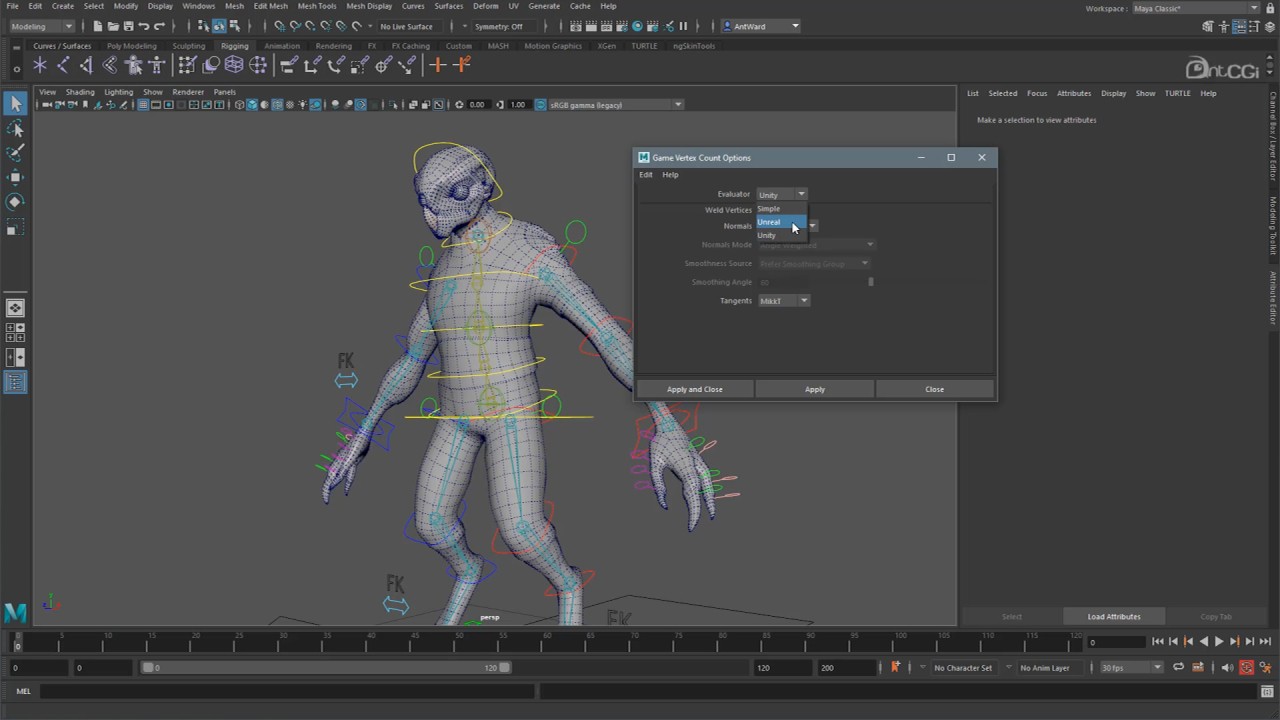
Maya gives you full control of the body of your character, allowing you to mold every aspect of its form and rig its skeleton, followed by animation creation through manual frameworks and motion paths. The program lets you create lighting effects, shadows, and realistic textures that enable you to build scenes that are extremely photorealistic or totally surreal.
Maya doesn’t set boundaries for its users. The system suits users of all experience levels. Novices can work with simple elements, while trained professionals can build advanced scripts and develop detailed simulations. The platform has everything you might need. There is a steep learning curve, but getting around to using the software can expand your artistic potential.
The tool boasts collaboration capabilities. A significant number of studios in the animation sector and visual effects facilities use Maya as their primary programming tool. You can integrate it with other applications and take advantage of the built-in Arnold renderer and external rendering engines. Exported work can be applied to game engines or motion capture systems and integrated with other design software. Such adaptability is the primary reason this software holds its value.
Maya has numerous simulation tools that are useful for studios pursuing VFX animation work. Through its built-in tools, Maya enables you to model all effects, including flowing hair, smoke, cloth, and bouncing particles, without needing to switch applications.
Taking the time to learn how to use Maya will pay off if you want to make progress in 3D creation. There is no shortcut. The program gives you the tools to create the project of your dreams.
Is Maya Free?
Regular users need to purchase Maya, while students and teachers can use the educational version for free through Autodesk. Regular users need to purchase a monthly or yearly subscription. The software offers a free trial period, which enables users to test its functions before subscribing. Visit Autodesk’s official site to access current price information and eligibility requirements.
What Operating Systems Are Compatible with Maya?
You can download Maya for Windows and macOS. You need a modern machine with an advanced graphics card and abundant RAM for the best performance.
Autodesk is compatible with Windows 10 or higher, and macOS 12 or higher. The standard Maya release does not support Linux operating systems, though selected studios create custom pipeline versions for their own needs. Downloading requires a preview of the system requirements to ensure smooth performance smoothness.
What Are the Alternatives to Maya?
Maya has an extensive feature set, but the learning curve is quite steep. If you don’t want to spend time learning, you can explore other options.
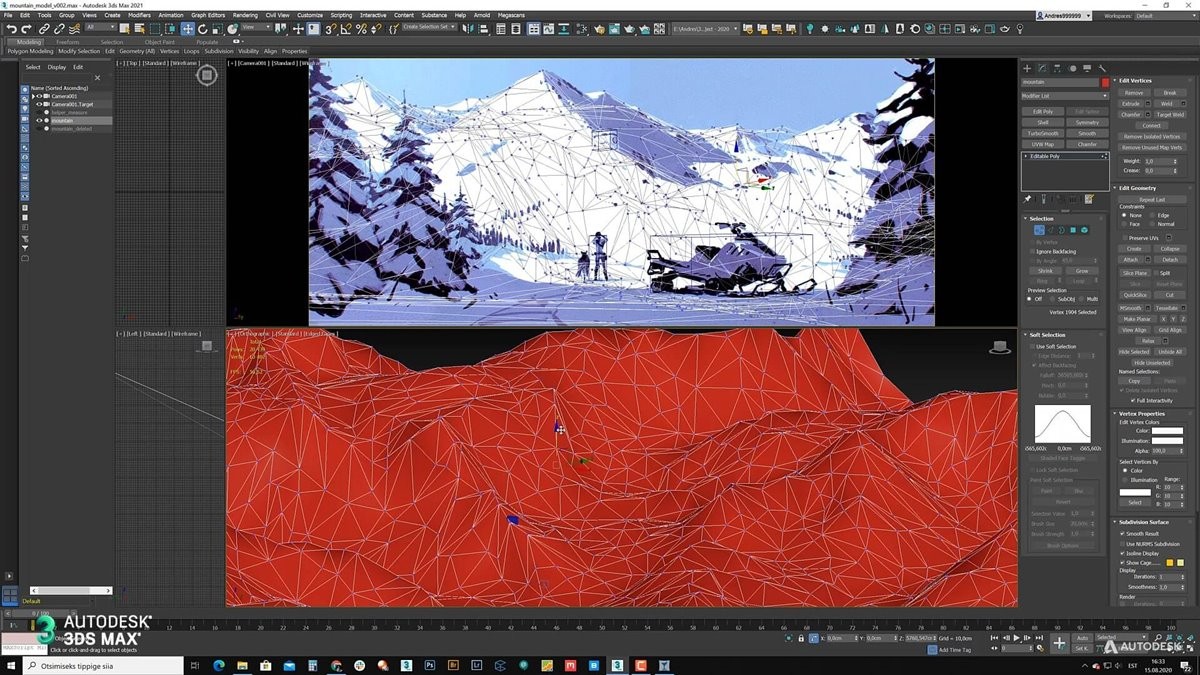
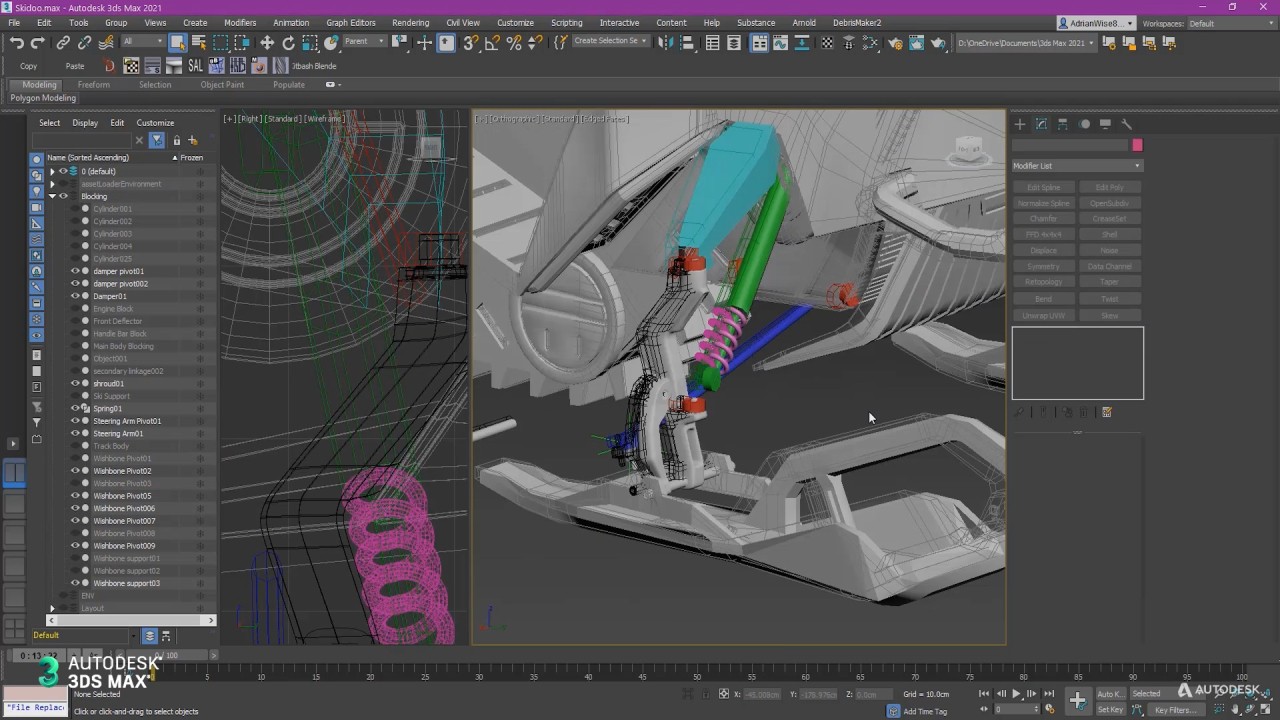
The closest alternative to Maya is 3DS Max, which is also made by Autodesk. Maya’s focus is on animation and visual effects, whereas 3DS Max excels in architectural visualization and video game development. The program’s advanced rendering tools and intuitive interface make it popular among portfolio artists. The program is only compatible with Windows systems. Users who want to create high-end 3D models through pipeline work beyond animation should consider 3DS Max.
The free open-source program Blender provides users with a complete 3D software package. Blender has achieved extensive growth in popularity because it brings all 3D capabilities—modeling, animation, and sculpting, alongside rendering, compositing, and video editing—into a single tool. The times when Blender was only attractive to amateurs are long gone. The industry is embracing Blender as a professional tool, primarily for independent projects and budget-conscious productions. Learning how to use Blender is straightforward thanks to its supportive community and educational resources. The software also provides higher levels of user autonomy and flexibility than Maya.
Users value Cinema 4D because of its user-friendly approach and minimalist interface design. Many motion designers and visual creators seeking powerful results without intricate technical coding consider this product their top choice. Trade professionals dealing with advertising and TV, and motion graphics production teams should consider Cinema 4D. The software delivers MoGraph tools that are superior to Maya's, while ensuring compatibility with Adobe After Effects. New users and designers using 2D design tools will appreciate Cinema 4D because it is more accessible than both Maya and 3DS Max.