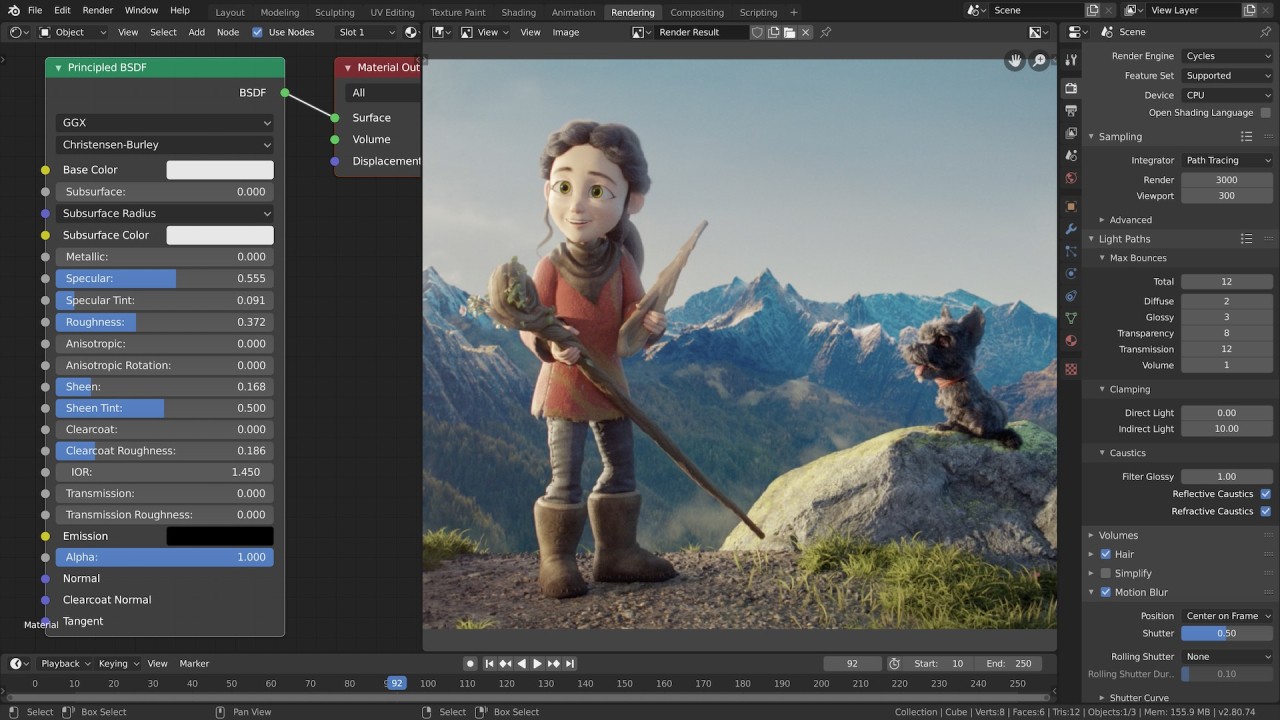
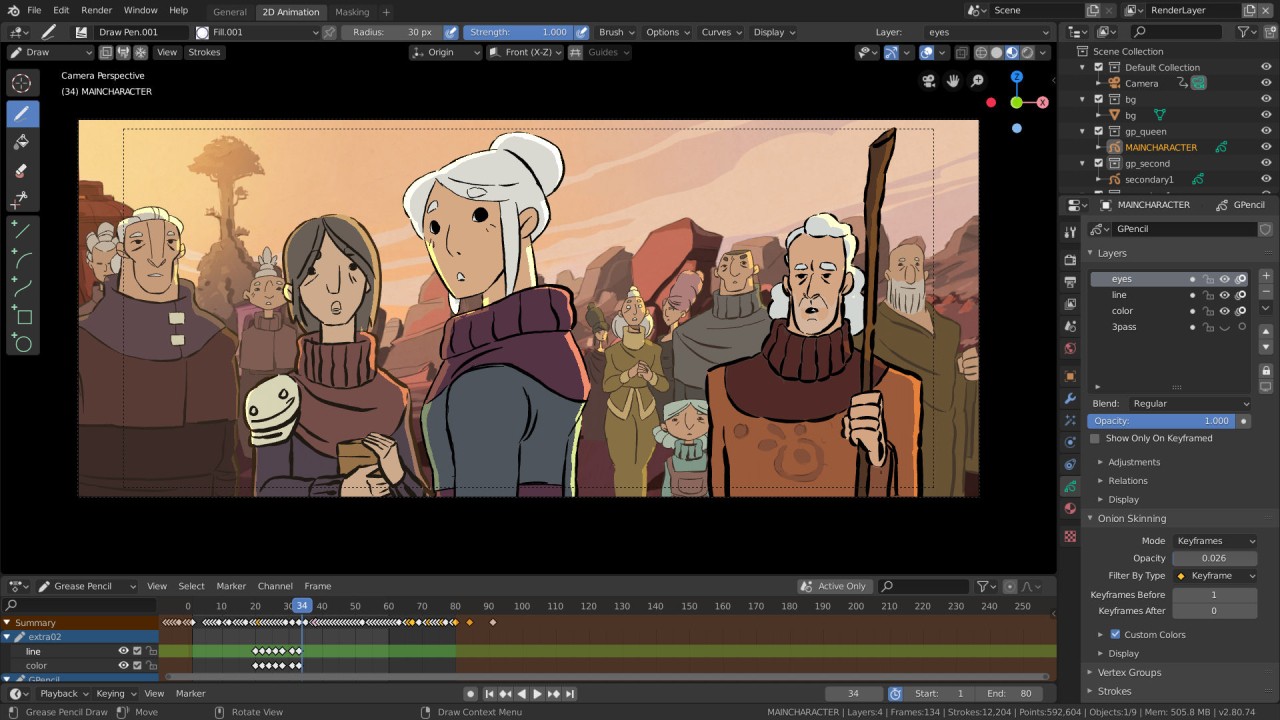
Blender operates as both a program and a creative tool that assists artists who want to practice 3D design, animation, modeling, and additional features without complications.
This tool provides users with every required functionality in a single package. Blender provides users with all essential features, including dynamic simulation capabilities and game development tools. The program has been on the market for a long time and continues to improve. An open-source initiative transformed into a worldwide platform serving novices and experts everywhere.
Users find the combination of diverse features in one unified platform to be the most attractive aspect of Blender. The platform contains all the features you need. All required operations, from modeling and shading to rigging and rendering, have pre-built functionality within Blender. The program might seem overwhelming at first, but newcomers to 3D technology will see its capabilities set in as they master its features.
The platform adjusts its functionality according to multiple working processes. Blender provides users with a complete range of tools and a workspace to experiment with short animations and game environment development.
Why Should I Download Blender?
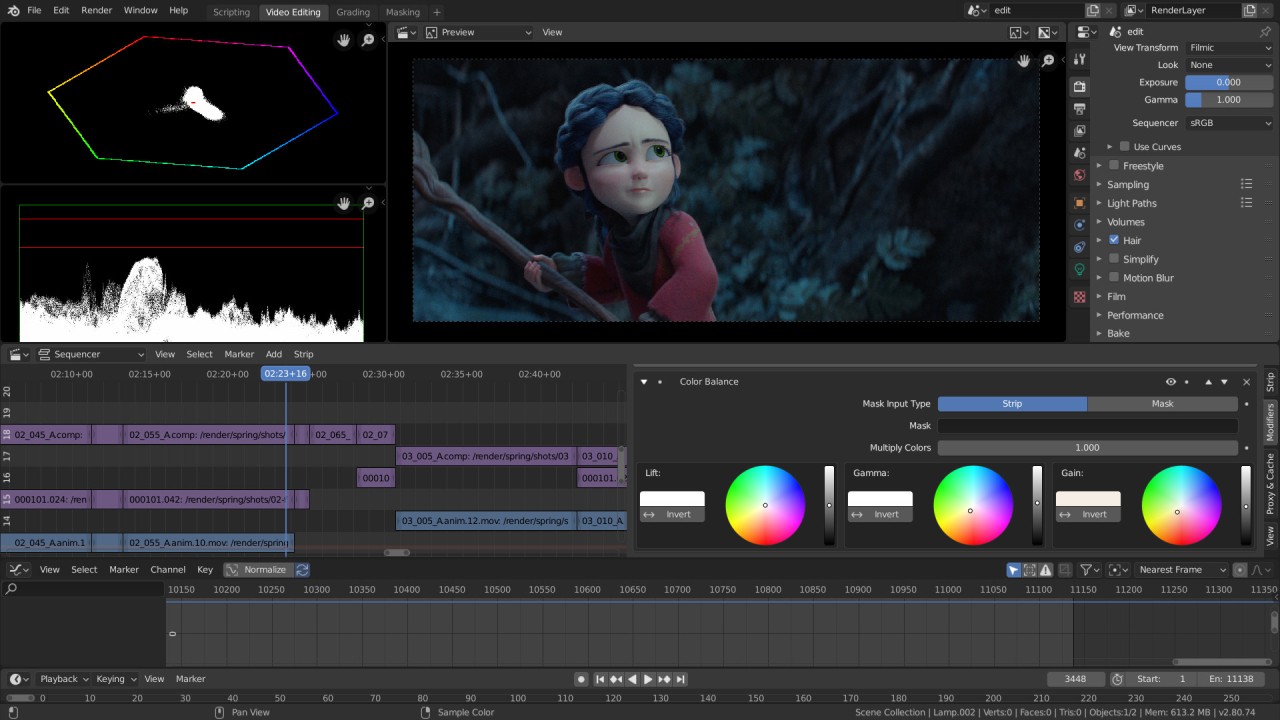
People dreaming about animated character production, 3D modeling, and video editing with complete control should consider Blender. The complete functionality of the suite becomes available after download. The application launches with all its assets readily available. Those include tools for modeling, animation, VFX, and video editing.
The software offers more than just functionality; it’s about accessibility. Users can download the tool for free. You receive the same professional animation platform that studios across the world use in their productions. The accessibility Blender provides enables everyone to achieve their goals. You do not need lots of money or a job at Pixar Studios to create impressive work. Through its accessible nature, Blender provides an equal learning opportunity to everyone, including beginners and professionals.
Many people belong to Blender’s community. That makes building your animation skills easier. Whenever you face a challenge, you can go to other Blender users’ tutorials and documentation to find a solution. Hundreds of free educational materials, visual tutorials, platform forums, and unlimited online resources are available to everyone. All members help each other because Blender operates through complete openness and collaborative partnership.
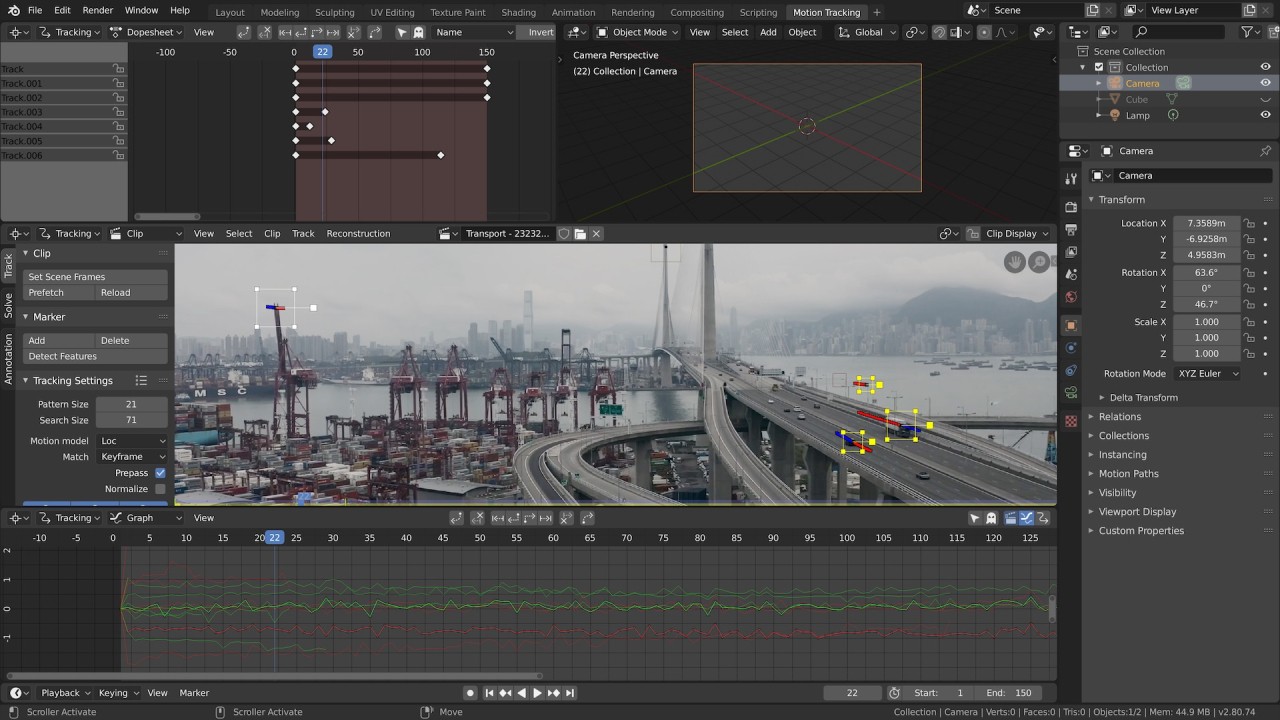
Evolution stands as the main noteworthy aspect of Blender. The Blender development team and contributors actively work to refine the platform. The team at Blenderdev implements ongoing enhancements that improve features and resolve existing issues. The process begins with standard cube elements combined with lights and colors; then you progress to fluid simulation and motion tracking capabilities.
Blender’s toolset expands with your skill development. Most beginners start with simple projects, and Blender enables them to advance their skills until the program provides new options for advanced creation. This particular quality feels revitalizing, since many platforms use subscriptions and locked features. After entering Blender, you gain permanent access to all of its features. No limits. All you need is a concept and a timeframe, and to know what you want to learn.
Is Blender Free?
Yes, Blender is 100% free. As an open-source program, all of Blender’s features are free to use. All users obtain indefinite access to the complete software program with no limitations.
What Operating Systems Are Compatible with Blender?
The Blender software operates on every prevalent operating system in the market. Users of Windows, macOS, and Linux systems can operate Blender without problems. Blender exhibits adaptability across various platforms, and your system will receive continuous system updates together with maintenance support.
The software enables all its features when your system maintains the minimum required combination of a respectable CPU, sufficient RAM, and a quality graphics card. Blender provides different methods that enable users with limited resources to complete tasks irrespective of their older computer system hardware capabilities.
What Are the Alternatives to Blender?
Several other software programs operate in the domain of 3D design. Judging by your creative targets and budget, you can select from alternative large software tools for different use cases. Various situations demand particular workflows, and you can base your decision on your needs.
The widely used alternative to Blender for game developers and architectural visualizers is 3DS Max. The tool is known for its modeling and rendering capabilities. Users find particular value in this software because of its precision capabilities and effectiveness in major studio operations. Its price is its biggest drawback. For that reason, 3DS Max is most commonly used by game asset creators and specific architectural developers.
Maya belongs to the family of Autodesk-developed software products. Animation, along with rigging, represents the primary focus of this platform. The tool gets regular use in movie and TV production for both character movement and visual effects, and for building sophisticated scenes. Professional users appreciate Maya for its advanced features in animation and character modeling, even though they require some getting used to. Like 3DS Max, the program maintains a high price point but delivers superior capabilities for big-scale workflow operations. Every element of the program appeals to experts, although they may find the interface challenging at first.
Another strong alternative is Cinema 4D. It is a go-to for many motion graphics artists. Cinema 4D offers an ideal solution for users who wish to create slick, professional animations and work in advertising design. The software stands out because users find it easier to use compared to similar programs, and it works seamlessly with after effects programs. Video editors and designers select this product for the production of 3D elements as they do not need complex technical configurations. This program delivers speed alongside reliability and an intuitive interface, but users must consider its subscription costs.