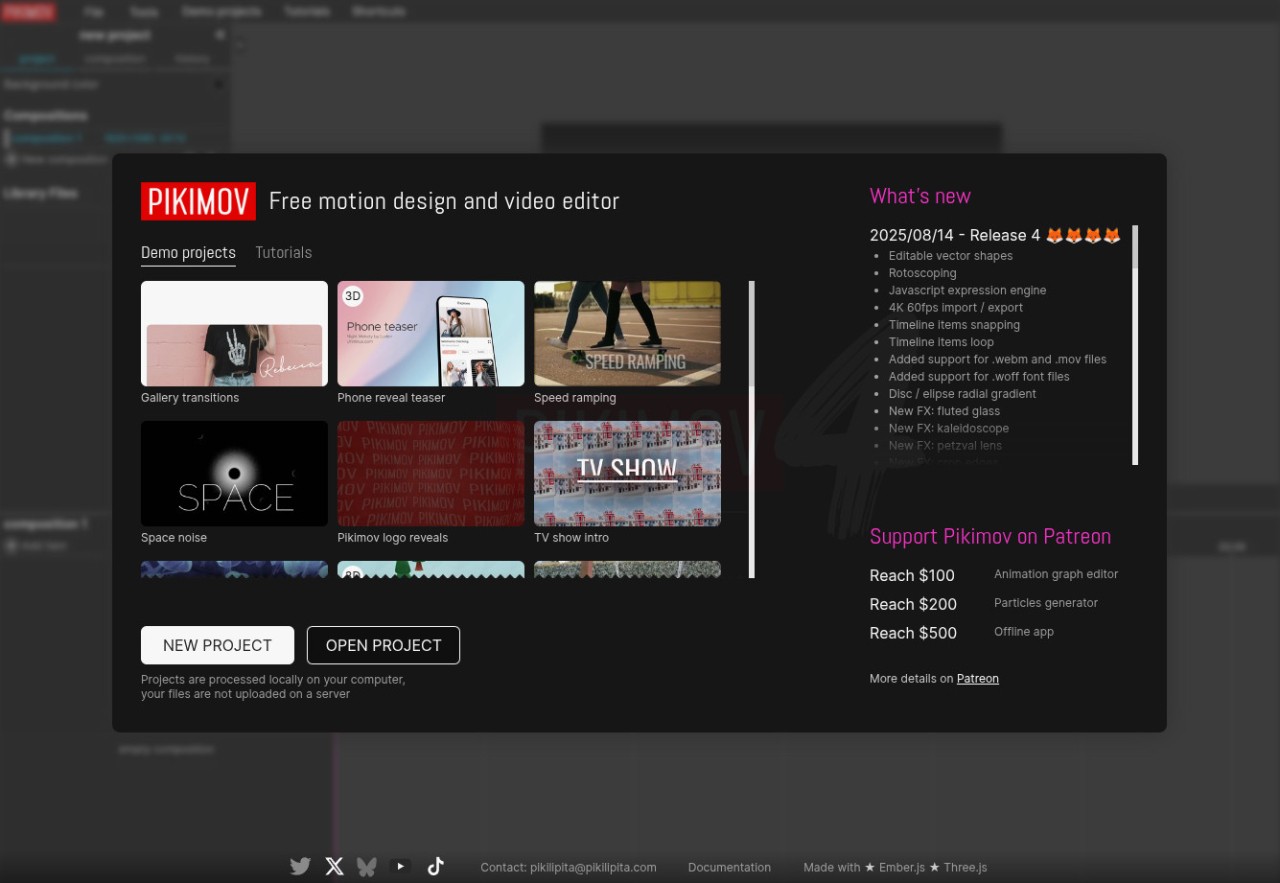
Pikimov is a software that gives you everything you need to edit videos without a high learning curve and unnecessary complexity. It's ideal for content creators, students, small businesses, and anyone who needs to put together engaging visual projects. You can use it as a basic editor for short social media clips, but it also has advanced studio-grade tools for more complex projects.
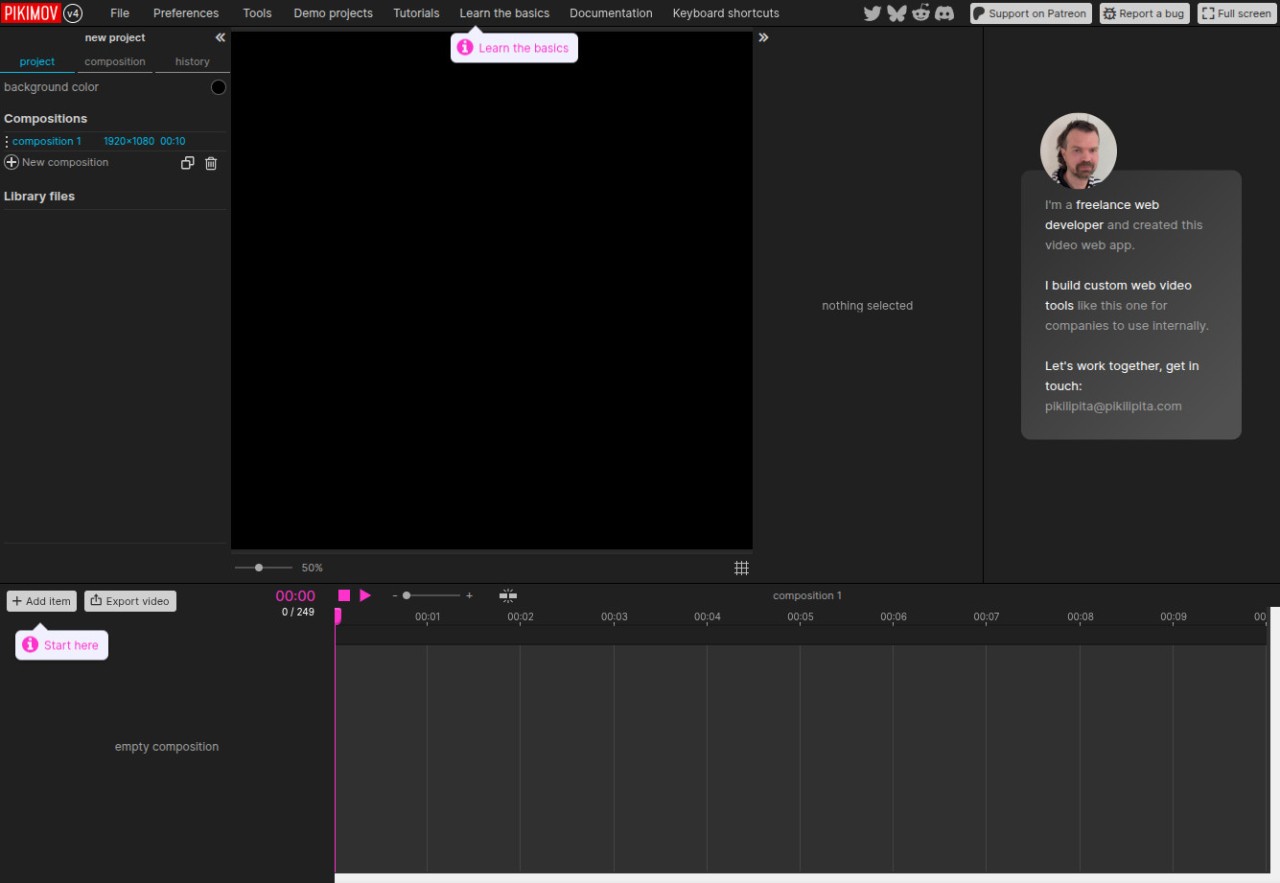
The interface in Pikimov is quite simple; you just need to drag and drop files onto the timeline, and then you can cut or merge clips, add text or transitions, and adjust sound levels without needing a ton of experience. At the same time, Pikimov also supports more advanced actions such as multi-track editing, high-resolution output, and keyframe animations. You can bring in audio tracks, voiceovers, or sound effects and sync them with your video.
If you want to apply a specific style to your project, there is a library of templates, filters, and pre-designed assets that you can pick and customize. You can customize the tool and its options to whatever you're working on, like a personal vlog, a social media advertisement, or a longer presentation. You can use Pikimov for free through its web editor, which works on Chrome, Edge, and Opera.
Why should I download Pikimov?
If you have never touched a video editor before, Pikimov helps you get started quickly as it's extremely easy to use. The timeline layout and drag-and-drop controls mean you can start editing immediately, and the menus are clear enough that you do not need a manual to start working. If you require more advanced options, the app also offers multi-track editing, which lets you work with multiple layers of video and audio at the same time. It's great if you need to overlay text and images, combine several clips, or balance dialogue with background music. Pikimov makes your projects look professional, even if you are still learning.
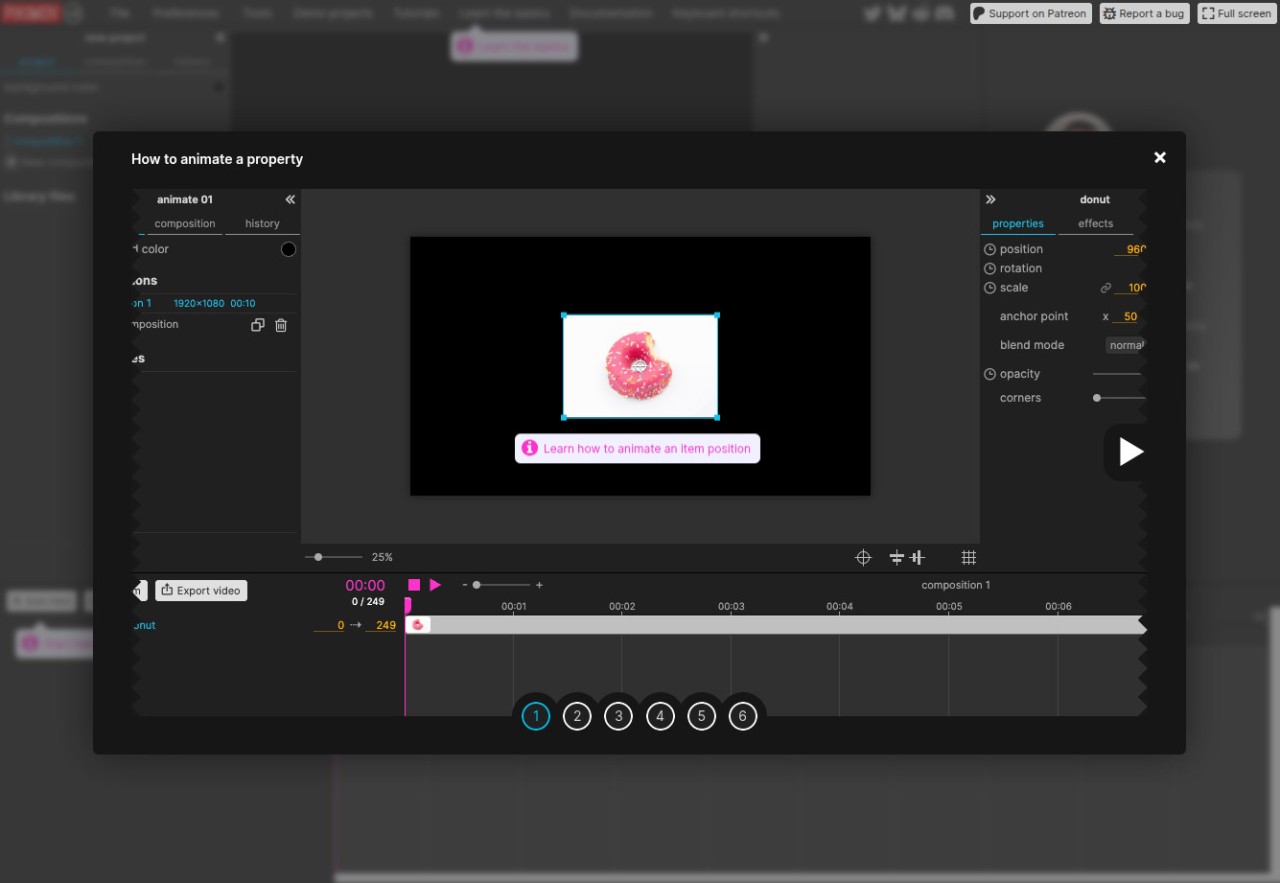
Pikimov includes ready-made templates and effects for titles, transitions, and filters, which can save you hours of work. You can apply a cinematic color filter, add an animated title, or drop in a quick transition between scenes. These features help when you need to build content quickly but still want it to be polished. With Pikimov, you can also use keyframe-based animations. With keyframes, you are able to animate elements such as text, images, or graphics, while also controlling how they move across the screen over time. Use it when you're looking to create dynamic storytelling, where you can design sequences that look more advanced without using external tools.
With Pikimov, you also get audio editing tools, so you can adjust volume levels, fade tracks in or out, and align sound with video clips. This way, you can get clean and balanced audio, and you are able to import your own tracks or use royalty-free sounds, which you can place directly on the timeline.
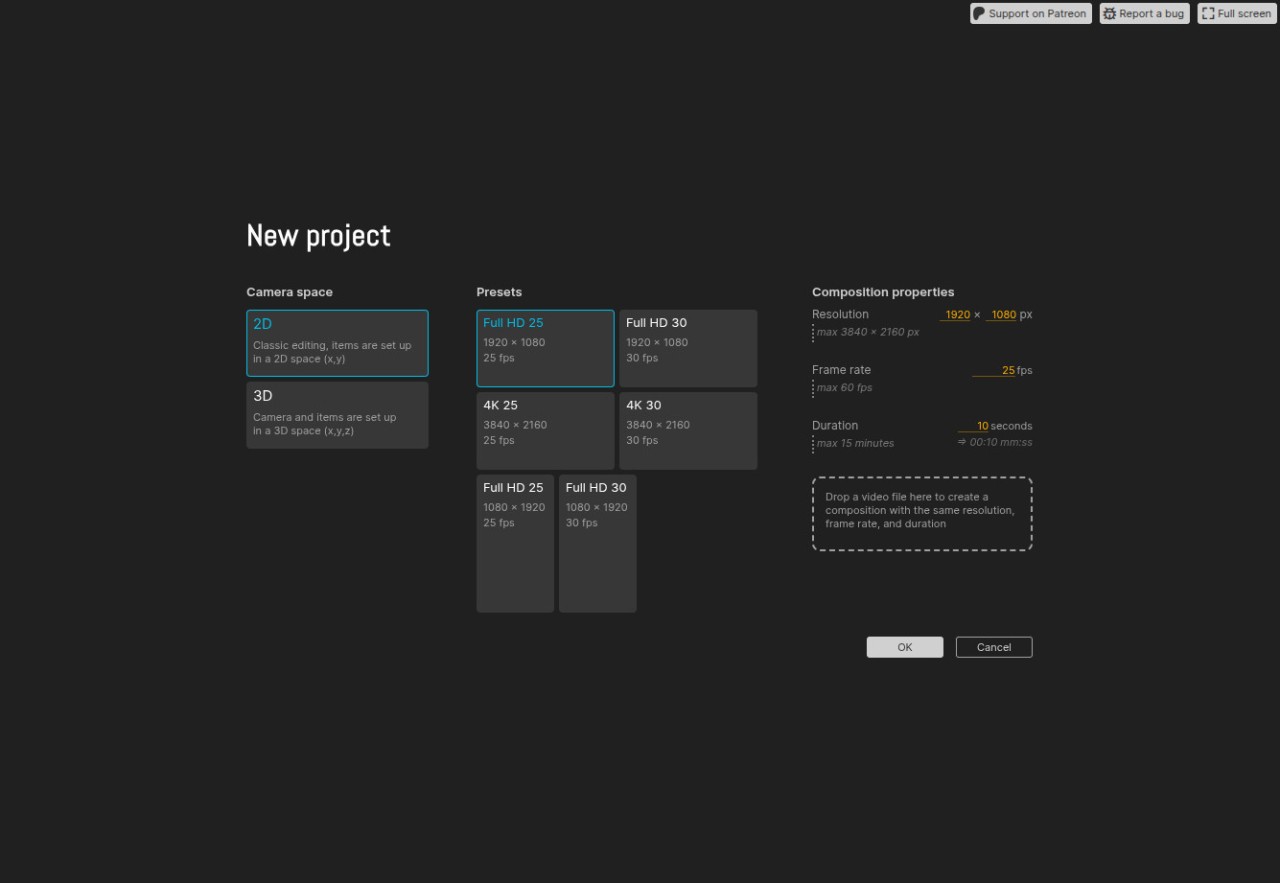
When you're ready, Pikimov allows you to save your projects in HD and 4K, with presets for platforms like TikTok, YouTube, and Instagram. Your videos can be saved in vertical, square, or widescreen formats that you can apply with a click, so you don't have to manually adjust dimensions for each platform. It's a great option if you're looking to post across multiple social networks.
Since Pikimov is a browser-based tool, it's extremely lightweight and has optimized rendering times. You don't need an advanced graphics card, and the files are edited locally, so they aren't uploaded to Pikimov servers. Pikimov is a free solution that you can open on web browsers, including Google Chrome, Opera, and Microsoft Edge.
Is Pikimov free?
Yes, Pikimov is a totally free solution that is available through its web service, and there are no paywalls or hidden upgrades. Even though the tool doesn't come from an open-source project, it's free to use for anyone who requires it, but you can support the creator through Patreon.
What operating systems are compatible with Pikimov?
As a browser-based solution, you can only use Pikimov on Windows, Linux, and macOS computers with Microsoft Edge, Google Chrome, or Opera. Currently, there is no version of the tool for mobile devices or other browsers like Firefox or Safari. Since the files are edited locally, it's recommended to have 16 GB of RAM.
What are the alternatives to Pikimov?
Adobe After Effects is one of the most advanced video editing and motion graphics programs. It is aimed at professionals and is widely used in film and advertising. It integrates with Adobe's Creative Cloud, letting you work smoothly with tools like Adobe Premiere Pro and Photoshop. It supports complex visual effects, animation, and compositing, though it has a steep learning curve. Available on Windows and macOS, After Effects is a paid product, though you can try it out with a time-limited trial.
PowerDirector is an AI-powered video editing solution for Windows and macOS. It has a free version that includes basic editing and applying various AI-based effects, but you can get the paid version to unlock advanced tools such as motion tracking, premium effects, and exports to 4K. It also supports green-screen editing and image-to-video animations.
DaVinci Resolve is another big name in the video and post-production world. It is known for its robust feature set and capabilities to handle even the biggest projects. Another thing that attracts users to DaVinci Resolve is that you can get it on Windows, macOS, and Linux, so a wide range of users can work and collaborate, no matter their operating system. It supports high-definition video and audio editing, effects, and file exporting. DaVinci Resolve has a free version that may not offer all of its features, but it still has a wide range of editing options without the need to pay. If you're a user who needs even more, you can purchase its paid version called "Studio" for access to more premium features.
Blender is a very robust and comprehensive solution that's also a free, open-source software you can use for both 3D and 2D modeling through its Grease Pencil tool. If you require advanced animation options to create detailed objects and models and then render them without issues, then Blender delivers a complete toolkit for this purpose. While it has a rather complex interface, plenty of tutorials and community forums will help you get started, and you can install Blender on Windows, macOS, and Linux.