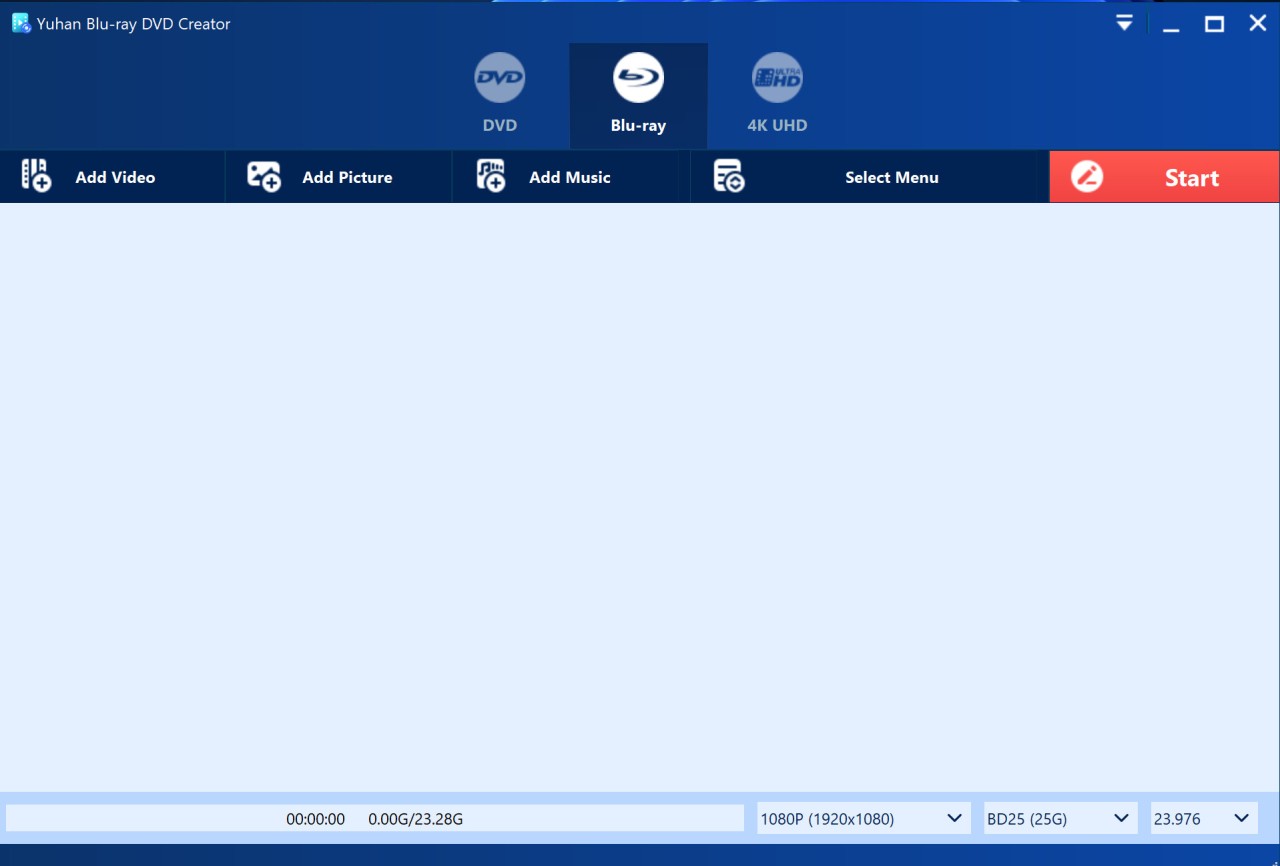
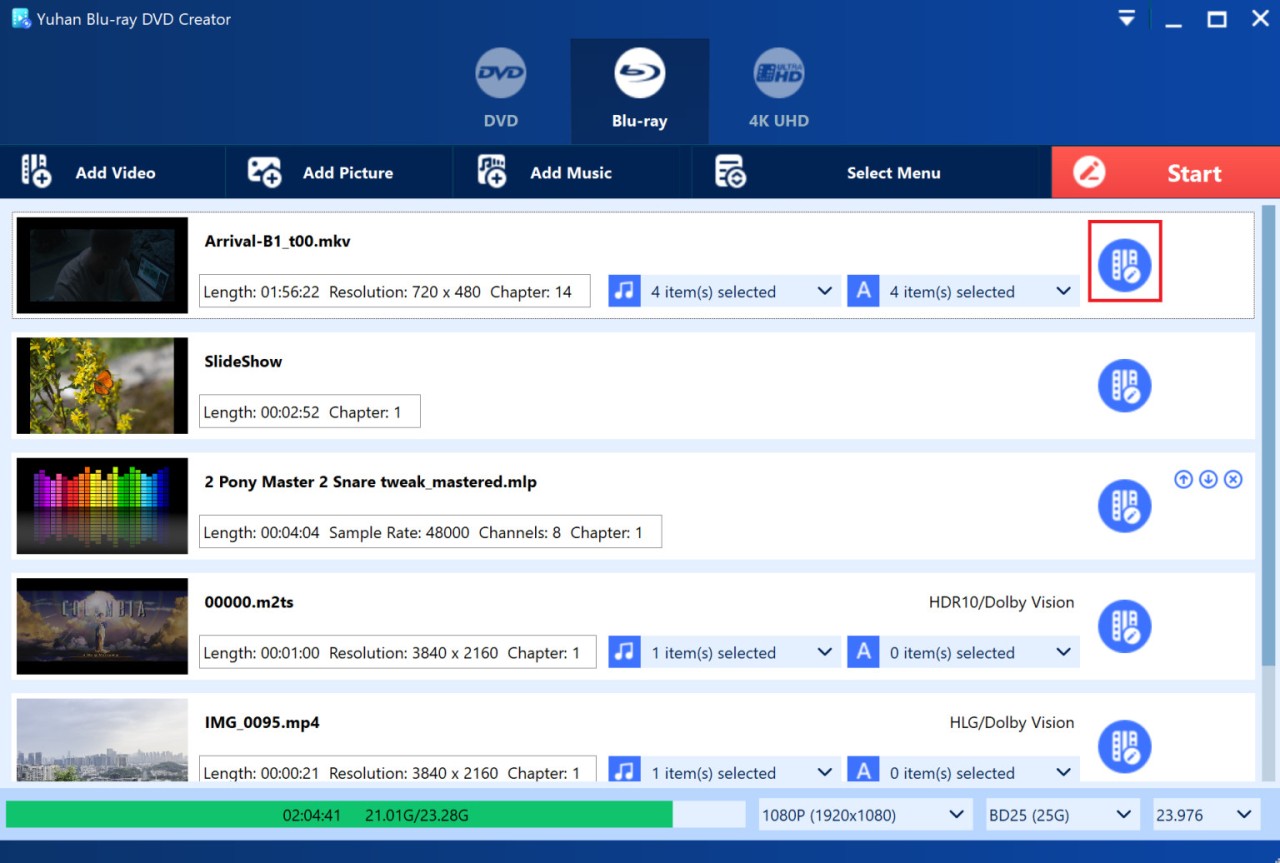
Yuhan Blu-ray DVD Creator is made for people who want to save their videos or photos onto actual physical discs. It doesn’t come with flashy extras – just does what it’s supposed to do.
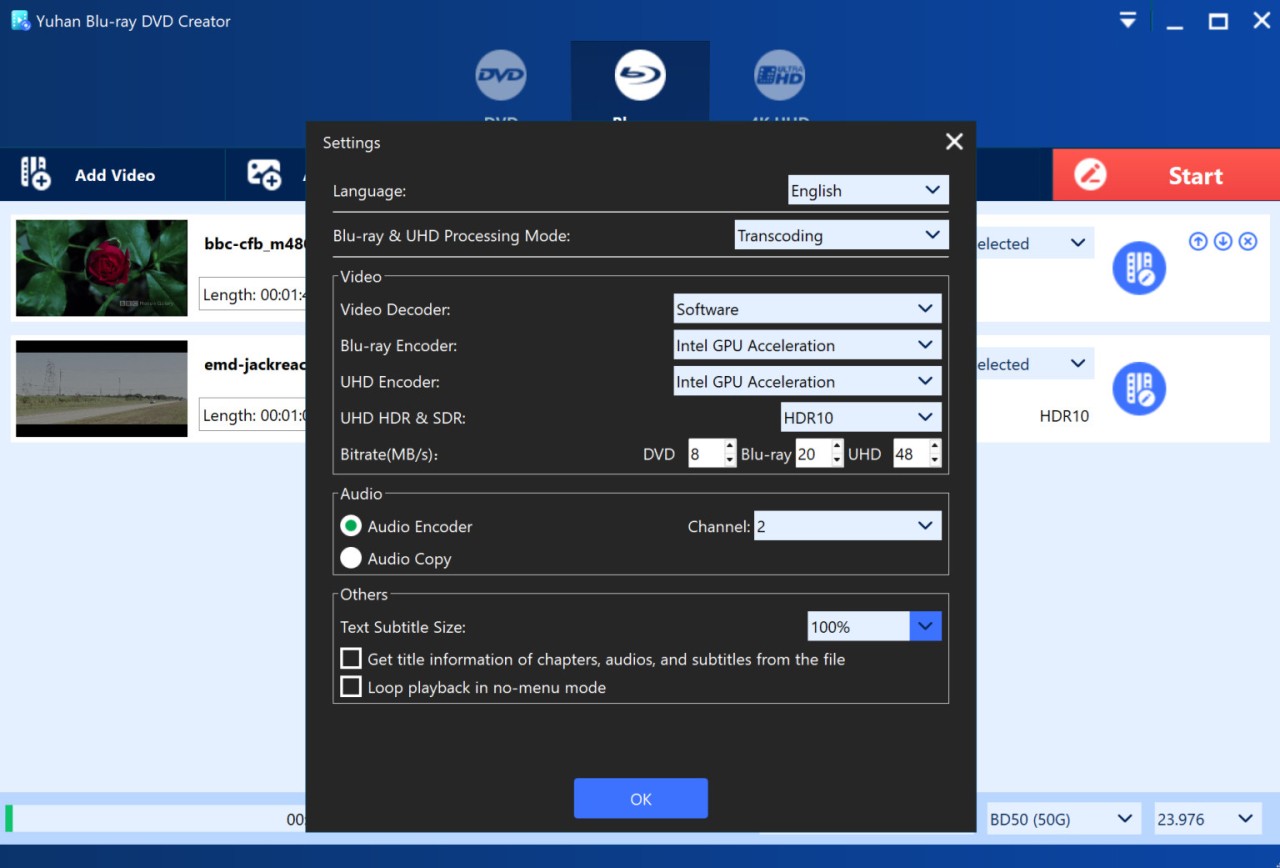
The software preserves the original quality as far as it is possible. It does not dilute or flatten colors. HDR10 and Dolby Vision are supported, and provided that your videos include Dolby Atmos or DTS‑HD audio, then it remains unchanged. It also allows you to make menus with background, buttons, subtitles, chapters, or plain simple images to appear in a studio‑like effect.
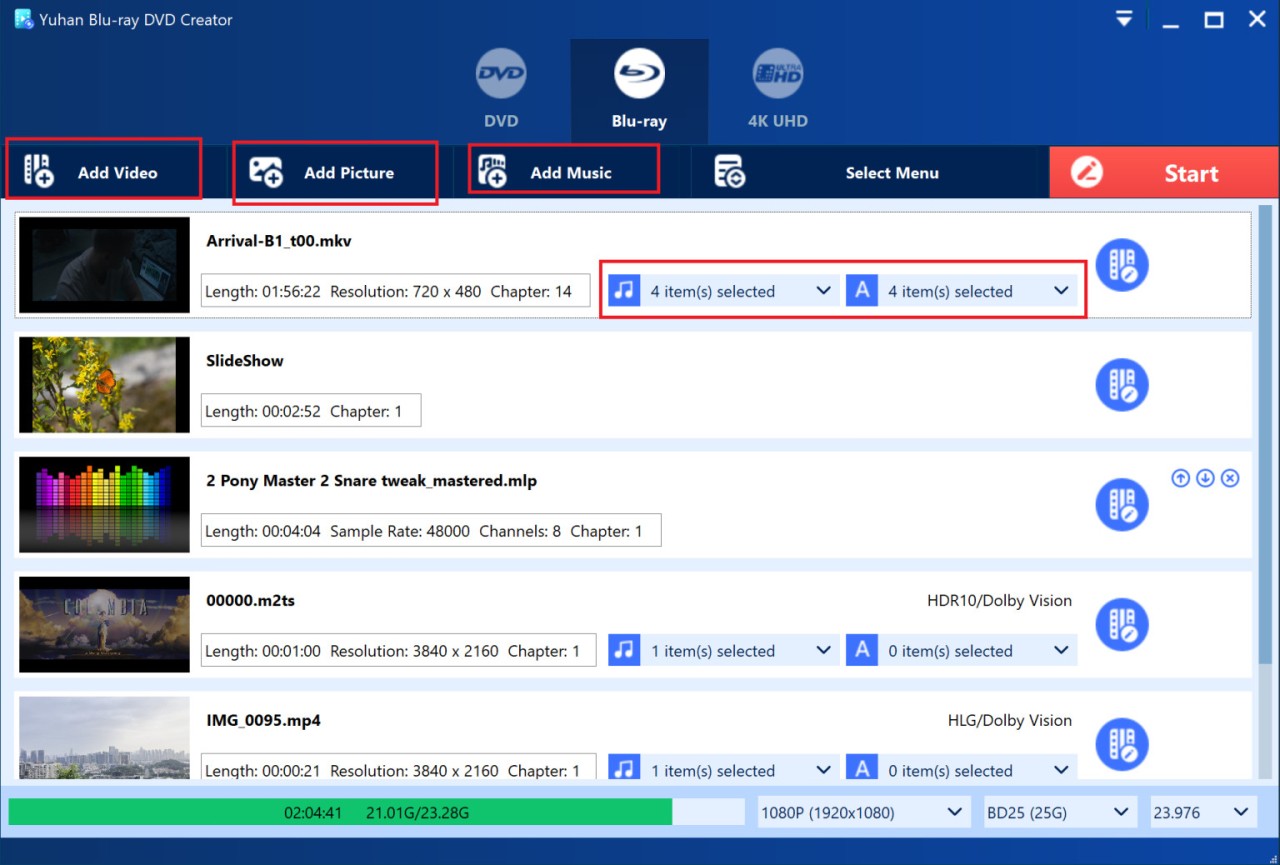
The interface is simple. It appears to be somewhat retro, but it is clean and not difficult to navigate without a manual. You can save an ISO file to be used later, or you can burn a disc on the spot, but it works well. It is more practical than glamorous, and that is likely to be its beauty.
Why Should I Download Yuhan Blu-ray DVD Creator?
In case you possess videos that are important to you, such as wedding videos, travel videos, family videos, or you prefer to save things on a hard copy disc, Yuhan provides you with the control. The majority of the burning tools are either too primitive or of low quality. This one captures the original video colors, frame rate, and sound in their original form and allows you to make a disc that is identical to the original file and can be played on a Blu-ray player or console.
It’s also flexible. You may create a disc in 4K UHD, normal Blu-ray, or a DVD, depending on your requirements. It also accepts most formats MP4, MKV, MOV, AVI, and even HEIC pictures on an iPhone, so you will not encounter compatibility issues like other applications. Yuhan even automatically starts rotating vertical videos to make them appear on a TV.
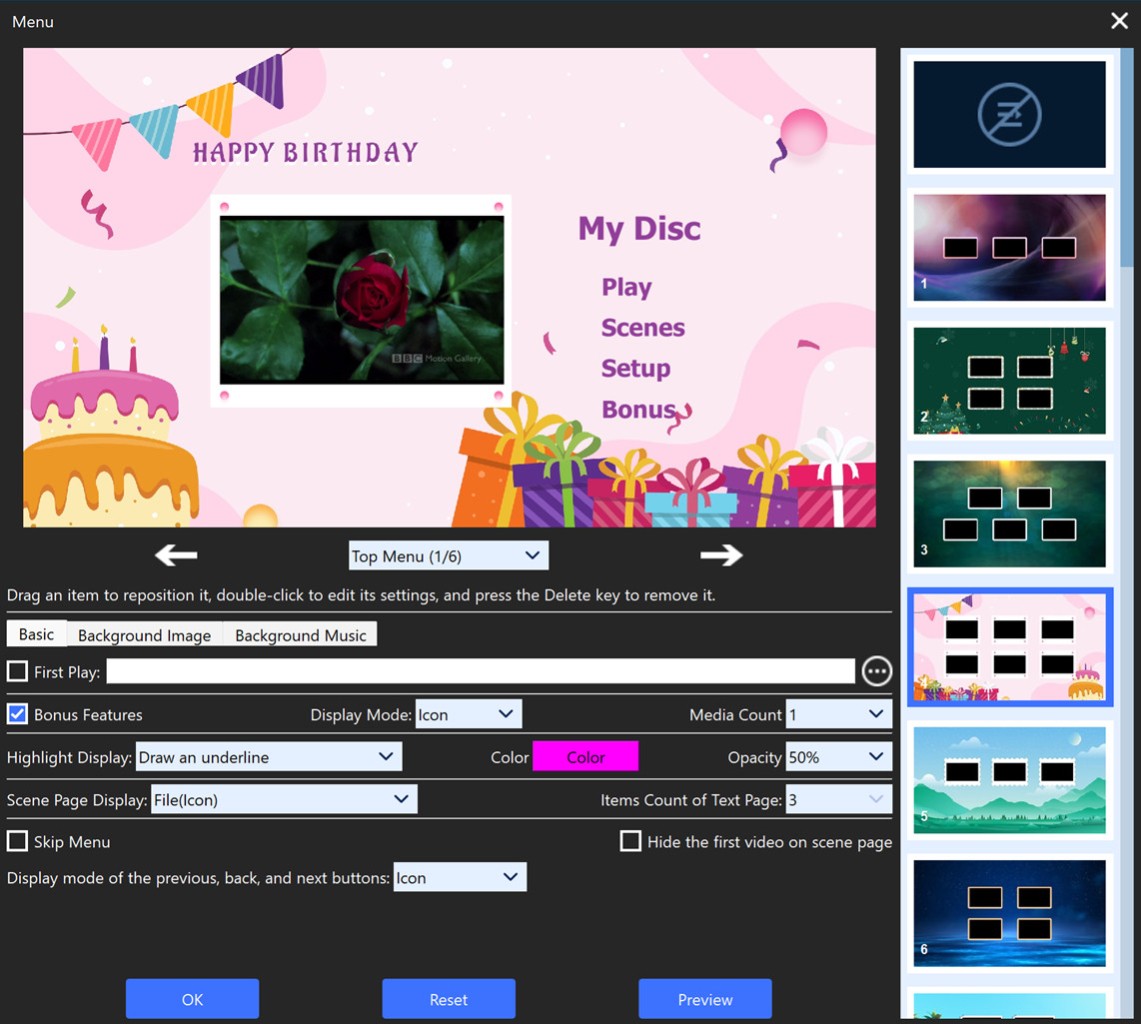
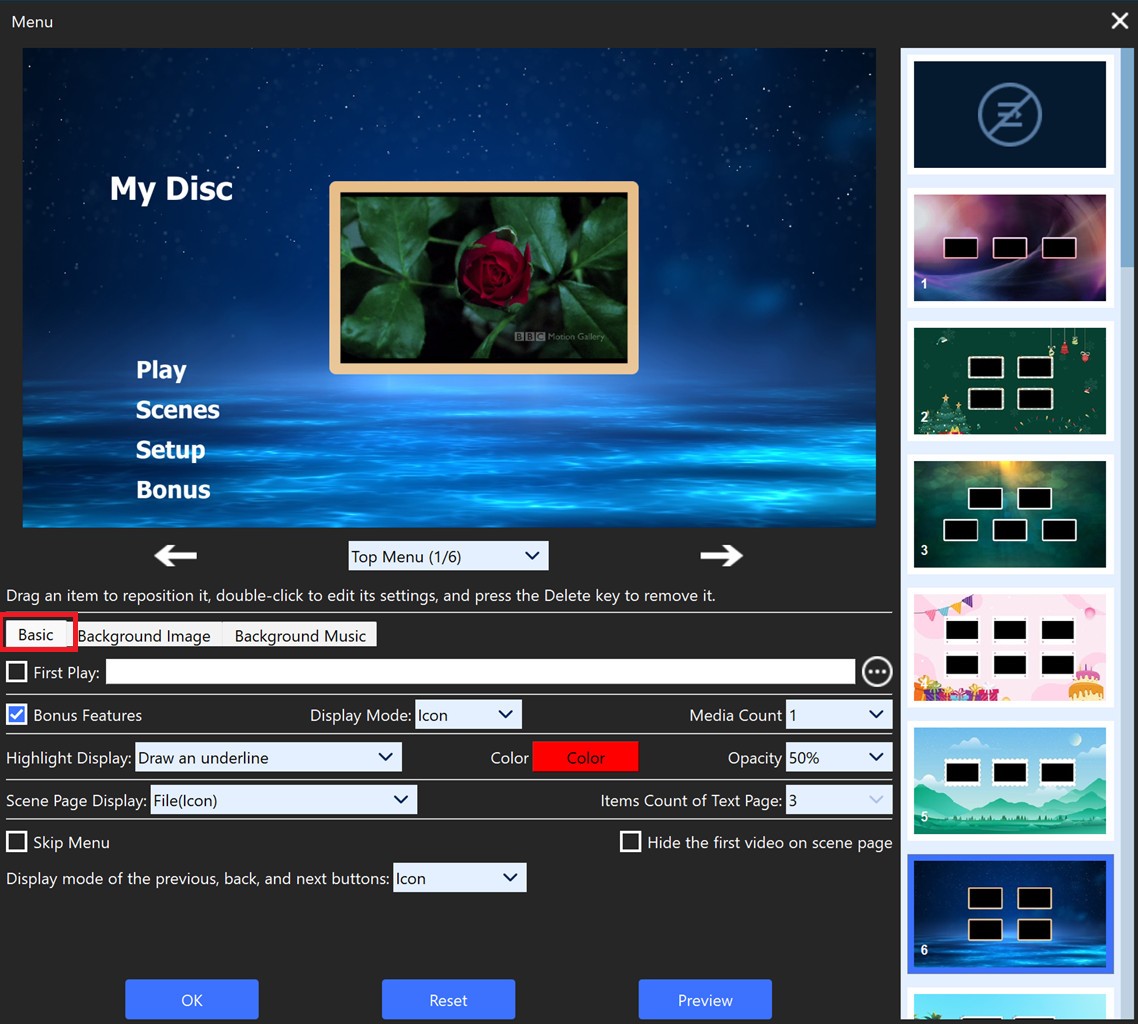
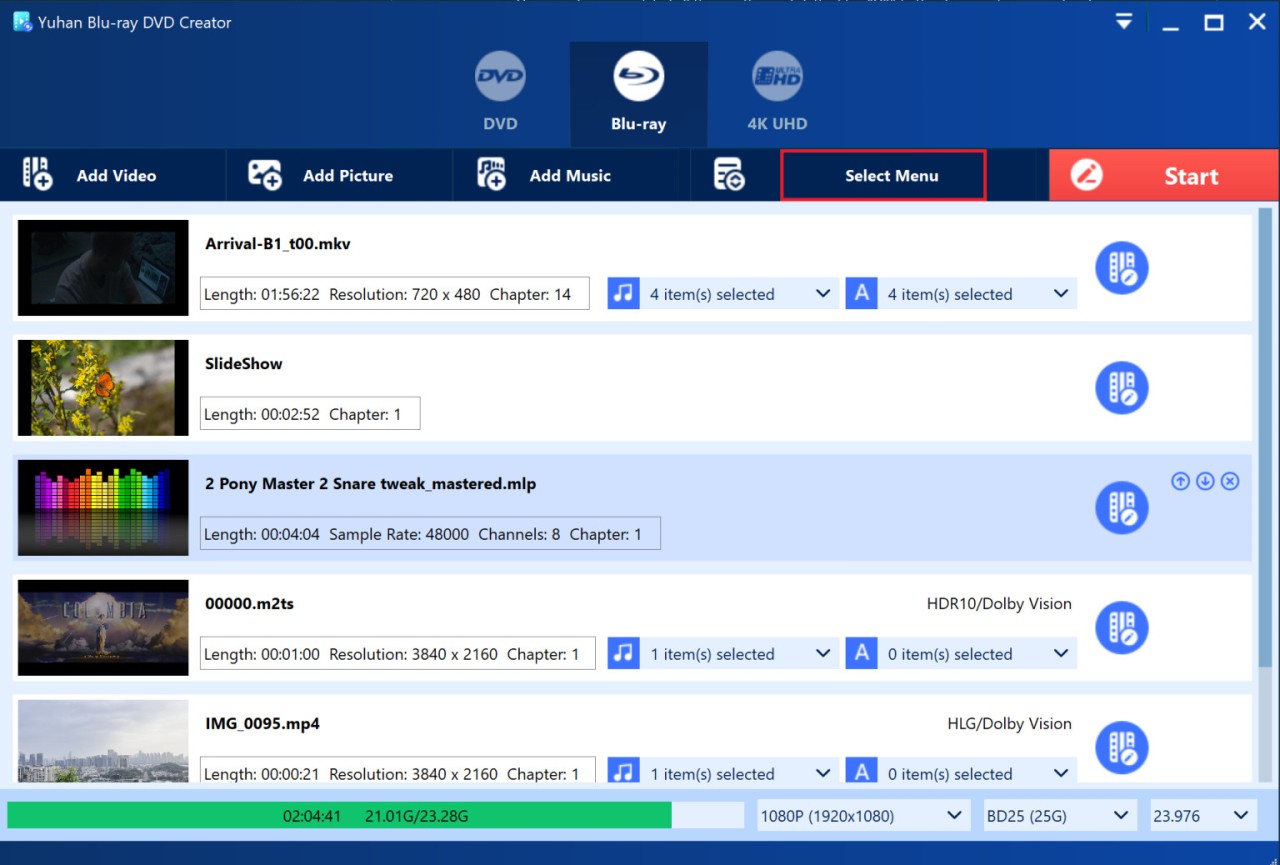
There’s a menu creator too. It’s not fancy, but it works – lets you build your own layout, add music or a short intro, and pick if it should start with a menu or jump right in. This is important to individuals who like having control of their creativity.
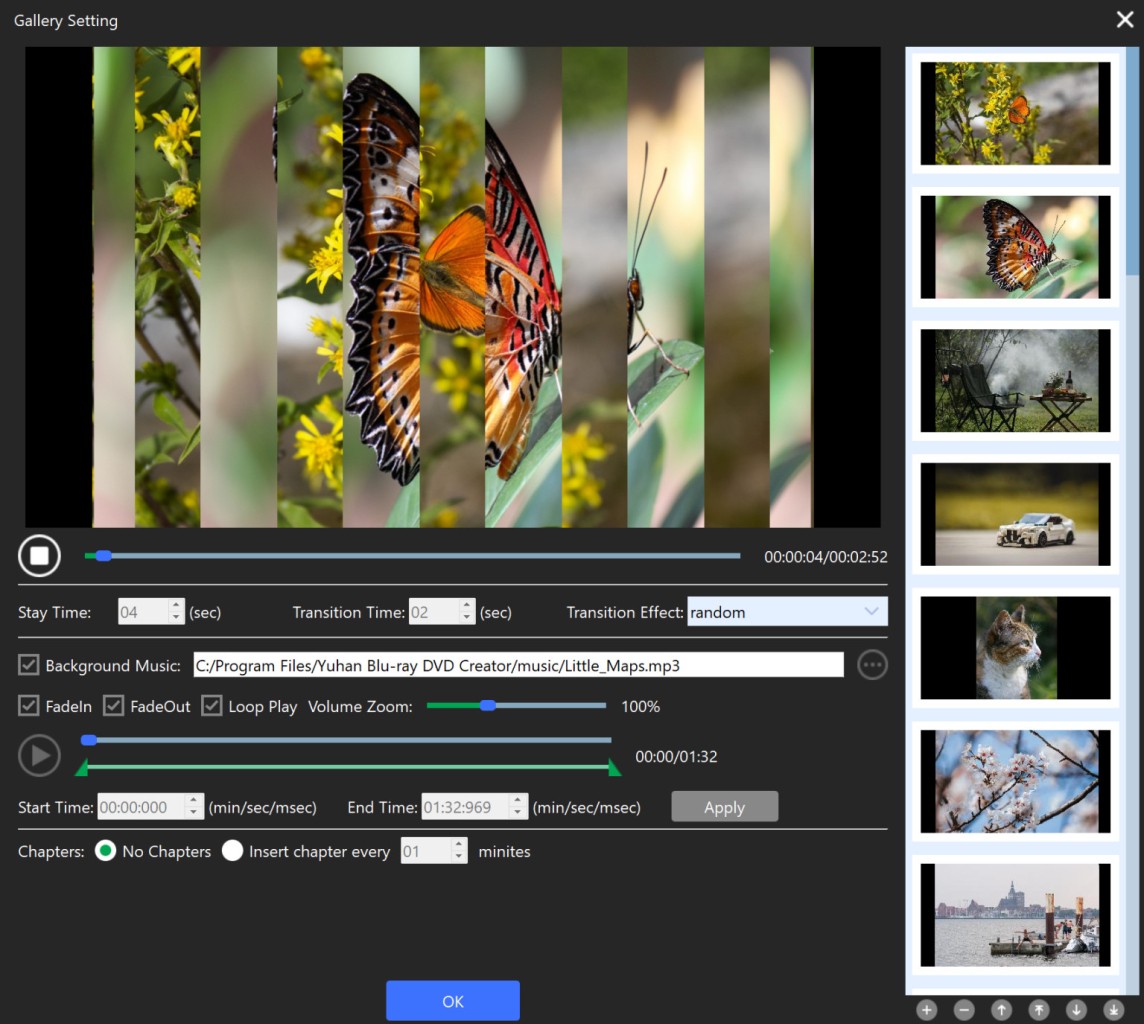
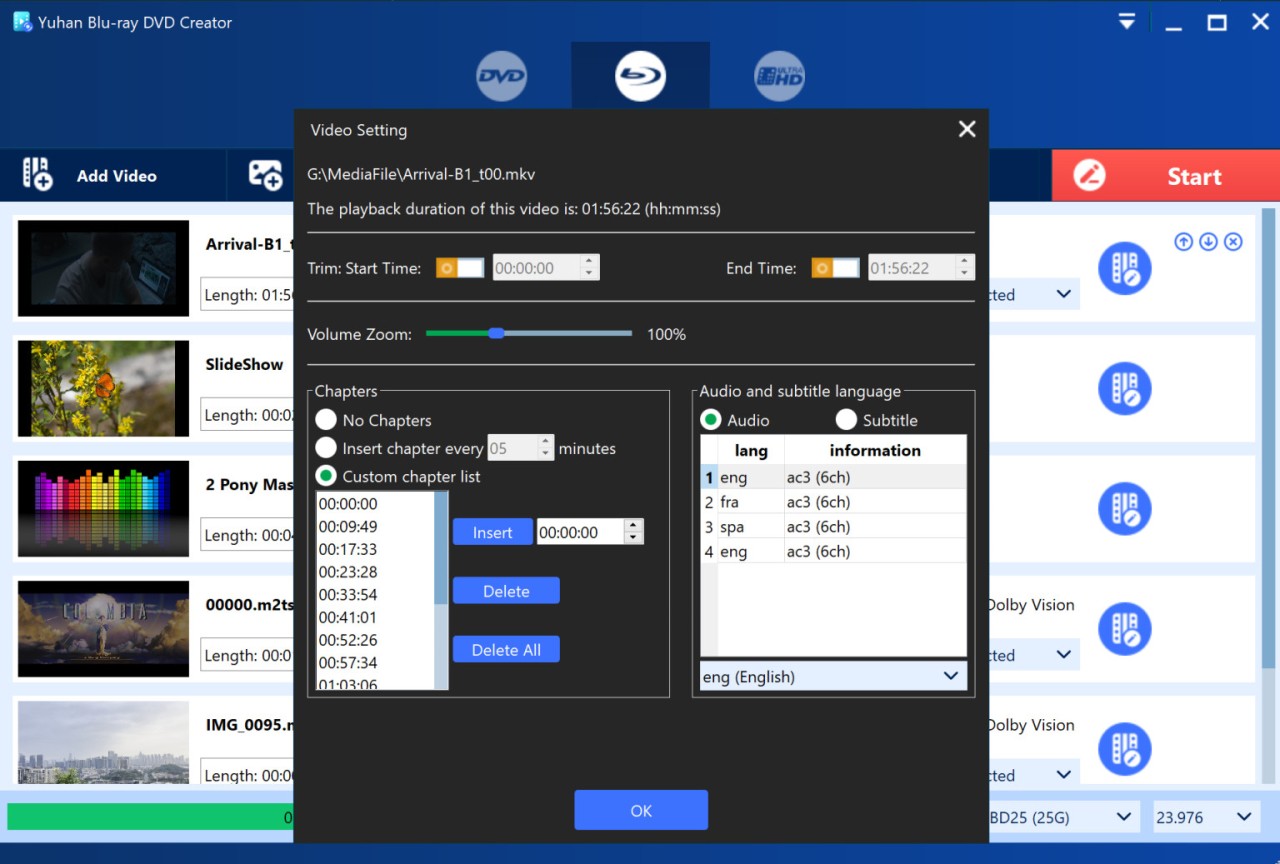
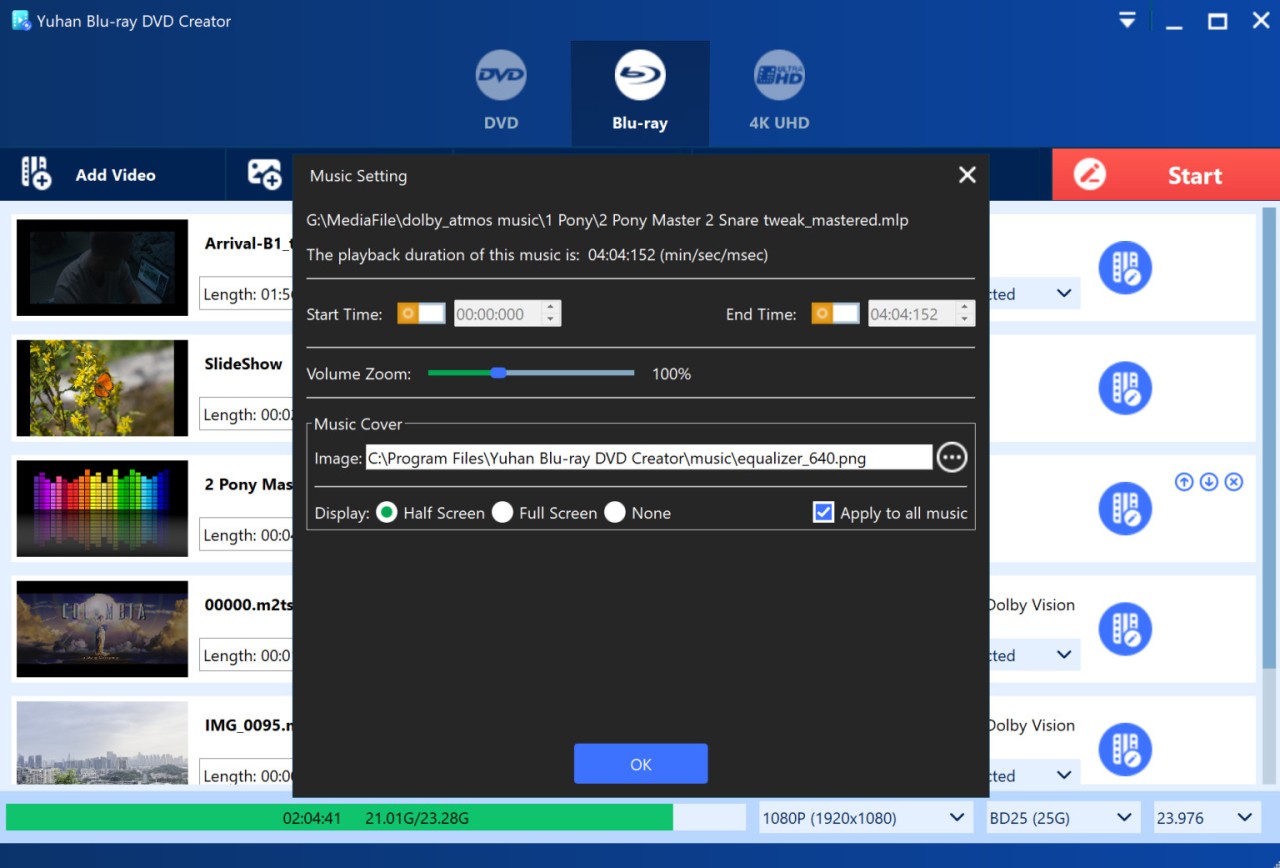
It’s not just about looks. You will be able to add various pieces of audio recordings, subtitles in other languages, and a menu where you can skip chapters. This is useful for wedding videos or short films. Put simply, Yuhan gives you pro‑level burning tools that anyone can figure out – no editing diploma needed.
Is Yuhan Blu-ray DVD Creator Free?
No, it’s not entirely free. A trial that reveals the main features is present. You must have the paid version to enjoy complete control, particularly 4K, Dolby Vision, and multi‑audio. The good thing is, it’s not a subscription – just a one‑time payment. Instead, you purchase it once and have it forever, and you receive updates when they are available. This is more cost‑effective than tools that are based on subscription for frequent users.
What Operating Systems Are Compatible with Yuhan Blu-ray DVD Creator?
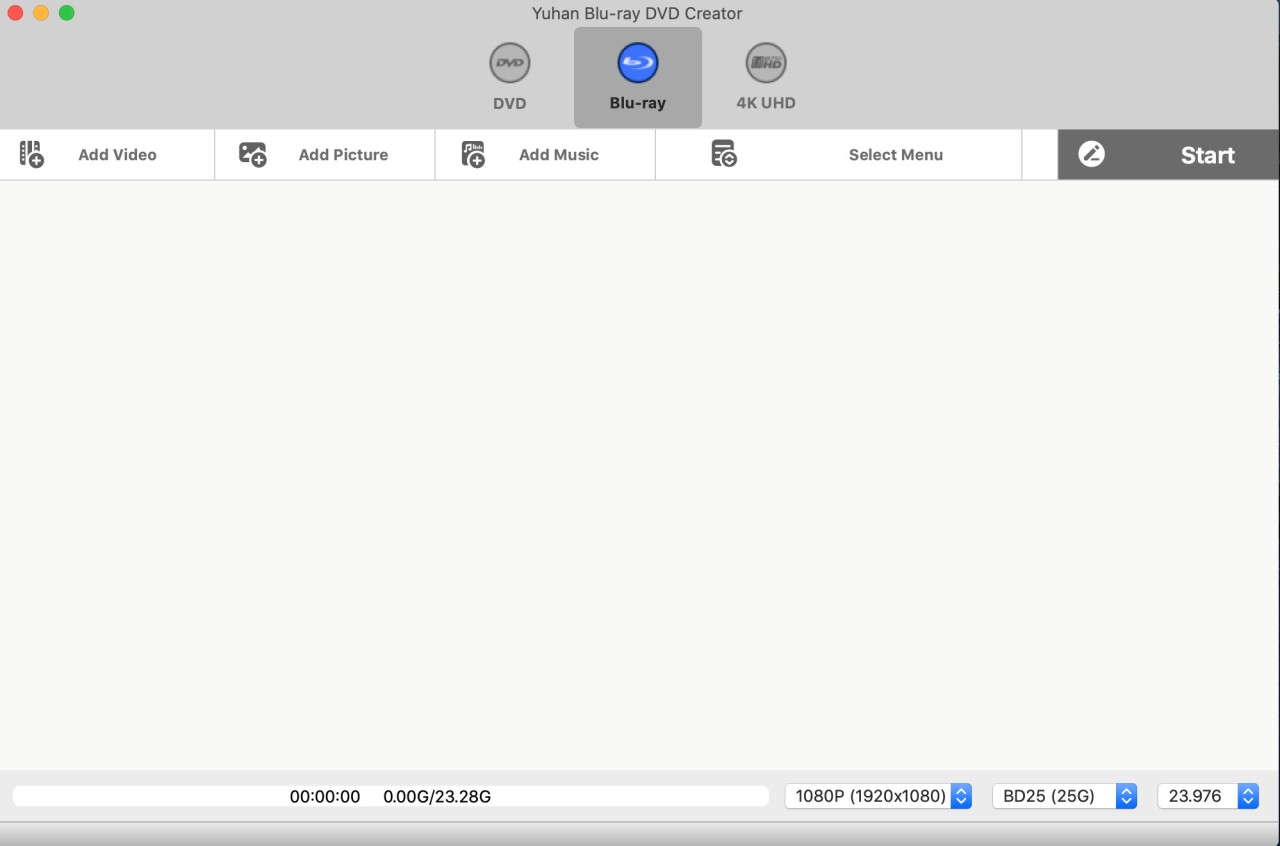
Yuhan works on both Windows and macOS. You can install it on Windows 7, 8, 10, or 11 without any hassle. You don’t need a high‑end machine – just a decent processor, and 4K files won’t take up too much space. On Mac, it can run on macOS 10.10 and later, and thus can be used even on older iMacs and MacBooks. Both platforms are similar in the user experience.
The software receives nearly any file you attempt, MP4, MKV, MOV, AVI, JPEG, PNG, GIF, HEIC, and the audio format (FLAC, WAV, MP3, or DTS). The output can be on a disc, an ISO image, or a folder to be burned later.
It is silent and does not use up unnecessary resources. After it is closed, it cannot leave any background processes to drain your system. It’s great for users who like a clean setup. The updates are provided by Yuhan, and therefore, you do not have to reinstall the updates when new formats become available.
What Are the Alternatives to Yuhan Blu-ray DVD Creator?
DVDFab is a brand name in disc burning. It is capable of burning discs, copying Blu‑ray discs, ripping DVDs, and even upscaling videos with AI. It is robust and needs resources and fits professionals. Although it provides extensive customization and robust HDR/Dolby Vision, it can be too complex to handle for the first‑time user, and follows a subscription business model, which might not be ideal with casual consumers.
WonderFox DVD Video Converter is more convenient and easier to use. It is primarily a converter, and a minimal setup would enable it to make DVDs out of video files. Just drag in the files, pick your output quality, and burn. It does not have advanced authoring options such as menu editing or Dolby Vision, but it is quick, dependable, and perfect in the hands of the home user who needs quick burns and does not want to perform complex customization.
PowerDirector can mainly be called a video editor, but it also allows editing footage and exporting it via Blu‑ray or DVD. It is pleasing to the editors who desire one program to edit and burn. The menu templates look sharp, though it doesn’t support HDR or Dolby Vision like Yuhan does. PowerDirector continues to be another great option in the hands of those who do not place so much emphasis on the fidelity of their raw files, but rather on editing and presentation.