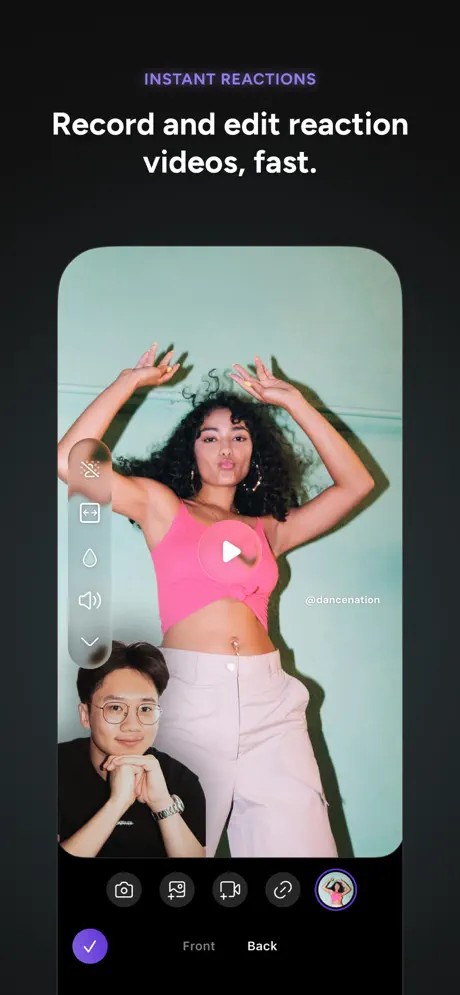
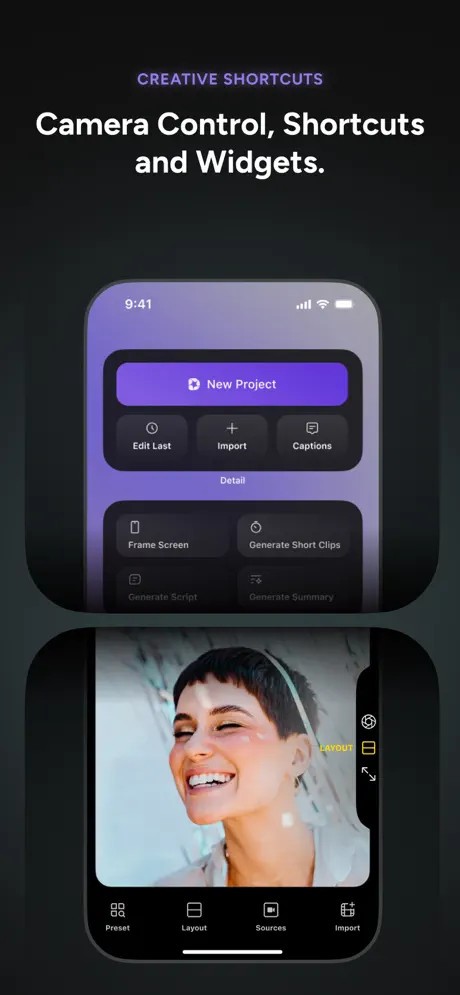
Detail is a video-creation application that allows you to create entire videos directly on your iPhone or iPad. It also substitutes a bulky camera, editing software, teleprompter, podcast recording device, reaction-video assistant, livestream-studio, and artificial intelligence assistant in a single package. The idea is straightforward: produce good videos without having to learn a lot and struggle to put their videos together. Take a recording/import video, and Detail automatically cleans it up.
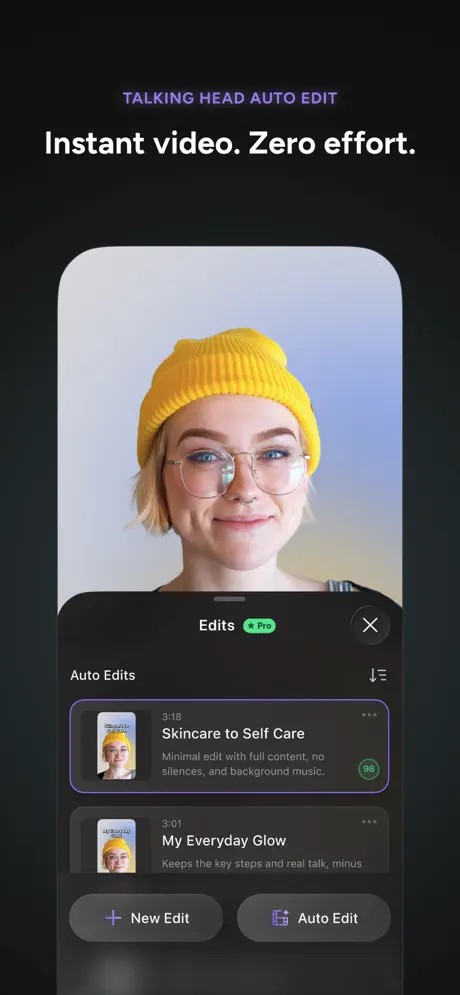
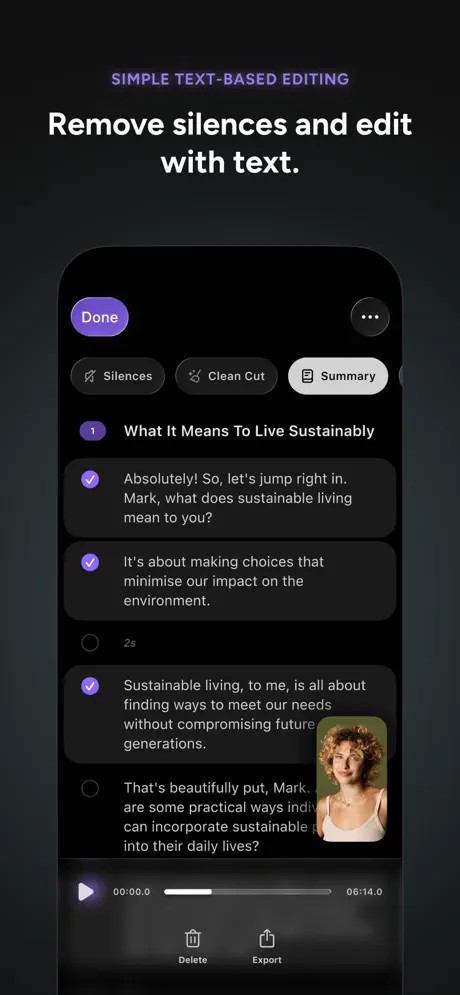
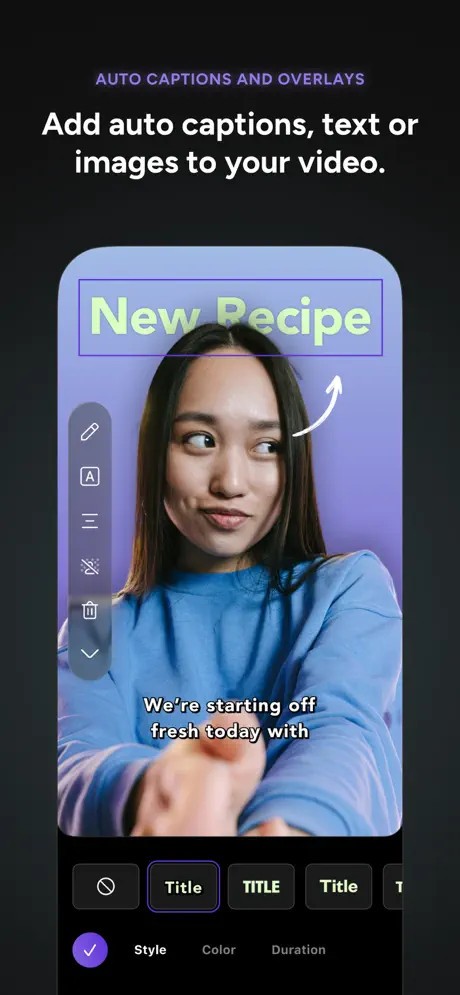
It looks like a contemporary camera application rather than a professional editing program—exactly as it was meant to be. It is the need of social-media creators to have speed rather than film-grade features. Detail allows you to chat to the camera, record talks, chase scripts, record conversations, respond to videos, or shoot podcasts. Auto Edit automatically removes silences, includes zoom cuts, captions, and creates numerous finished edits. It provides a non-professional editing experience as opposed to a professional suite.
Detail: AI Video Editor is a nominee of the Apple awards 2025.
Why Should I Download Detail: AI Video Editor?
Why Should I Download Detail: AI Video Editor?
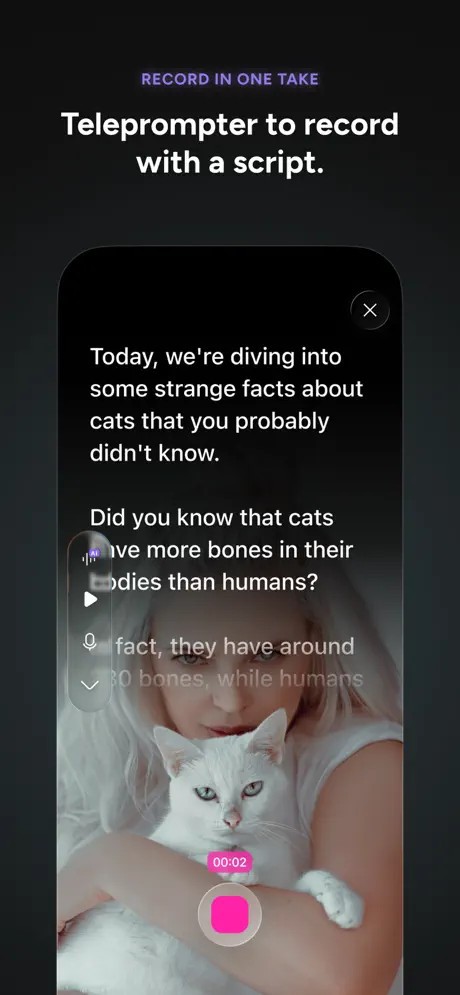
You may want to think about it when you require a single app to do casual and semi-professional video tasks without the normal editing tediousness. Numerous TikTok, Instagram, YouTube Shorts, or podcast producers are in search of a quick, easy remedy. Detail provides a teleprompter, allows your importing of online videos, connect multiple iPhones to record multi-camera, and podcasts can be recorded with proper audio crossfading.
Another selling point is automation. Instead of spending hours cleaning up by trimming and captioning, one of the taps and Auto Edit constructs the building. You may refine it later on, but the heavy work is done automatically. This wastes time for those creators who are stuck in editing. Detail also allows you to livestream with overlays, create YouTube end screens, remove backgrounds with green screen (Chromakey), or create thumbnails.
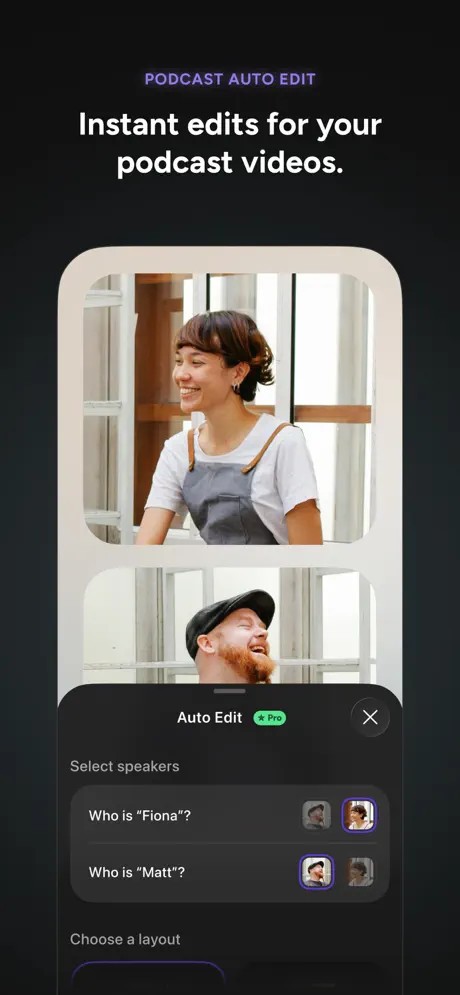
The podcasters will have an inbuilt audio boost, an auto detector of the speakers, and immediate social media clips—a function that is normally found in a different app. YouTube creators of reaction-videos do not use screen-recordings or additional editors. The teleprompter can be used with AI Director by scripting lovers who want to follow the flow without any freezing.
Detail do not belong to film editors who would like to have everything to show. It glows among common artists who desire to take notes, refine, and post quickly. When you have an easy workflow or when you are just getting started with editing, Detail can keep it down to size.
Is Detail: AI Video Editor Free?
The application is free to download and use, with optional in-app purchases. The basic functions, such as recording, basic editing, captions, and reaction recording, are free. More developed AI options, such as Auto Edit, AI Director, podcast editing, and more advanced features, require a Detail Pro subscription. The free level operates independently, though a full-fledged automation would need upgrading.
What Operating Systems Are Compatible with Detail: AI Video Editor?
Detail is available on iOS 16 and above and on devices with an A12 Bionic or later chip. Pre-existing iPhones and iPads might be outdated and fail to operate AI functions, or they can do so very slowly. It is created to use the camera system and hardware acceleration of Apple, and works better with newer devices, since iPad models have larger screens, making it easier to edit and record scripts or multi-camera shots. Detail also offers a dedicated macOS application that requires macOS 12.3 or later and runs natively on Apple Silicon Macs.
An iPhone can be a webcam or a workflow synchronizer with a macOS companion, yet the fundamental experience is still mobile first. The projects may be supported through cloud sync and cross-leveraged devices.
Currently, it does not have any version of Android, which restricts non-Apple users. There is currently no Android version available, largely due to its deep integration with Apple hardware and APIs, so non-Apple users will have to substitute them.
What Are the Alternatives to Detail: AI Video Editor?
PixVerse is focused on building videos that use AI and have a stylized effect as opposed to recording them manually. In comparison with Detail, PixVerse is based on AI generation, motion effects, transformations, and animations. Add a picture, a clip, or even a prompt, and the application transforms it into a one-of-a-kind visual. It is perfect when it comes to artistic experiments, visual narratives, or when one does not want to be on camera. It is not as helpful as a conventional editor, but it is quick to provide creative work. Many users download PixVerse when they want fast, creative visuals without recording anything themselves.
Clips AI is an artificial intelligence company that focuses on the transformation of long videos into social shorts. Instead of providing recording options, it analyzes uploads, auto-identifies high-potential content, includes captions, reframes to TikTok or Instagram, cuts boring parts, and exports multiple highlights. It is ideal in the case of creators with lengthy podcasts, interviews, or commentaries who are required to get short. It is not a one-stop studio, such as Detail, but also includes automated repurposing. Creators often download Clips AI to save time when turning long videos into quick social clips.
VideoLeap is closer to a classic mobile editor, where there is more manual control compared to Detail. It offers high-end effects, keyframing, green screen, blending, transitions, and artistic filters. It is also appropriate for editors who prefer to make edits by hand. VideoLeap suits best when it comes to experimentation, overlay edits, effects, or glamorizing videos. Its workflow is not as smooth as in Detail, but it is more flexible to work in detail. Its real advantage lies in providing the ability to express creativity further than mere cuts and captions with templates and AI tools. People download VideoLeap when they want deeper manual editing tools and more creative control than automated editors provide.