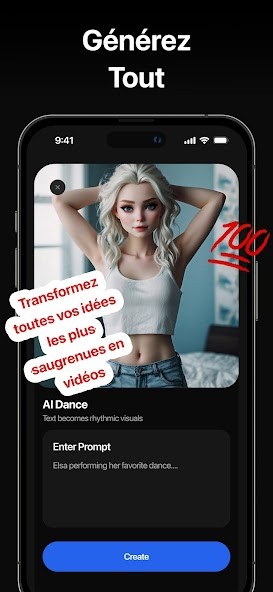
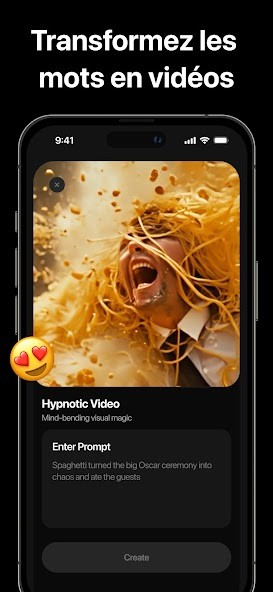
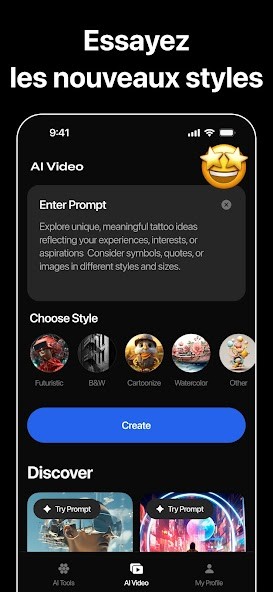
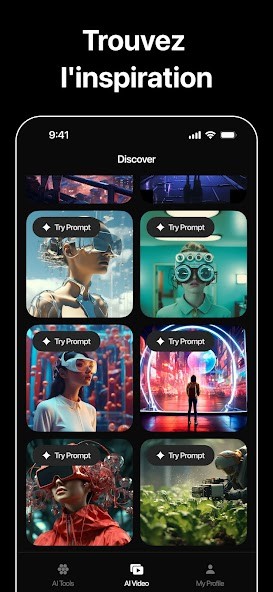
AI Video – AI Video Generator is a tool that helps you create animated videos using nothing more than a few words, a photo, or even just an idea. You don’t need to be a video editor or a designer to use it. You open the app, describe what you want, and it builds the video for you using text reconnaissance and artificial intelligence.
The app is powered by smart technology that understands what kind of scene or character action fits your input. You can write a script, type a single line, or upload a photo, and it turns that into something you can watch and share. It also brings faces to life, adds emotion, and even matches the voice to the mouth without you having to do anything extra.
Whether you're working on a project, trying to promote a product, or just making short clips to explain something, AI Video handles the heavy work and saves you time. It's built for people who don’t want to sit for hours editing timelines and dragging around effects. You just give it a direction, and it builds the video from start to finish using clear steps and fast processing. The result is ready-to-use and looks polished without needing extra software or tools.
Why Should I Download AI Video – AI Video Generator?
You should consider downloading AI Video – AI Video Generator because it helps you make videos when you don’t want to deal with the usual mess of editing. You don’t need to learn anything complicated, you don’t need to go through training, and you don’t need to spend hours on it. It’s made for people who just want to see results without being slowed down.
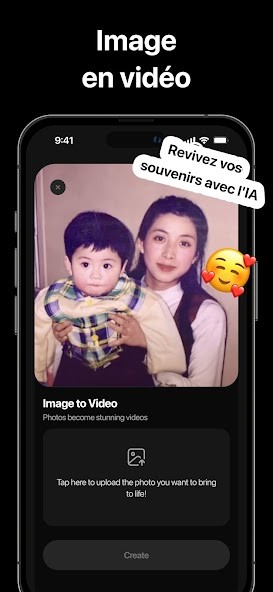
Type in your instructions or script, pick a character or photo, and it does the rest. It understands how scenes should look, how people react, and what makes something feel real. If you’ve got still images, it adds motion and expressions to bring them to life. The app also has a voice tool that matches voice to mouth, and it’s already built into the system. You need to go searching for anything extra. There’s also a simple way to move scenes around, change timings, and adjust what you want to happen, but it’s never confusing or overwhelming.
For marketers, AI Video gives you a fast way to explain your product or idea with animated characters or branded visuals. For educators, it becomes a tool to teach without needing expensive gear or hours of production. If you’re creating content for platforms or social media, it helps you stay consistent by giving you ready-made formats and options that keep things moving quickly.
Even if you’ve never made a video before, this tool makes the process smooth. It’s not just a basic generator that spits out something random. It understands tone, pacing, character emotion, and how to match visuals with what you say. The animations don’t feel stiff or awkward. They look like someone spent time working on them. And it works across types of videos—whether you’re telling a story, giving a tutorial, explaining a topic, or making a pitch.
Once you try it, you’ll see how much easier it makes the whole process. You won’t have to hire someone else or jump between apps. Everything you need is already built in. Just open it, start, and finish your video in a short time with no stress or added steps.
Is AI Video – AI Video Generator Free?
Yes, AI Video – AI Video Generator is free to start using. You can begin creating videos without paying anything up front. It gives you access to the main tools right away, so you can see how it works.
While some features or advanced options may require a paid upgrade, no payment wall blocks you from getting started for general use. You can try it out, see how it fits your needs, and decide later if you want to go deeper. The free version already includes the basics like character animation, photo input, and voice sync, so you’re not stuck at the gate.
What Operating Systems Are Compatible with AI Video – AI Video Generator?
AI Video – AI Video Generator works on Android and iOS. If you’re using an Android device, you can find the app on the Play Store and download it directly, while for Apple devices such as iPhone and iPad, the App Store will provide you with the app.
It runs smoothly on most modern devices and doesn’t ask for too much space or memory to get going. It’s tested on common devices and handles standard formats for video export, so once your video is done, you can share it or use it across different channels without format issues. If you’re looking for something light, runs well on mobile, and gives you full control without being tied to a computer, this app delivers that without a problem.
What Are the Alternatives to AI Video – AI Video Generator?
There are other apps out there that offer similar features, but each has a different way of doing things.
D-ID: AI Video Generator is one of them. It focuses more on talking avatars and realistic face movement. If your goal is mostly to make lifelike characters speak a script with strong eye contact and facial motion, D-ID puts a lot of effort into that. It’s mostly built for talking head videos and presenter-style content, which works well for short pitches or messages where the face matters most.
Another alternative is invideo AI. This one is geared toward content creators who want to convert scripts into video content fast. It gives you access to a template-driven setup with voiceovers and scene selections. It’s good for social media videos, listicle-style explainers, and short visual guides. It’s less about character animation and more about slides, visuals, and quick edits that follow a certain format.
You also have AI Video: Generator & Maker for Android. This one leans more into beginner-friendly design, letting you put together animations and scenes without much setup. It includes easy text-to-video tools, a few presets, and enough features to cover the basics. It works well if you just need fast video creation with light animation.