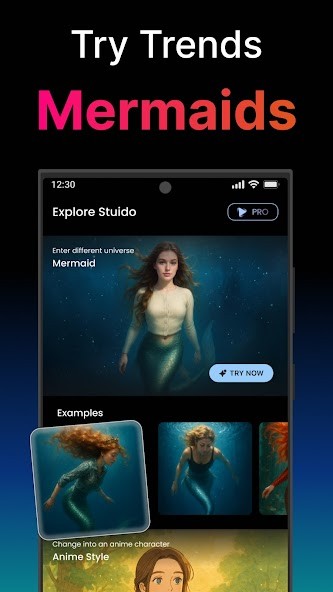
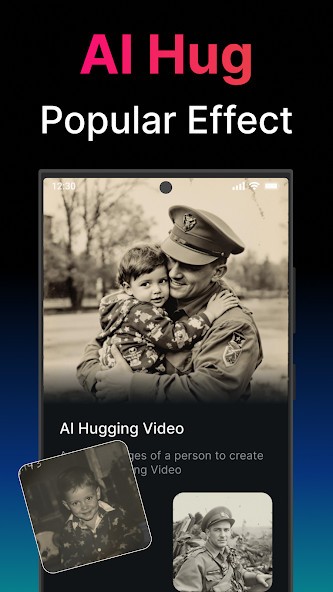
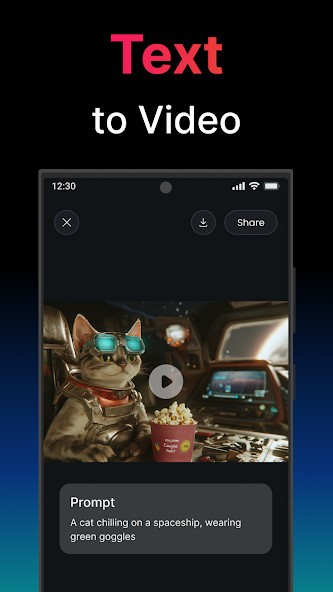
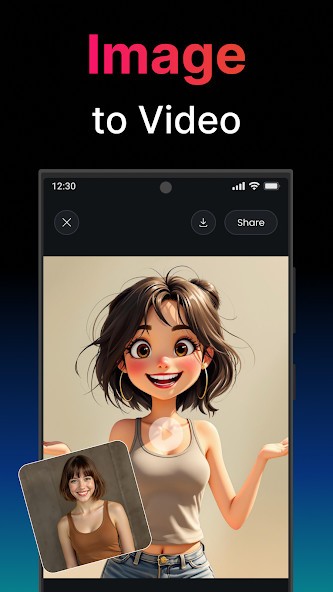
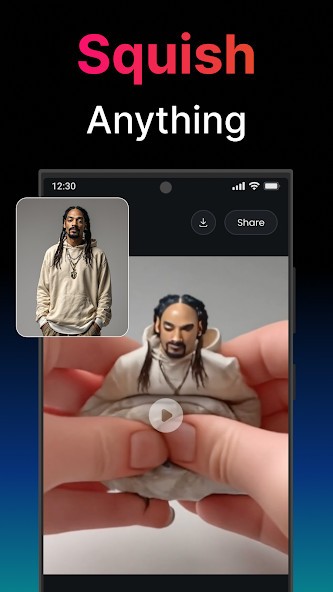
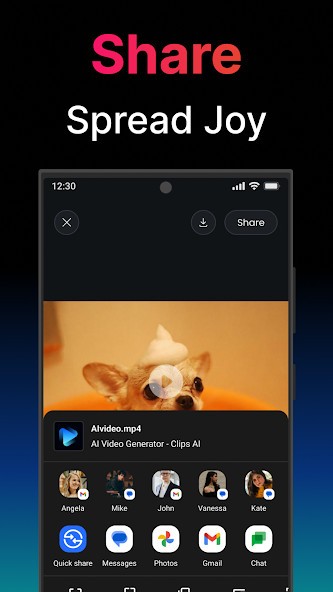
AI Video Generator - Clips AI is a video generation tool that lets users turn text or images into short-form videos without needing any editing background. The app is built to help people create fast, visual content using AI technology. You type in a few lines of text or upload an image, and the system turns that into an animated or stylized clip ready to post or download. It’s built for speed and ease, so even someone who hasn’t used video tools before can get a result in seconds.
The main idea is to help with creative output. Whether you're making promotional content, concept visuals, or short clips for social media, Clips AI simplifies the process. You don’t work with layers, timelines, or manual effects. The AI handles visual selection, transitions, animation, and rendering. The goal is to let users get from idea to video with minimal effort.
The app is often used by creators, educators, digital marketers, and anyone looking to produce content that feels designed but doesn’t take hours to build. Clips AI is focused on making video generation available to people who want results without a learning curve or complicated tools. It’s more about trying ideas than working on edits.
Why Should I Download AI Video Generator - Clips AI?
If you need to make video content but don’t want to deal with complex editing software, this app can cut out most of the hard steps. It takes a simple input, like a sentence or a photo, and creates something that feels polished. This works especially well for social media posts, quick explainers, short ads, and visual ideas that you need to test or share quickly. You’re not importing assets, setting up sequences, or designing transitions manually. You just give the app’s AI a starting point, and it builds the rest.
There’s also a strong benefit in how fast it works. You don’t need to wait minutes for previews or finished videos. In most cases, you get a clip in under half a minute, which makes it easy to experiment. You can make variations, try different tones, or change visuals without needing to start over. That kind of flexibility is helpful when you’re testing content ideas or planning multiple versions of a video.
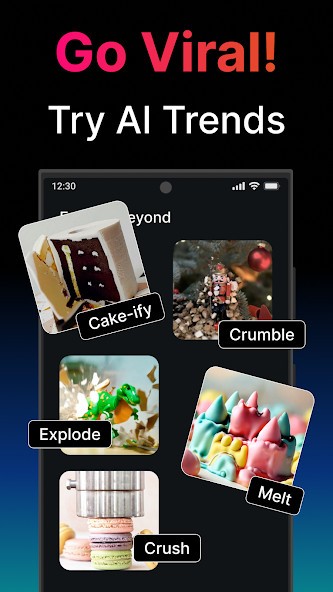
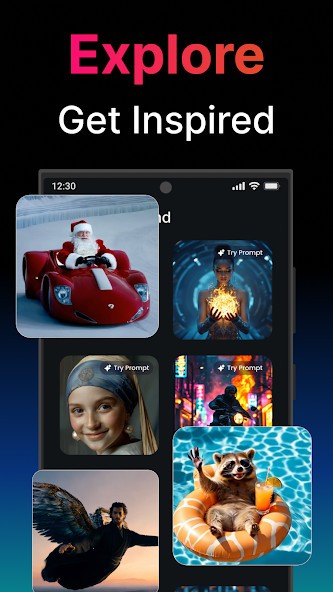
The app also includes a range of preset effects and styles that match different use cases. Some feel cinematic, others are stylized for humor, impact, or speed. The effects are added automatically depending on your input, so you don’t have to choose them upfront unless you want to. This is useful if you don’t know exactly what you want but have a general idea of tone or message. The app handles visual rhythm and flow for you.
It also helps you stay focused on the content. Since it doesn’t ask you to adjust every setting, you can spend more time writing better prompts or testing different images. That puts your attention on the idea, not the software. If you’re trying to grow a channel, pitch a concept, or share daily content, that small shift makes a difference. You get more done in less time, and the results are clean enough to use without extra editing.
The base version of Clips AI is free to try. You can see what it does without paying or committing to a subscription. If you like it, the premium version gives you higher-quality exports, watermark removal, and access to more effects. But even without that, the core functionality is strong enough to deliver useful results.
Is AI Video Generator – Clips AI Free?
Yes, AI Video Generator – Clips AI offers a free version with ads that covers the core features like text-to-video and basic effects. You can start creating videos without paying upfront, which makes it easy to test the tool and see how it fits your workflow. The free version includes watermarking and limited export quality, but still gives access to fast video generation and simple edits.
If you find the app useful and want more polish, there’s a premium option that removes watermarks, unlocks high-quality exports, and expands the effect library. But you’re not forced into a paid plan. The free access is functional enough to create content without restrictions on how often you use it or how many videos you make. It’s designed to be usable right away without login walls or locked features. For anyone starting out or exploring short-form content creation, the free version works just fine.
What Operating Systems Are Compatible with AI Video Generator - Clips AI?
Clips AI is currently supported on both Android and iOS devices. It’s available through the Google Play Store and Apple App Store (where it is named Coen: AI Video Generator), and works well on most smartphones and tablets that run up-to-date versions of the operating system. The app has been optimized for mobile use, so you don’t need a large screen or extra hardware to get full functionality. The interface is built for touch, and all core tools are accessible from within the mobile layout.
There is no separate desktop version. Video rendering and processing happen inside the app, so you can complete a project without needing to transfer files or switch devices. If your phone or tablet meets general app standards for video playback and processing, it should run Clips AI without any lag or performance issues. Updates are delivered regularly through the stores, which helps keep the app stable across different phone models and operating systems.
What Are the Alternatives to AI Video Generator - Clips AI?
There are a few similar tools that do overlapping tasks, though each focuses on different strengths.
PixVerse is one alternative. It’s designed for text-to-video generation and focuses on animation. It gives you creative outputs from prompts, often with a more visual-art style, but its results lean more toward short animated clips rather than social-ready video edits. The control is limited, and while the output can be visually interesting, it’s more for exploration than structured use.
InVideo AI is another choice. It’s built more for commercial or content marketing use. It offers more control over scenes, text overlays, and layout templates. It’s better if you’re planning to make formal explainers or branded content with multiple text points or structured messaging. But it can be slower and less flexible for users who want to move fast or don’t have editing experience.
D-ID: AI Video Generator is also worth considering. It focuses more on creating talking head videos from photos and audio. If you want face animations or lip-syncing features, it works well. But it’s built for a narrow use case—human avatar videos—and doesn’t offer as much in terms of motion effects or general visual transformation.