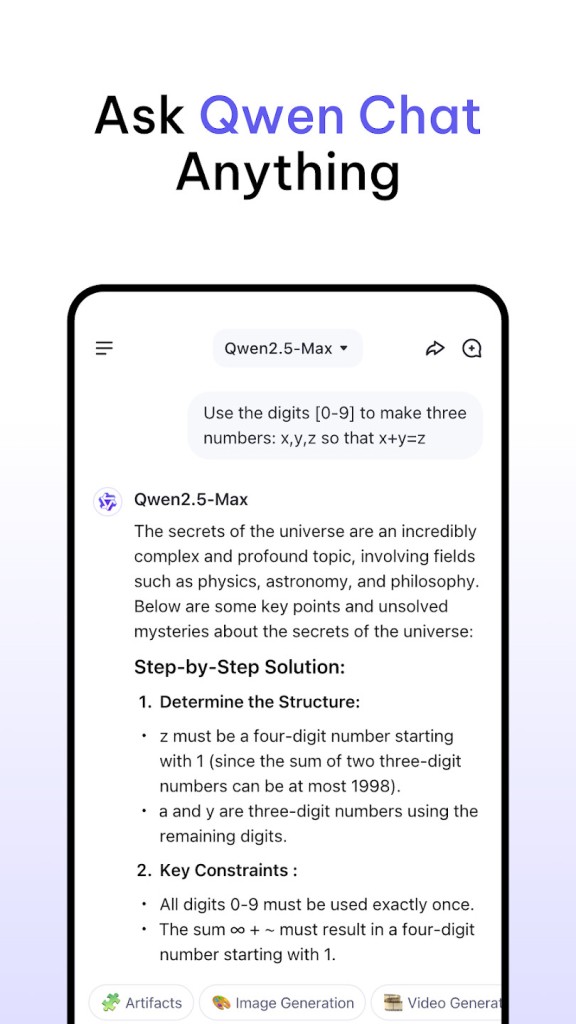
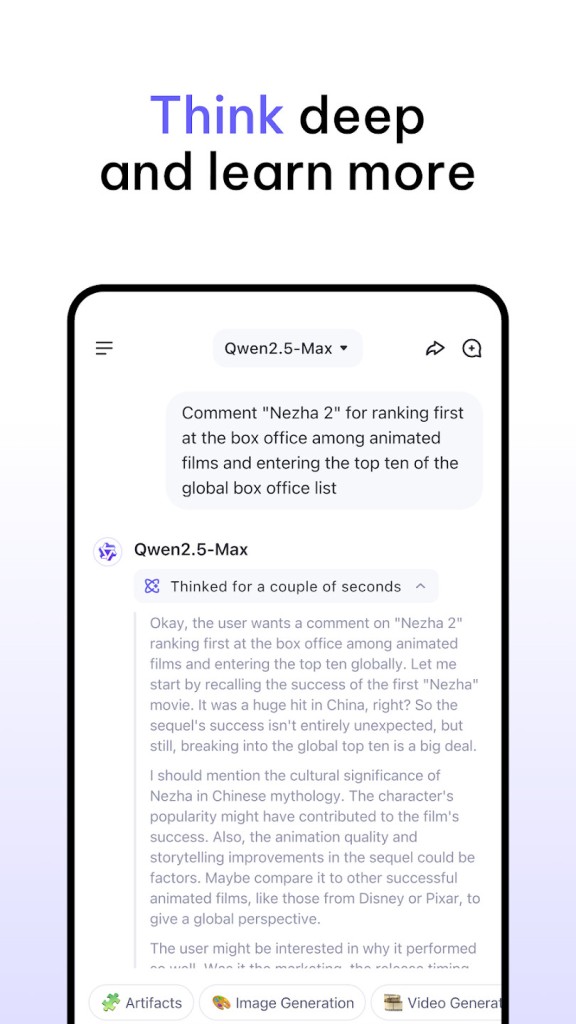
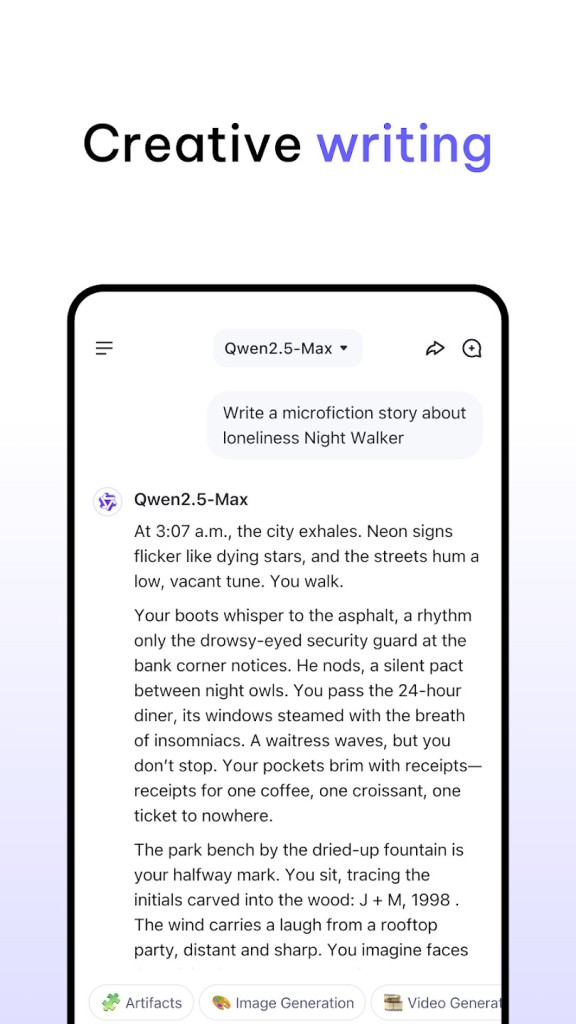
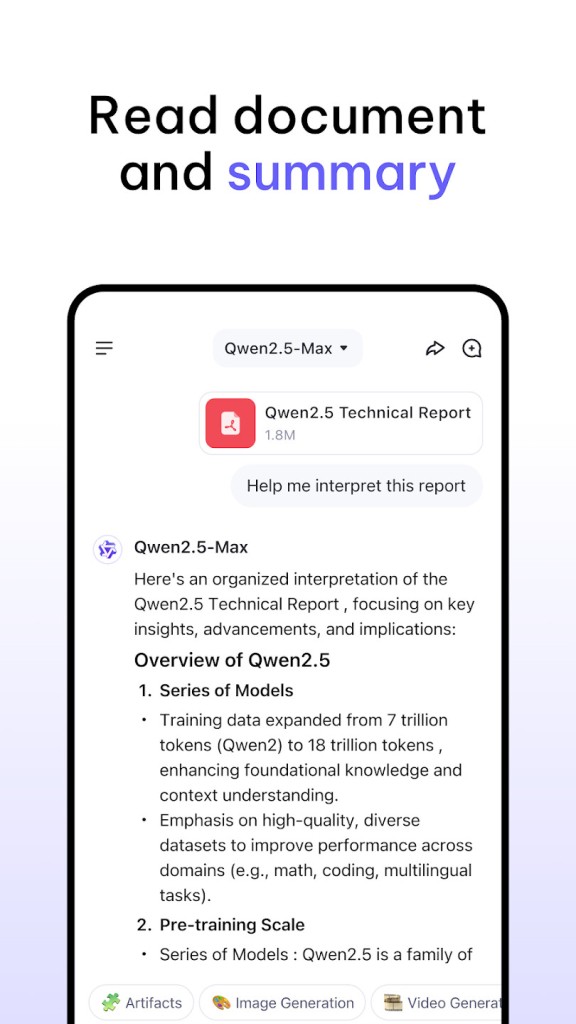
Qwen Chat is an artificial intelligence companion that is used to streamline daily digital tasks without the use of several tools. You can interact with it via a chat-like interface, typing in questions or requests and getting prompt answers. It aims at usefulness in general; thus, you can ask everything, from simple questions and brief writing to in-depth thoughts, learning new materials, and succinct explanations.
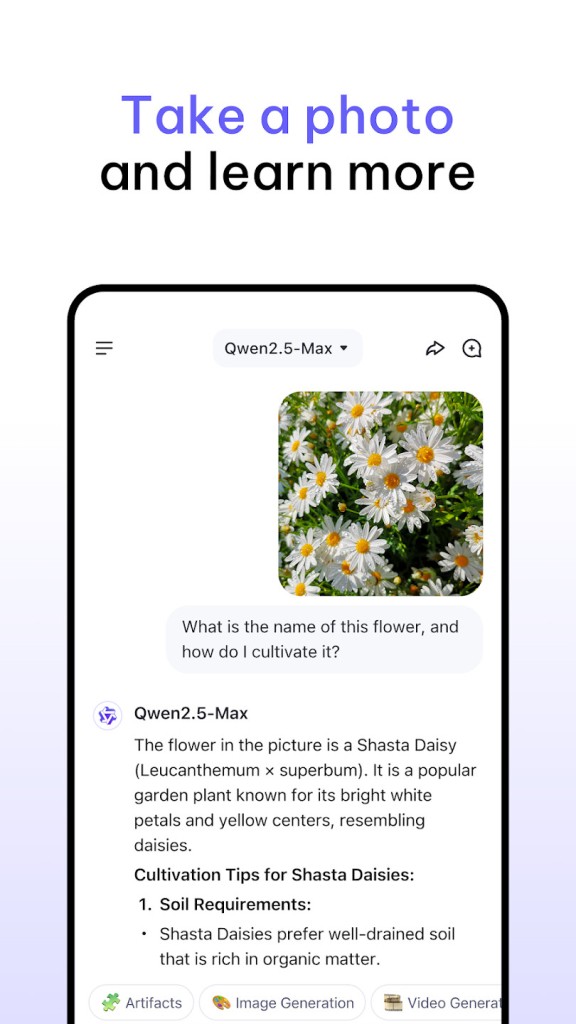
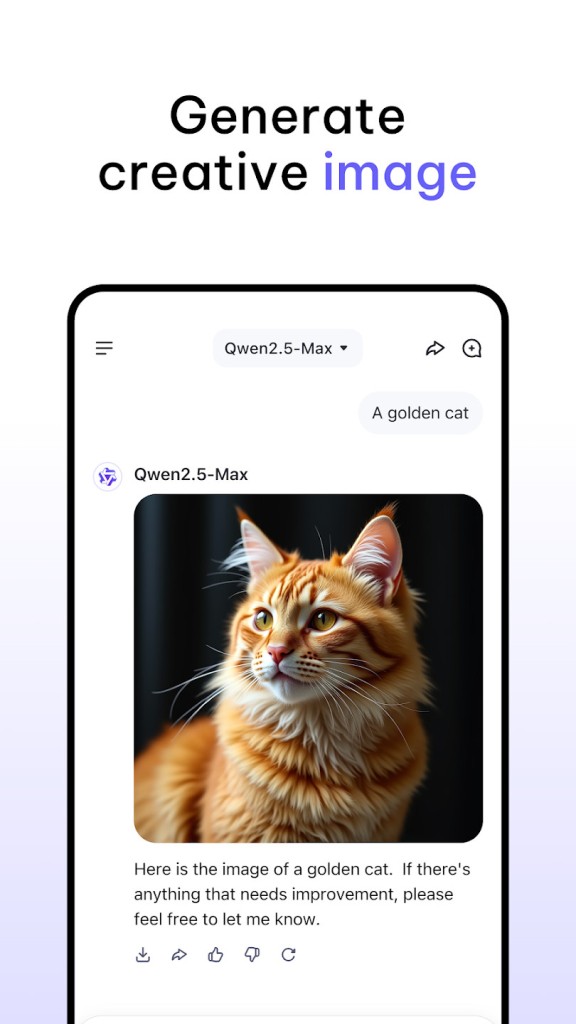
Qwen Chat can learn and react to images, audio, and video, unlike older text-only bots. That is to say that you may inquire about an image, discuss some facts in the video, or combine text and images with a single query. It also provides image stitching, which gives a user an opportunity to make images based on written instructions.
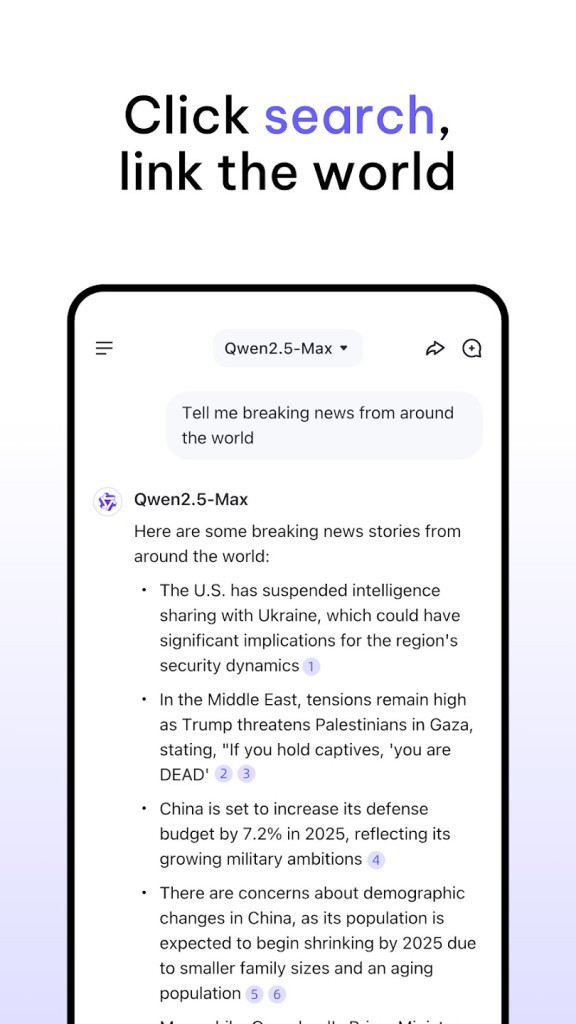
The application is supported by Alibaba Cloud Qwen AI models and can be accessed in web browsers, mobile devices, and desktop PCs. On phones, it operates like a normal chat program; on desktop,s it is capable of opening files, taking screenshots, and reading on-screen materials. There is also an inbuilt search system that retrieves recent or general information on the internet.
It is important to keep in mind that Qwen Chat is an AI system. It is capable of giving useful responses, though it may go wrong or lose the context, particularly in longer conversations. It is supposed to aid, not substitute, human judgment. In general, it can be classified as a general AI assistant that would help ease and speed up daily activities.
Why Should I Download Qwen Chat?
Qwen Chat is an end-to-end AI application that can manage many tasks over the course of the day. It can be used to explain things, provide summaries, and deliver writing assistance to students. Office users can use it to write emails, structure ideas, or understand new subjects fast. Light users use it as a source of curiosity, asking random questions or developing ideas.
The all-in-one nature of Qwen Chat is one of the reasons why people use it. Unlike having to download different applications for searching, writing, or creating pictures, Qwen Chat presents all these features in one place. Its text, picture, sound, and video generation are versatile and flexible. Indicatively, a student will be able to pose questions, watch created images, and get explanations without changing the tool.
Qwen Chat is a multi-platform operating application. On the web version, you can use it without any installation. You can also download the app on your phone or computer. This is useful when changing devices throughout the day.
One should be aware of some drawbacks. There are rapid connection issues, slow loading, or bugs in the mobile application, which are reported by users. Voice functionality does not work on occasion. With longer conversations, the system may lose previous sections of the chat. Thus, it is best applied in general assistance and not in activities that demand absolute precision or consistency.
It is reasonable that Qwen Chat should be downloaded in case you are interested in trying another AI assistant, or you require a free, daily utility. It does not suit you well when you insist on answering everything perfectly or becoming some kind of an expert.
Is Qwen Chat Free?
Qwen Chat is free to download and use. Its main functions are free of charge and do not require the user to subscribe, which is why it is appealing when you want to use an AI assistant without spending money on it.
Like most AI assistants, it can have usage or feature and performance constraints that can vary with time. The simple usage is free, while access, performance, or availability of certain advanced features may vary with future updates.
What Operating Systems Are Compatible with Qwen Chat?
Qwen Chat is compatible with the majority of modern platforms. It is also accessible in a web browser without requiring any installation, making it convenient for users who do not want to download apps or those who simply use public computers. Qwen Chat can be found on Android mobile devices. This looks like a messaging application, but the latency is related to the speed of the device and the speed of the internet connection.
Qwen Chat can be installed on Windows or macOS by desktop users. The desktop version allows you to work with files, take screenshots, and use on-screen resources, and it can be used during work or study activities.
Although the software is cross-platform, the experience may be different depending on the device. The web or desktop version is smooth to some people compared to the mobile app. There are improvements in others, which follow the update. Altogether, compatibility is wide in general, and the degree of its efficiency relies on the device and the conditions of use.
What Are the Alternatives to Qwen Chat?
One of the most popular AI assistants is ChatGPT, created by OpenAI. It was one of the first AI assistants accessible to anyone. It is widely used in writing, learning, and answering general questions. It can also generate images (thanks to DALL-E, the built-in AI image-generating tool). The majority of users consider it to be stable and easy to operate. Certain high-level options demand a paid plan. You can easily download ChatGPT or open its online service on most devices to try its basic features for free.
Gemini was created by Google. It works as an independent AI assistant that you can download (for mobile mostly). But it is also increasingly included in Google tools (like Google Search, Gmail, or Google Drive’s suite). Gemini tends to seek and summarize rather than engage in prolonged discussions. It can summarize texts but also videos from YouTube. Many users prefer to download Gemini if they already rely heavily on Google-based tools.
Microsoft Copilot is Microsoft's response to ChatGPT and Gemini. Directly included in Windows 11, it enhances office tasks and productivity. It works with Microsoft Office (Word, Excel, PowerPoint), which can be convenient for users who already use the Microsoft platform. Those working in the Microsoft ecosystem often download Copilot for smoother day-to-day workflow support.