Google Gemini is an advanced AI model built to handle reasoning, multimodal input, and real-time information retrieval. Unlike many AI tools that only work with text, Gemini processes text, images, audio, video, and code, making it one of the most versatile AI systems currently available.
What sets Gemini apart is its ability to understand complex ideas, generate natural responses, and recognize context across different domains. It handles writing assistance, code development, research tasks, and problem-solving with equal confidence. The model draws on Google's knowledge graph to deliver answers backed by up-to-date, verifiable sources.
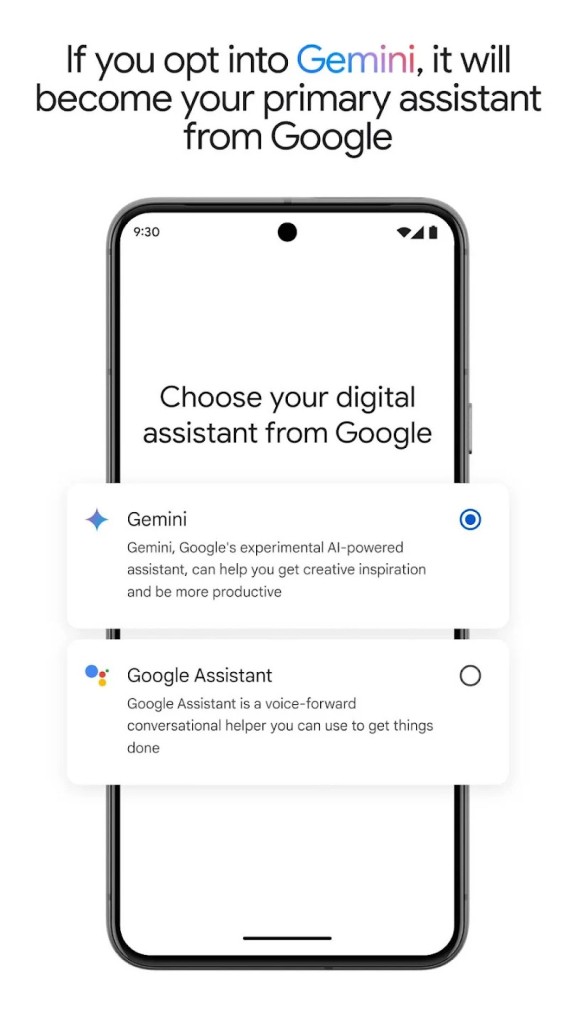
Gemini works as a standalone tool and integrates with Google Search, Docs, and the Google Assistant ecosystem. That integration means you can manage workflows, automate tasks, and pull relevant information across several platforms without switching between separate tools. Whether you are a business professional, a student, or a developer, Gemini is designed to make working with information faster and more productive.
Why Should I Download Google Gemini?
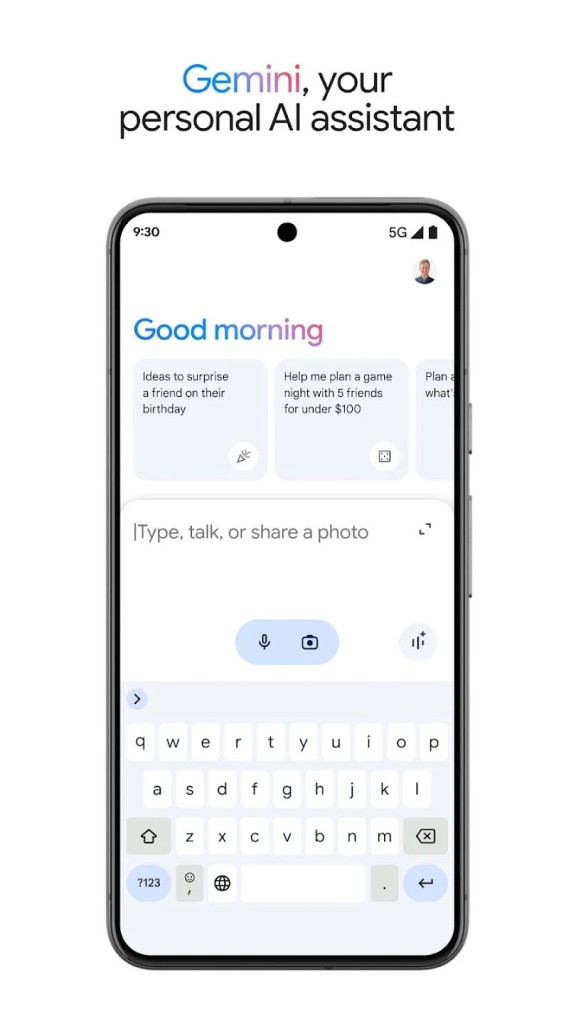
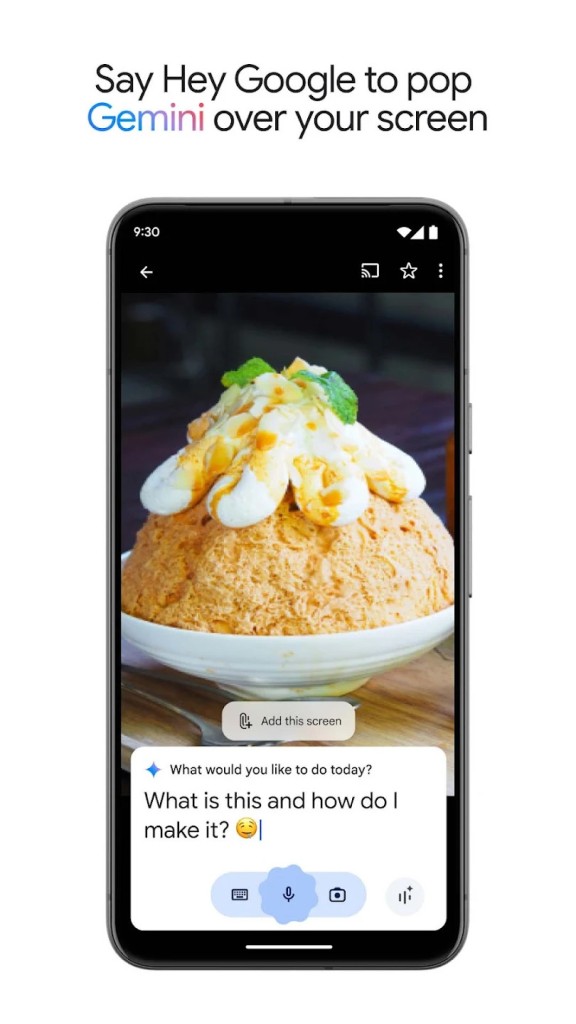
Gemini stands out among AI tools because of its multimodal processing. You can interact with it through text, voice commands, and image uploads, which gives it a significant edge over chatbots that handle only text-based conversations. That flexibility means you can snap a photo of a document and ask Gemini to summarize it, dictate a question while driving, or paste in a block of code for debugging, all through the same interface.
Integration with Google's product ecosystem is a major advantage. Gemini provides real-time support within Google Docs, Search, and Google Calendar, accelerating your workflow without requiring you to switch applications. Professionals get quick access to reliable data, automated document generation, and smoother collaboration across teams. If you already work within Google's ecosystem, Gemini slots in without disrupting your existing habits.
The accuracy and timeliness of Gemini's answers are another strength. Because it draws continuously from Google's datasets, the information it returns tends to be current and relevant. That makes it particularly useful for research, content creation, and fact verification, especially when you need to confirm details that may have changed recently.
Students will find Gemini valuable as a learning and study tool. It can break down difficult topics into clearer explanations, summarize academic papers, and help solve problems across multiple subjects. Its image processing lets you upload charts, equations, or even handwritten notes and receive detailed explanations and solutions in return. Study sessions become more productive when you can get instant feedback on the material you are working through.
Developers benefit from dedicated coding assistance, including debugging support, live code generation, and suggestions for optimization across languages like Python and Java. Gemini fits naturally into a development workflow by providing AI-powered feedback as you write, helping you catch errors earlier and explore alternative approaches to problems you are solving.
Ethical AI use is also part of the design. Gemini is built with safeguards to minimize biased outputs and maintain factual accuracy, which matters for businesses and individuals who need trustworthy AI-generated content they can rely on in professional settings.
Recent updates have brought significant improvements to both speed and capability. The Gemini 2.0 and 2.5 model families, available in Flash, Pro, and Ultra versions, offer faster response times and better accuracy across all input types. The context window extends up to one million tokens, allowing analysis of massive inputs such as entire codebases, financial reports, or lengthy scientific papers in a single session.
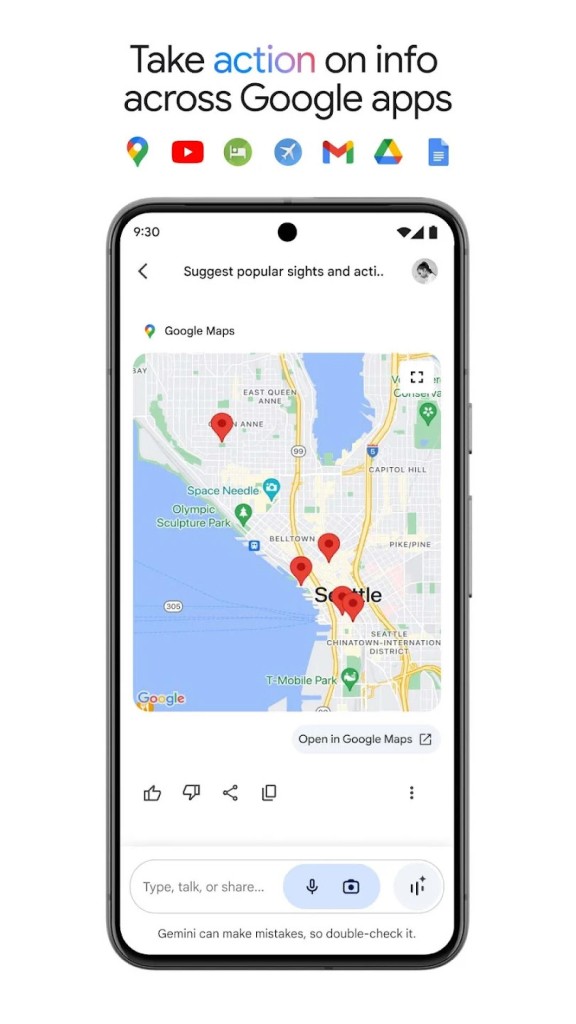
Gemini Live enables extended interaction with other Google applications, including Maps, Calendar, Tasks, and Keep, as well as certain Android apps like Spotify, Messages, and the camera. That cross-platform connectivity makes AI more useful for managing daily tasks and information from a single place rather than jumping between separate tools.
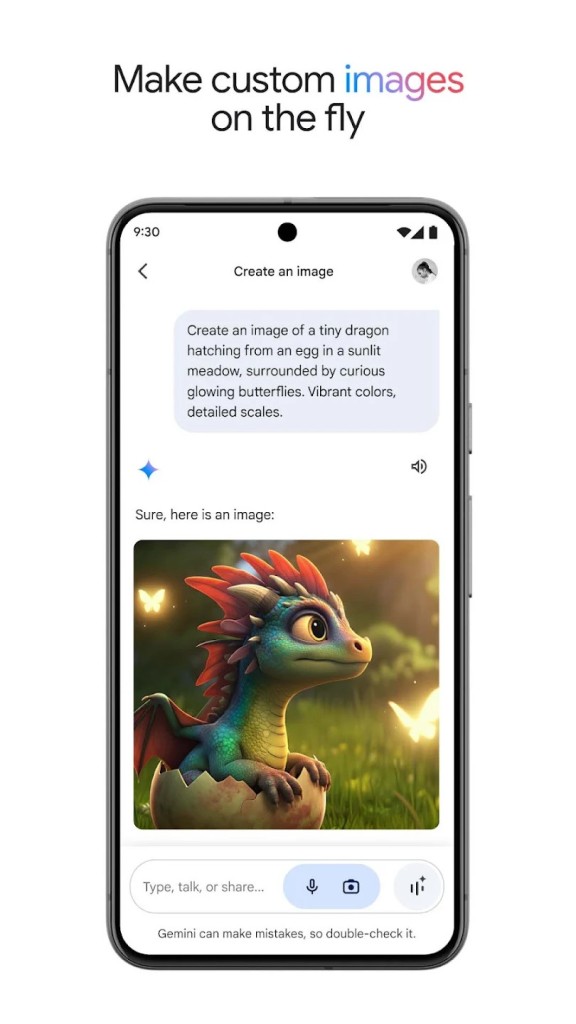
Native audio output supports natural voice interaction for hands-free use. The multimodal API has been improved to handle text, images, and audio simultaneously, making it easier for developers to integrate Gemini into their own applications. Imagen 4 adds high-quality photo generation and editing for professional and creative use cases. Deep Research lets you explore complex documents such as PDFs, extract key information, and receive detailed analysis to speed up your decision-making process.
Is Gemini Free?
Gemini is available in both free and premium versions. The free tier gives you access to core features, including text-based queries, general assistance, and integration with Google services. It works well for everyday users who need AI help with routine tasks, research, or quick problem-solving without any financial commitment.
Premium subscribers get access to enhanced multimodal features, faster response speeds, and early access to new capabilities as they roll out. The paid tier is aimed at professionals, developers, and businesses that use AI regularly for data analysis, content creation, and workflow automation. For power users who rely on AI throughout their workday, the premium plan offers noticeably better throughput and model access.
What Operating Systems Are Compatible with Google Gemini?
Gemini is primarily a web-based platform, so you can access it through any modern browser on Windows, macOS, or Linux without installing anything. Chrome users can interact with Gemini directly while working in Google Docs, Sheets, or other Google apps, which makes the integration feel natural. A native macOS app is also available, letting you use Gemini directly from the desktop, share your screen, and work with local files through the chatbot interface. Windows users can access similar functionality through the Google search tool.
On mobile, both Android and iOS users can download dedicated Gemini apps from their respective app stores. The mobile versions maintain full functionality, including text interaction, image analysis, and voice input. That mobile access makes Gemini practical for professionals, students, and content creators who need AI assistance while away from their desk.
What Are the Alternatives to Google Gemini?
Several AI platforms compete with Gemini, each bringing its own strengths to the table. The right choice depends on your workflow, the tools you already use, and whether you prioritize real-time data, ethical safeguards, or deep productivity integration.
ChatGPT from OpenAI is the most prominent alternative and remains one of the most widely used AI assistants in the world. It excels at conversational AI, content writing, and code development, delivering natural language outputs and engaging conversation modes that feel fluid. Writers, programmers, and business users adopt it frequently for daily tasks. ChatGPT does not always have access to the latest real-time data, though recent updates have improved its browsing capabilities. The free tier provides access to GPT-4o with basic features and some usage limits, while ChatGPT Plus offers extended access to GPT-5, higher message and file limits, advanced voice interaction, video and screen-sharing features, and early access to new updates. You can download ChatGPT as a desktop or mobile app, or access it through a browser.
Claude, built by Anthropic, focuses on safety and context-aware responses. It handles long, nuanced conversations well and prioritizes ethical AI practices throughout its design. Claude is particularly strong at processing lengthy documents and maintaining coherence across extended interactions. The free version gives access to Claude 4 with text and image analysis, code generation, and basic content creation. Claude Pro increases usage limits, adds terminal integration through Claude Code, and includes a memory feature for Team and Enterprise users that retains project context and preferences across sessions. For users who value transparency and responsible AI development, Claude is a compelling option.
Microsoft Copilot is the strongest option for users embedded in the Microsoft 365 ecosystem. It works directly within Word, Excel, PowerPoint, Outlook, and Teams, providing AI-driven writing assistance, data analysis, and task automation within tools you already use. Copilot can summarize meetings, extract action items, generate visualizations from spreadsheet data, and draft emails based on context from your inbox. A built-in smart mode can automatically switch between models to deliver the best performance for each task, making Copilot a natural fit for business workflows that run on Microsoft software.