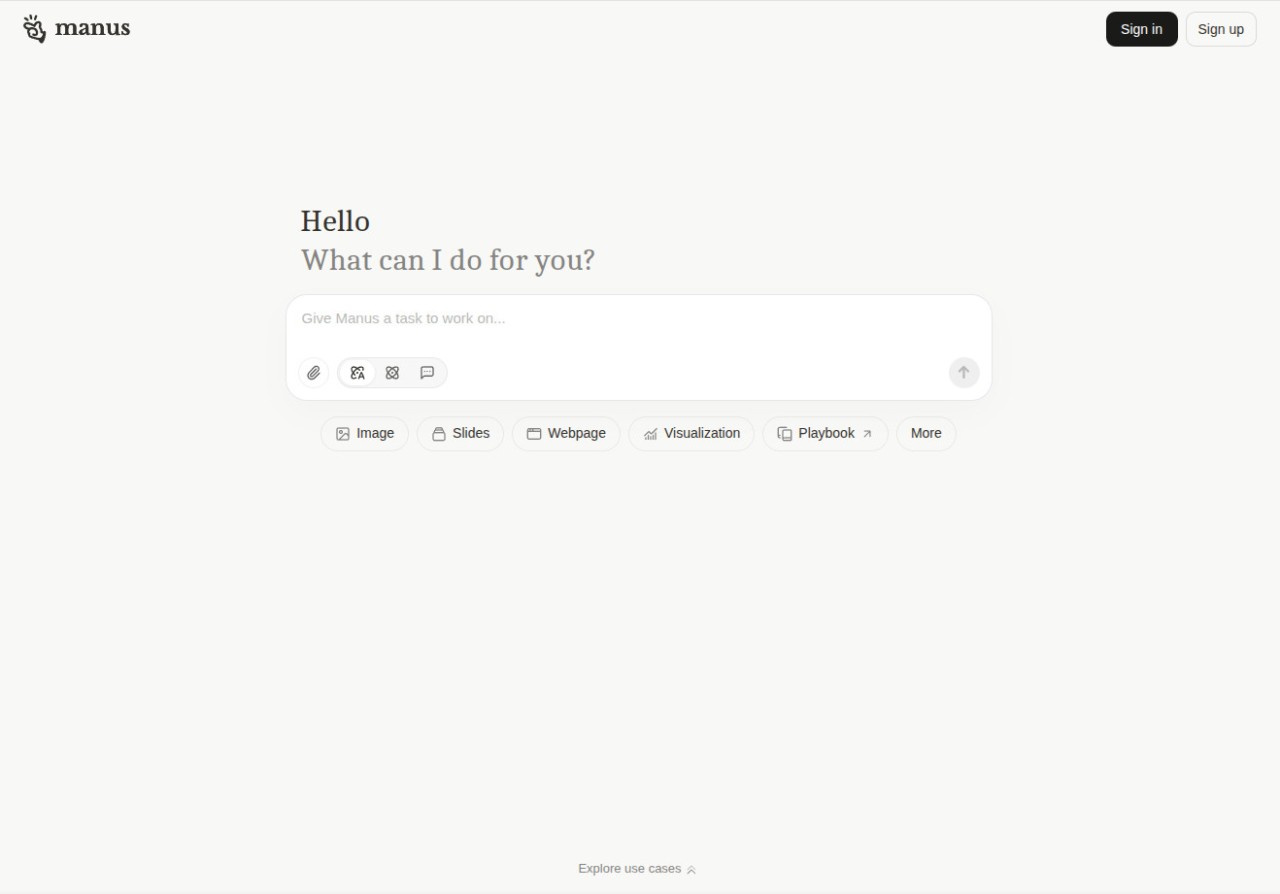
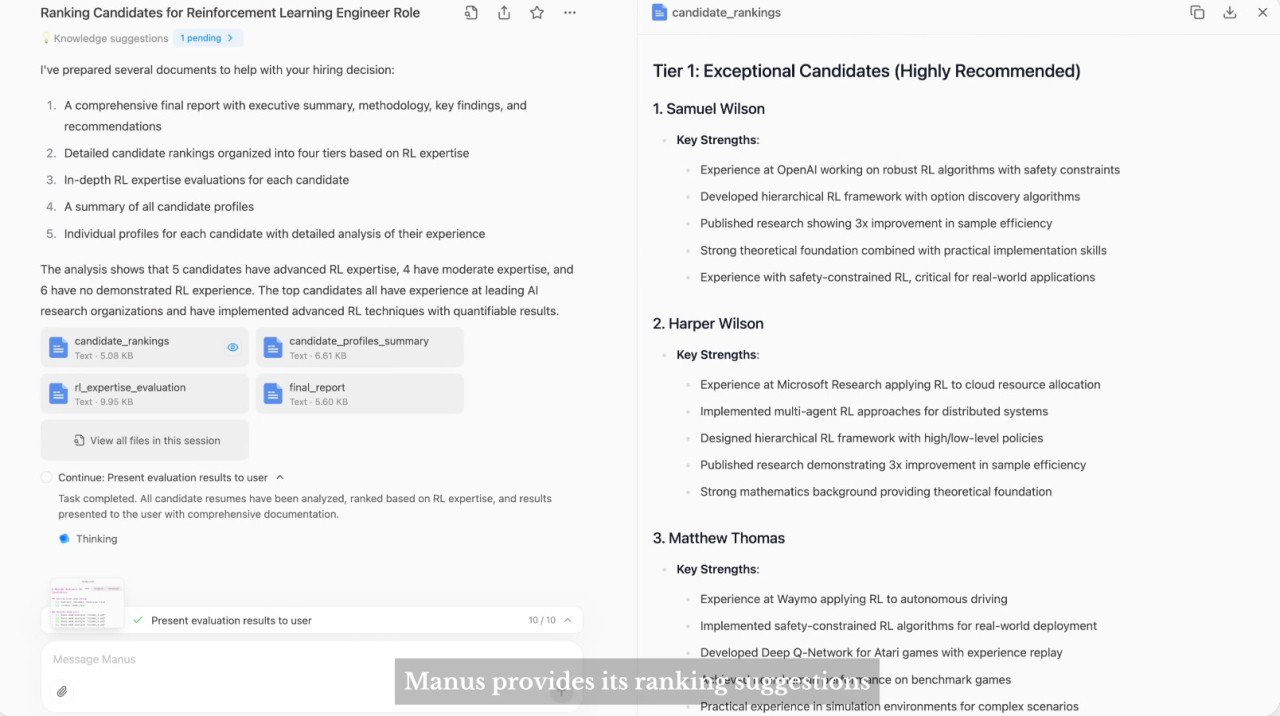
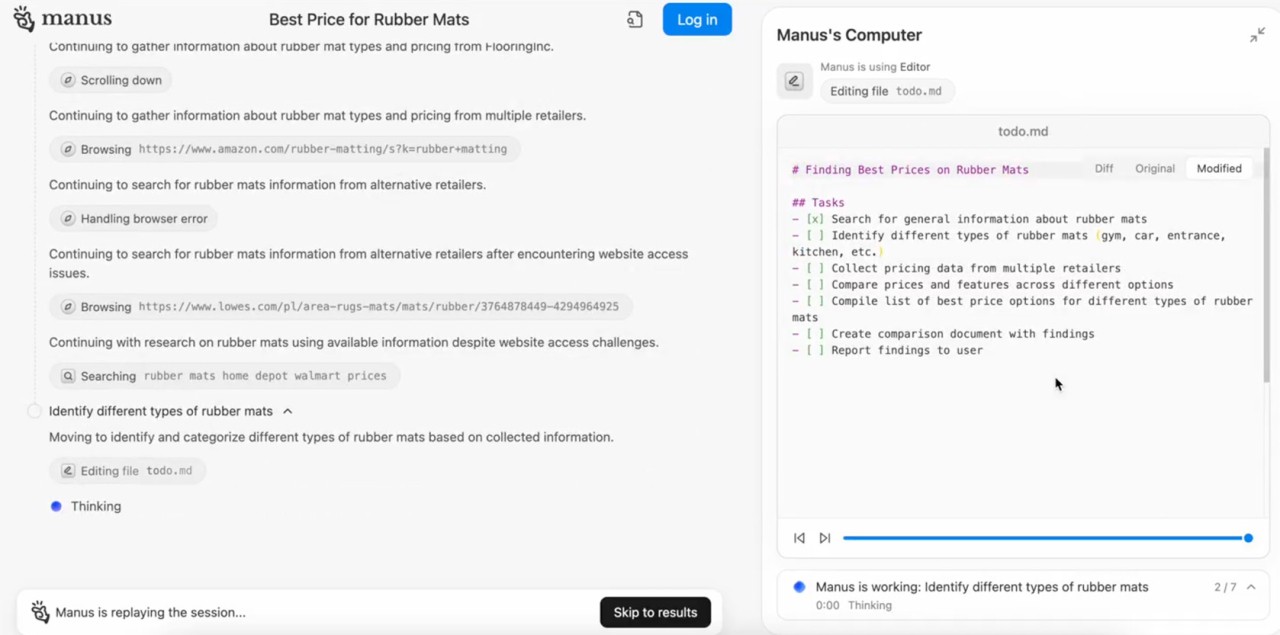
Manus AI is a new kind of AI tool that's more of a personal assistant than a simple chatbot. Its main goal is to understand what you want to do and then actually take action for you. It's designed to automate your digital tasks and manage complex workflows across a bunch of different apps. It can do things like schedule your meetings, organize your files, do research for you, and even summarize information.
The hybrid model that Manus AI is based on uses a huge, cloud-based language model for really complex tasks, but it also has smaller, efficient models that run right on your device. This is great for both privacy and speed because it means your sensitive or simple tasks are handled locally, and your data never has to leave your machine.
So, instead of being a reactive chatbot that just answers your questions, Manus AI is a proactive companion that's deeply integrated into your operating system. It learns your habits and routines over time so it can anticipate what you need and suggest helpful automations. It's a tool that's designed not just to give you information, but to actually complete tasks for you and save you a whole lot of time and effort. You can use Manus AI through its website or dedicated Windows, iOS, and Android apps.
Why should I download Manus AI?
Manus AI can go beyond chat and automate real-world tasks, which is what really sets it apart from a standard chatbot. Instead of just asking it for information, you can give it complex, multi-step commands. For example, you could say, "Find the three best Italian restaurants near me, check their availability for 8 PM on Friday, and book a table for two at the one with the best reviews." Manus AI would then actually interact with web services, maps, and booking platforms to get the whole task done for you.
You also benefit from a hybrid model that prioritizes your privacy and speed. Manus AI has a unique architecture that intelligently switches between local and cloud processing. For simple or sensitive tasks, like summarizing a local document on your hard drive, drafting a quick email, or organizing your personal calendar, all the processing is handled right on your device. This means your private data never leaves your machine. It seamlessly switches to its powerful cloud model for more complex tasks that need a ton of knowledge or web access.
Another thing is that Manus AI also offers deep integration with your desktop and mobile operating systems. Manus AI apps have the necessary permissions to manage your files, organize your desktop, launch other applications, and perform system-level actions based on your commands. It's able to find a file, open it in the right program, summarize its contents, and draft an email with the summary attached, all from a single command.
You'll get proactive and personalized assistance as Manus AI learns your routines. The more you use Manus AI, the more it learns about your workflows and habits, which lets it anticipate your needs. For example, if it notices that you always create a new project folder and a new "Meeting Notes" document after a calendar event with a new client, it will start to proactively prompt you to create new notes after those meetings.
With Manus AI, you can also create powerful, custom automations with an easy-to-use interface. If you want to make your own complex workflows, there's a simple, visual, drag-and-drop workflow builder. This lets non-technical users chain together a series of actions to create their own "recipes" or scripts. For example, you could create a workflow that says, "When I receive an email with the subject 'Invoice,' save any PDF attachment to my 'Invoices 2025' folder, read the 'Total Amount Due' from the PDF, add a new row to my 'Expenses' spreadsheet with the details, and create a reminder in my calendar to pay it." It's a powerful utility that's available on the web, but also as an app for Windows computers and mobile devices.
Is Manus AI free?
Manus AI has a free tier available to everyone, giving you access to the core chat functionalities and letting you perform a limited number of complex "actions" or automated tasks.
There are also different paid subscription tiers that unlock an unlimited number of interactions, the ability to create more complex multi-step workflows, and priority access to the most advanced AI models and integrations.
What operating systems are compatible with Manus AI?
Manus AI is available on its website and as a dedicated desktop client for Windows 10 and 11. You can also get it as a mobile app for iOS 17.0 or newer and Android 7.0 or higher.
What are the alternatives to Manus AI?
ChatGPT, from OpenAI, is probably the most famous conversational AI out there. It's fantastic at understanding and generating text that feels really human. Its biggest strength is its versatility for creating content, whether you're brainstorming ideas, writing an essay, summarizing a complex article, or even writing and debugging computer code. It can browse the web and use tools called "GPTs" to do some specific tasks. It has a really generous free version, and various paid subscriptions that give you access to the most powerful models and tools like the DALL-E image generator. It's available on the web and on Windows, macOS, iOS, and Android apps.
Le Chat Mistral is an open-source chatbot based on really powerful AI models, and it's great at tasks that require strong reasoning and can handle multiple languages really well. Le Chat has a free tier for general use, and numerous paid options adjusted to different use cases that give you access to their best models with higher usage limits. It's a web-based service, but you can also download it for iOS and Android.
Google Gemini is Google's flagship AI assistant, and it is deeply integrated into Google's products. If you use Google for everything, Gemini can be incredibly helpful because it can connect to your personal data in your Gmail, Google Docs, and Maps to give you answers that are super personalized and context-aware. The standard version of Gemini is free, while using its most powerful models is linked to a paid subscription plan that comes with Google One or through Google Workspace. It's available on the web and built into the Android OS, and you can also download a dedicated iOS app.