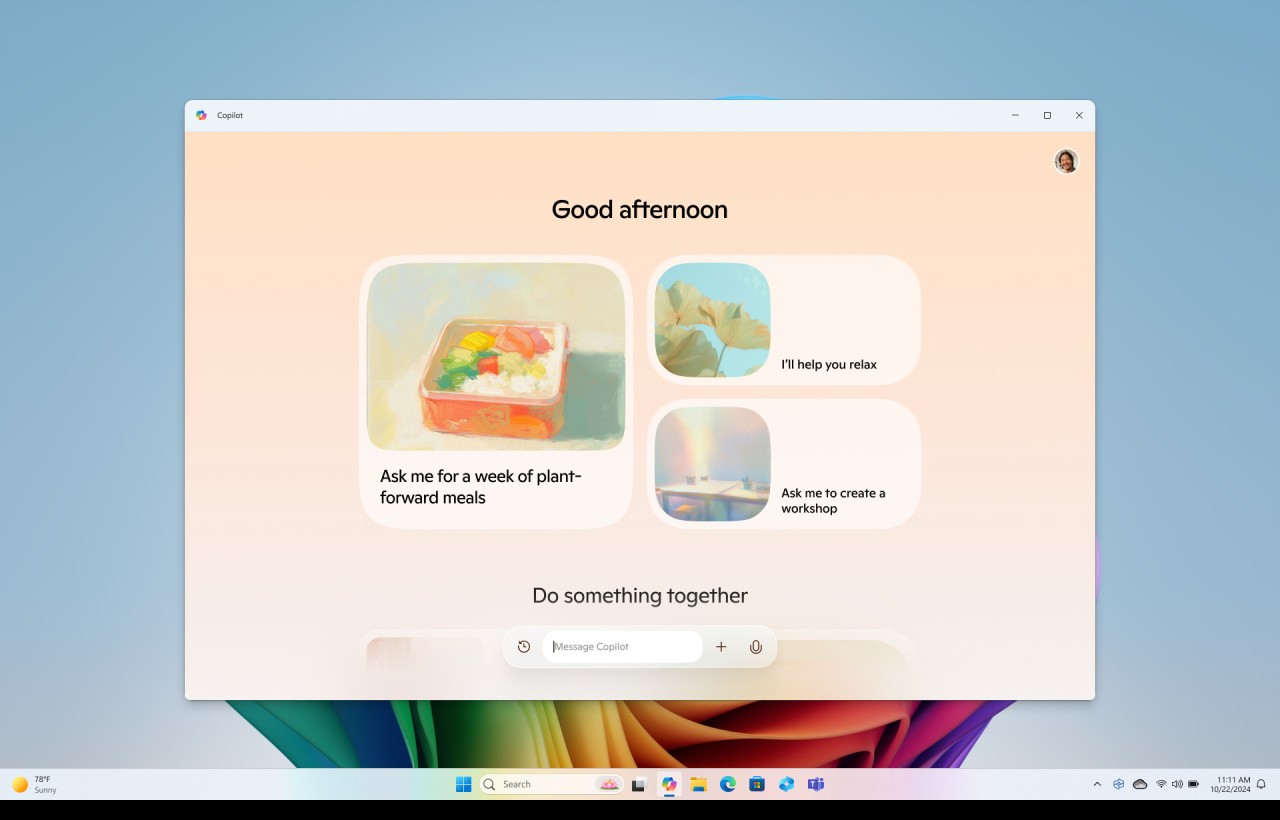
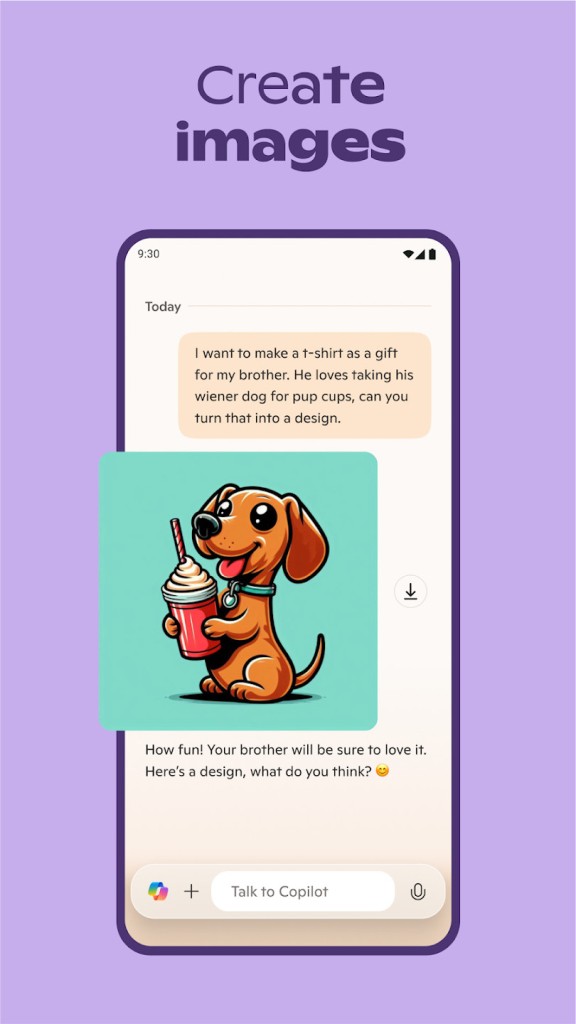
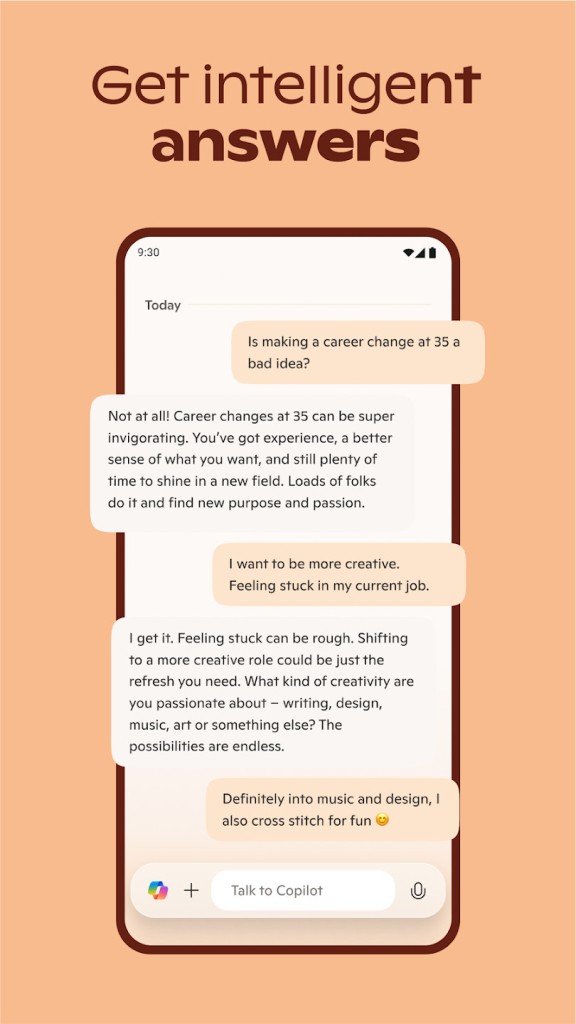
The AI-powered assistant of Microsoft Copilot exists within Microsoft 365 and Microsoft Office to enhance the productivity tools, including Word, Excel, PowerPoint, Outlook, and Teams. Microsoft Copilot integrates artificial intelligence alongside natural language processing capabilities, which enables it to boost work efficiency through automated work processes while providing users with smart suggestions. OpenAI's GPT technology and its core enable Microsoft Copilot to understand relationships between ideas and assist users by creating content and streamlining their workflow.
Under the hood, Copilot runs on OpenAI's GPT models adapted for the Microsoft ecosystem. It understands natural language, so you can tell it what you want in plain English rather than learning a new set of commands. The result is something closer to a digital collaborator than a traditional software feature. Whether you need to turn raw data into a presentation, clean up a messy document, or figure out what happened in a meeting you missed, Copilot can handle the heavy lifting.
For businesses, the value is clear: people spend less time on repetitive work and more time on decisions that actually matter. Individual users benefit the same way, just on a smaller scale. The AI handles the grunt work so you can focus on the thinking that requires a human brain.
Why Should I Download Copilot?
The clearest reason is time. If you spend any part of your day formatting documents, building spreadsheets, writing emails, or assembling presentations, Copilot can cut that work dramatically. Tell it to draft a quarterly report summary in Word, and you get a working document in seconds instead of spending an hour staring at a blank page. In Excel, point it at a column of sales data and ask what the trends look like. It builds the formulas, generates charts, and highlights patterns you might have missed on your own.
PowerPoint gets a similar treatment. Describe what your presentation needs to cover, and Copilot produces slides with layout suggestions and talking points. You still refine the content, but the scaffolding is done for you, which means the difference between a 90-minute process and a 15-minute one.
Communication is where many users notice Copilot the most. The platform integrates with Outlook and Teams. It can scan a long email chain and give you the key points in seconds. Need to write a professional reply? Copilot drafts one based on the context of the conversation. In Teams meetings, it transcribes everything in real time, generates summaries afterward, and pulls out action items so nobody has to scribble notes while trying to follow the discussion. If you have ever left a meeting unsure about what was actually decided, Copilot fixes that problem.
The integration across Microsoft 365 and Microsoft Office means Copilot does not live in a silo. You can pull data from an Excel file into a Word report, update a project timeline in one app and see it reflected across your workspace, or ask Copilot to find something in a document you worked on last month. Everything connects, which cuts the time you spend switching between apps and hunting for files.
Copilot also adapts to how you work. The more you use it, the better it gets at predicting what you need and delivering relevant suggestions. It learns your writing style, your formatting preferences, and the types of tasks you run most often.
Security is enterprise-grade. Microsoft's cloud infrastructure handles data protection, and compliance policies ensure that sensitive information stays within your organization's boundaries. If data security is a priority, and it should be, Copilot operates within the same trust framework as the rest of Microsoft 365. Downloading Copilot as part of your Microsoft setup gives you an AI assistant that actually fits into your work rather than sitting alongside it.
Is Microsoft Copilot Free?
Basic Copilot features are included in the free version of Microsoft 365 and in Windows 11 at no extra cost. That covers the AI assistance in Word, Excel, PowerPoint, Outlook, and Teams that most users will interact with daily.
Advanced Copilot capabilities, including deeper automation and enhanced AI features, require a premium Microsoft 365 plan. Business and enterprise subscriptions unlock the full feature set. If your organization needs AI support at scale, those paid tiers provide the tools.
What Operating Systems Are Compatible with Microsoft Copilot?
Copilot works across platforms through Microsoft 365 and Microsoft Office. On Windows 10 and 11, it runs natively across Word, Excel, PowerPoint, Outlook, and Teams. macOS users can download the Microsoft 365 apps and get the same AI features. Web users access Copilot through the Microsoft 365 online platform in any modern browser, which makes it viable for remote work on any operating system.
You need a Microsoft account to use Copilot's features and an active Microsoft 365 subscription for advanced tools.
What Are the Alternatives to Copilot?
Google Workspace features Gemini as a major competitor through its integration with Google Docs, Sheets, Slides, and Gmail applications (Google Drive). If you already work within Google's ecosystem, Gemini feels native in the same way Copilot feels native to Microsoft users. It handles content generation, data analysis, and email drafting within Google's cloud tools. For teams built around Google Drive and Gmail, Gemini is the natural choice.
ChatGPT, built by OpenAI, is the most flexible option. It handles content generation, brainstorming, language processing, and code writing across a wide range of contexts. You can connect it to various apps through API integrations, though it does not live inside productivity tools the way Copilot or Gemini do. If you want a general-purpose AI assistant that works outside any single ecosystem, ChatGPT is the most capable standalone option available to download or use through the web.
Notion AI targets users who already organize their work in Notion. It generates content, summarizes notes, answers questions about your workspace, and helps manage knowledge bases. The focus is narrower than Copilot's since it only works within Notion, but for teams that live in that platform, the integration is tight, and the AI features feel purpose-built rather than bolted on. If your team already uses Notion as its primary workspace, the AI layer adds genuine value without requiring a switch to a different ecosystem. The main target audience of Notion AI consists of users who work primarily with Notion for collaboration and content organization, while Copilot targets Microsoft 365 application users.