AdBlock is a popular browser extension that is made to improve users' online experience by blocking unwanted ads and improving web browsing speed and privacy. Developed in 2009, AdBlock has grown to become one of the most widely used browser tools, with over 64 million users for its Chrome extension alone. Bear in mind that AdBlock should not be confused with AdBlock Plus, which is a separate service with similar functionalities.
The AdBlock Chrome extension boasts an impressive rating of 4.5 out of 5 stars based on nearly 300,000 reviews, which makes it one of the most efficient and popular ad blockers on the market. It works on all major browsers, including Google Chrome, Mozilla Firefox, Microsoft Edge, and Safari, and supports multiple languages, including English, French, etc. The iOS and Android versions make it easy to block ads on your iPhone and other iOS and Android devices.
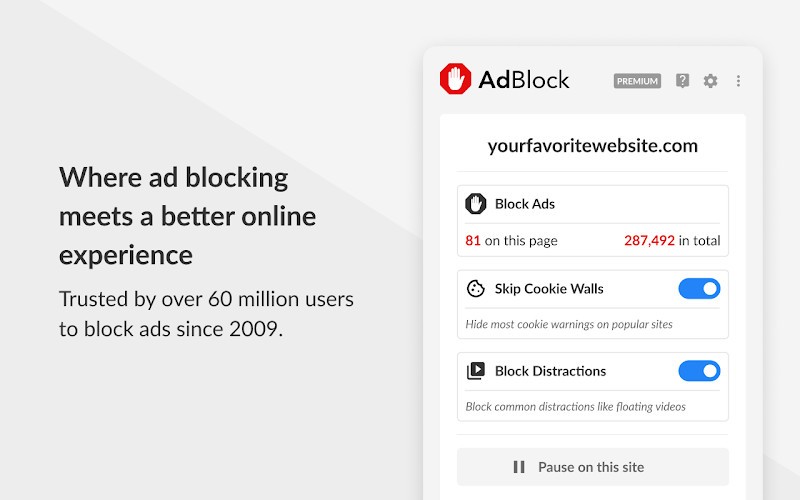
AdBlock not only blocks ads but also stops tracking scripts used by advertisers, protecting users’ privacy online. It helps pages load faster by removing unnecessary content. Users can customize their settings to allow certain ads if they wish, giving them full control over their browsing experience. AdBlock Premium also offers features like blocking cookie banners and other intrusive pop-ups, reducing distractions while navigating websites.
Why Should I Download AdBlock?
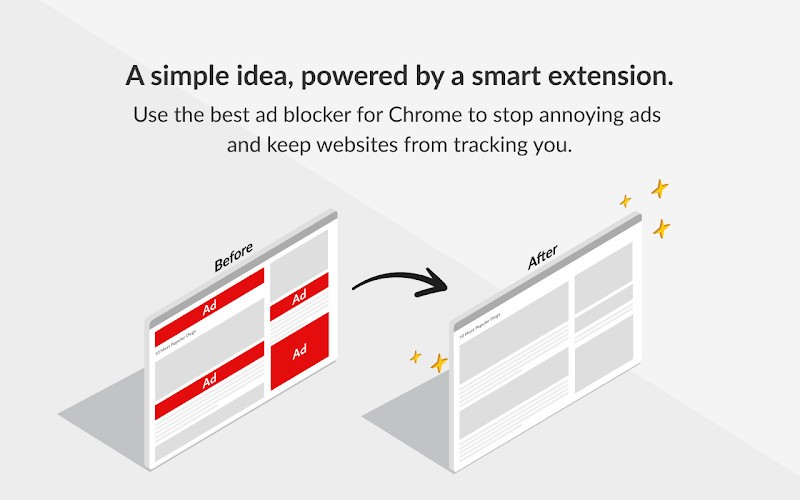
The main function of AdBlock is to remove intrusive ads from websites, including banner ads, pop-ups, video ads, and some sponsored content. By preventing these ads from loading, AdBlock creates a cleaner browsing experience and improves page load times for faster internet speeds. The extension is particularly effective at blocking ads on YouTube, Facebook, X, Twitch, and other social media platforms.
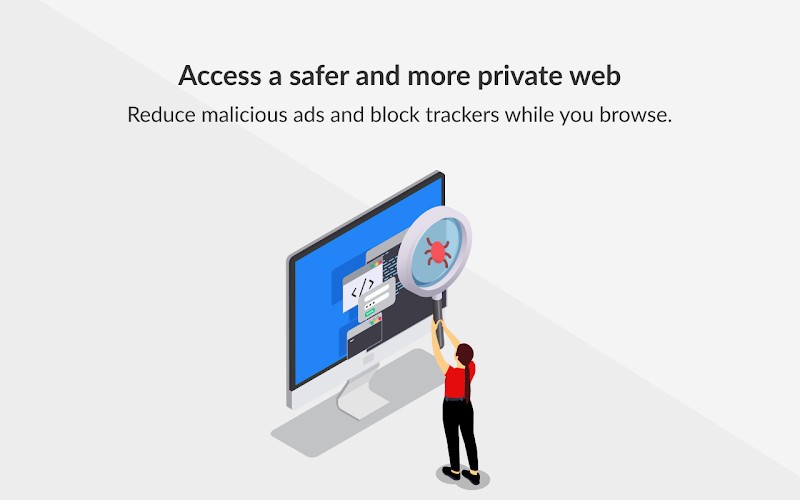
Beyond ad blocking, AdBlock offers several additional features to protect users' privacy and improve the global web experience. It blocks third-party trackers – which is absolutely crucial for maintaining user privacy in a data-driven online landscape. AdBlock also offers protection against malicious ads that may contain malware or scams.
AdBlock is also very popular because of its customizability. You can create custom filters, add community-trusted filters, or modify existing ones to tailor your ad-blocking experience. The extension also offers a whitelisting feature so that you can also support your favorite websites by enabling ads on specific pages or domains.
AdBlock also helps to remove distractions so you can focus only on the content that matters. With AdBlock Premium, you can even block annoying cookie banners that appear on almost every website. On mobile devices like iOS and Android, the software improves battery life by reducing data-heavy ads and trackers. It also speeds up browsing by freeing up memory and making pages load faster.
Is Adblock Free?
The basic version of AdBlock is free, but the company also offers a premium version called “AdBlock Premium,” which introduces more features and customization options. AdBlock Premium is priced at a few bucks per month (with a decreasing price per year), which is very reasonable for what you can get. For instance, it offers access to premium filters that block more annoyances such as newsletter pop-ups, floating videos, site notifications, and survey requests. It can also block cookie warnings on visited sites.
One thing you have to keep in mind with the free version: the company generates revenue through its participation in a program that allows certain non-intrusive ads to be displayed by default. It means that AdBlock allows advertisers to pay a fee for their ads to be whitelisted, with the revenue split between the ad-blocking company and the website displaying the ad. This approach is somewhat controversial as it involves an ad-blocking company… selling ad space. AdBlock maintains that this system supports a healthy ecosystem for websites and content creators while still protecting users from the most intrusive and annoying forms of advertising.
What Operating Systems Are Compatible with Adblock?
As you can imagine, AdBlock is compatible with all major desktop browsers, including Google Chrome, Mozilla Firefox, Microsoft Edge, and Safari. For mobile devices, AdBlock is available as a browser for Android, although it does not offer system-wide ad blocking on this OS. If you’re using Firefox on Android, you can also install the AdBlock extension directly in your mobile browser.
What Are the Alternatives to AdBlock?
To improve your browsing experience, you can use AdGuard Content Blocker. It blocks ads and intrusive elements on both desktop and mobile devices. It works with many browsers, such as Chrome, Firefox, Edge, Safari, Opera, and Yandex. AdGuard uses advanced filters to block all types of ads, including videos, banners, and pop-ups. It can even remove cookie banners and distracting widgets. By blocking unnecessary scripts, the software also saves mobile data and improves website performance.
uBlock Origin is another strong alternative to AdBlock. It is a free and open-source extension available for browsers like Firefox, Chrome, Edge, and Opera. Its main focus is to block ads, trackers, and other unwanted elements. Unlike many blockers, uBlock is lightweight and does not slow down your computer. It uses very little RAM and CPU, making it perfect for older devices. It also supports thousands of filters, which gives users a strong level of customization.
Ghostery is another popular option available on major browsers and mobile devices. It blocks ads on websites, including YouTube and Facebook. Ghostery also includes strong anti-tracking tools that stop companies from collecting your personal data. Its "Never-Consent" feature automatically blocks cookie pop-ups and rejects tracking requests, saving time and improving privacy.