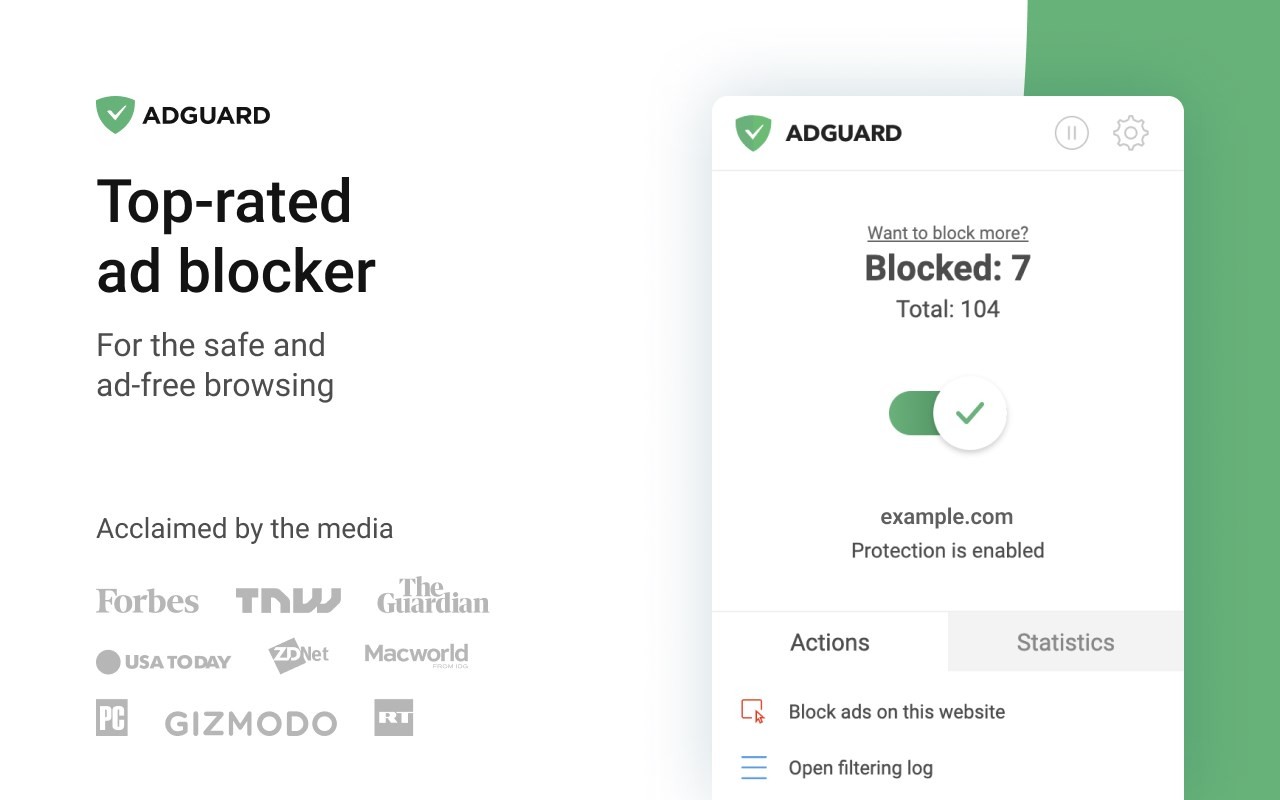
AdGuard is an ad-blocking and privacy tool that goes beyond what a standard browser extension can do. Rather than only filtering content within a single browser, the standalone application works at the system level, blocking ads and trackers across all browsers, apps, and services on the device simultaneously.
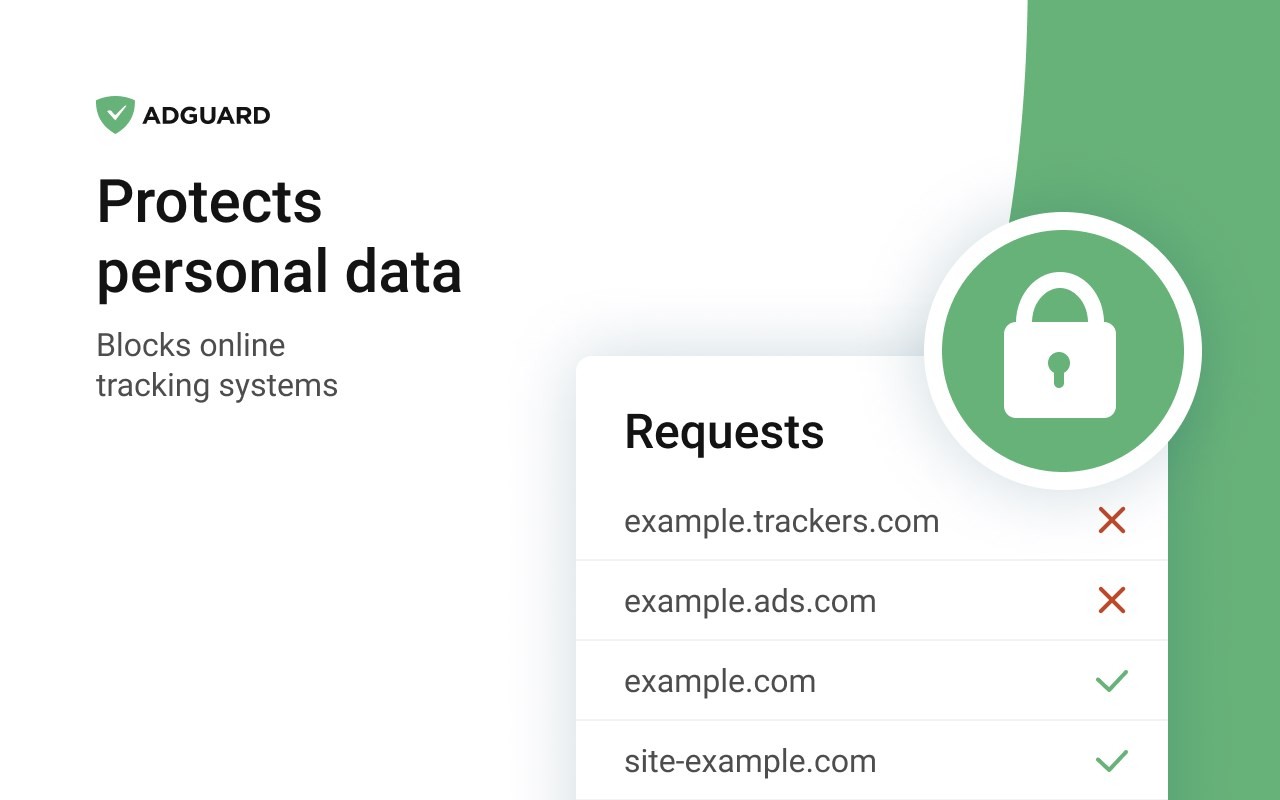
Where most ad-blockers limit themselves to removing banner and display ads, AdGuard also strips out the tracking scripts that follow you around the web and collect data about your browsing habits. The result is a noticeably faster and more private experience, since your browser is no longer loading the additional tracking and advertising content that runs behind most web pages.
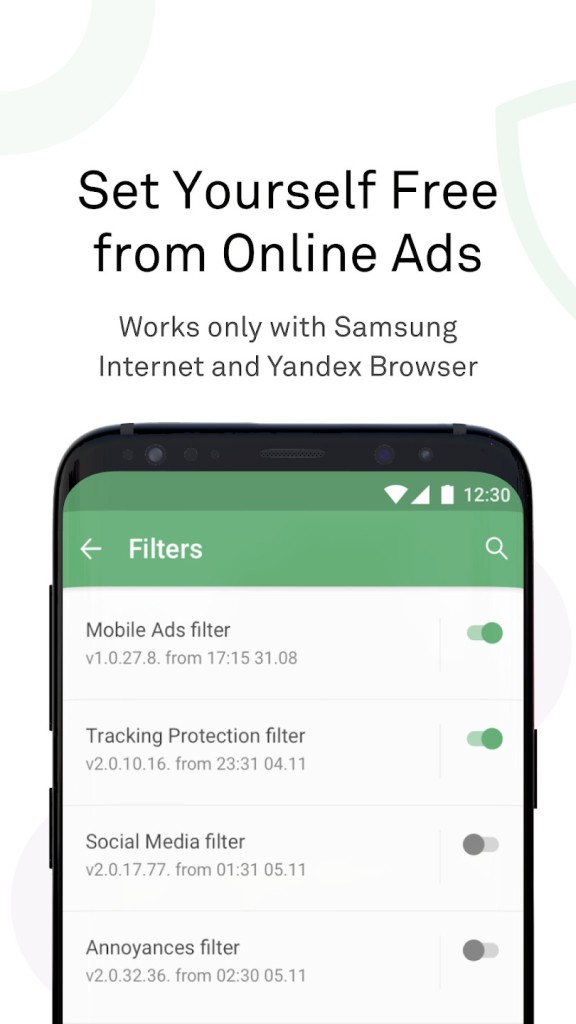
Filtering is customizable. You can create blocklists and whitelists, choosing which types of content to block and which sites to leave untouched. AdGuard also includes parental controls, allowing parents to block adult content and enable safe search filters for younger users. DNS-level protection routes traffic through secured DNS servers, adding another layer of defense against malicious sites and trackers before they even reach the browser.
AdGuard is available for download both as a standalone application and as a browser extension, covering Windows, macOS, Android, iOS, and Linux.
Why Should I Download AdGuard?
The most obvious reason to use AdGuard is to get rid of ads: banners, pop-ups, video pre-rolls, and in-app advertisements across browsers and mobile apps. Beyond the visual improvement, removing this content also reduces the amount of data your device downloads and processes on every page load, which speeds things up noticeably on slower connections.
Security is a meaningful part of the package. AdGuard blocks access to known phishing sites and malicious destinations before they load, reducing the risk of accidentally landing somewhere harmful. It also prevents tracking networks from building a profile of your behavior, which is increasingly relevant as ad targeting has become more invasive.
The level of control AdGuard gives you sets it apart from simpler tools. You are not stuck with a single global ruleset. You can choose what gets blocked, whitelist sites where you want to support the creator, and configure different settings for different contexts. On mobile, blocking extends into apps rather than just the browser, which makes a real difference for anyone who uses ad-supported free apps regularly.
Performance gains come with blocking. Pages load faster, bandwidth usage drops, and system resources are freed up because ad scripts and tracking code are no longer running in the background. On older hardware or slower connections, these improvements are especially noticeable.
Is AdGuard Free?
AdGuard offers a free version that covers core ad-blocking functionality. Advanced features, including enhanced privacy protection, parental controls, and app-level ad blocking, require a premium subscription. Premium plans are available as one-time purchases or recurring subscriptions, with options to cover a single device or multiple devices, depending on what you need.
What Operating Systems Are Compatible with AdGuard?
AdGuard runs as a standalone application that you can download on Windows, macOS, Android, iOS, and Linux. Browser extensions are available for Chrome, Firefox, Safari, Edge, and Opera for users who prefer a lighter installation that works within the browser rather than at the system level. The extension and app can also be used together for layered protection across different contexts.
What Are the Alternatives to AdGuard?
AdBlock is one of the original browser-based ad-blocking extensions and remains widely used. It handles the basics well, removing ads and pop-ups from web pages through a browser extension. Unlike AdGuard's standalone application, AdBlock only works within the browser and does not provide system-wide or app-level protection. It is free and does the job for users who simply want cleaner web pages without any broader security or privacy features on top.
Adblock Plus is a closely related extension with a similar feature set and a straightforward interface. The key thing to know about Adblock Plus is that its default settings include an "acceptable ads" program, which allows certain vetted advertisements to appear. Users who want to block everything need to disable this setting manually. Once turned off, it works as a full ad blocker. It is a reasonable choice for users who want a simple, browser-only solution without additional configuration complexity.
uBlock Origin is widely regarded as one of the most efficient ad blockers available. It is open source, completely free, and designed to use minimal CPU and memory, keeping browsers running smoothly even with aggressive filtering active. It supports advanced filtering rules and custom lists, giving technically minded users considerable control over what gets blocked. uBlock Origin works across all major browsers and is particularly popular among users who want strong blocking performance without any impact on system performance. For those who do not need system-wide protection and want the most lightweight browser-based solution, it is the most recommended option in this category.