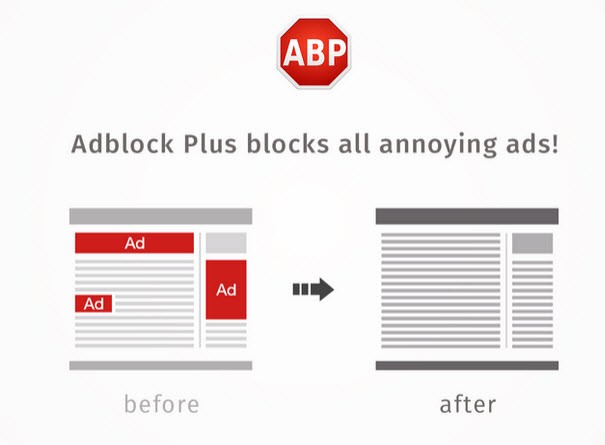
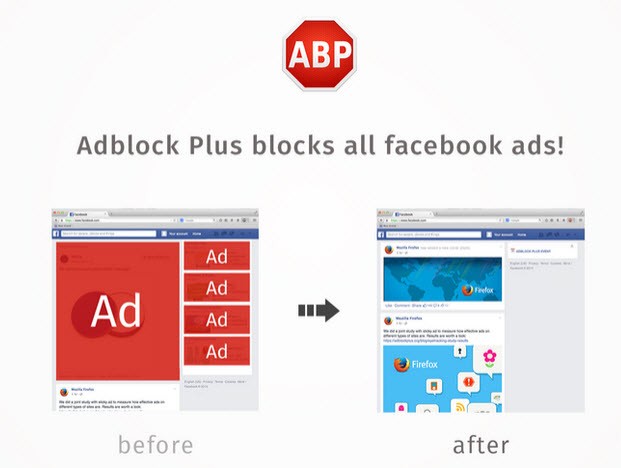
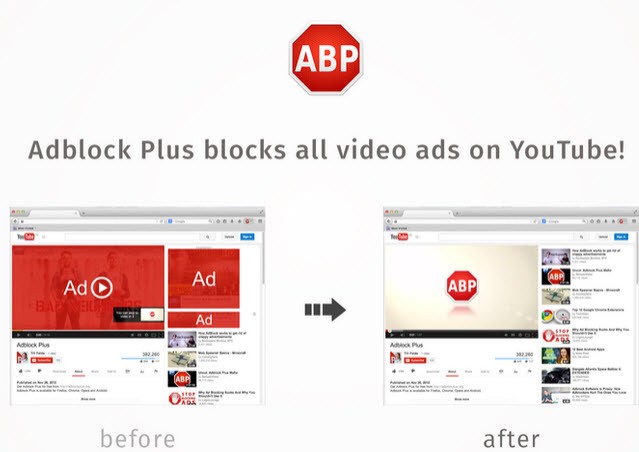
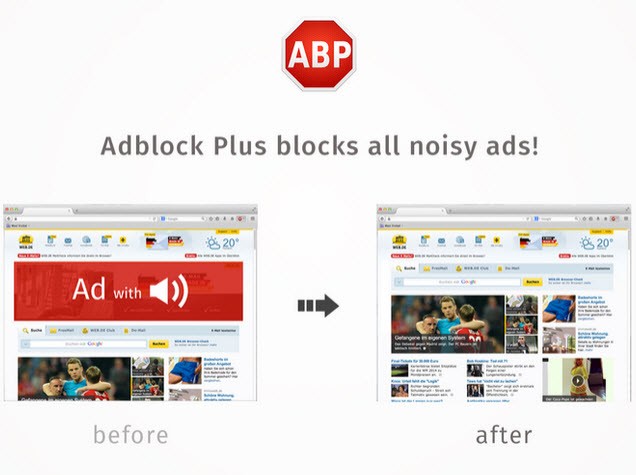
Free browser extension Adblock Plus functions as an ad-blocking tool while improving online content viewing. Through its filtering mechanism, Adblock Plus blocks advertisements and pop-up banners while providing faster website loading and less page diversion. Adblock Plus serves as one of the most popular ad-blocking tools after its development by Eyeo GmbH, which enables users to navigate the internet more smoothly without constant interruptions.
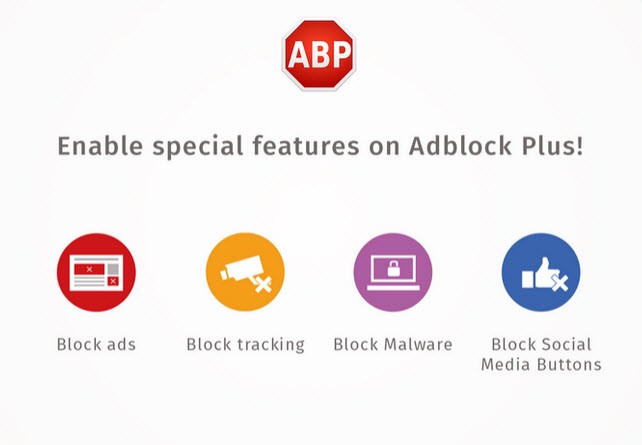
The application executes blocking operations through filter lists that specify ad kinds to block. The software developers continuously update their filter lists to keep pace with changes in advertising practices. Some non-intrusive advertisements are still shown to users unless they disable the acceptable ads policy through this platform. This method attempts to maintain equilibrium between establishing financial stability for creators and creating an unperturbed browsing environment for users. In addition, Adblock Plus supports disabling social-media sharing buttons and blocking domains known to spread malware or unwanted tracking, thanks to dedicated filter lists.
Users benefit from improved privacy because Adblock Plus stops tracking scripts from obtaining data that identifies them. The tracking technologies that websites use for behavior monitoring are reduced through script-blocking functions provided by Adblock Plus. Users benefit from malware-infected ads protection through this browser extension, which reduces the risk of ending up on harmful links. Adblock Plus provides users with better browsing by speeding up page loads and presenting pages without clutter, as it enhances safety measures. It also allows users to create their own custom filter lists or subscribe to external ones for expanded protection beyond the default settings.
Why Should I Download Adblock Plus?
Getting Adblock Plus, combined with your browser, enables you to have a more pleasurable time online. Internet pages now contain multiple forms of annoying ads that trigger automatic video playbacks while using large banner displays, which delay website loading speed. The Adblock Plus extension installation offers a solution to block distractions so you can view actual page content. Web pages speed up, and browsing gets easier when Adblock Plus removes constant interruptions from unwanted ads.
Privacy protection serves as a major reason to choose Adblock Plus. The tracking functionalities embedded in various online advertisements monitor user behavior across multiple websites, apart from generating simple annoyance. Companies that develop ads acquire information about your online activities for targeted advertising without asking for permission. The tracking scripts that Adblock Plus blocks decrease the amount of personal information sent to third parties. Privacy and security improve through this tool, since it protects users who want to reduce their information exposure.
Security is another major benefit. Your device could become endangered because malware hides in several ads, and phishing links target you through advertisements. The wrong ad click opens dangerous download options that attempt to extract personal data from your system. Adblock Plus prevents security risks because it blocks ads that come from unsafe sources. Uncertain internet websites and download sources become safer for regular users because of this tool. Furthermore, the extension can block “floating video” ads and, in its premium upgrade, can suppress cookie-consent pop-ups and site-notification prompts, thus reducing additional distractions and potential privacy intrusions.
The extension provides users with an adaptable blocking mechanism that enables customization. You can enable website ads for certain domains through the whitelist feature of Adblock Plus. The functionality allows for revenue-dependent content creators to receive ad support from committed readers since users can approve ads specifically on preferred sites but block them throughout other domains. Through its extension, users gain full control by offering capabilities to customize filter lists or set up individual ones to determine which ads display while others stay hidden.
Users can easily install and use Adblock Plus as a tool. A user gets automatic ad blocking through Adblock Plus after browser integration because the extension operates in the background. Users can view real-time blocked ads on its minimal interface during usage while maintaining adjustable settings parameters. The platform provides a smooth, ad-free experience to users who prefer not to manage advanced settings, thus allowing them to browse without configurations. It also offers a “block element” context-menu feature, enabling you to target and hide specific elements on a page beyond predefined filters.
The emergence of websites detecting ad blockers does not affect the positive experience of using Adblock Plus to browse with minimal interruptions. Adblock Plus serves as a crucial online tool that provides speed enhancement and privacy protection, together with security against potential threats.
Is Adblock Plus Free?
The software Adblock Plus exists as a totally free program that users can easily obtain. You can use all essential functions of Adblock Plus at no cost, since it does not require subscriptions or premium upgrades. The browser extension runs from donor-financed support, and the Acceptable Ads policy lets users view certain unobtrusive ads that default on. Users who prefer a completely ad-free experience can disable the Acceptable Ads feature from the platform’s settings window. Everyone can freely access the open‐source development and updates of this project because it operates without any fees. There is also a Premium upgrade (optional) that introduces additional distraction-blocking features such as suppression of cookie-consent banners, newsletter sign-up pop-ups, and auto-play video elements.
What Operating Systems Are Compatible with Adblock Plus?
The Adblock Plus application functions on various operating systems and different internet browsers. The browser extension for Chrome, Firefox, Edge, Safari, and Opera is available to users across all platforms. Users can install this program effortlessly because it operates within the browser and functions similarly on Windows, macOS, and Linux operating systems without requesting installation.
The mobile version of Adblock Plus exists as an Android application, together with an iOS application. Mobile users can enjoy an ad-blocking feature together with additional privacy management tools in their browsing experience. Mobile devices with their own built-in ad-blocking capabilities receive better functionality compared to what is possible with Adblock Plus. No matter which device users choose to browse with, Adblock Plus will always provide ad-free browsing capabilities. On Android devices with root access, the app can block ads at the network level across all apps; for non-rooted devices, it typically works via Wi-Fi proxy.
What Are the Alternatives to Adblock Plus?
UBlock Origin serves as a main substitute as it offers users a powerful yet unobtrusive ad-blocking solution. The default setting for Adblock Plus is to permit selected accepted advertisements, yet uBlock Origin blocks all ads until users make a manual choice to allow them. A security application that protects users from trackers and malicious scripts does so by requiring minimal system resources. Users tend to select this extension because it blocks content without leniency and grants extensive customization options to develop customized filters. uBlock Origin is also described as a “wide-spectrum content blocker” that blocks not only ads, but trackers, coin-miners, pop-ups, and malicious domains by default, and supports custom host files and dynamic filtering of scripts and iframes.
The popular alternative to blocking browser ads is AdGuard, since it expands its operation beyond browser-based ads. The system-wide ad-blocking feature of AdGuard allows it to filter unwanted content in apps and browsers alike. Additional security features provided by this program include parental controls, along with DNS filtering and phishing protection to tempt users who need extensive protection solutions. Adblock Plus targets ads in browser platforms, but AdGuard extends its protection to YouTube content and desktop applications, together with mobile gaming. AdGuard furthermore integrates features such as app management, statistics, and low-level settings on Android. It blocks ads at the system level, including in apps and games, offers its own ad-free media player for YouTube videos, and supports DNS-level ad blocking and VPN integration.
When users want integrated ad-blocking, the Brave Browser provides a solution built into the program. The built-in ad-blocking elements within Brave Browser remove both ads and trackers without requiring any browser extensions. Users can enjoy quick browsing since this solution activates without requiring extra software installation. Additionally, Brave Browser provides users with fingerprint protection and script blocking technologies, which make it an ideal solution for people who care about both privacy protection and ad blocking security concerns. Since it operates as an independent browser, Brave does not suit users who intend to maintain Chrome, Firefox, or Edge as their primary web browsers. Consequently, they seek solutions through extensions. Brave’s “Shields” feature blocks not only ads but also trackers, cross-site cookies, fingerprinting, and third-party scripts; it supports blocking of video ads (pre-roll, mid-roll) on sites like YouTube.