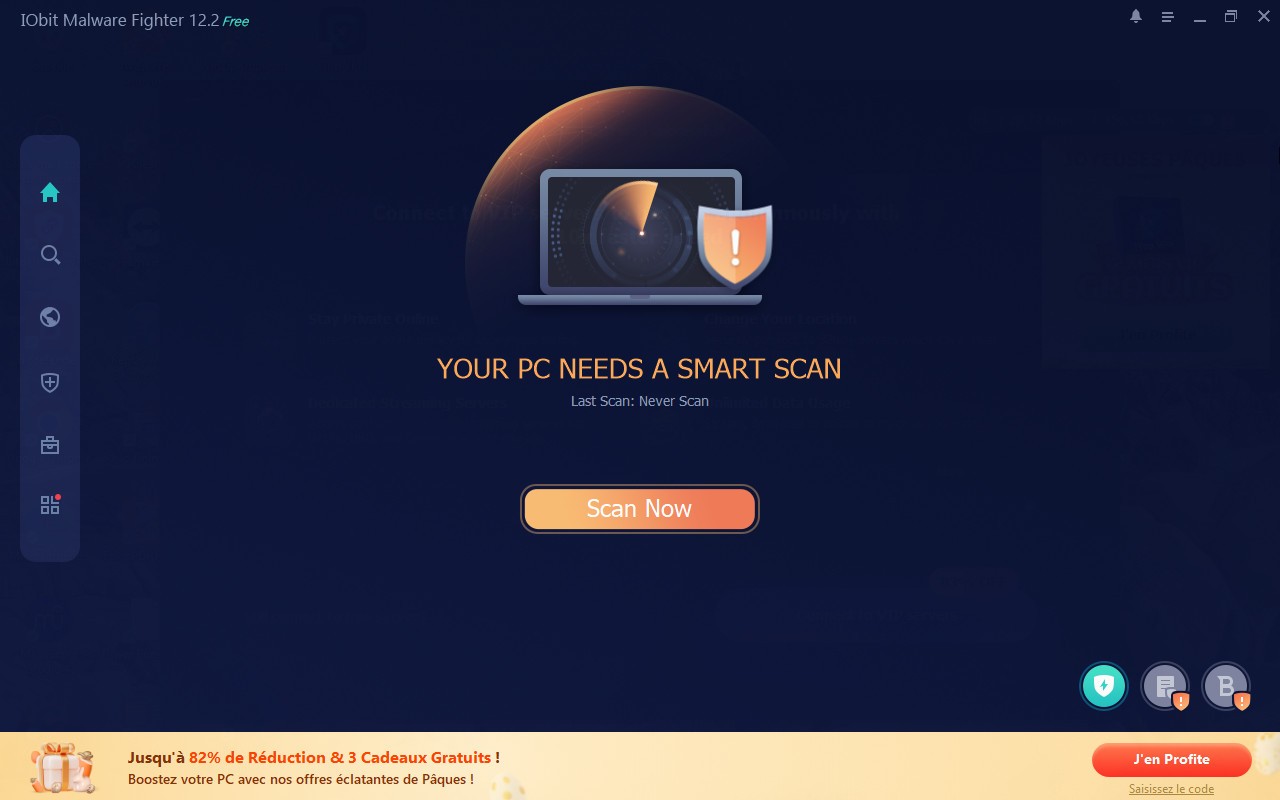
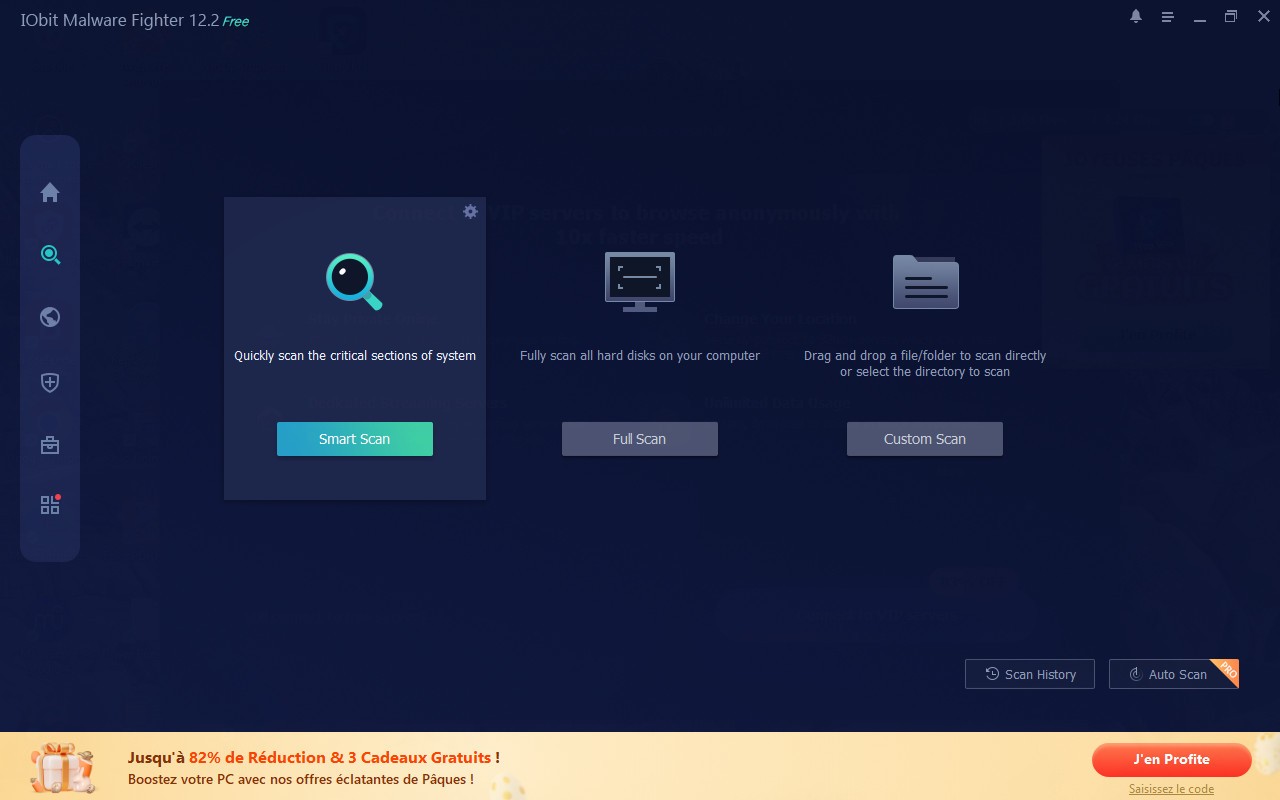
iObit Malware Fighter is an anti-malware and antivirus tool that provides complete protection against a wide range of harmful computer threats. Beyond malware management, the software forms a broader framework for guarding user privacy and data security. Once installed, it provides your system with a protective layer that identifies and blocks malicious software in real time.
The tool addresses multiple types of online threats, covering standard viruses and trojans alongside more sophisticated dangers like spyware, ransomware, rootkits, and adware. iObit Malware Fighter also finds hidden threats that attempt to conceal themselves within your system. Its dual-core engine combines Bitdefender antivirus technology with iObit's own anti-malware detection, making it a powerful setup for identifying and removing infections.
Real-time protection runs without causing noticeable system slowdowns. You can work without constant interruptions or performance drops while the software actively monitors file activity, browser behavior, and system processes, alerting you to dangerous actions before damage occurs. Anti-ransomware protection prevents encryption-based attacks from compromising your files, and browser protection shields your private data from being accessed by unauthorized parties.
Why Should I Download iObit Malware Fighter?
iObit Malware Fighter is a good choice for users who want an all-in-one security solution that goes beyond basic antivirus scanning. It provides multiple layers of defense against current threats, keeping files safe from ransomware and personal data protected from spyware.
The real-time protection system is the standout feature. It does not just scan on demand—it monitors your system continuously and intercepts threats before they can cause harm. This preventive approach stops dangerous software at the point of entry rather than dealing with the aftermath.
The dual-engine setup strengthens detection considerably. Running Bitdefender and iObit's own technology in parallel means your system benefits from two independent detection methods rather than one. This raises detection rates and makes the scanner one of the more thorough anti-malware tools available for home users.
The interface is straightforward and does not require any technical knowledge to navigate. Scanning and real-time protection can be configured in a few clicks, and threat alerts are presented clearly alongside recommended actions. Users who are not comfortable with security software will find it easy to get up and running.
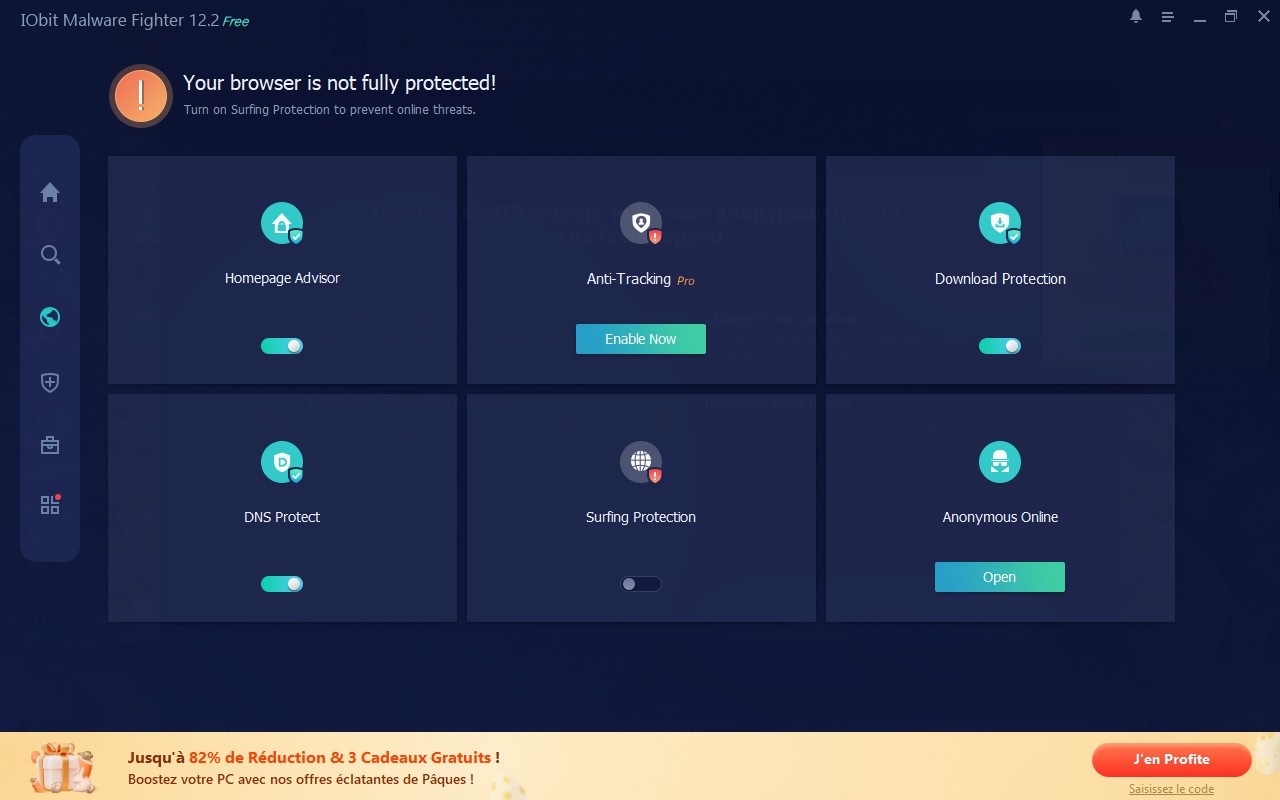
Privacy protection extends into the browser. The software blocks malicious downloads, prevents tracking activity, filters unwanted advertisements, and stops phishing attempts. This adds an extra layer of online safety on top of the core malware detection.
System performance stays responsive during all of this. iObit Malware Fighter runs in the background with low resource usage, so it does not interfere with gaming, streaming, or other demanding tasks. It operates quietly and lets you focus on what you are doing without security getting in the way.
Is iObit Malware Fighter Free?
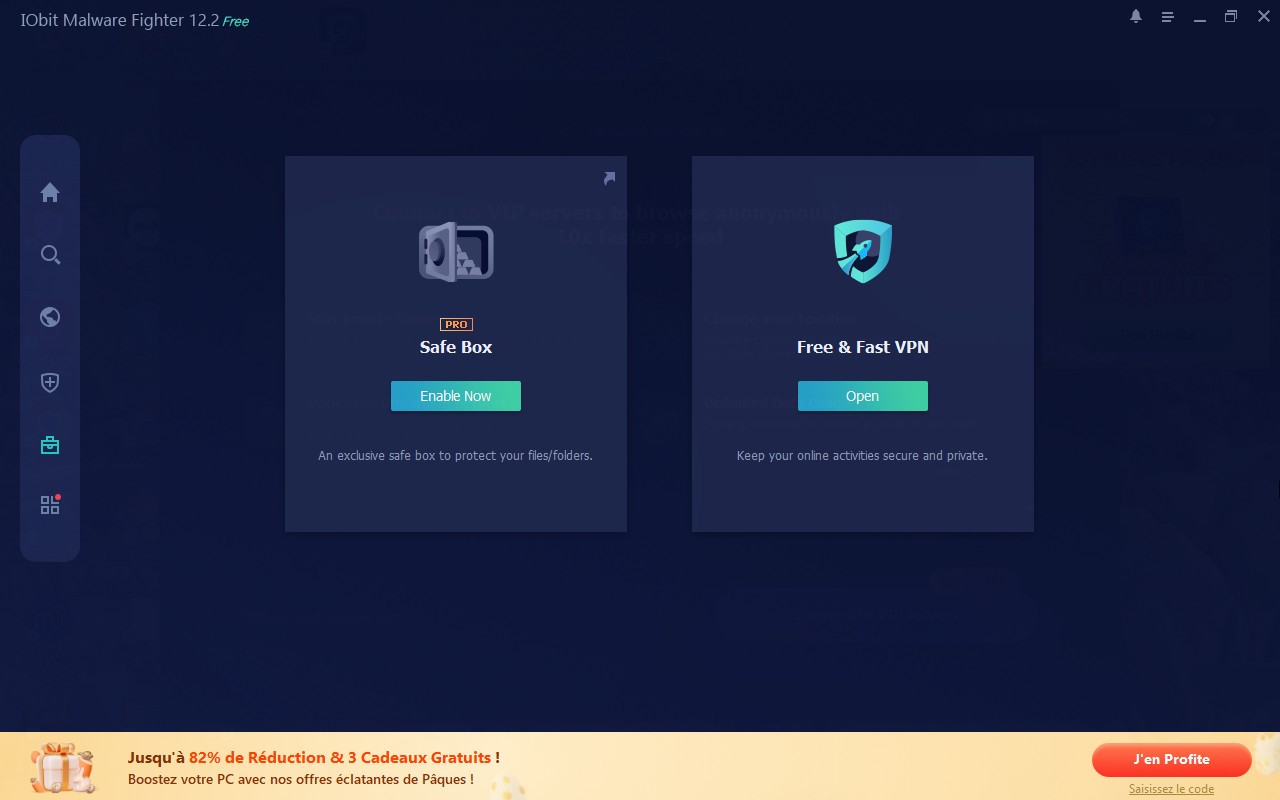
A free version is available that covers core malware protection and basic real-time security features. For unrestricted ransomware protection, full Bitdefender engine integration, and more advanced antivirus defenses, the Pro version is required.
The free version is sufficient for most everyday users, but those who need more sophisticated protection or handle sensitive data will find the Pro version worth the upgrade.
What Operating Systems Are Compatible with iObit Malware Fighter?
iObit Malware Fighter supports Windows XP through Windows 11, covering both older and current versions of the operating system. It adjusts automatically to different Windows environments and does not require high-end hardware to run smoothly. Basic system requirements are enough for normal performance on most machines, whether they are older budget computers or newer high-spec desktops.
What Are the Alternatives to iObit Malware Fighter?
Malwarebytes Anti-Malware Free is one of the most well-regarded standalone malware detection and removal tools available. Its scanner goes deep, targeting difficult threats like ransomware, rootkits, and spyware that standard antivirus software sometimes overlooks. It runs efficiently on most operating systems without placing unnecessary strain on system resources, and gives users the choice between a quick scan for urgent situations and a full scan for more thorough coverage.
AdwCleaner is a focused tool built specifically to remove adware and unwanted programs. Rather than covering every type of threat, it concentrates on detecting and eliminating adware, browser hijackers, and potentially unwanted programs, known as PUPs. It is especially useful when your browser has been affected by suspicious toolbars, unexpected extensions, or persistent pop-ups. AdwCleaner removes these thoroughly without leaving remnants behind, making it a practical complement to a broader security solution.
CCleaner is primarily a system optimization tool, but it includes protection features alongside its file cleanup functions. Removing unnecessary data and outdated files reduces system clutter and limits the hiding places available to malware. Real-time monitoring and automatic cleaning tools help keep the system tidy and running efficiently over time. CCleaner is not a substitute for a dedicated antivirus tool, but used alongside iObit Malware Fighter or a similar program, it contributes to a cleaner and better-maintained system overall.