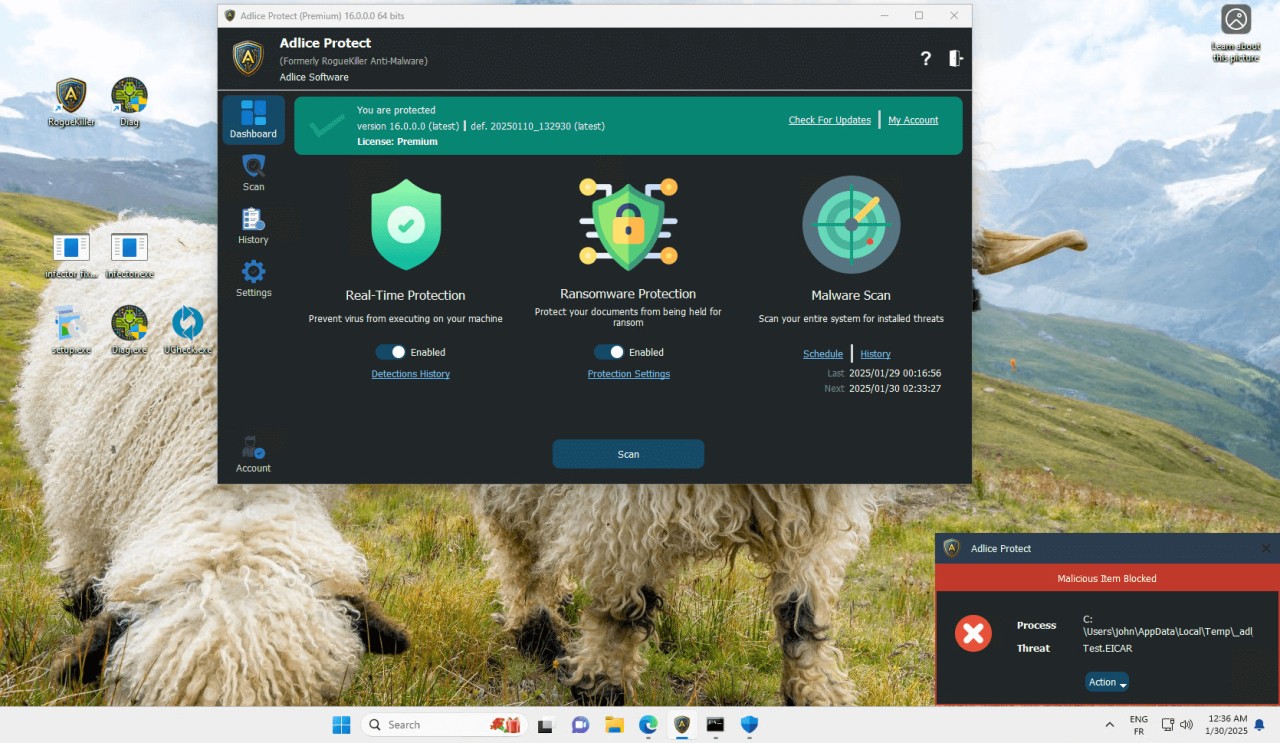
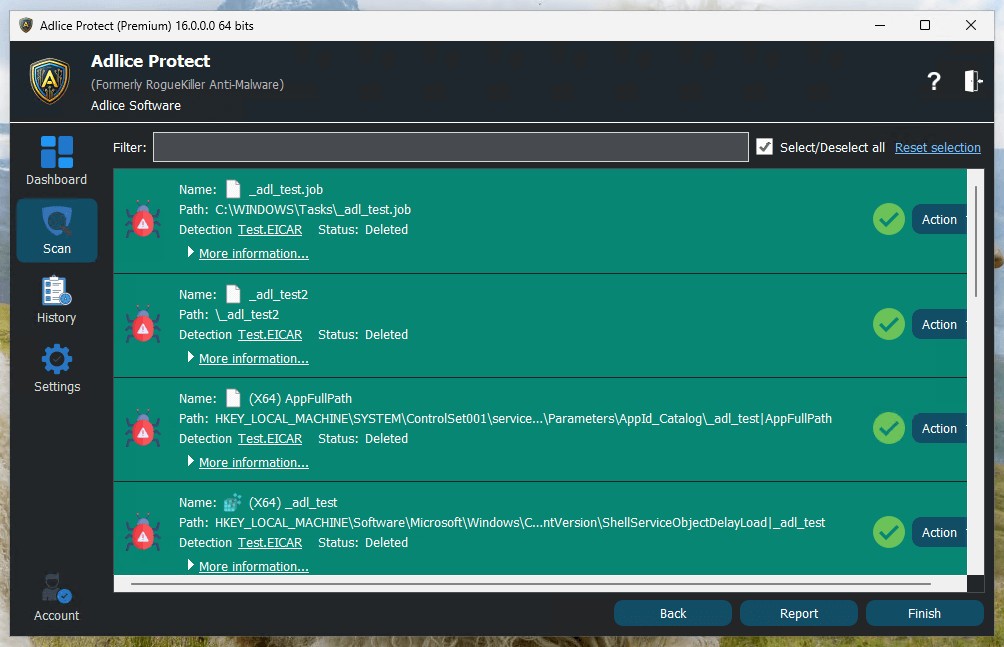
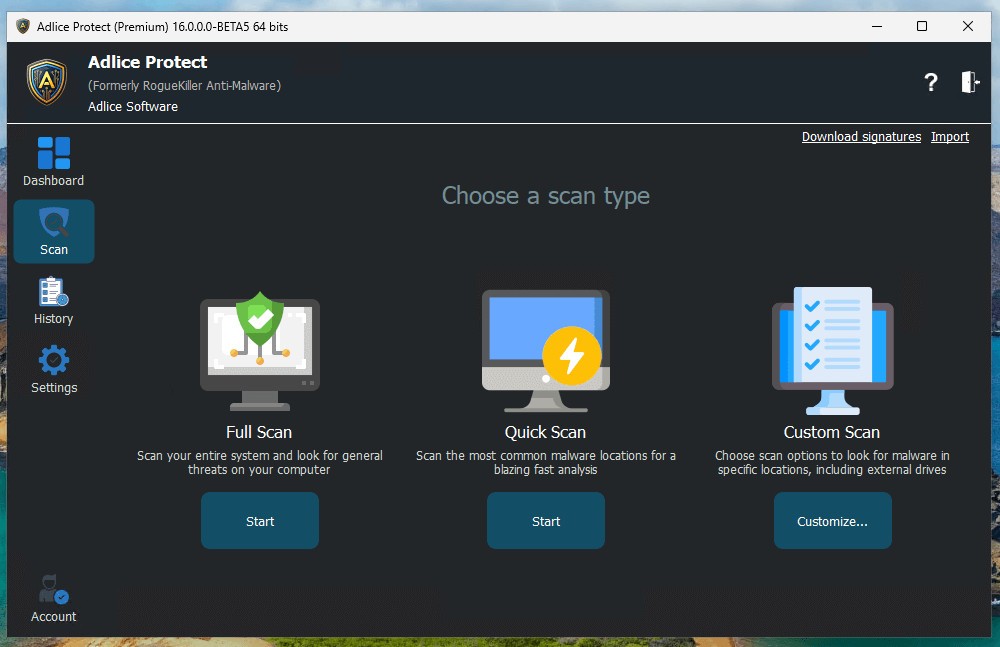
Adlice Protect is a modern security solution developed to block malware before it has a chance to harm your system. It grew out of the RogueKiller tool, which first became known for removing hard-to-kill infections when other software failed. Over time, this simple tool evolved into a full product that brings more protection layers and combines detection with prevention. It is designed to scan for known threats but also unknown malware, relying on artificial intelligence and cloud signatures to identify suspicious behavior.
Unlike programs that only react after damage begins, Adlice Protect focuses on stopping infected files before they execute. This matters because many threats today operate quietly and only reveal themselves after they have caused real harm. By watching in real time, the program prevents these attacks from starting. Its design covers multiple areas: virus removal, anti-ransomware, password and clipboard security, and defense against data leaks. All these layers work together to build a shield that protects both files and private information.
Another important point is performance. Many antivirus tools slow down computers, draining speed or battery. Adlice Protect was built to avoid that issue, so you can keep browsing, working, or playing games without interruption. Protection remains active in the background without taking away system resources you need. This balance between strong defense and smooth performance is one of the reasons why users turn to this software. It was created not only for home users, but also for businesses and IT professionals who need tools they can trust in different environments.
Why Should I Download Adlice Protect?
The internet today is filled with threats that go far beyond traditional viruses. Malware comes in the form of trojans, spyware, and ransomware, each targeting different weaknesses. Adlice Protect is built to respond to all of these. Downloading it means adding a layer of defense that does not depend only on known virus signatures but can also adapt to new and evolving malware. This reduces the chance of being caught by a threat that is not yet included in older databases.
Ransomware remains one of the biggest risks for both individuals and companies. Once it takes hold, it can destroy or lock your documents and even threaten to leak them online. Adlice Protect addresses this by blocking ransomware before it gets the chance to encrypt files. This means your family photos, important work projects, or personal records remain safe instead of being held hostage.
Privacy is another reason. Many attacks today focus on stealing passwords, credit card details, or cryptocurrency wallet numbers. Hackers often use the clipboard as a weak point because that is where sensitive data is temporarily stored. Adlice Protect monitors and controls clipboard access, preventing unknown programs from reading or inserting harmful data. By blocking that channel, it protects sensitive information from being captured.
Performance also matters. Users who play games or run demanding software often avoid antivirus programs because they create lag or interruptions. Adlice Protect solves that by running smoothly in the background, ensuring that protection does not come at the cost of usability. For professionals, there is additional value. Technicians and IT agents can use portable versions carried on a USB stick or shared over a network, turning it into a rescue kit that disinfects computers in the field. This makes it not just home software, but a tool for those who manage or repair systems.
Is Adlice Protect Free?
Adlice Protect can be used in a free form as a virus cleaner, giving users the ability to detect and remove malware without paying. This free tool provides a direct way to clean infections and acts as a demonstration of the scanning engine’s strength. It is especially useful when a system is already infected and needs immediate action.
For users who require real time protection and ongoing defense, there are licensed versions. These include the Premium license, which is designed for home users and companies. It unlocks all the protective layers and ensures constant monitoring against malware. For IT agents and technicians, a Technician license is available. This version has no limitation on the number of machines and allows the program to be carried as a portable solution to disinfect computers wherever required.
The free version works as a cleaner while the licensed plans bring continuous protection. Both forms serve a purpose, depending on whether you require a one-time cleanup or long-term security.
What Operating Systems Are Compatible with Adlice Protect?
Adlice Protect is compatible with Windows operating systems. This choice is deliberate because most malware is still written for Windows machines, making them the primary target for attacks. By focusing on Windows, the developers can refine protection to meet the specific needs of the largest user base.
Compatibility with Windows ensures that both home users and businesses can run Adlice Protect on their systems without issues. Whether it is a single personal computer or multiple business machines across a company network, the software integrates into the Windows environment smoothly. Concentrating on one platform also allows the developers to deliver frequent updates, strong performance, and a consistent user experience.
What Are the Alternatives to Adlice Protect?
One of the most well-known alternatives is Malwarebytes Anti-Malware Free. It has been in use over the years and is known to have a capability of identifying and eliminating malware that other tools fail to detect. It is used as a second opinion scanner by many people, but comes with continuous protection in its premium version. It has earned a good reputation, and a huge number of users have made it a reliable brand in the industry.
Another competitor is iObit Malware Fighter. It includes antivirus protection, ransomware and spyware protection. The software is designed in such a way that it is user-friendly and has a user-friendly interface. It is also compatible with other software by the same developer, which develops a broader security setting. It has a free version that gives it the bare bones and the advanced versions that offer more detailed protection.
Emsisoft Anti-Malware offers an alternative solution. It also has a reputation for having a dual-engine scanner that provides high detection rates and minimal system load. This makes it an attraction to people who would desire security without compromising on performance. It is frequently selected by people and small enterprises that demand the compromise of speed and security. Due to its design, it is a good option where efficiency is equally significant as security.