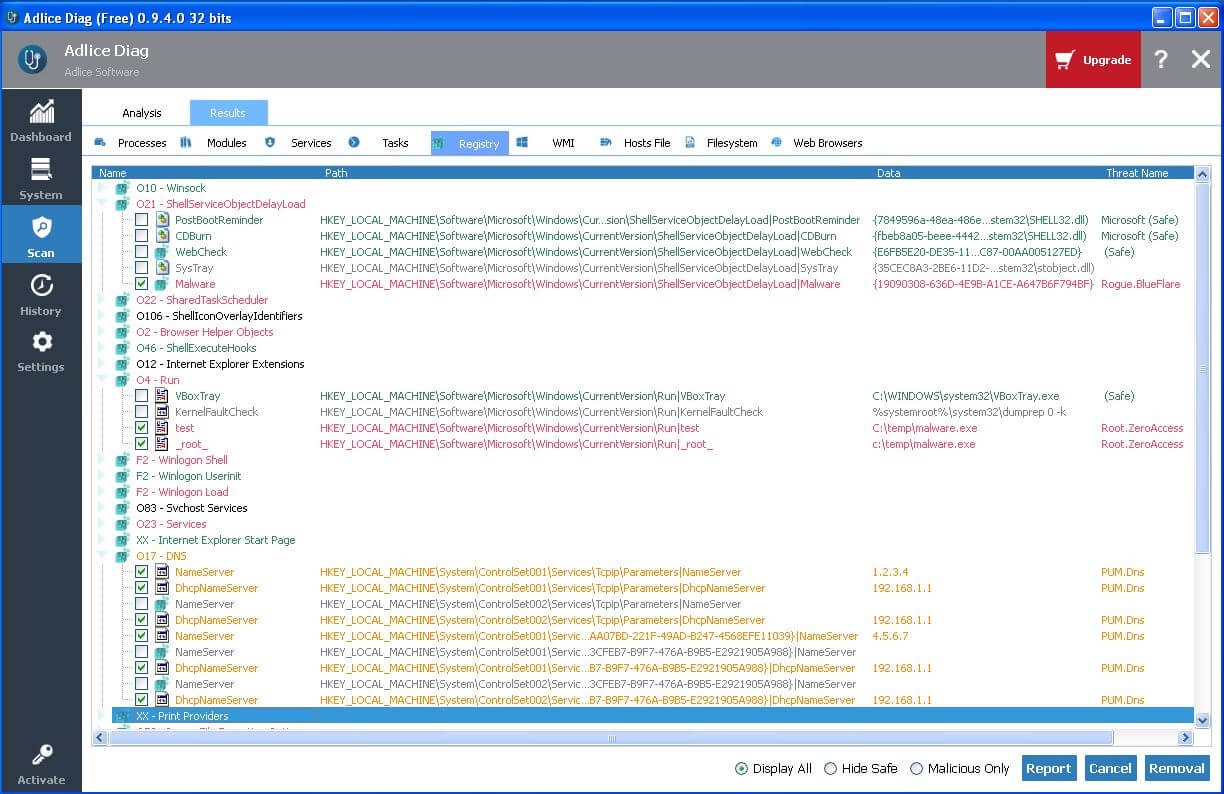
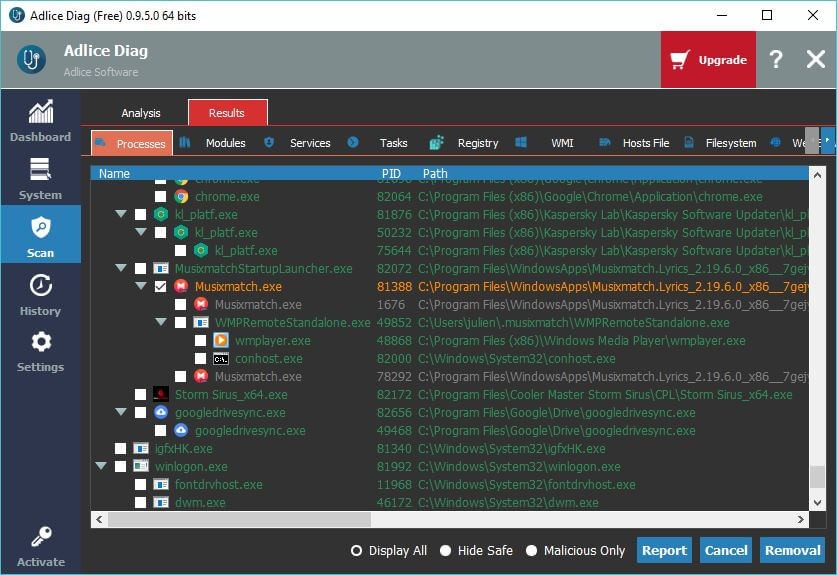
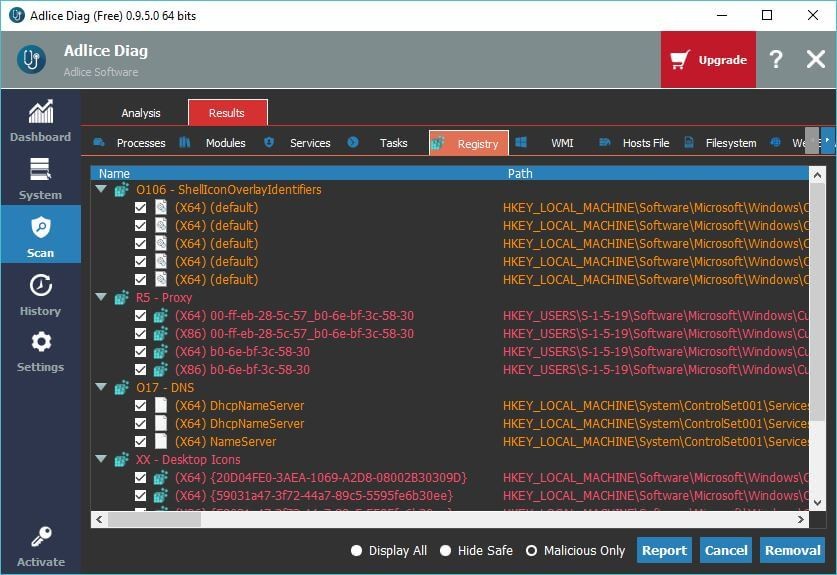
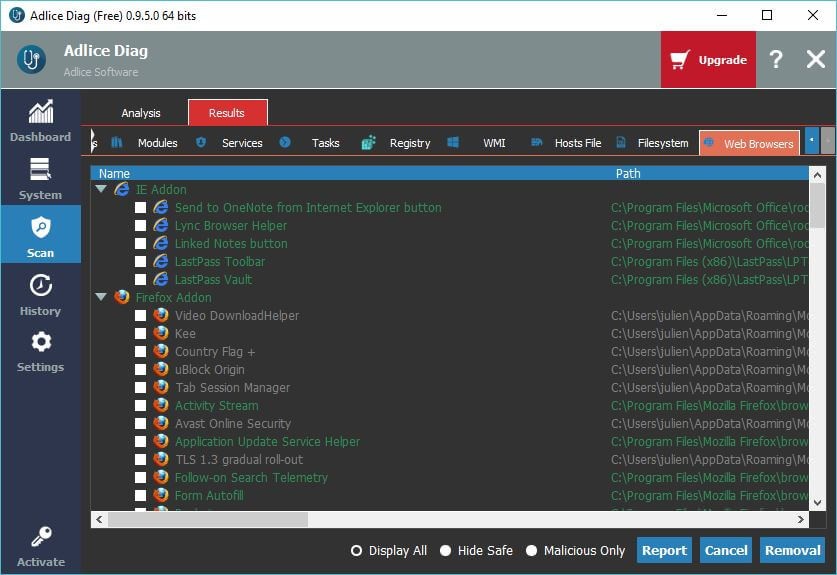
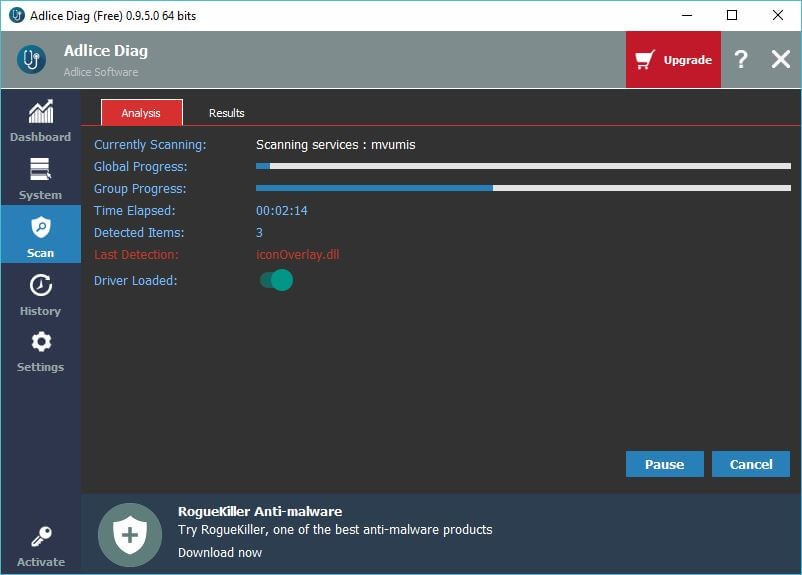
Adlice Diag is diagnostic security software designed to reveal everything happening on your computer, without hiding anything behind simplified reports. It comes with built-in anti-malware and anti-rootkit protection and system monitoring tools that work together to detect, expose, and classify activity across the entire system.
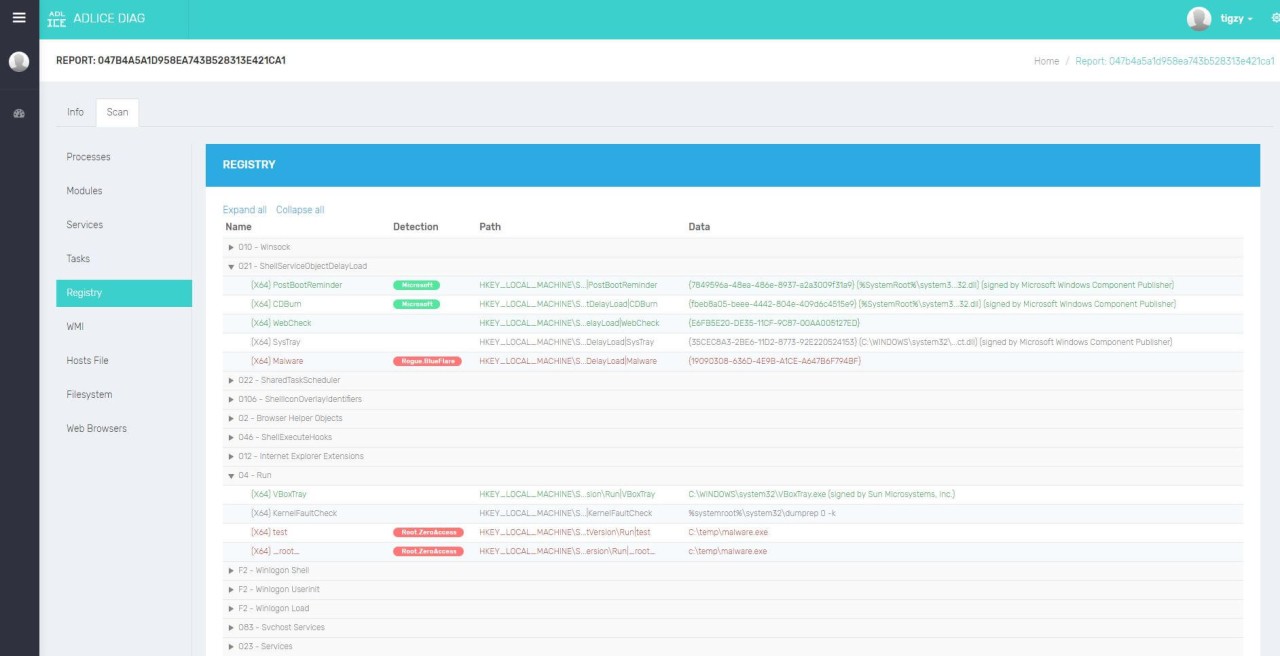
Unlike many security programs that only show detected threats, this tool lays out every process and element it finds. Nothing is filtered away or ignored. This makes it easier for you or a technician to understand what’s really going on inside the system. The scan engine comes from RogueKiller Anti-malware, which is a well-known and trusted detection engine. It offers layered scanning and is strong at finding hidden threats that regular anti-malware software might miss.
Another core part of Adlice Diag is its cloud upload feature. After running a scan, you can upload your report to a secure online platform. This makes it easier for technicians to review the results remotely. It also simplifies communication between users and support teams because everything is already organized and accessible.
The software includes a tools section where you can scan autostart entries and manage performance features. Disk optimization and cleanup are planned as future additions to expand its capabilities beyond detection. It’s not just about identifying threats; it’s about giving a full, open look into what’s inside a system. This is what makes it different from many standard consumer security programs.
Why Should I Download Adlice Diag?
Adlice Diag provides greater transparency than regular anti-malware software. Many programs only display what they decide is relevant, which often leaves suspicious items buried under normal activity. This tool takes a different route by showing everything it finds during its scan.
When malware tries to hide by disguising itself as part of the system, this kind of visibility can make a big difference. Since it uses the RogueKiller scan engine, it has the power to detect threats that aren’t easy to spot, including rootkits and advanced infections. It doesn’t just highlight potential issues but gives you the full picture of what’s happening, leaving less room for uncertainty.
Its cloud upload feature is another reason it stands out. Instead of dealing with confusing logs or copying scan data manually, you can upload reports directly. Technicians and IT teams can view and analyze them without having to access the computer in person. This shortens response time, helps solve problems faster, and makes remote security work smoother. The tools section is also practical. You can scan startup entries and remove unnecessary items that might slow your computer down. It’s a way of combining security and performance in one place. This software isn’t built to be flashy or complicated.
Is Adlice Diag Free?
Adlice Diag offers a free version for personal use, along with paid Premium and Technician editions. The free version lets you perform system scans, detect potential threats, and review detailed reports without cost. It’s a practical choice for individual users who want basic protection and diagnostics.
The Premium edition adds more advanced options, while the Technician version is built for professionals who need to analyze and repair multiple computers. This tiered model makes the tool accessible to both everyday users and IT specialists, giving everyone the chance to use it according to their needs and level of expertise.
What Operating Systems Are Compatible with Adlice Diag?
Adlice Diag is compatible with Windows, and its entire structure is built specifically for this operating system. Its scanning, reporting, and monitoring capabilities are tuned to work smoothly within Windows environments. By focusing on one operating system, the software can deliver stable performance without the issues that often come from stretching across multiple platforms. It performs deep scans, tracks hidden threats, and monitors activity in real time with accuracy that comes from being built for a single platform rather than many.
Windows is still one of the most common targets for malware and rootkits. That focus makes practical sense because it allows the software to address the areas where these threats are most active. It works across different versions of Windows and integrates easily into setups used by both home users and IT teams. This single-platform design also makes it easier to maintain the software and keep it reliable. Users don’t have to worry about compatibility gaps between operating systems. Everything about the tool is optimized to run as smoothly and effectively as possible on Windows.
What Are the Alternatives to Adlice Diag?
Malwarebytes Anti-Malware Free is an excellent contestant that is aimed at fast detection and elimination of malware. It is commonly adopted since it is easy, dependable, and quick. It can scan the systems efficiently and eliminate the widespread threats with very little effort on the part of the user. The software can be used by home users as well as IT support teams due to its high detection rates. Malwarebytes is more oriented to convenience than to detailed diagnosis of a system, so it suits well those who are willing to have simple protection, but have no deeper insight into the system.
Otherwise, IObit Malware Fighter is an option. It is a software that is used to combine anti-malware detection with real-time protection, as well as offering optimization. It is targeted at individuals who desire their security software to assist in maintaining a clean system, and one that is a bit quicker as well. The app checks threats and has an easy interface that does not need a lot of technical expertise. It is also suitable for users who desire to have a security tool that does not require a lot of effort but offers an acceptable level of protection.
Another good competitor is Emsisoft Anti-Malware. It is reputed to take a further plunge into monitoring threats with a behavior profile. The app can detect suspicious activity as opposed to just using known signatures, as it can help with the detection of suspicious activity that could cause an infection that has not yet been officially listed. It is a trusted scanner by users and businesses that require more than a basic scan. Advanced protection offered by Emsisoft is the reason why it is a good option for people who require better protection or have a more sensitive system.