Gmail (formerly Google Mail) is a free email provider offered by Google. When you sign up for a Gmail account, you get your own email address with the @gmail.com domain and access to all other Google products, such as Google Meet, Google Drive, Google Photos, and more. Your Gmail account also serves as your Google Chrome profile and the login to multiple other services, such as YouTube.
The email client supports receiving messages to your address and organizes your emails into conversations. If someone replies to your email, that message is automatically grouped in the thread. With its powerful search function, you can quickly find any email or attachment in your inbox, even among thousands of messages. You can search by keywords, senders, recipients, or dates.
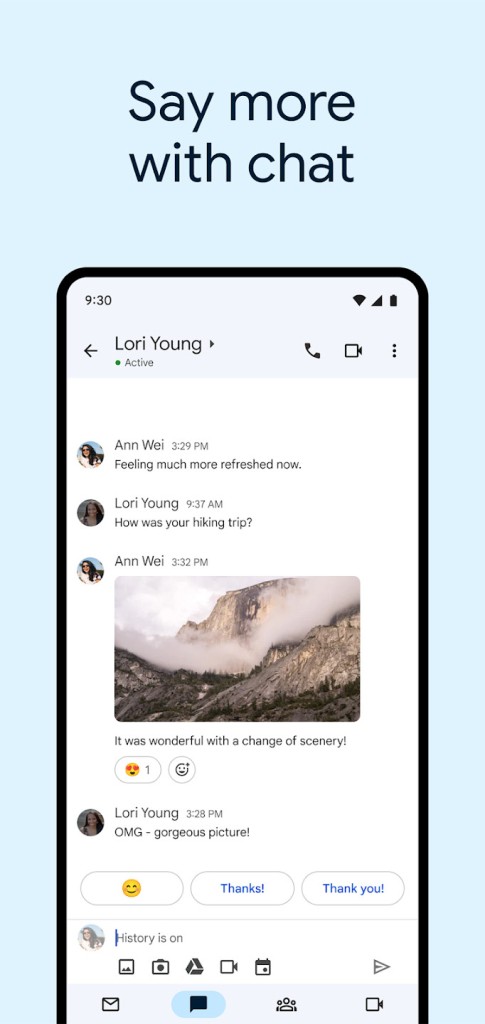
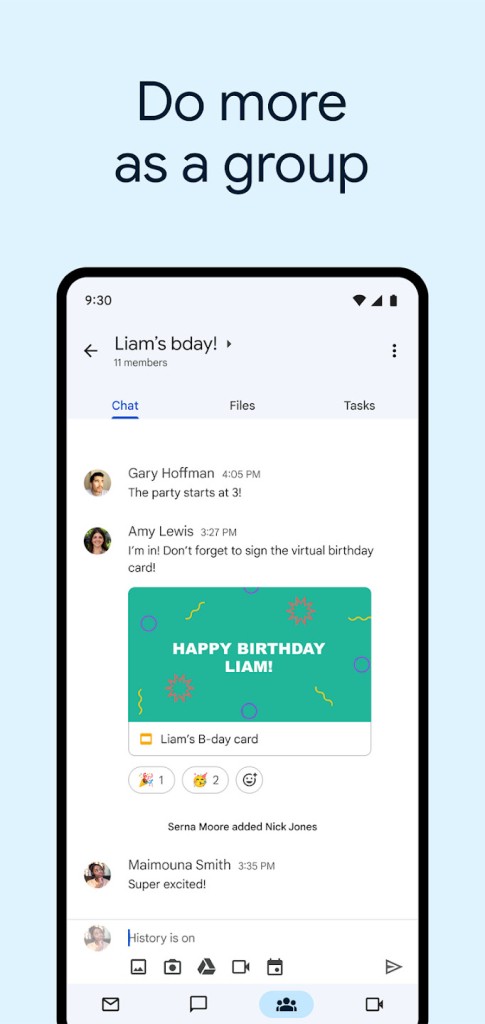
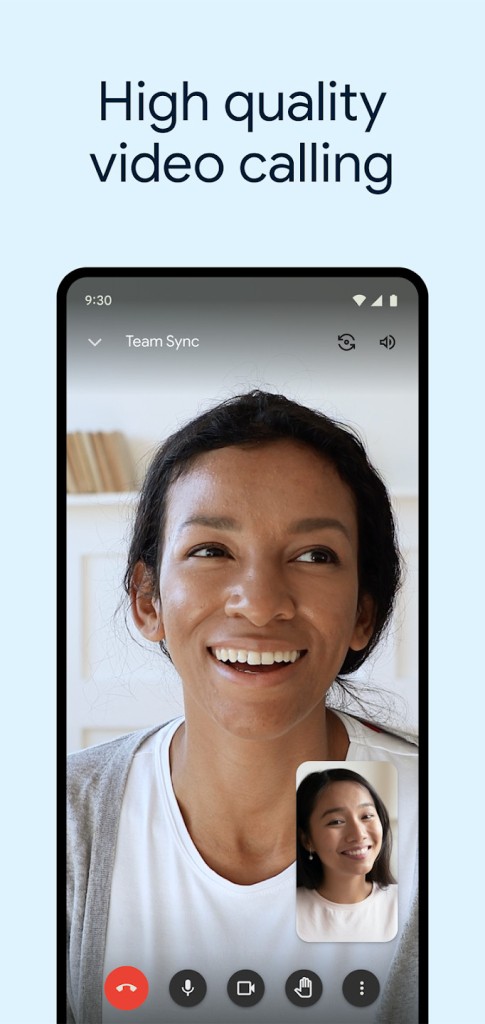
You can use Google Chat to instantly message your contacts, share files, and collaborate in real time. You can also take advantage of the integration with Google Meet to organize virtual meetings with your team or clients wherever you are. With Gmail, you can manage different email addresses through the IMAP/POP3 protocol as well.
Gmail works on mobile devices and through an online service, but you can configure other email apps to receive messages sent to your @gmail.com address. Professional users can also upgrade to Google Workspace and create an email alias with their company name as the domain.
Why Should I Download Gmail?
As the most popular email service provider, Gmail remains easy to use and free of charge. It has a simple, intuitive interface that organizes your messages so you deal with less noise in your inbox. Your emails can be automatically categorized into different tabs based on their contents, including Primary, Promotions, Social, and custom tabs. You also get 15 GB of free cloud storage for your messages and other media, shared across all Google tools.
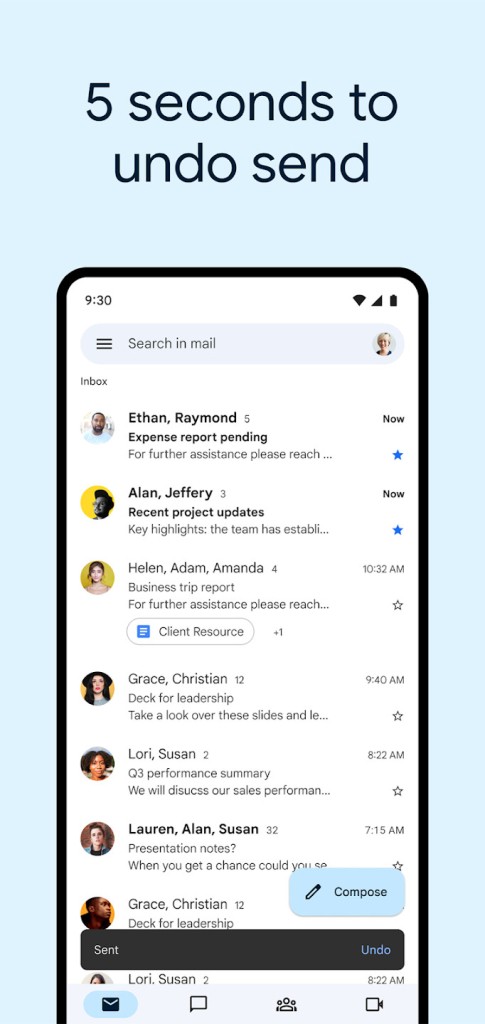
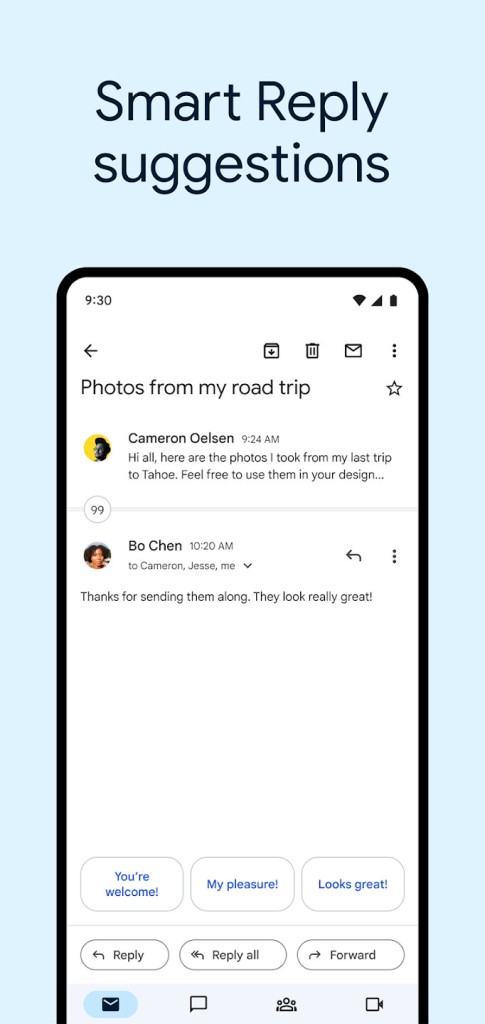
You can mark messages as important, have Gmail snooze a message to remind you about it at a later date and time, reply with automatically generated phrases, or schedule when you want your email to go out. All the messages you write can be formatted in bold, italics, different fonts, sizes, and colors, or presented as a list.
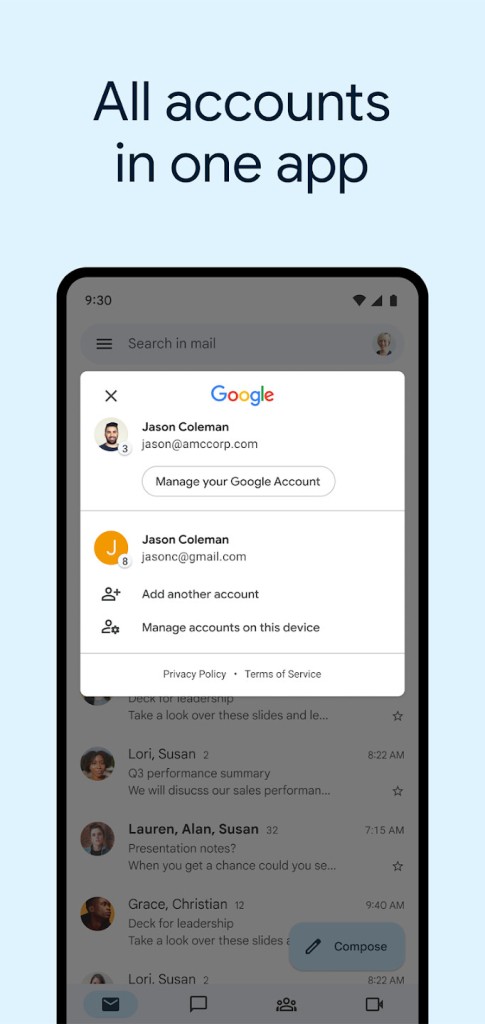
With Gmail, you can also add and manage different email addresses created by other providers. They will have their own folder in your Gmail inbox and automatically get a label with the full email address as the name. You can create your own labels and even apply multiple labels to a single message. Your labels appear as folders, and you can open them to see all emails sharing that label. Similar to messages arriving from other email accounts, each label is displayed next to the subject line in your inbox.
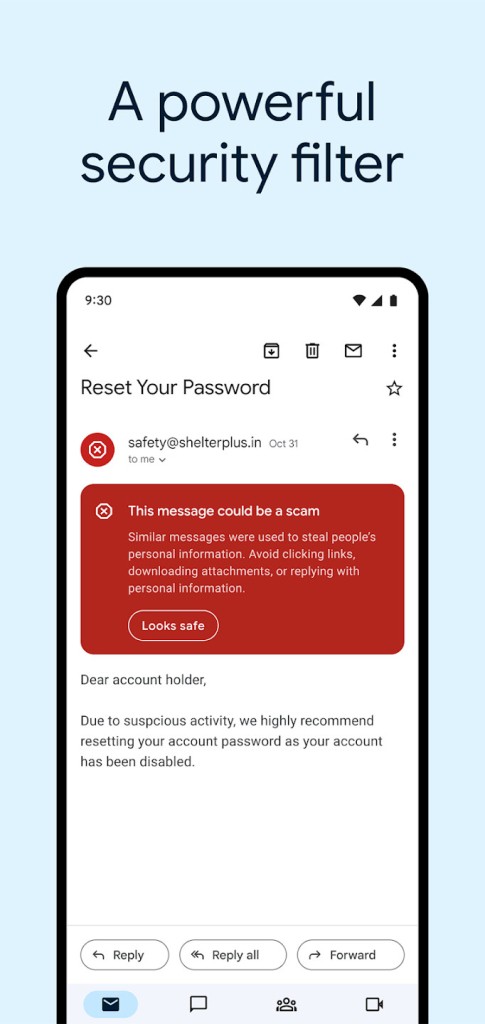
Gmail has a powerful spam filter. Unwanted messages are automatically detected and moved to the spam folder, where they are deleted after 30 days. If a valid email lands in spam, you can easily recover it. The advanced search function lets you find any message or attachment by keywords, senders, recipients, or dates. Large attachments are stored directly in Google Drive, and instead of sending the file itself, Gmail shares a link so the recipient can download it easily.
While all of those features stand on their own, one of the most significant advantages is that creating a Gmail account gives you access to the entire Google product suite for free. You can have video conferences with Google Meet, add details from your messages to Google Calendar, save attachments to Google Drive, and much more. If you use your Gmail account to log into your Google Chrome profile, all your browsing history, bookmarks, saved passwords, and other details sync automatically. Gmail also works offline, letting you read, delete, reply to, and search through your emails even without an internet connection.
Gmail also has an excellent offering for companies looking to create multiple email addresses and users under their own domain. Google Workspace adds more advanced features to your Gmail experience, as well as tighter integration between Google products and third-party tools such as Zoom or Slack.
Your Gmail inbox can be accessed through its website, where some ads are displayed, or through a mobile app. The app is customizable: you can change the background image, the theme, and even the display density of your inbox.
All messages sent through Gmail use TLS encryption in transit, though not true end-to-end encryption. You can set up a password to protect them or choose to have your emails automatically self-destruct after a set period.
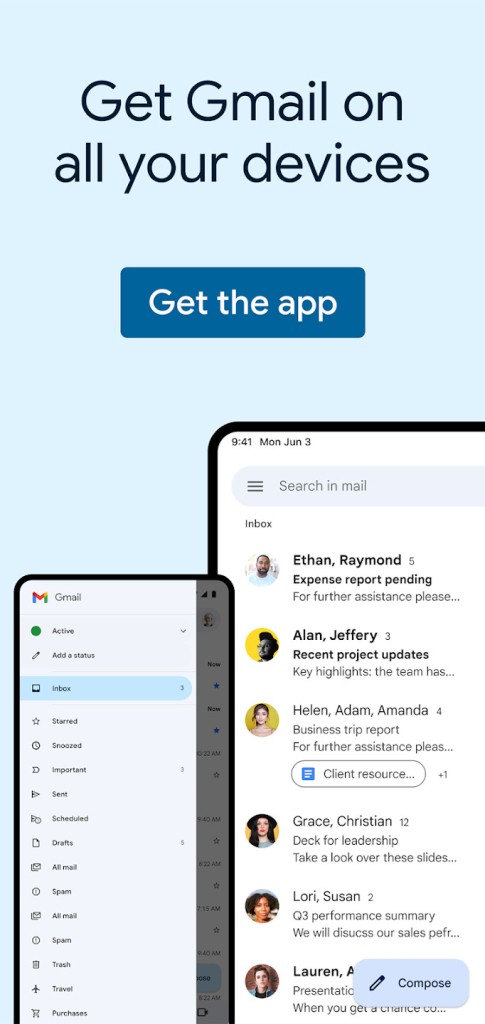
The Gmail app is available on all devices: computers, tablets, and smartphones. Your messages and contacts sync automatically, so you always have access to your data wherever you are.
Is Gmail free?
Yes, Gmail is a completely free service from Google. You get free storage space with your Gmail account, but it is shared between different Google products. You can always purchase more if you run out. Gmail is also a part of Google Workspace, which is targeted at companies and professionals rather than individuals.
What Operating Systems Are Compatible With Gmail?
You can access Gmail through a website, so it is compatible with all devices that have an internet connection and a web browser. While there are no dedicated desktop apps for Gmail, you can download it on mobile phones and tablets running Android and iOS.
Android users need to set up a Gmail account on their mobile device to be able to use integrated apps and the Google Play Store.
What Are The Alternatives To Gmail?
While Gmail is currently the biggest email service provider in the world, this has not always been the case, and multiple big competitors have existed for a long time. The web version of Outlook (previously Hotmail) is probably the most popular Gmail alternative. It is an email provider offered by Microsoft and can be used as part of the Microsoft 365 suite or as a free service accessible through a website or a mobile app. Similar to Google's approach, your Outlook account gives you access to other Microsoft services such as OneDrive, Word, and Excel. Outlook is also available as full desktop software for Windows and macOS users of the Microsoft Office suite.
Another major competitor is Yahoo Mail. Your inbox can categorize messages into different groups based on the type of email. It has a solid attachment management feature and is available as an app for iOS and Android or through its website.
Those who prefer not to use Outlook but still want an email client they can install on their desktop should check out Mozilla Thunderbird. It is free, and you can manage multiple email addresses with it. Additionally, it includes a configuration assistant and a task manager. It supports all the actions you would expect from an email service and has a clean, easy-to-understand interface. This open-source solution focuses on security by automatically detecting phishing attempts and improving encryption. You can install it on all desktop operating systems: Windows, macOS, and Linux.