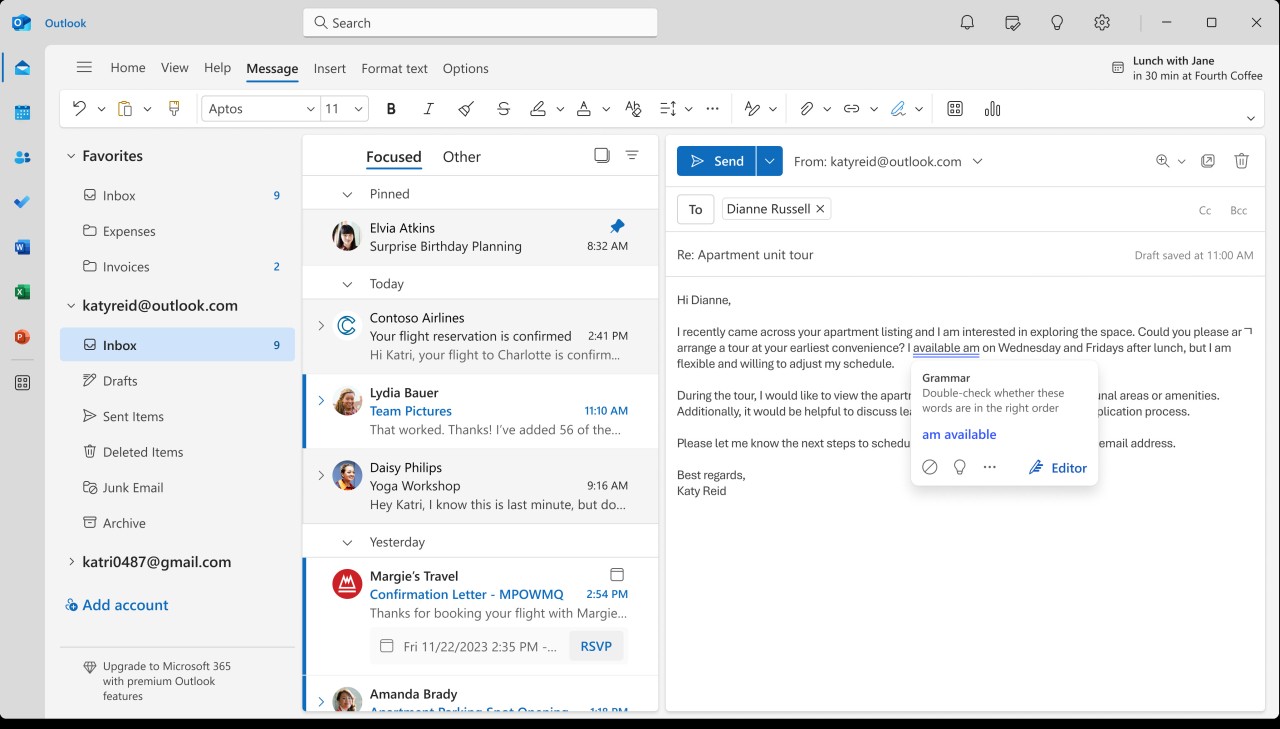
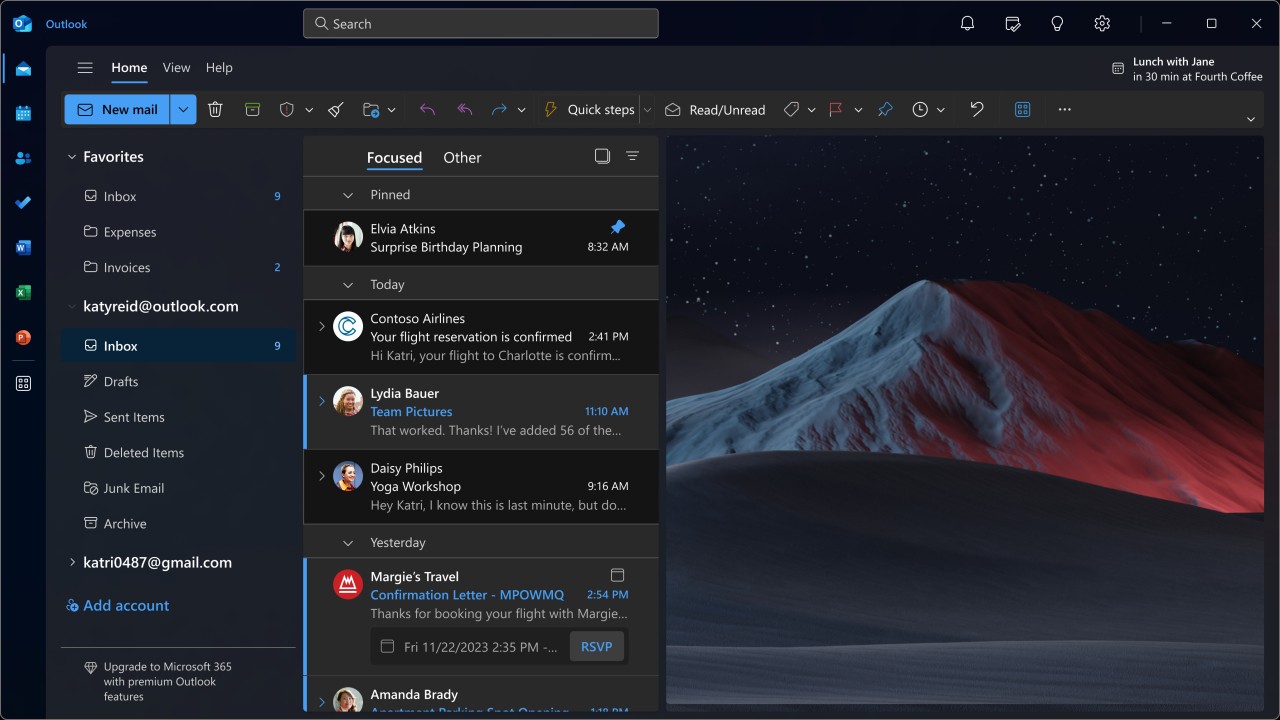
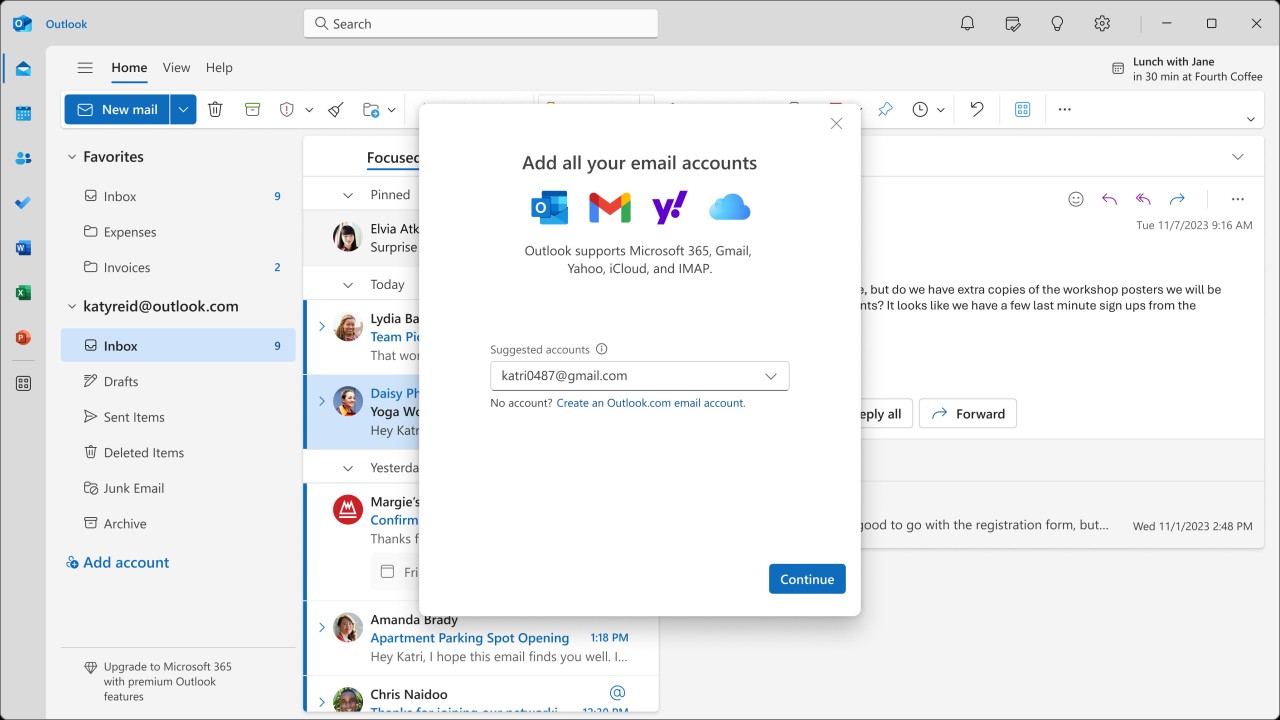
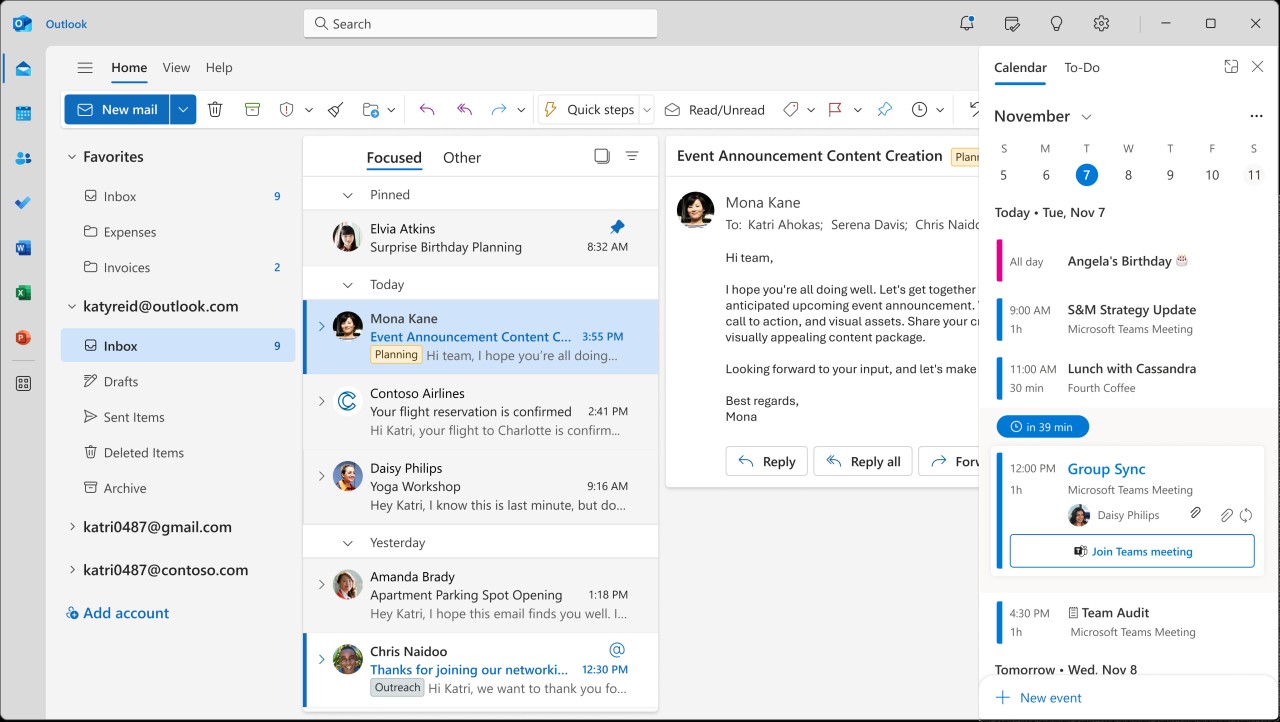
Outlook is a leading email client developed by Microsoft as part of its Office suite. The tool goes well beyond traditional email, delivering a unified platform for managing messages, scheduling meetings, organizing contacts, and tracking tasks.
Through a single interface, Outlook brings all your communication elements together, simplifying workflows for both personal and professional use. Recent updates have added enhanced offline synchronization of up to 30 days and offline access to search folders, improving flexibility for remote work.
What makes Outlook distinctive is how deeply it integrates with the rest of the Microsoft ecosystem. If you already use Windows and Microsoft 365, Outlook connects naturally with your calendar events, cloud storage, and contacts across multiple devices. Encryption options and built-in phishing protection help keep your data safe and filter out junk mail. Integration with third-party apps like Zoom, Trello, GitHub, and Salesforce has also been expanded, adding more flexibility to productivity workflows.
Businesses rely on Outlook for its enterprise-level features, including shared calendars, advanced email organization tools, and effective team collaboration capabilities. Whether you are coordinating schedules across a team of five or managing communication for an entire department, Outlook handles the volume without slowing down.
Why Should I Download Outlook?
Among email clients, Outlook consistently wins users for good reasons. Its inbox management goes beyond basic sorting; it helps you restructure how you handle communication and information across your workday. For users who want their digital services to work together in one unified environment, Outlook is a reliable choice. Customizable notifications and mobile draft minimization improve day-to-day usability and keep distractions to a minimum.
The primary advantage of downloading Outlook is its versatility. The software serves different needs across work, education, and personal use equally well. Microsoft Teams and SharePoint integration lets professional users arrange meetings and share files through one interface connected to their core applications. The built-in calendar tracks events, while task management features help you avoid missed deadlines and keep projects on schedule. An AI Copilot assistant can now summarize long email threads and propose draft replies, saving considerable time on repetitive communication tasks.
Outlook performs exceptionally well when it comes to email organization. Rather than leaving messages piled up randomly in your inbox, its smart filtering system separates important correspondence from promotional content and spam for better time management. Rules and folder management help users who handle hundreds of emails daily keep everything properly sorted and easy to retrieve. The system handles the structural work so you can focus on what actually needs your attention. A recent update also allows replying to and forwarding emails stored in PST files, expanding your options for working with archived messages.
Security is another principal advantage worth highlighting. As phishing attacks and spam have grown more sophisticated over the years, Outlook implements additional measures to scan incoming messages for potential threats before they reach your main inbox. The system warns you before opening suspicious emails and places especially risky messages directly in the junk folder. Encryption support lets you protect sensitive information in transit, which is critical for anyone handling confidential business documents. Enhanced multi-factor authentication and advanced threat detection powered by Microsoft Defender add further layers of protection to your account.
Device synchronization works smoothly, letting you move between different machines without losing track of anything important. Your data automatically syncs across computers, phones, tablets, and laptops in real time. Switching devices does not mean losing access to important messages or calendar alerts. Improved offline access and push notifications on Android and iOS make mobile workflows more efficient than they have been in previous versions of the application.
Outlook is more than just email. It functions as a complete hub for managing communication and productivity. The platform gives you a single place to handle work tasks and is an excellent choice if you prefer that kind of combined interface. Integration with Loop components now enables real-time collaborative editing directly within Outlook messages.
Outlook Desktop vs Outlook.com: What’s the Difference?
The Outlook desktop application and the Outlook.com webmail service serve different purposes, even though they share the same brand.
The desktop version is a full-featured email client installed on your computer, offering advanced capabilities including offline access, extensive rule configuration, and tight integration with Microsoft 365 apps. It manages Microsoft accounts alongside services like Gmail and Yahoo, combining multiple inboxes in one place. Outlook mobile, available for Android and iOS, offers a similar experience optimized for phones and tablets.
Outlook.com is a browser-based webmail platform tied to your Microsoft account, typically associated with addresses ending in Outlook.com, Hotmail.com, or Live.com. It requires no installation and works on any device with internet connectivity. It provides core functionality like email, calendar, and contact management. While both versions work well together, the desktop client suits heavy professional use better, while Outlook.com is lighter and easier to access quickly.
Is Outlook Free?
The free version of Outlook comes with some limitations, but it still covers the basics well. Users who create Outlook.com accounts get essential email services without charge, including inbox management, calendar access, and contact organization. With Outlook, you receive access to email and scheduling features at no cost, putting it on par with other free providers like Gmail and Yahoo Mail.
Since Windows 11, a free desktop version of Outlook has been included with the operating system, replacing the older bundled mail application. This is not the full professional edition, but it covers everyday personal use comfortably and gives you a native application rather than relying on a browser tab.
Access to advanced features requires purchasing Microsoft 365 or a Microsoft Office license. The premium Outlook experience includes additional storage, ad removal, and improved security features, along with Word, Excel, PowerPoint, and other Office applications. Premium users also gain Copilot AI integration for email drafting, task management, and meeting summaries, which can make a noticeable difference in daily productivity.
What Operating Systems Are Compatible with Outlook?
Outlook runs across multiple platforms. Windows users get the full desktop package with the deepest Microsoft integration, especially when paired with Microsoft 365 or the Microsoft Office license. macOS users have access to Outlook as well, though there are some differences between the Windows and Mac editions. The Mac version follows Apple's design language while preserving core Outlook functionality.
For mobile devices, Microsoft offers a free app for both Android and iOS. You can configure any email account on the mobile app just as you would on desktop. Users who prefer not to download anything can access their Outlook.com account through any web browser.
Every major device type has an adapted version of Outlook available, spanning PCs, Macs, and smartphones on both Android and iOS.
What Are the Alternatives to Outlook?
Gmail is a practical alternative that delivers a clean interface, reliable spam filtering, and smooth integration with Google Workspace tools. Gmail works well within Google's ecosystem, connecting to Google Drive, Docs, Sheets, Slides, Calendar, and Meet. Its core service remains free for personal users, while Google Workspace business editions provide additional storage, custom domain support, and enhanced administrative features. The Gmail mobile app also supports managing multiple email accounts from different providers, not just Google ones.
Thunderbird is an email client developed by Mozilla, the organization behind Firefox. As a desktop application, it lets you manage all your email accounts without depending on a browser. Thunderbird works with various email providers and offers extensive customization through add-ons, letting you tailor the interface to your specific preferences. You can download Thunderbird for Windows, macOS, and Linux, and an Android app is also available for mobile use.
Apple Mail is a natural fit for anyone invested in the Apple ecosystem. It works smoothly across macOS and iOS devices and integrates with iCloud, Gmail, Yahoo, and other popular email services. The interface is clean and uncluttered, making it easy to manage your inbox without unnecessary complexity or visual noise. For Apple device owners, it is the most convenient option out of the box, and its tight integration with other Apple services like Calendar, Contacts, and Reminders makes it a solid productivity companion.