Created by Microsoft and included in the Office Suite alongside Word, Excel, and Outlook, PowerPoint is a presentation program available on Windows, macOS, and more. It helps users build slide-based presentations containing text, images, videos, animated elements, and a variety of design features. People across nearly every field use PowerPoint for creating structured visual presentations, and it remains the default choice for digital presentation development thanks to its accessible interface and reliable design tools.
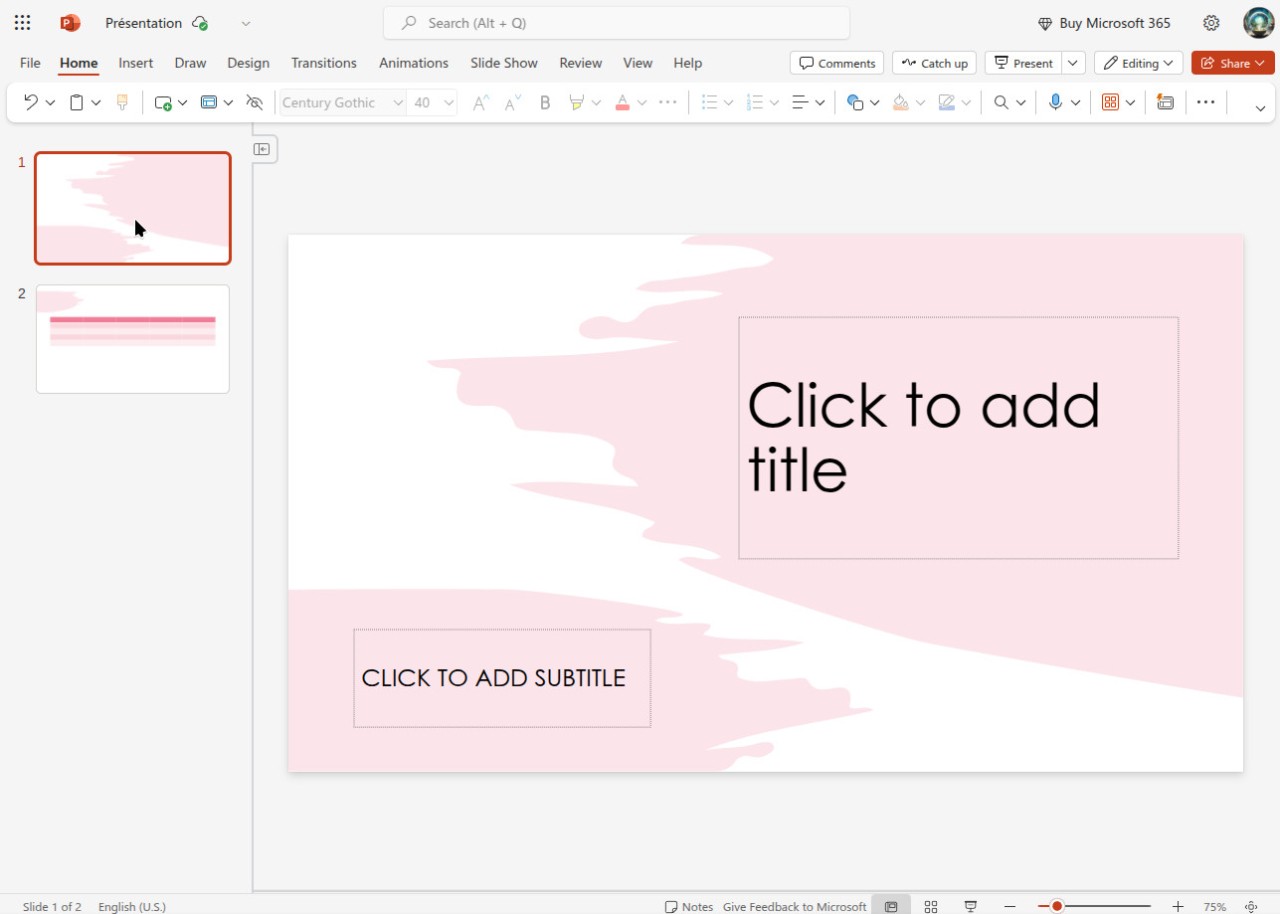
The core system lets users organize information effectively and visually. You can build new slides from scratch, apply built-in templates for quick design, and customize text styles, colors, and media elements. Animations, transitions, and interactive features add polish to presentations and help keep audiences engaged throughout longer sessions.
The application also includes strong collaboration and sharing capabilities. Through its connection to Microsoft OneDrive, multiple users can edit presentations at the same time. Real-time co-authoring lets teams refine their slides together, regardless of location. PowerPoint remains one of the most flexible tools for content organization, whether you are preparing academic assignments, business reports, or creative storytelling decks.
Why Should I Download Microsoft PowerPoint?
Anyone who needs to create organized, professional presentations with visual impact should consider downloading Microsoft PowerPoint. It is the most widely used tool for building slideshows because of its approachable interface and efficient design features. Whether you are a student preparing a class project, a professional delivering a sales pitch, or a teacher assembling a lecture, PowerPoint provides the essential tools for getting your message across clearly.
Ease of use is the primary reason PowerPoint holds its position. The software is designed so that users at any skill level can create presentations without difficulty. Drag-and-drop functionality for images and videos, combined with a deep library of templates, lets you assemble slides quickly. Even users with no graphic design background can produce visually polished content without investing a lot of time, thanks to the wide selection of pre-built layouts to start from.
Multimedia integration adds depth to what you can create. Embedding images, videos, audio clips, and charts into your slides makes it possible to present complex ideas in a more engaging way. Animation and transition effects keep presentations dynamic and prevent the audience from zoning out. The business world makes particular use of this for product presentations, where visual storytelling helps hold attention and reinforce key messages.
Collaboration is another area where PowerPoint excels. Cloud storage through OneDrive and Microsoft 365 lets you share presentations and have multiple people editing the same slides simultaneously. Virtual teams can work jointly on projects regardless of where they are located, which makes it especially practical for distributed workplaces and remote teams. Comments and version history tracking help keep everyone aligned throughout the editing process.
Presenter View gives speakers a useful advantage during live presentations and meetings. You see your notes and slide sequence on your screen while the audience sees only the slides, which helps you stay organized without breaking your flow. Export options include the PowerPoint Show (.ppsx) format, PDF, and video output, making it easy to share your content across different platforms and situations. Video export in particular is valuable for creating self-running presentations or sharing content with people who do not have PowerPoint installed.
PowerPoint integrates tightly with the rest of the Microsoft Office suite. It works smoothly alongside Excel, Word, and Outlook, letting you pull data, charts, and visual elements from those programs directly into your slides. That connectivity is especially valuable for business professionals who need to assemble presentations from multiple data sources and keep everything current as the underlying numbers change.
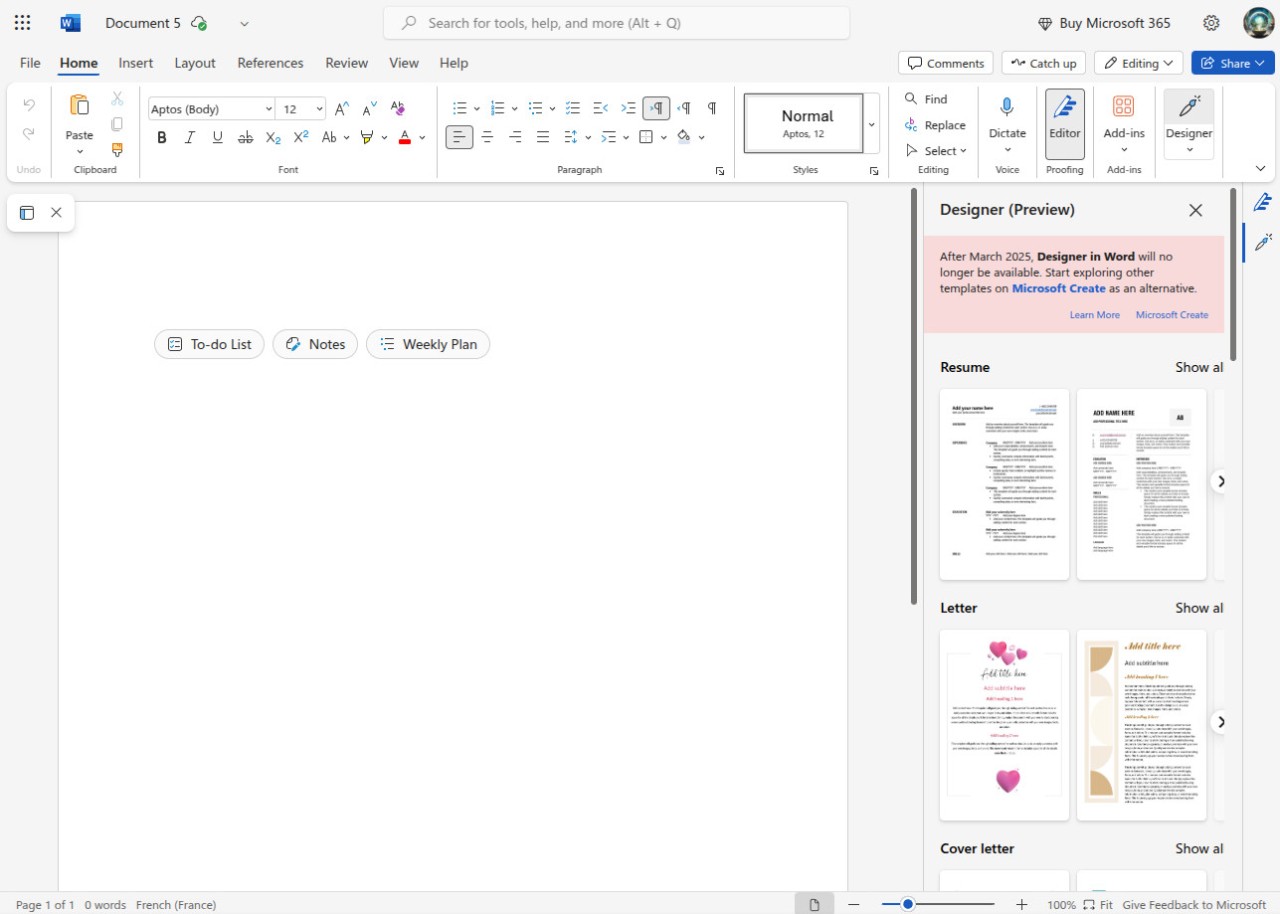
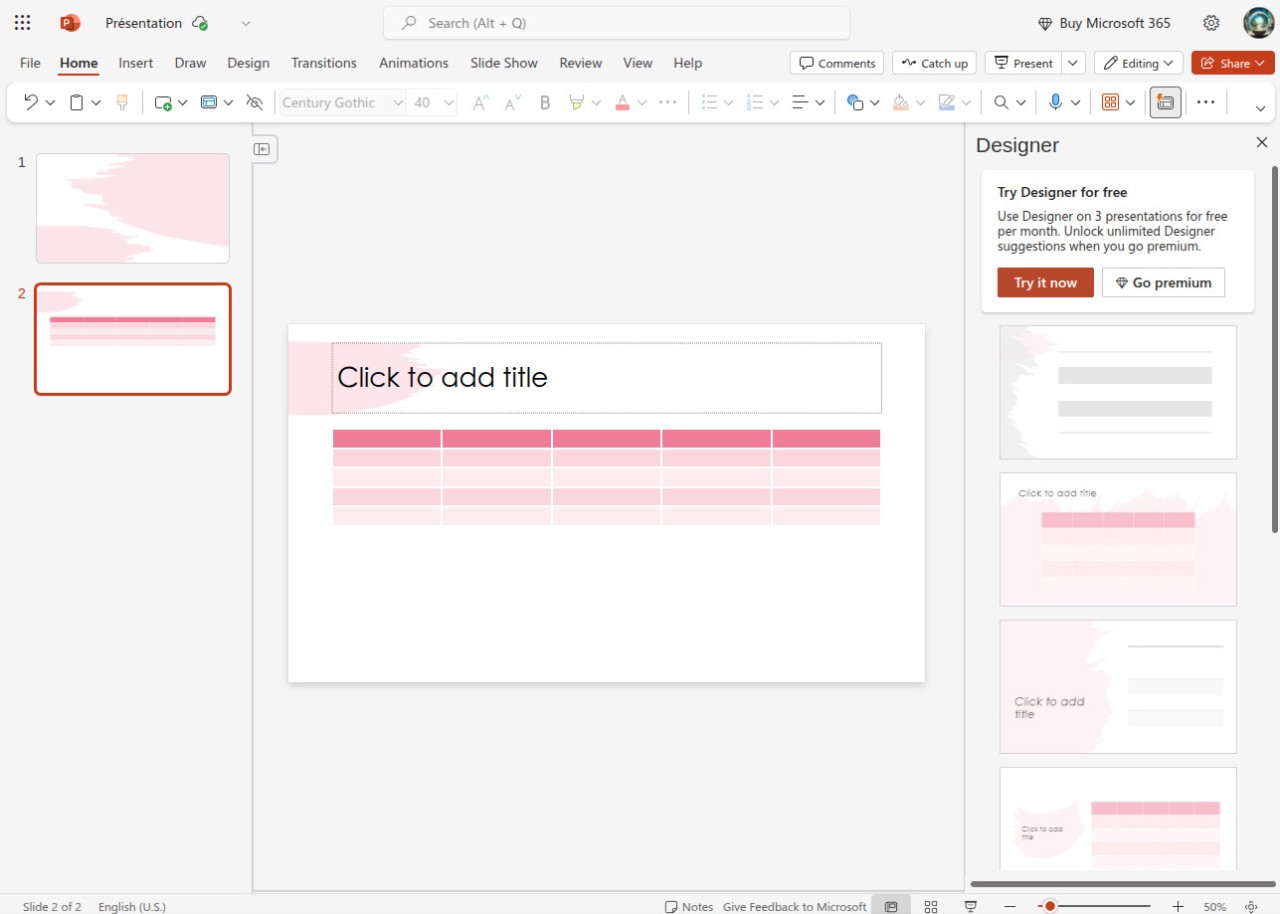
Recent additions include AI-powered design suggestions through Designer, which uses Microsoft Copilot to recommend layouts and visuals as you build your slides. Real-time translation support for multiple languages and integration with online collaboration applications further expand what you can accomplish. These features help users produce presentation materials that combine strong content with polished, professional visual design.
PowerPoint is an excellent tool for building professional, visually compelling presentations of any scale. It accommodates everything from simple classroom assignments to complex multi-section corporate reports, giving you reliable control over how your information looks and lands with an audience, regardless of the context.
Is Microsoft PowerPoint Free?
PowerPoint is available for free in some forms, though paid versions offer additional features. PowerPoint Online can be accessed through any web browser at no cost, providing the most basic tools for creating and editing presentations. All you need is a Microsoft account. Free versions also exist for iOS and Android devices, letting you view, create, and edit presentations on your phone or tablet. These mobile versions are fully functional, though some advanced features remain locked behind paid tiers.
Two paid paths are available. A one-time Microsoft Office license for Windows or macOS gives you the full desktop version of PowerPoint along with Word, Excel, and Outlook. Alternatively, Microsoft 365 is a subscription service that provides access to PowerPoint and other Office apps for desktop, mobile, and web, including all advanced features. You pay monthly or yearly, always receive the latest updates, and can use the apps on multiple devices.
What Operating Systems Are Compatible with Microsoft PowerPoint?
PowerPoint supports a range of operating systems, keeping it accessible across different setups. Windows and macOS users can access the full desktop version through Microsoft Office, which provides the most complete feature set, including advanced editing, offline use, and integration with other Office applications.
Mobile applications for iOS and Android let you create, view, and edit presentations on tablets and smartphones. The mobile versions cover the essential features, making them practical for on-the-go work.
PowerPoint Online through Office on the web offers browser-based access without any installation. This version works on any operating system, including Linux and ChromeOS, making it the most universally accessible option.
What Are the Alternatives to PowerPoint?
Google Slides is the most widely used alternative. As a free, cloud-based presentation tool within Google Workspace, it provides real-time collaborative editing out of the box. It connects well with Google Drive, Docs, and Sheets, making it a strong choice for teams that already work within Google's ecosystem. Google Slides is free to use without a subscription.
Prezi offers a fundamentally different approach to presentations entirely. Instead of moving through slides in sequence, Prezi lets you navigate a single visual canvas by zooming and panning, which can create a more dynamic narrative experience. The format works particularly well for businesses and educators who prefer non-linear presentation structures. A free version is available, with paid subscriptions unlocking advanced features. Prezi is currently only available for Windows.
LibreOffice Impress is the open-source alternative. Included in the LibreOffice suite, Impress is free and provides functionality comparable to PowerPoint, including compatibility with .pptx files. It offers all the essential tools for building presentations without requiring cloud services, which makes it a good fit for users who want a capable desktop solution at no cost. You can download it on Windows, macOS, and Linux, though there is no web-based version.