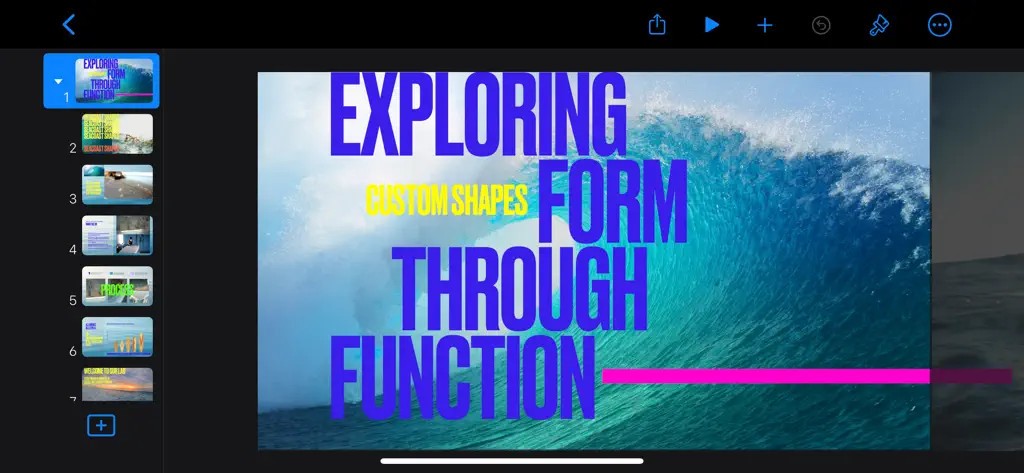
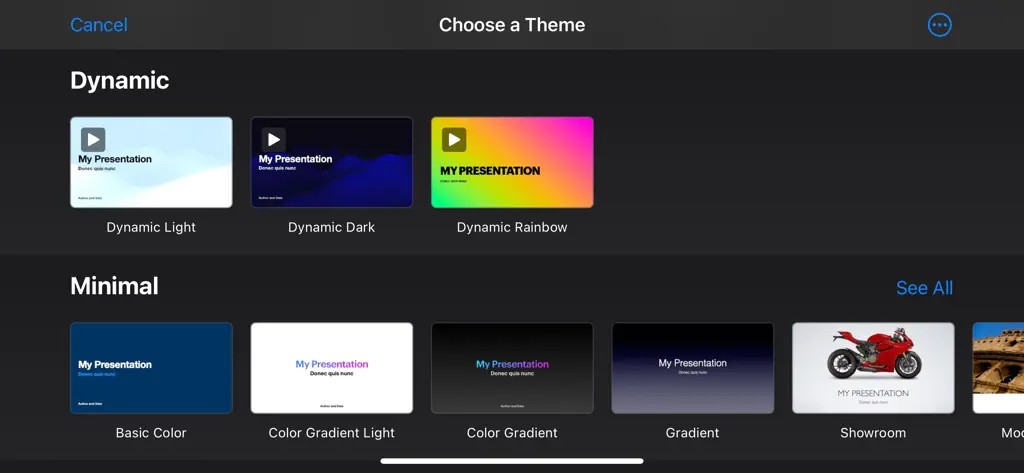
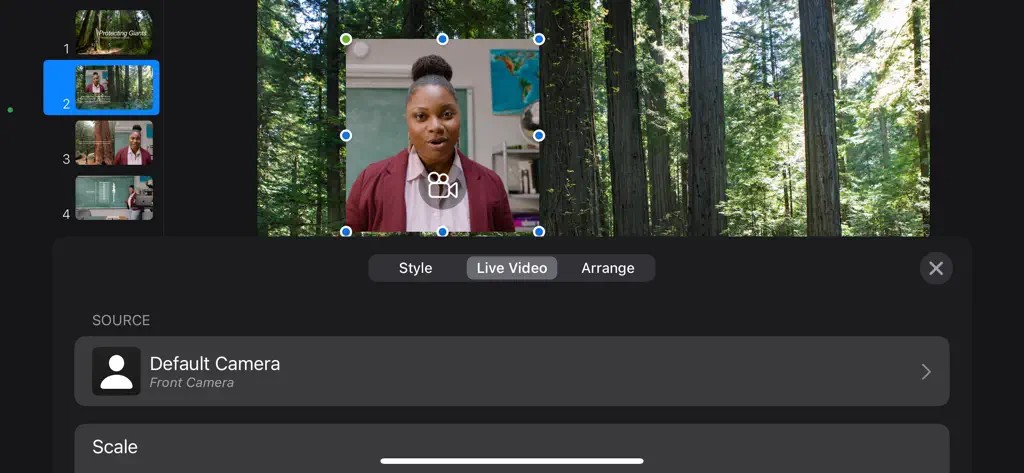
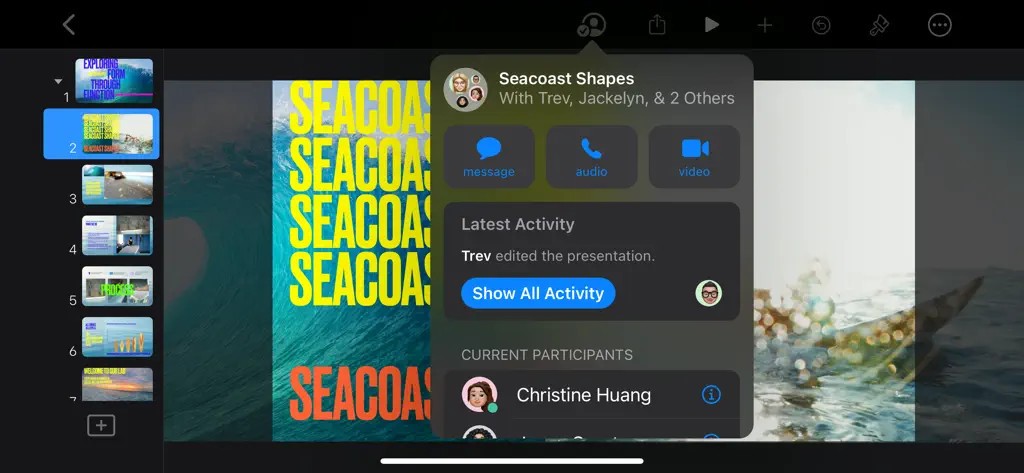
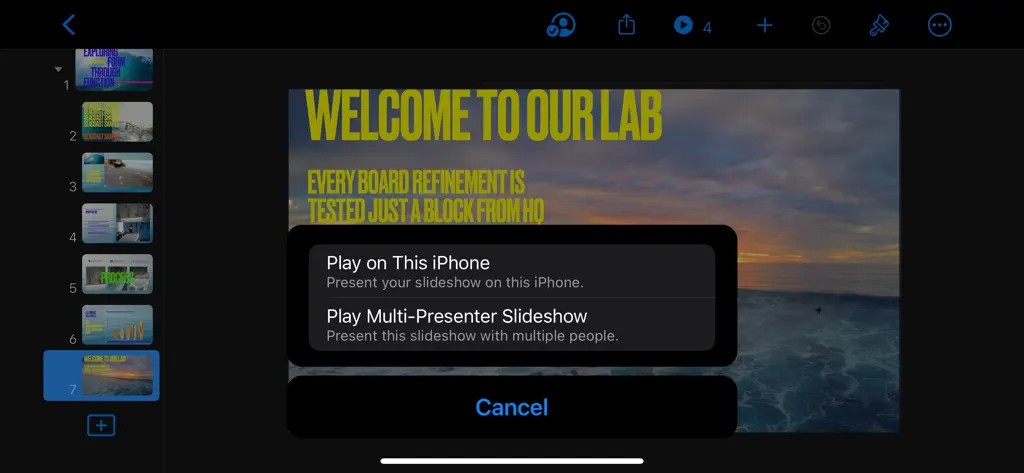
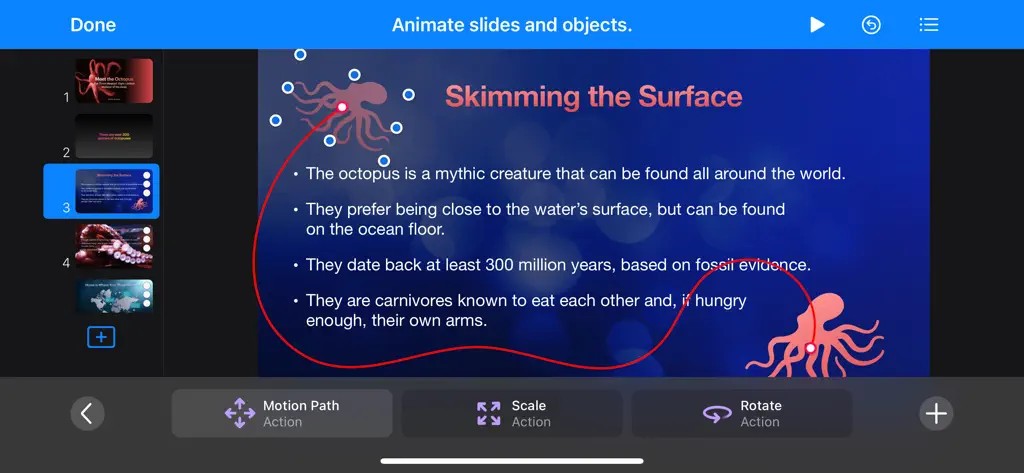
Apple Keynote allows you to make great slides in a simple way, as it is Apple’s dedicated software for presentations. Apple installs Keynote on most of its products, and it is now considered a trusted resource for all kinds of users. This app is made to stand out because, from the beginning, simplicity and elegant design were the main concerns.
You can either work with many existing templates to make a presentation, or you can start by designing everything yourself. It all works smoothly and clearly: placing pictures, adding text, and animating things isn’t difficult in Apple Keynote. In Keynote, you can concentrate on the message instead of how the presentation is made. Let’s not forget about iCloud, so you can easily use your files on every supported device at any time.
Pictures and graphics in the app are pleasing to the eye and up to date. Animation effects are done in a way that does not take too much attention. No matter if you present on a large display screen or online, Keynote slides are likely to keep their edges and appearance of importance. Even though there are no frills in Keynote, the tool is still easy to handle and useful when building presentations.
Why Should I Download Apple Keynote?
Because Keynote is part of Apple, it fits well if you already own a Mac, iPhone, or iPad. The tool links up with other Apple apps, which makes working feel as easy as before. Begin your presentation on your phone while traveling on the train, and add more details to it using your Mac at home. iCloud automatically saves the changes you make as soon as they are done, and everything stays updated in real time. There’s no need to transfer files manually, so things are much easier for you.
Although it is convenient, the real attraction of Keynote is the good quality you get. It all seems to fit well and is organized so that visitors don’t get confused. With simple designs and nice effects included, you can create a presentation fit for a professional, whether you’ve designed anything before or not. You can use the app for a short while and end up with a nicely made deck that’s ready to display.
Keynote collaboration tools are more useful than people tend to think. It is possible to share your slides with others, and they can work on them in real time as well. No matter if people are working together in the same room or remotely, they can review the presentation, make suggestions, and collaborate during the presentation. It lets you interact fully with everyone, which is usually not so easy with other presentation tools.
There is also the delivery part of the story. With Keynote, you enjoy having presenter notes, lasers, and the ability to control things from different devices. With your iPhone, you can operate presentations on your Mac and look at your notes during the process. Keeping the remote in your hand can boost your confidence during the presentation and keep things going smoothly without interruptions. By caring about small things, VoiceOver allows you to concentrate on talking and not be distracted.
How reliable the software is should not be ignored. There are no glitches when using Keynote. It does not suffer from crashes that are not expected. You won’t face those moments when a slide won’t show up or some transition fails. Having your performance stable gives you confidence before going up on stage, as many presenters should know.
Creating visual messages with Keynote is easy for educators, designers, marketers, and regular professionals. It shows off your content by leaving no distractions. Within a few clicks, Keynote helps even those who are new to using it appear like they understand how it works.
If you wish to make a clear presentation without having to search for formatting tips online, Keynote will help you along. It is mindful of your needs and lets you share your ideas precisely, which is the main purpose of a good presentation tool.
Is Apple Keynote Free?
Apple Keynote does not have any cost associated with it. On most iPhones, it is already there, while if you don’t find it on your Apple device, you can get it from the App Store for free. There’s no signing up needed (apart from the iCloud sign-in of your Apple device), and it functions perfectly from the beginning.
What Operating Systems Are Compatible with Apple Keynote?
People can run Keynote on macOS, iPadOS, and iOS. In other words, you are able to edit with it on your MacBook, iMac, iPad, or iPhone. You can use Keynote from a web browser if you have an iCloud account, then it works on your Windows or Linux PC, even though not all advanced features will be present. Because Apple’s devices are compatible, presentations can be edited and seen on different devices without any problems.
What Are the Alternatives to Apple Keynote?
All presentation tools are different, and each offers special features. If Keynote doesn’t suit what you need, or you would like to use a program that works fine with Windows and other brands, look into these four alternatives.
According to many, Google Slides is very similar to Keynote when it comes to being simple and supporting group work on the web. All you need to use it is the internet, since the file uploader is included in Google Drive. Several members of a team can collaborate on a deck, and everything gets stored automatically in the cloud. It is an ideal solution for schools, teams, or users of any devices except Apple gadgets. Designing isn’t as easy here as it is in Keynote, still it achieves your results quickly with a tidy interface.
Microsoft PowerPoint is recognized as the default in presenting information. It has existed for decades and allows users to change everything if they have control in mind. PowerPoint offers smart animations as well as detailed charts, which benefit users working in large organizations. Since it works well with Microsoft Teams and Outlook, it is the perfect match for businesses. Working out the new challenges is not easy, yet it offers more flexibility.
Prezi follows a new way of thinking. Instead of slides, the learning space allows you to zoom into different sections within it. It may hold the audience’s attention more, though they need to practice in order to use it well. Teachers and presenters like using Prezi, as it allows them to get away from the usual one-directional style and choose a more lively one. However, when done skillfully, it can make a great difference and remain in people’s minds.