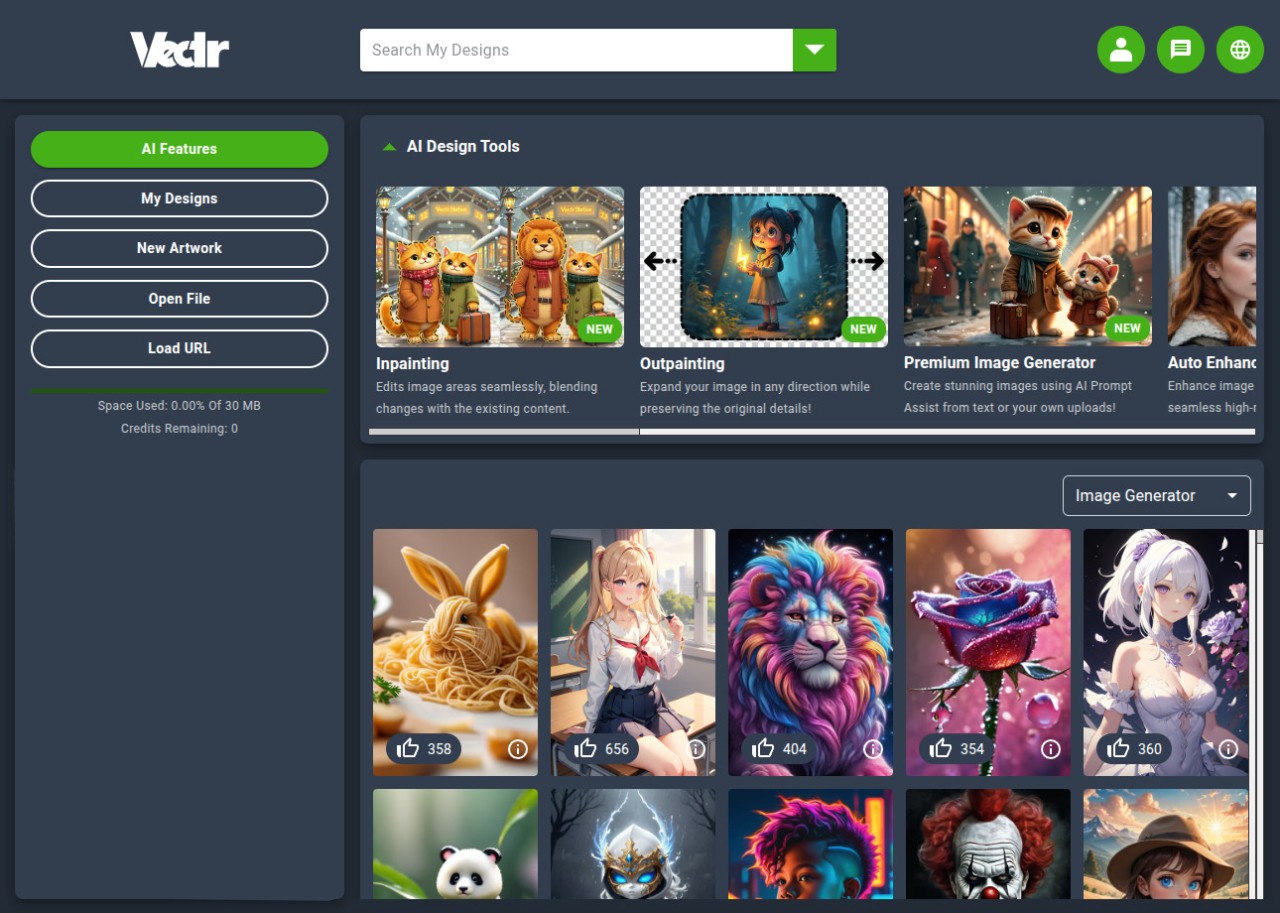
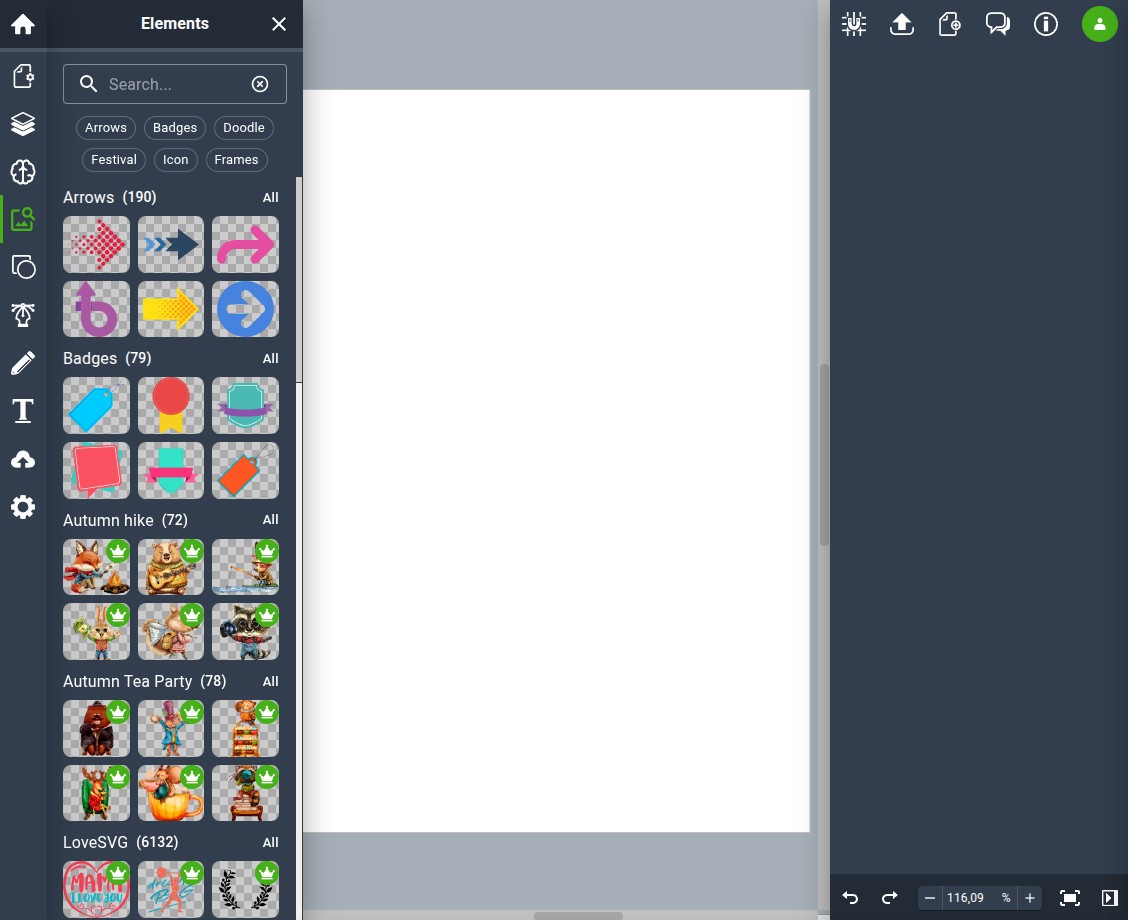
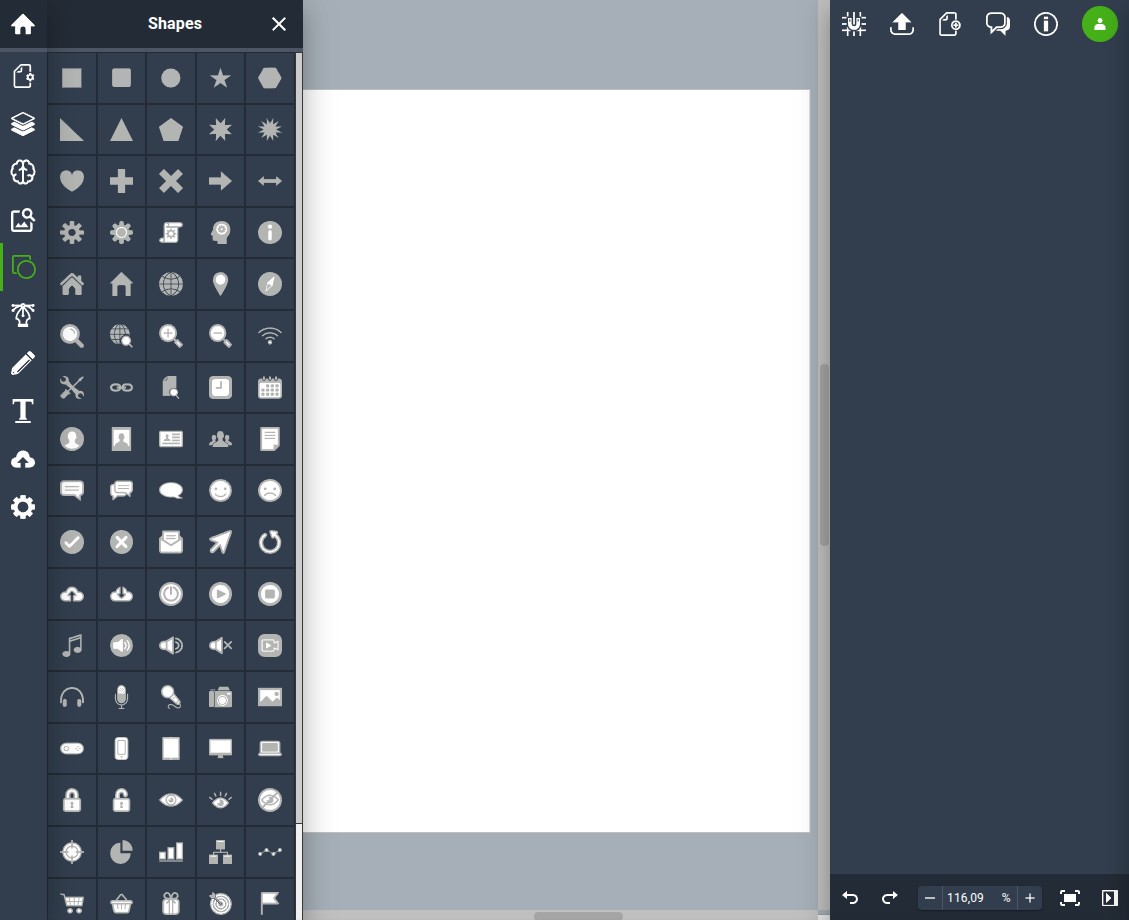
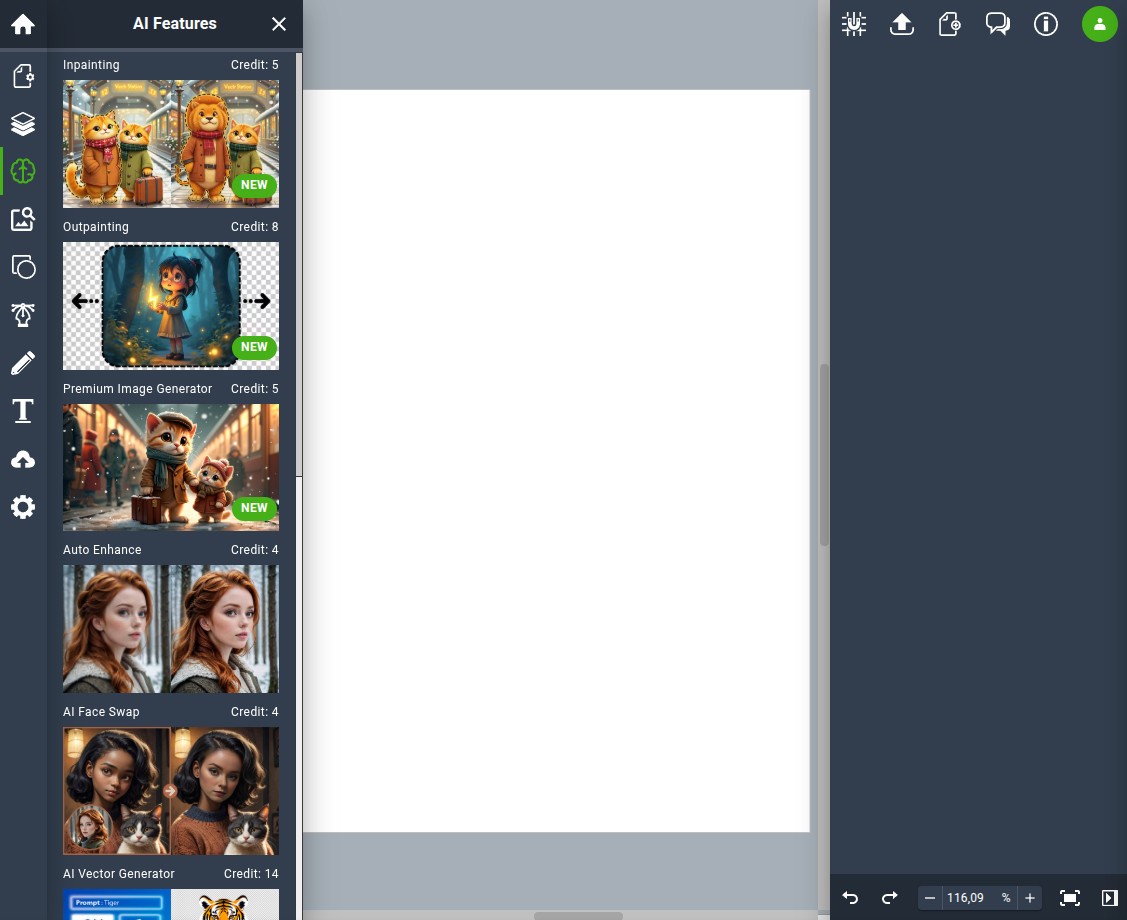
Vectr is a very minimalistic but effective vector graphics editor intended to allow anybody to create nice-looking, scalable graphics without being overwhelmed by excessive jargon and technical implementations. Vector graphics, unlike raster graphics, which construct images with pixels, construct shapes with mathematical equations. It implies that whatever you can create in Vectr will always be sharp and clear, regardless of the extent of resizing. You may need logos, social media illustrations, website mockups, or simple drawings. Vectr allows you to create everything you want with the most important tools.
The interface is simple and easy to use and is designed to make designing easy even for non-experts. First, you do not require years of designing experience to know how to sketch forms, write and change hues. All this is set out in a manner that is accompanied by experimentation.
Vectr is a cloud-based program, and hence, as you work, your work is being saved offline, and you can use it across multiple devices. Vectr aims to be a simple, nimble design tool, one that will allow basic operations without a substantial barrier to entry that exists on more professional tools.
Why Should I Download Vectr?
Vectr also provides an opportunity to start diving into the world of vector graphic design without the typical inanity of high-end design software. The ease of using its tools is one of the greatest reasons to give it a try. The application offers only those tools that help you make clean and scalable graphics, nothing more or less. All this implies that you will not lose your way in complex menus or settings.
You will be able to concentrate on design and not find out how the program will operate. The learning curve is mild, hence an ideal one even for students, hobbyists and any other person interested in beginning to create graphics without necessarily having much knowledge. You can create shapes, lines and curves; insert text; modify colors; and export. All these are in real-time updating, and it is easy to adjust on the go.
The fact that Vectr is in the cloud is another argument to mention. In this sense, your files will be automatic and will be stored on the web, which means you will not lose your work in case something goes wrong with your machine. One can work on a project on one computer and resume on another computer, which makes it convenient for people who use more than one computer.
There is also a team dimension-you can send the link of your file and allow others to view it or edit your layout in real time. This also means that Vectr can be applied both to personal projects and collaborative work or school assignments that require feedback and collaboration. The software is designed as an easy-to-use, lightweight software that can work on most computers, even when you do not have the latest hardware. Working on a flyer on social media, brainstorming concepts of a logo, or a presentation slide, Vectr will provide you with a convenient platform wherever you go, and you feel free to use it anytime.
Is Vectr Free?
No, Vectr is not free of charge anymore. It requires a subscription to use the basic features as well as advanced tools and exclusive elements. You can choose your plan depending on the storage space and AI credits you need.
What Operating Systems Are Compatible with Vectr?
Vectr functions on multiple platforms due to its web-based construct. You can access it via any contemporary internet browser on Windows, macOS, Linux, Chrome OS, or any other system with a browser and an internet connection. Note that the Vectr team recommends using the Chrome browser.
Vectr is cloud-based, so it is better to stay connected with a stable connection when you are working on the web version. Update your browser and you will get to use new features and performance enhancements straight away.
What Are the Alternatives to Vectr?
One of the most popular free alternatives to Vectr is called Inkscape. It is a free software vector graphics editor that is abundant with features used in illustrations, diagramming, and technical drawing. Advanced features. The Inkscape editing environment is node-based, which enables path operations and the use of many file formats. It suits the tastes of the user requiring more control and precision in their designs, and who has little time to spare to learn the program. It may be a bit more complicated than Vectr, but it allows you to have freedom in drawing anything as detailed as a simple icon or even a complicated drawing like illustrations.
Another type of alternative can be seen in Canva, which is simplified and oriented towards design templates as well as simplicity of use, instead of pure editing on vectors. It is widely used in making social media graphics, presentations, flyers and other marketing communiques. Drag-and-drop is the interface that Canva provides in conjunction with vast libraries of templates and images, and font types, which lets it develop professional-looking designs very quickly. It may not have the same level of precision as the vector editing services provided by Vectr or Inkscape, but it is very good when you want to come up with polished graphics, but you do not want to begin at point zero. Just like Vectr, Canva has collaboration features and cloud-based storage.
There is an alternative called Affinity Designer, which is a paid app that offers a professional-level experience in design. It has the reputation of precision and performance, and has a large selection of tools in both vector-oriented and raster-oriented design. The Affinity Designer allows users to access professional color controls, custom grids, and Art boards. It is a good fit for graphic designers, illustrators, and all those looking to have a powerful alternative to subscription-based tools. Affinity Designer is not a free or subscription-based tool like Vectr, making it a one-off purchase instead. It offers extraordinary value to all those who wish to take their design further.