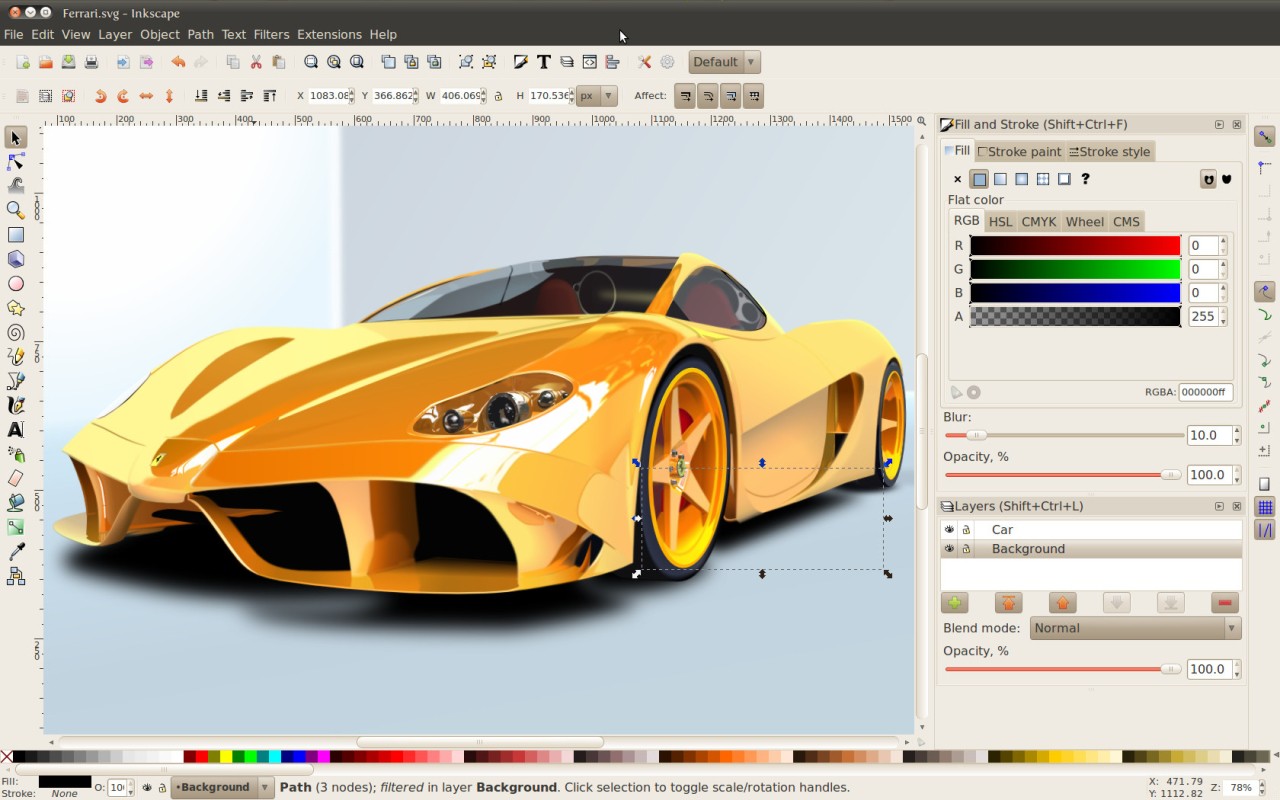
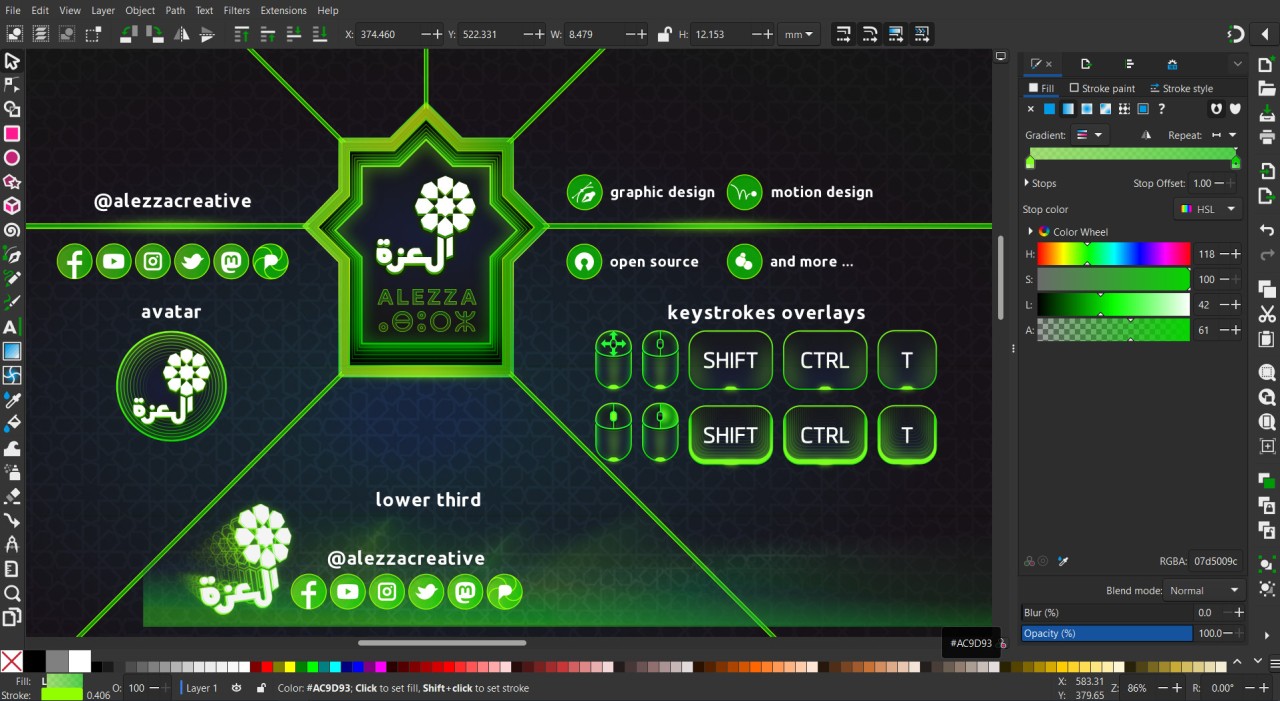
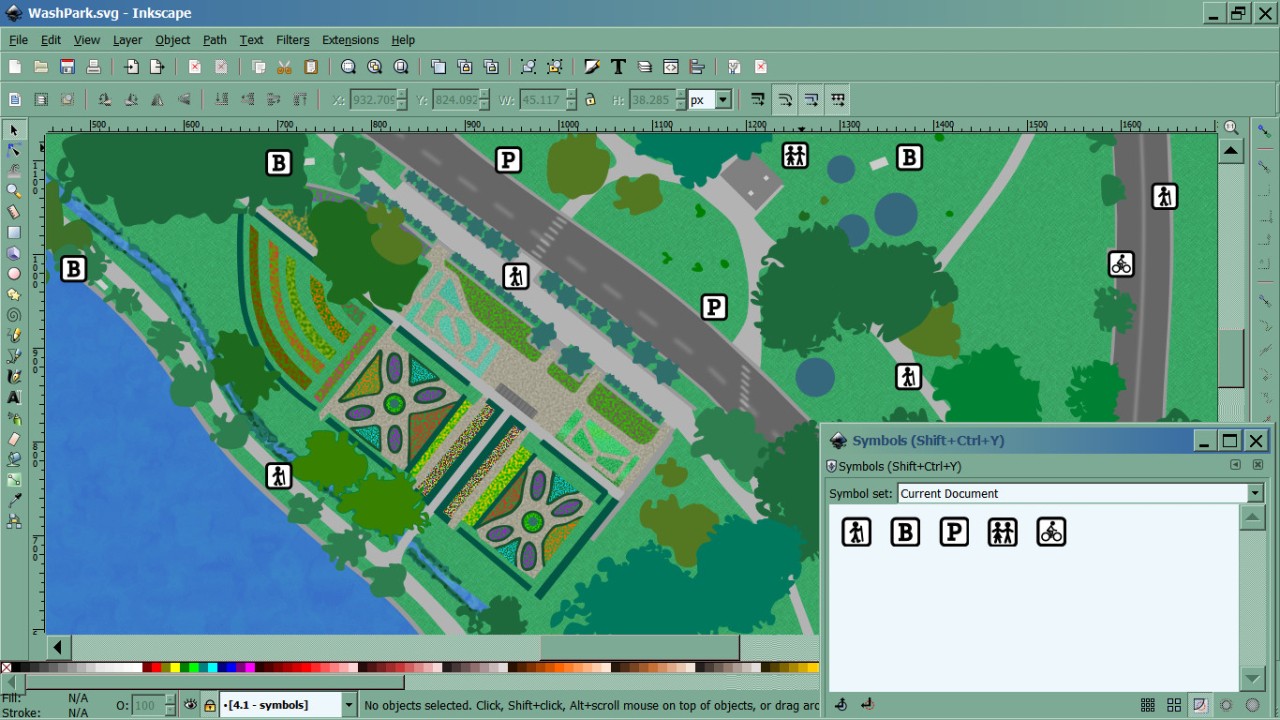
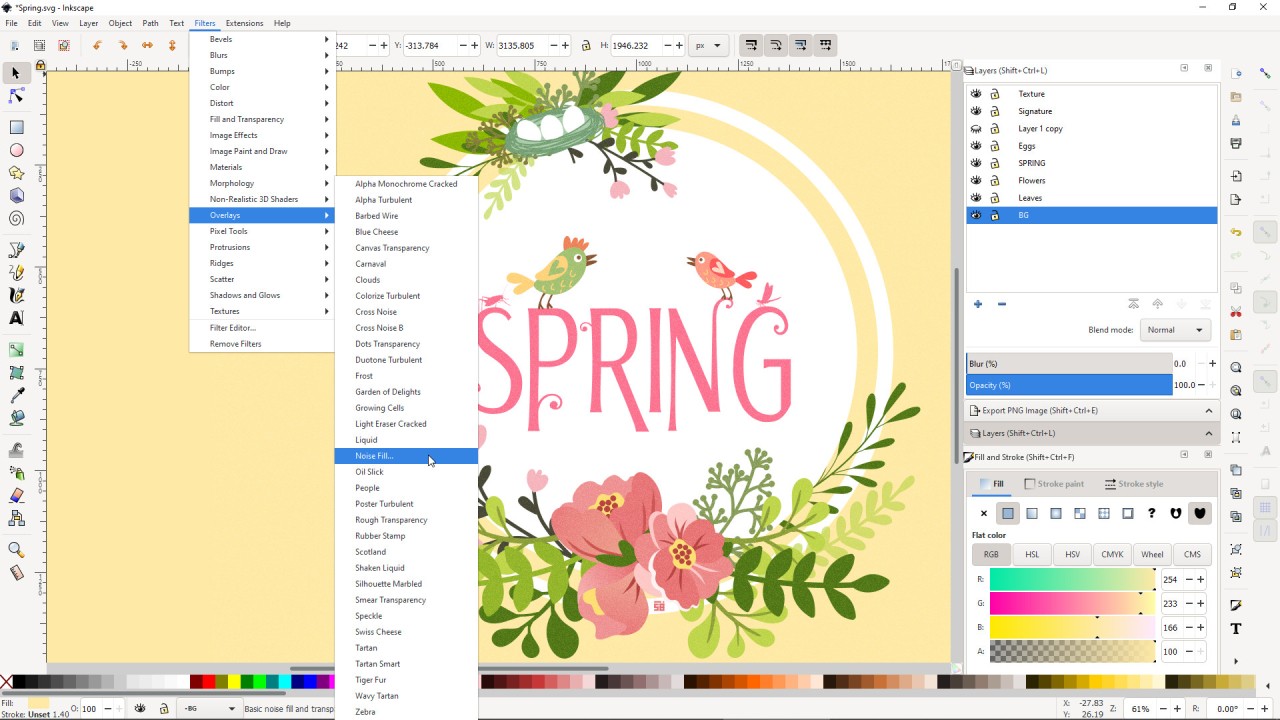
Inkscape is a free, open-source vector graphics editor that has gained prominence among graphic designers, digital artists, and illustrators. Inkscape has earned its reputation by generating and altering vector images, so designers use it mainly to create logos, icons, and illustrations, as well as diagrams and elaborate designs that must maintain resolution at any size. The Inkscape interface remains basic for users, though it contains numerous advanced features. Users can sketch drawings and work with paths while applying several effects, and full filters are available. The tool features professional-grade capabilities alongside accessibility features that welcome new users interested in vector graphic design.
The software works with the SVG file format natively to serve users working in web and print media well. In addition to the SVG format, the program supports file import and export for PNG, PDF, EPS, and other formats. The drawing tools in Inkscape include shape-focused capabilities and freehand drawing, as well as calligraphy and expert object handling. The standout feature of Inkscape includes its node editing capability that assists designers in precise modifications of their work. The software enables path operations and boolean operations and delivers text support, which results in its position as a powerful replacement for payment-based alternatives. The free program Inkscape is an effective tool for creating artistic images, technical illustrations, and infographics, without payingfees.
A devoted team of developers from the Inkscape community dedicates their efforts to continuous improvements of the software. The tool develops through time because users provide essential feedback. Inkscape is a highly beneficial open-source solution that users can access for free to manage vector graphics without spending money on expensive editing software. Users can access abundant tutorials together with extensive community support, which makes it easy to begin their work at Inkscape.
Why Should I Download Inkscape?
The reasoning behind downloading Inkscape becomes clear when needing a good vector graphics editor without financial strain. As a free application, Inkscape offers enormous benefits to users who wish to avoid the expenses associated with standard subscriptions and one-time-fee software packages. Being open-source allows the tool to receive regular updates from its broad community, which provides both new enhancements and helps solve existing issues. Using this tool becomes possible without financial obligations or permission restrictions.
Many users choose to download Inkscape because its massive suite of features matches or surpasses those found in highly recognized commercial tools. Operations for scalable vector artwork are of universal importance to designers who work on logos, typography, and illustrations, as well as diagrams. Inkscape provides precise tools that enable handling complex path operations and node editing, granting users complete control over their work. The same high-quality output is achieved when designing for print or web platforms, as resolution does not affect image quality.
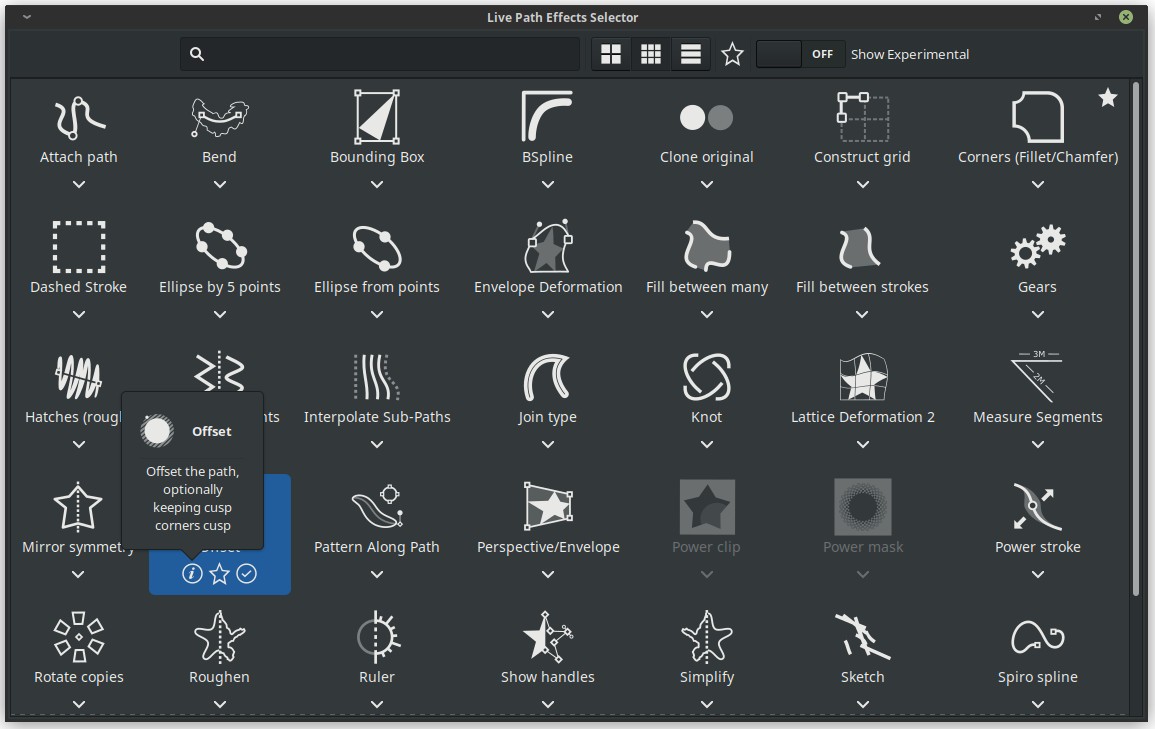
You should download Inkscape because of how extensible the application turns out to be. You can boost the software's functionality by enabling its diverse set of extension plugins. Through extensions, you can both import new file types and create new tools as well as automate repetitive activities that improve your workflow. The software contains many pre-packaged filters and effects that let designers create unique design elements without requiring intensive hands-on work. Inkscape stands out because users who love customizing their systems will find the program adaptable. You have full control to customize how Inkscape's interface appears, alongside which features it supports for your own working procedures.
Performance is another strong point. Complex projects do not influence Inkscape's speed performance the way typical resource-heavy software packages would because this program keeps its responsiveness levels steady. Users with mid-range or older computers can use Inkscape because it requires low hardware specifications. The compact size of the Inkscape software lets you install it on modestly equipped machines without compromising overall speed. Due to its basic system needs, Inkscape offers ease of access for users with different hardware setups.
The open-source nature of Inkscape creates a community-based ecosystem that delivers software together with membership to a group of artistic collaborators. The community offers access to user-generated plugins, together with forums and learning resources for improved usage. The free software platform Inkscape delivers professional-quality results, even though it is available at zero cost.
Is Inkscape Free?
Users can access Inkscape at no cost, as the software is free. Inkscape operates free of charge, with no undisclosed fees, and requires no subscription payments or additional billing. The developers working on the software feature volunteer members from the community who actively work to provide free accessibility for all users.
What Operating Systems Are Compatible with Inkscape?
Inkscape is a cross-platform program that runs on Windows, macOS, and Linux platforms. The software runs without interruption across these operating systems, providing identical functionality to users on Windows, macOS, or Linux.
The development team supplies software updates that function equally well across all platforms the company supports to maintain performance and operation. When you use Inkscape, it brings its complete features to all Windows machines as well as macOS and Linux computers, without compatibility issues.
What Are the Alternatives to Inkscape?
Among all Inkscape alternatives, Adobe Illustrator is the most widely chosen replacement. Illustrator is the primary tool for creating vector graphics, while professional illustrators, designers, and digital artists widely use it for their work. The software has several great features, includingsophisticated path computation and shape creation anddiverse brushing solutions. The cost of Adobe Creative Cloud subscriptions runs high because Illustrator demands paid access through this platform. Illustrator stands as the ultimate professional-grade tool, but it comes at a high cost.
Another notable mention is Canva. As a web tool, Canva offers simple design solutions through an easy-to-use interface, compared to Inkscape and Illustrator. People who require social media graphics and presentations, as well as simple design work, can use this program to avoid complex vector editing operations. Canva provides a simple drag-and-drop interface that allows anyone to work on the application even if they lack design skills. Canva offers users two versions: free basic content and premium services.
These days, vector editing software fans have an additional solid option to consider with Affinity Designer now included in Affinity by Canva. The software operates with a single upfront payment to deliver vector editing functionalities that match those of Illustrator. The software provides a complete set of advanced features, including non-destructive editing services, raster integration capabilities, and detailed typography management tools. The remarkable performance and affordable price of Affinity Designer stand out in contrast to Adobe’s subscription requirement. The tool stands out as an ideal solution for people who need top-performance software yet seek to avoid ongoing expenses.