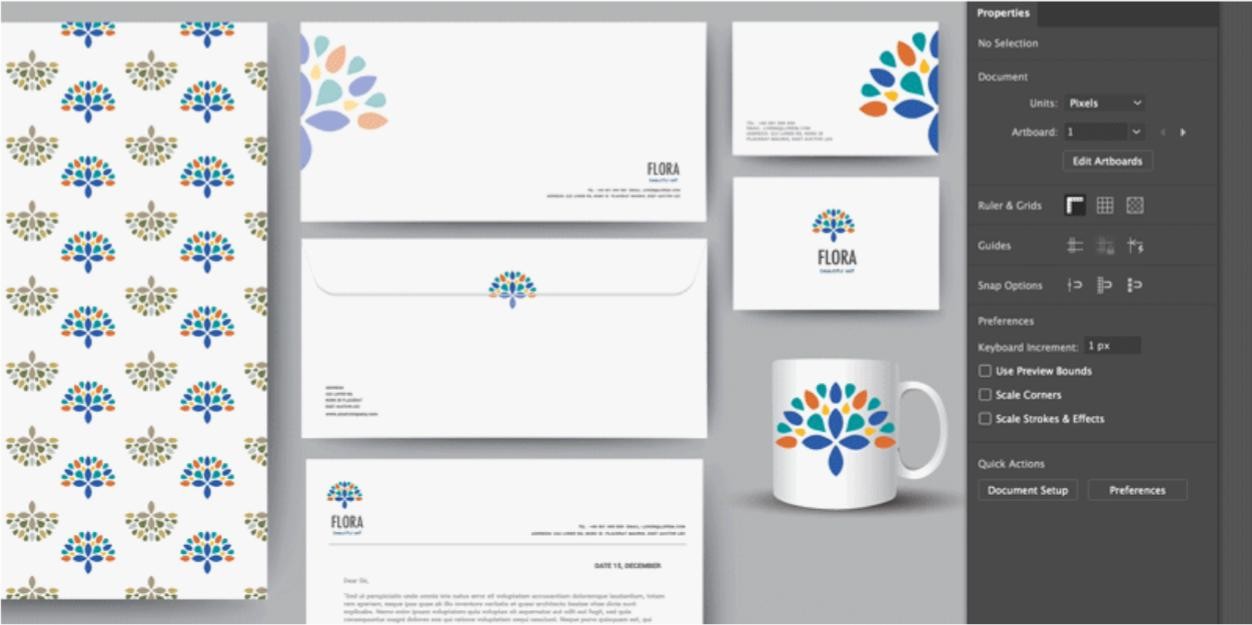
Adobe Illustrator is a professional vector-design software that attracts users with its broad editing capabilities and support for many file formats, as well as through its integration with other Adobe products. This is the tool designers use to create logos, typography, text layouts, covers, geometric illustrations, icons, and much more.
With this software, you can go deep into creating pixel-perfect designs and work with complex geometric patterns. Still, it offers a library of tutorials for users just starting out, as the tool can initially seem overwhelming. It's a good idea to go through them first in order to reduce the learning curve and make the most of this program.
Illustrator attracts designers with its multiple tools that allow for object modifications of every type, as well as a lot of advanced drawing tools. While you can use it to create designs from scratch or take advantage of the template library Illustrator offers, Illustrator has been on the market since 1988.
You can download Adobe Illustrator on the two primary desktop operating systems, Windows and macOS, and more recently also on iPad. Apple Pencil is recommended for the best Illustrator experience on iPad. This program comes with a 7-day trial, and you need to set up an Adobe account.
Why Should I Download Adobe Illustrator?
If you're a graphic designer, Illustrator is the go-to tool the industry has chosen for decades, so it has proven its worth and value. There's no doubt that it can handle even the most demanding tasks and also help you quickly design simpler projects. This is mainly because of the tools it offers to users looking to modify or create objects in various ways, such as drawing, painting, graphing, path adjustments, typing, cutting, slicing, reshaping, moving, zooming, and snapping.
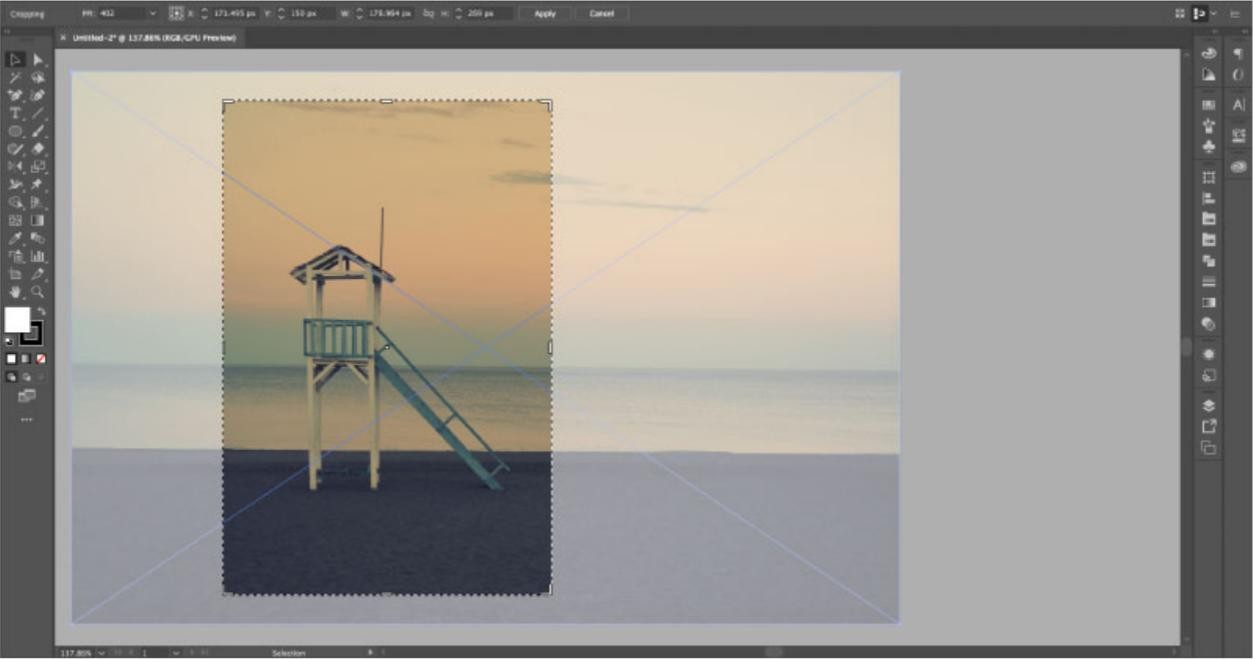
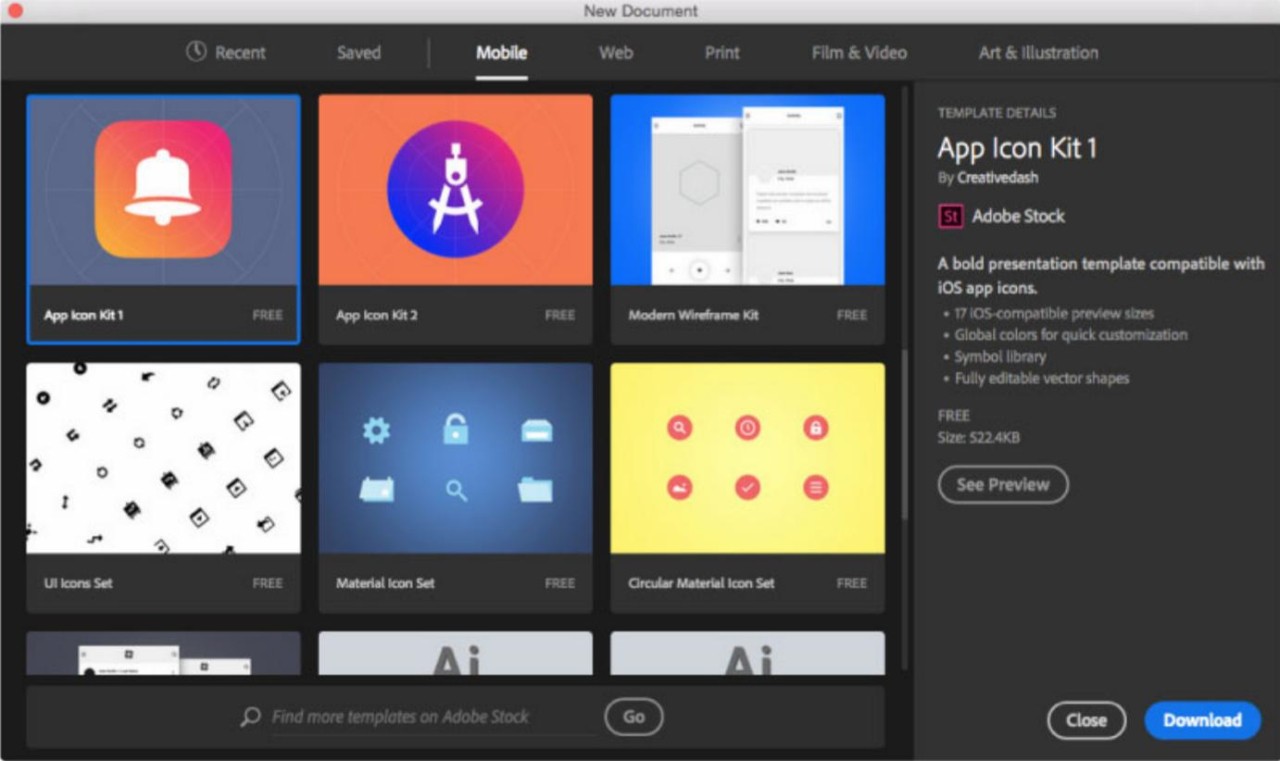
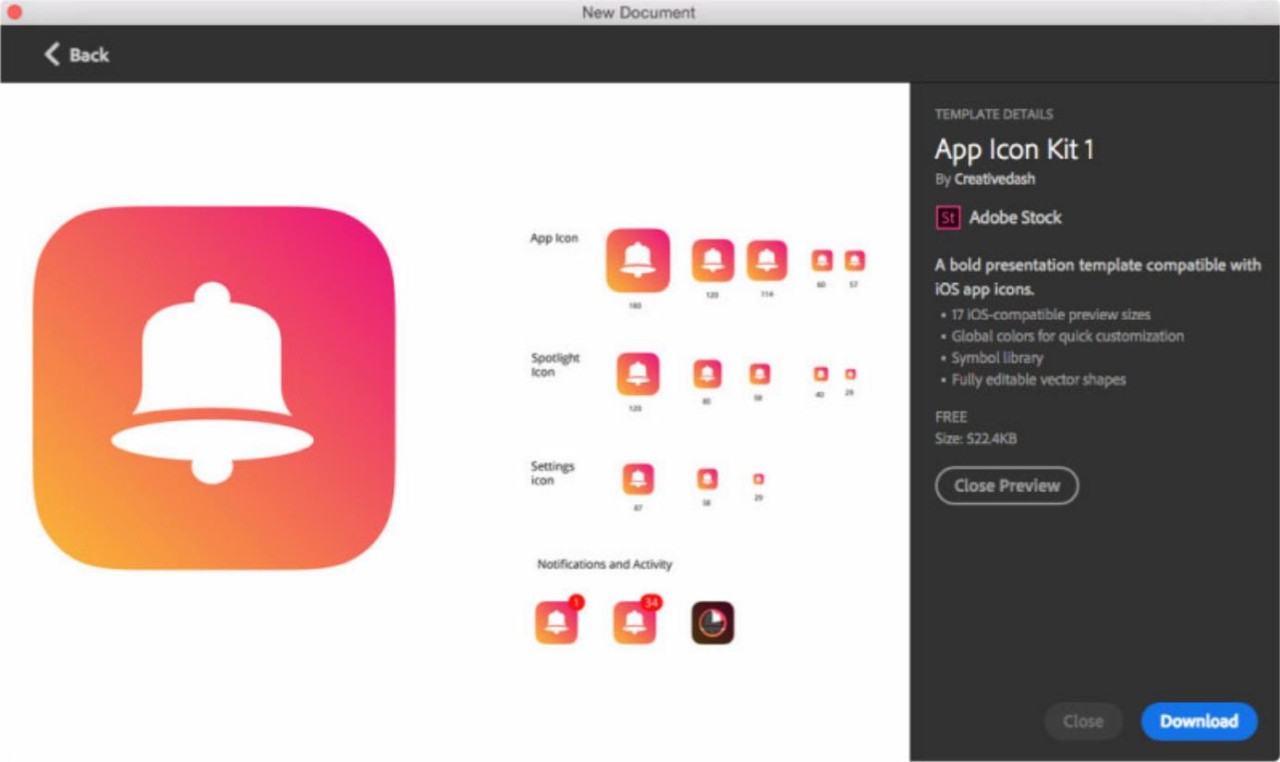
Illustrator also allows you to work with colors, custom outlines, path management, and transparency adjustments. It has advanced drawing tools, including the brush, pen, curvature, blob brush, and pencil. You can bend, adjust, fill, merge, and snap objects while keeping smooth lines. Users who prefer starting with a template can use Adobe Stock to find images, 3D objects, and templates. You can also import your own images, convert them to vectors, and apply effects like distortion, mirroring, blurring, or other transformations. Adding text is easy, with a full set of formatting options and access to thousands of fonts.
Illustrator also includes AI-powered features to help you create faster. You can use the Generative Shape Fill tool to quickly fill shapes with color and details. The Text to Pattern tool lets you transform text into custom patterns that you can edit, resize, and save for future projects. The Generative Recolor tool helps you generate color palettes from words or concepts. The Text to Vector tool allows you to create custom vector art, scenes, icons, or subjects in seconds. The Generative Development tool lets you resize images, add bleeds, and test design concepts quickly. The enhanced Pencil tool gives maximum precision, with live previews for smoother edges and better control. With the Path Objects feature, you can arrange objects along a path and distribute them evenly, no matter its shape. Project Neo (beta) allows you to transform 2D vectors into 3D images for more dynamic illustrations. The Retype tool helps you identify fonts from images and find matching fonts for your design.
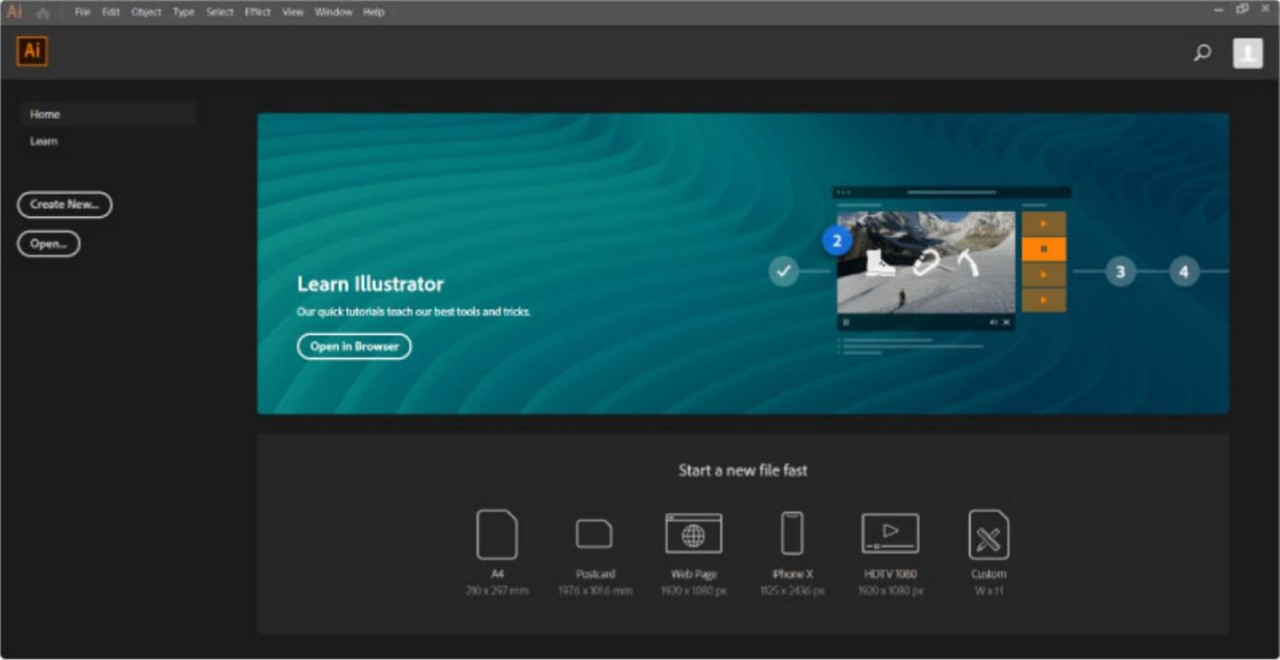
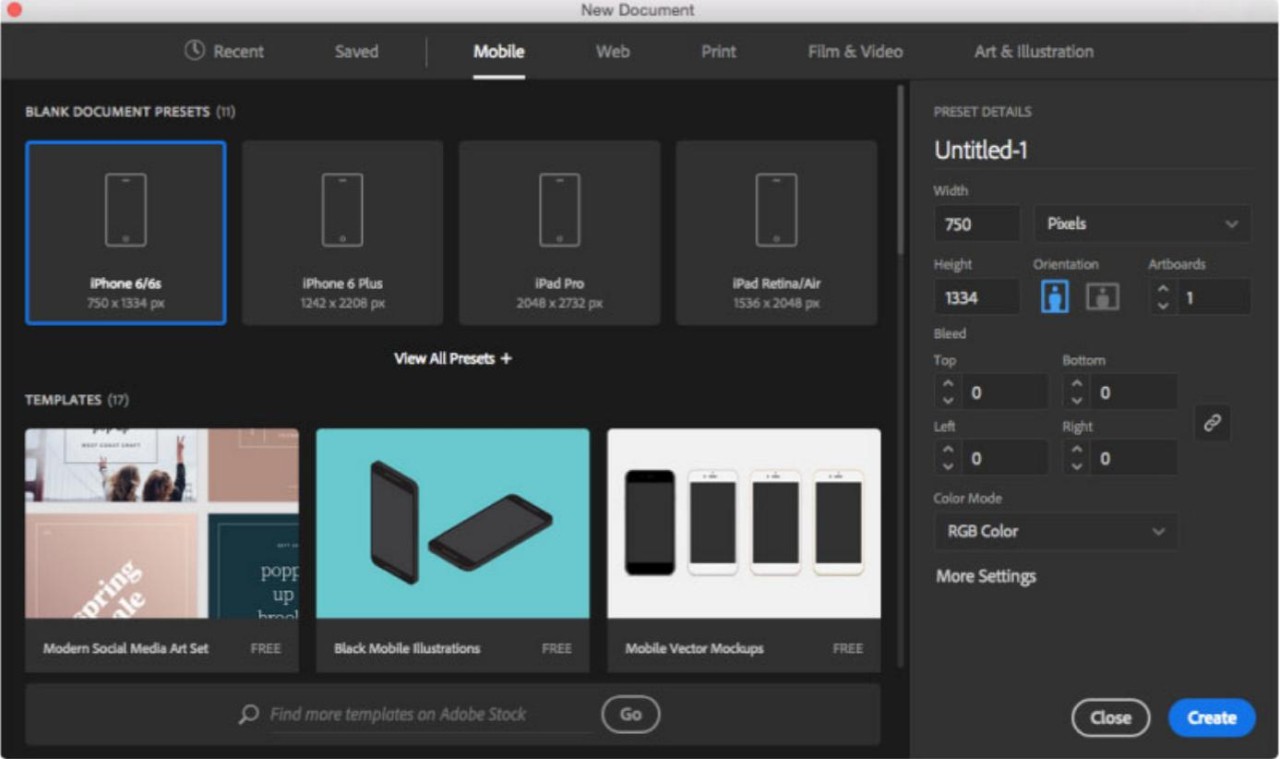
When starting a new project, you can choose from predefined formats for social media, print, or web. You can also set custom dimensions for any design. The interface is easy to navigate, with the creation area in the center and menus for tools, libraries, layers, and properties on the sides.
Using all these features, you can create anything from logos and posters to packaging, business cards, websites, and complex illustrations. Illustrator allows you to experiment, bring ideas to life, and maintain a consistent style across all your projects. With AI-assisted tools and 3D capabilities, even complex designs can be created quickly, while you still have full control over every detail.
What's special about Adobe Illustrator on iPad?
Adobe Illustrator on iPad is a new way to create vector designs. It is made specifically for the iPad and Apple Pencil. The app gives you an easy-to-use workspace with touch shortcuts. You can draw, add text, include images, and play with colors smoothly and creatively.
With the Apple Pencil, drawing lines and curves feels natural. You can refine your paths with precision. You can also create gradients and design patterns with just a touch. The app has tools made for the iPad that let you personalize typography. You can turn words into monograms, symbols, and other unique designs.
Illustrator on iPad allows you to explore text layouts on paths and try different outlines to find new design ideas. You can choose from over 17,000 fonts from top foundries and typographers. There are also new artistic and calligraphic brushes. The vectorization feature lets you take a photo or any raster image and turn it into a vector. The Blob Brush tool is improved to feel more like a real brush.
The app works perfectly with Adobe Creative Cloud. You can start a design on an iPad and continue on another device. You can import PSD files from Photoshop or Fresco and access your color palettes from Adobe Creative Cloud Libraries.
Is Adobe Illustrator free?
While you can download Adobe Illustrator for free, it comes with a 7-day trial, and you need to set up an Adobe account and add your credit card details to get started. You won't be charged immediately, but you will be charged on the date displayed when you complete your registration. After the free trial, you have a couple of options for purchasing this software. You can either get Adobe Illustrator alone with a monthly or annual subscription or buy it as part of the Adobe Creative Cloud Pro bundle of over 20 Adobe products, such as Photoshop, Illustrator, Premiere Pro, Acrobat Pro, InDesign, etc.
When you work with the Cloud version, you can also set up a team of users and share your designs with them or hand off work between different tools according to the stages the work needs to go through. While the standalone version can be a cheaper choice, it's good to consider the benefits of having the whole bundle available. The Creative Cloud option covers all design-related needs one might have, including advanced photo and video editors.
If you decide not to go through with the purchase, you can always cancel your trial period before the 7 days run out to avoid being charged for the upgrade.
What Operating Systems Are Compatible with Adobe Illustrator?
You can download Adobe Illustrator to desktop computers running Windows (versions 10, 11), Windows Server 2022, 2019, and macOS (starting from version 11). Recently, the app has also become available on iPad 14 or later, but it still doesn't offer a version for mobile phones. Apple Pencil is recommended for the best Illustrator experience on iPad (follow the links to download Adobe Illustrator).
What Are The Alternatives to Adobe Illustrator?
Consider Inkscape if you only want to create and edit SVG vector drawings or designs. It smoothly integrates with Adobe Illustrator, but is free and comes in an open-source model. You can use layer and object management, and unlike its Adobe competitor, the software can be used on Windows, macOS, and Linux.
If you asked different graphic designers to recommend software similar to Illustrator, you would probably also hear about Affinity Designer. It offers professional vector and raster brushes and drawing options and supports a vast file formats, including importing or exporting to Adobe formats. Similar to Adobe Illustrator, it can be downloaded and used on Windows, macOS, and iPads.
For those who are searching for a more straightforward solution and are not yet ready for full-scale vector design software, Canva can be worth exploring. While it is much simpler and does not offer the same level of pixel-perfect and geometrical design, it is much easier to use, has its own enormous library of SVG objects, and also provides AI features as well as user-generated templates for entire designs or projects, like social media posts, banners, infographics, logos, different publishing documents, and much more. It has a free version that gives access to most of its features, but you can also purchase a Pro subscription to utilize all of its capabilities.