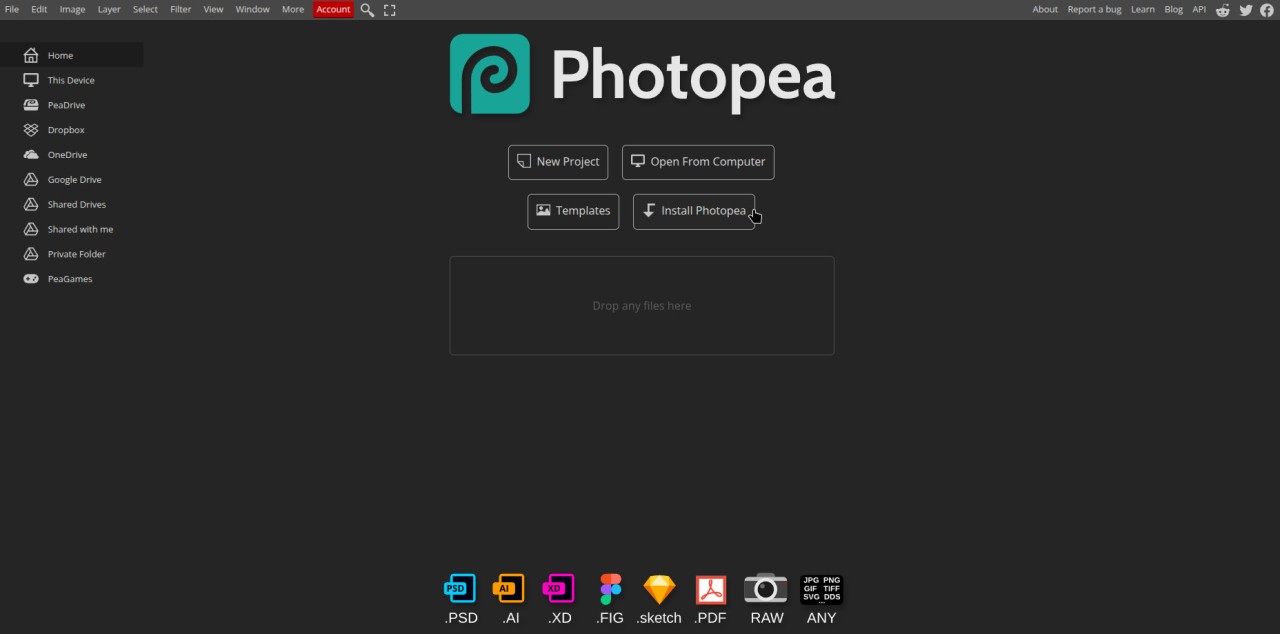
The online photo editor Photopea matches the capabilities of popular software solutions on the market today. You need not install or download any product because Photopea operates as a web-based system. The platform accepts a variety of file formats, including PSD, XCF, Sketch, and CDR. Users working with Photoshop files will find this platform suitable because they can avoid costly software expenses while also using it. Photopea offers a solution for any level of sophistication in image manipulation requirements.
Users who are familiar with Adobe Photoshop interfaces will find the platform easy to use because it is similar to Photoshop's interface. Layers, masks, smart objects, and various filter and adjustment options are used to create new images as well as modify existing ones. Photopea delivers an important benefit through PSD file modification capabilities, while most free programs lack this functionality. The tool operates entirely within your web browser, similar to local applications, and does not require any plugins or extensions.
The Photopea platform offers more than just still image processing capabilities. It supports vector graphics, so designers who need to manage both raster and vector formats will benefit from it. Photopea allows users to create new graphics or edit existing ones using various drawing instruments, detailed selection methods, and brush options. The program supports the latest web technology standards and runs on browsers that meet its requirements, regardless of platform type.
Why Should I Download Photopea?
Photopea should be bookmarked via download because it offers powerful photo editing capabilities in an easy-to-use interface while maintaining system performance. Users can access the tool from any device because it operates entirely online, making installation and compatibility issues irrelevant. Photopea is a versatile solution that works well for any photography project because people frequently edit photos, tweak images, and create creative projects.
Photopea is an excellent tool because it allows users to manage PSD files without using Adobe Photoshop. If you don't often work with PSD files or don't want to pay for Adobe Creative Cloud, you should think about Photopea because it is a great deal in this case. The tool has all of Photoshop's features for free because it copies most of the platform's functions. Photopea enhances its versatility since it enables users to work with XCF (from GIMP), Sketch files, and vector formats.
In addition to traditional techniques, Photopea now integrates AI-powered capabilities, allowing users to generate or enhance images automatically. This includes AI-assisted background removal, object generation, and style transformations, enabling creators to produce unique graphics and visuals quickly.
Work performance with Photopea maintains solid operation when managing sophisticated projects. The interface design matches professional software standards, thus providing a familiar arrangement for all users who work with such applications. You can work using layers as well as blending modes and adjustment layers in this browser-based tool without experiencing noticeable delays, which is quite impressive for this type of editor. The program supports both smart objects and layer styles as advanced functions, alongside the ability to keep workflows non-destructive while making instant changes.
Photopea proves its worth due to its wide accessibility options. Since the platform operates through a web app, users can avoid concerns about software update requirements and operating system compatibility issues. This tool functions effectively across Windows, macOS, Linux, and mobile operating systems. Through its web-based platform, users can start their drafting work anytime from any location since they avoid downloading cumbersome software products.
Photopea provides users with an excellent solution to collaborate on projects. Project sharing functions in Photopea include both file export in multiple formats and direct access through project links. Teams that operate remotely, along with freelancers who require a fast project display, can use its convenient features. Photopea operates without any cost and displays occasional ads, which never compromise its steady functional performance.
That’s not all; as a matter of fact, Photopea can also save your creations directly to your preferred cloud-based solution. It handles Dropbox, OneDrive, and Google Drive. And for users who want to stay in the Photopea environment, you can also use PeaDrive.
Is Photopea Free?
Yes, Photopea is free to use. Users can access the entire functionality of Photopea through its online version, which displays only limited ads between projects.
What Operating Systems Are Compatible with Photopea?
Any operating system that supports existing web browser platforms, including Windows, macOS, Linux, ChromeOS, and Android and iOS systems, enables the use of Photopea.
The fact that Photopea works through any browser makes it a flexible photo-modifying tool because users avoid the downloading and installation procedure. The only requirements for using Photopea are a browser with compatibility and additional internet access.
What Are the Alternatives to Photopea?
The best characteristics of Photopea do not rule out alternative programs because different users have their own requirements regarding editing software. Among all alternatives, the most widely known alternative is Adobe Photoshop. The graphic design and photo enhancement field uses Photoshop as its standard professional tool to produce both digital art and to post-process all images. Photopea offers a comprehensive toolkit with powerful functions that go beyond traditional editing techniques, including 3D options, complex layer control, and a variety of brushes and filters. The high cost of Photoshop subscriptions makes it difficult for casual and budget-conscious users to use the program. The application's advanced tools are unique, but they may exceed the needs of the majority of users.
The free application GIMP represents a well-liked Photoshop substitute. It is a free open-source application that provides layer systems and mask functionality similar to Photoshop, as well as extensive plugin capabilities. The sophisticated software is designed for people who are committed to mastering its robust capabilities. It is a photo editor available for Linux, macOS, and Windows. The user experience remains outdated due to the interface, but this software still has powerful functionality that users can customize to their needs. The strong point of GIMP appeals to users who want Photoshop features for free.
Windows users who seek high-quality computer software should consider Paint.NET one of their main options. The application provides users with basic features such as layer support and blending modes, as well as a variety of effects in an easy-to-use, lightweight environment that is comparable to Photoshop and GIMP. Users who fall somewhere between MS Paint and advanced Photoshop users will find that Paint.NET perfectly suits their needs. In contrast to other alternatives, the software is free, but users can show their support by donating to the developer team. Its basic functionality makes it ideal for both quick image editing and standard creative work.