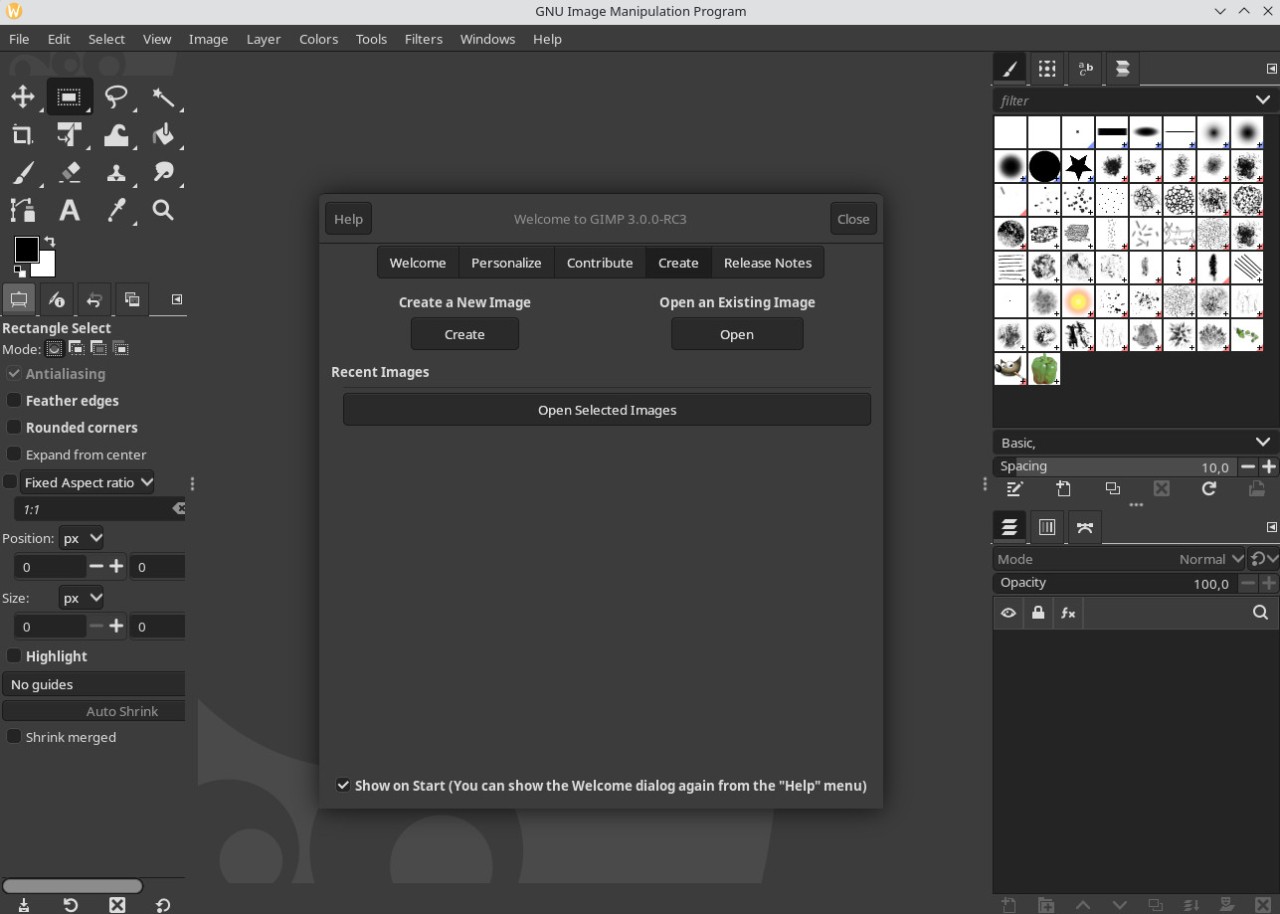
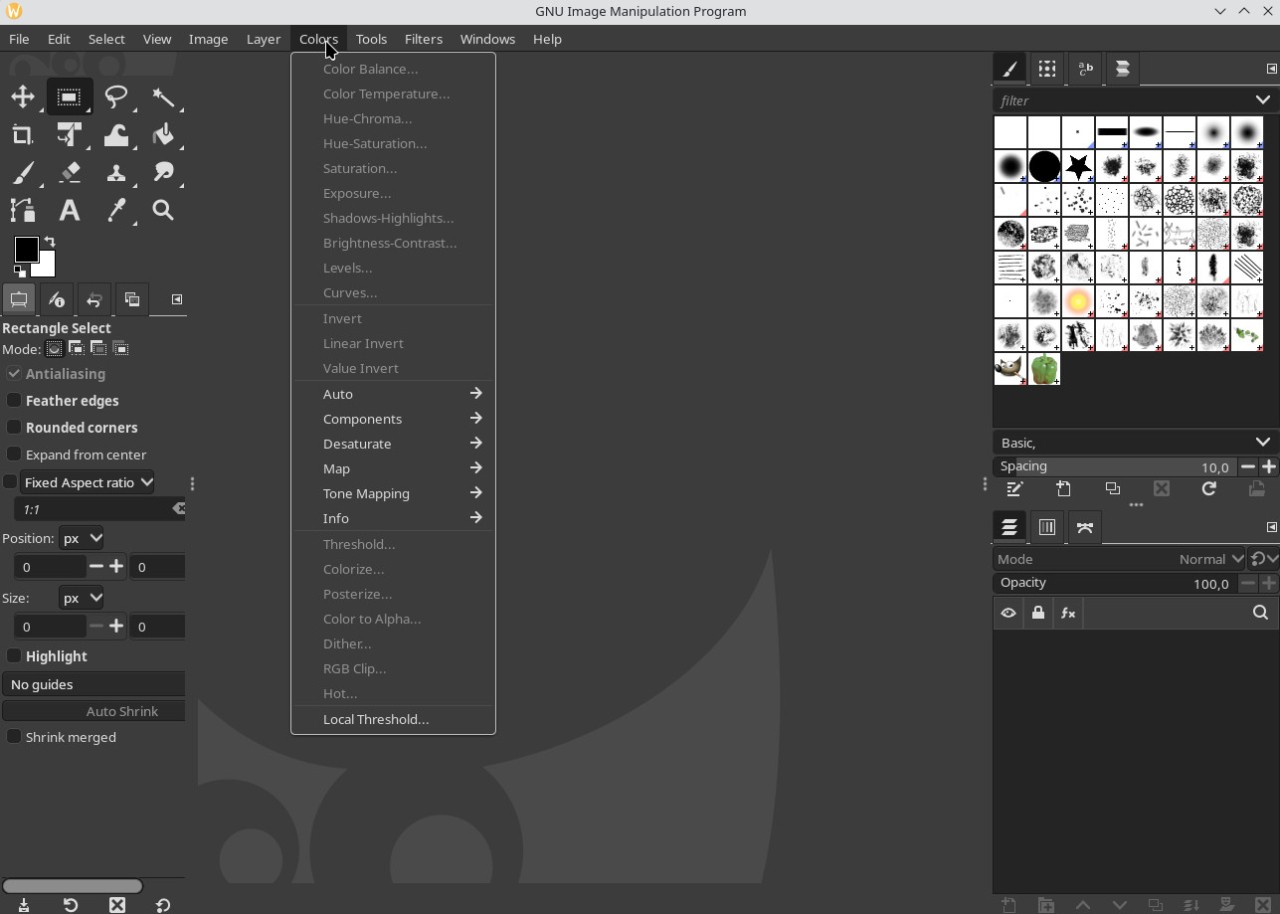
GIMP (for GNU Image Manipulation Program) is a professional-level editor that helps you edit your photos and images for free. It’s an open source tool that has a big and engaged community that helps the application to grow with plugins that expand the already vast array of features even further. The GIMP interface is similar to its most important paid competitor, Adobe Photoshop, so for users who are complete beginners to such programs, it may take a moment to familiarize themselves with all the editing options it offers. You can also look online for overviews that explain the software UI and different available tools.
Like one might expect, GIMP has all the tools needed for basic photo editing, like cropping, horizontal or vertical straightening, and contrast or brightness adjustments. However, it’s a complete software with more advanced features as well, so you can take advantage of working with layers, different color spaces (RGB, CMYK, HSV), filters, and effects for color adjustments, or automating the processing of photos in bulk, just to mention a few. Due to its open source nature, the capabilities of GIMP can be extended through plugins that have been developed by the strong and numerous community surrounding this software since 1995.
Why Should I Download GIMP?
If you’re considering photo or image editing, there are two primary choices on the market. While Adobe Photoshop is the most popular one, it also requires a monthly or annual subscription in order to use its features. However, GIMP is aimed at both novice and advanced users and is available for free, even though it has similarly vast editing options as its paid competition.
When you download GIMP, it comes in multiple languages, can be installed on all desktop operating systems, and supports importing and exporting files in various formats: JPG, PNG, BMP, PDF, TIFF, GIF, ICO, EPS, or even PSD from Photoshop. You can also use GIMP to edit RAW camera files, but to do so, you need to download a plugin first.
When editing images or photos, you can utilize over 160 different filters and effects or work individually with various options such as white balance, exposure, contrast, saturation, color inversion, or color temperature. GIMP also has a lot of tools for selecting portions of the image, including geometric shapes, the magic wand, freehand, or selection by color.
And that’s not all, there are tools such as brushes, text fields with fonts, image transformation, cutting, and clipping that can be helpful not only in photo editing but also in graphic design. With these features, you can achieve the exact effect you’re looking for in your project.
Similar to Photoshop, GIMP also uses layers, which, instead of editing the whole image, allow you to change different aspects of the image independently on separate, superimposed levels. You can arrange and modify each layer as needed through GIMP’s layer management feature and quickly switch between different looks or tweak them to find the best solution.
GIMP also provides high-quality photo manipulation tools. You can retouch, restore, or combine several images to create artistic composites. It is not only for editing photos but also for creating original artwork. Artists can use GIMP to draw, paint, and design unique creations from scratch.
The software is also useful for graphic design. You can make icons, interface elements, and mockups for apps or websites. It includes strong color management features. This makes it a reliable part of a desktop publishing workflow, especially when used with free tools like Scribus and Inkscape.
The interface of this program can be customized to remove or hide tools you’re not using, rearrange the order and number of windows, and, as a result, increase your efficiency when using GIMP. Additionally, more advanced and technical users can utilize the built-in script manager that supports Perl, Python, and other coding languages, so they can modify multiple photos or images at the same time or automate some editing.
Is GIMP Free?
The GNU Image Manipulation Program, or GIMP as you know it, is an open-source project. You can download this photo editor for free, and the software doesn’t have any limits. Given how many editing options it offers and that it can be used by both professionals and amateurs, it’s a great choice. Especially since the other option, Adobe Photoshop, requires a monthly/annual subscription to use it.
What Operating Systems Are Compatible with GIMP?
Windows (7 or higher, also Windows Portable), macOS, and Linux are all the operating systems on which you can download GIMP and use it (follow our links). However, sadly, there is no online service accessible through a website, nor a version of the software available for mobile devices such as smartphones or tablets.
What Are The Alternatives to GIMP?
The most obvious alternative to GIMP is Adobe Photoshop. It offers the same editing capabilities and layer management, but it has a cleaner UI, making it easier for amateurs to use. While its service comes at a price, it’s the number one choice for professionals in various industries and departments, whether we consider media, press, marketing, visual services, design, or others. Part of the reason for this might be that Photoshop works smoothly and allows easy handoff to other Adobe products such as Lightroom, Illustrator, or After Effects. Photoshop is available on all desktop operating systems, but also on iPads.
If you’re looking for an online service with advanced features, try Photopea, which comes with a free license. It supports multiple file formats (PSD, JPEG, PNG, DNG, GIF, SVG, PDF, as well as raster and vector graphics) and can be accessed through a website without requiring installation. Please note that in order to offer free services, it supports its business through advertising, but if you want to, you can purchase a premium version that has no ads.
For all those looking for professional tools, check out Affinity Photo. While it comes at a price after a 7-day trial, it’s a refined piece of software that can be fully integrated into Windows, macOS, and iPads. Apart from standard features needed for professionals, it also offers non-destructive image editing and advanced options for processing RAW files from cameras.
Krita would be a good choice for all users looking for a different open-source software. It can be installed on Windows, macOS, and Linux, but it also has a portable version. While its purpose can be more geared towards digital art and 2D animation, it offers a simpler interface that can be easier for those just starting, and has enough features to handle photo editing.